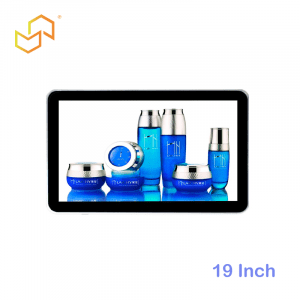

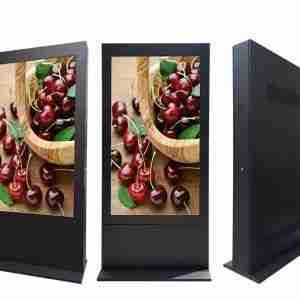


Panel PC for Retail and Smart Stores
A retail Panel PC works best when it feels like part of the store experience rather than a piece of back-office hardware. In smart stores, it supports POS-adjacent workflows, inventory lookup, staff assistance, and customer-facing service points while keeping the space compact and visually clean. That balance matters because modern retail is no longer just about checkout; it is about speed, convenience, store image, and the ability to support customers anywhere on the floor.
For that reason, retail teams often prefer an all-in-one Panel PC over a separate monitor and computer. A single integrated device reduces cable clutter, simplifies mounting, and makes the terminal easier to place in counters, kiosks, and service zones without disrupting the store layout. When the hardware blends into the environment, the store feels more intentional, more modern, and more efficient.
Why retail needs a different approach
Retail is one of the few environments where the hardware has to serve both operations and brand presentation. A Panel PC used in a store may need to support staff tasks, but it is still visible to customers, so it should look polished and approachable. That is very different from a backroom terminal or a purely industrial workstation, where appearance is secondary.
The store floor also moves quickly. Staff need to answer questions, check stock, support transactions, and keep the line moving without leaving the customer waiting. A compact industrial computing solution helps because it keeps the necessary tools close to the interaction point while avoiding unnecessary complexity. In practice, that means the right Panel PC can improve both service speed and the store’s overall feel.
POS-adjacent use cases
One of the most valuable retail use cases is the POS-adjacent terminal. In many stores, the Panel PC does not replace the main point-of-sale system; instead, it sits beside it and supports tasks such as product lookup, price verification, queue handling, loyalty enrollment, order review, or assisted selling. That makes it a very practical tool for associate-facing workflows that need quick access without disrupting checkout.
This is where a compact retail Panel PC earns its place. Staff can check a product, confirm a variant, or review an order while staying with the customer. The result is a smoother conversation and less time spent walking back and forth to a back-office computer. If your store has ever lost time to “let me check in the back,” this kind of terminal is often the fix.
Inventory lookup that actually saves time
Inventory lookup is one of the most common reasons retail teams add a Panel PC to the floor. Customers expect instant answers, and staff need a fast way to check availability, locate stock, or verify item details before a sale is lost. A touchscreen terminal near the service counter or aisle can reduce waiting time and improve the chance of closing the sale.
This matters especially in smart stores where live inventory visibility is part of the customer promise. When store associates have a reliable terminal at hand, they can answer questions without pulling the customer into a long delay. If your retail team is evaluating broader kiosk-style options for browsing or self-service, it may also help to compare the display approach in LCDSLD’s digital kiosk display buyer guide, since many of the same readability and integration principles apply.
Staff terminals in customer-facing spaces
A retail staff terminal has to do a lot with very little space. It should be compact enough to fit on a service counter or near a support station, but still powerful and responsive enough for daily store operations. In smart stores, this terminal may also support customer service actions, membership sign-up, internal lookup, or order handling.
This is where industrial design becomes a real advantage. Unlike consumer tablets or generic monitors, a retail Panel PC is meant to survive more hours, more touches, and more frequent use. It also helps the store keep a professional look, because the device can be embedded or mounted in a way that feels deliberate rather than improvised.
Compact computing in customer spaces
Retail is increasingly using compact industrial computing because space is valuable. Every extra box, cable, and adapter competes with merchandising, customer flow, and store aesthetics. A Panel PC helps solve that by combining the display and computing layer in one unit, which reduces clutter and speeds up deployment.
Compactness also supports consistency across multiple locations. If a retail chain wants to standardise service desks, support counters, or smart-store terminals, an integrated Panel PC is easier to roll out than a custom mix of separate components. That makes the system easier to train on, easier to maintain, and easier to keep looking the same across branches.
Smart store deployment styles
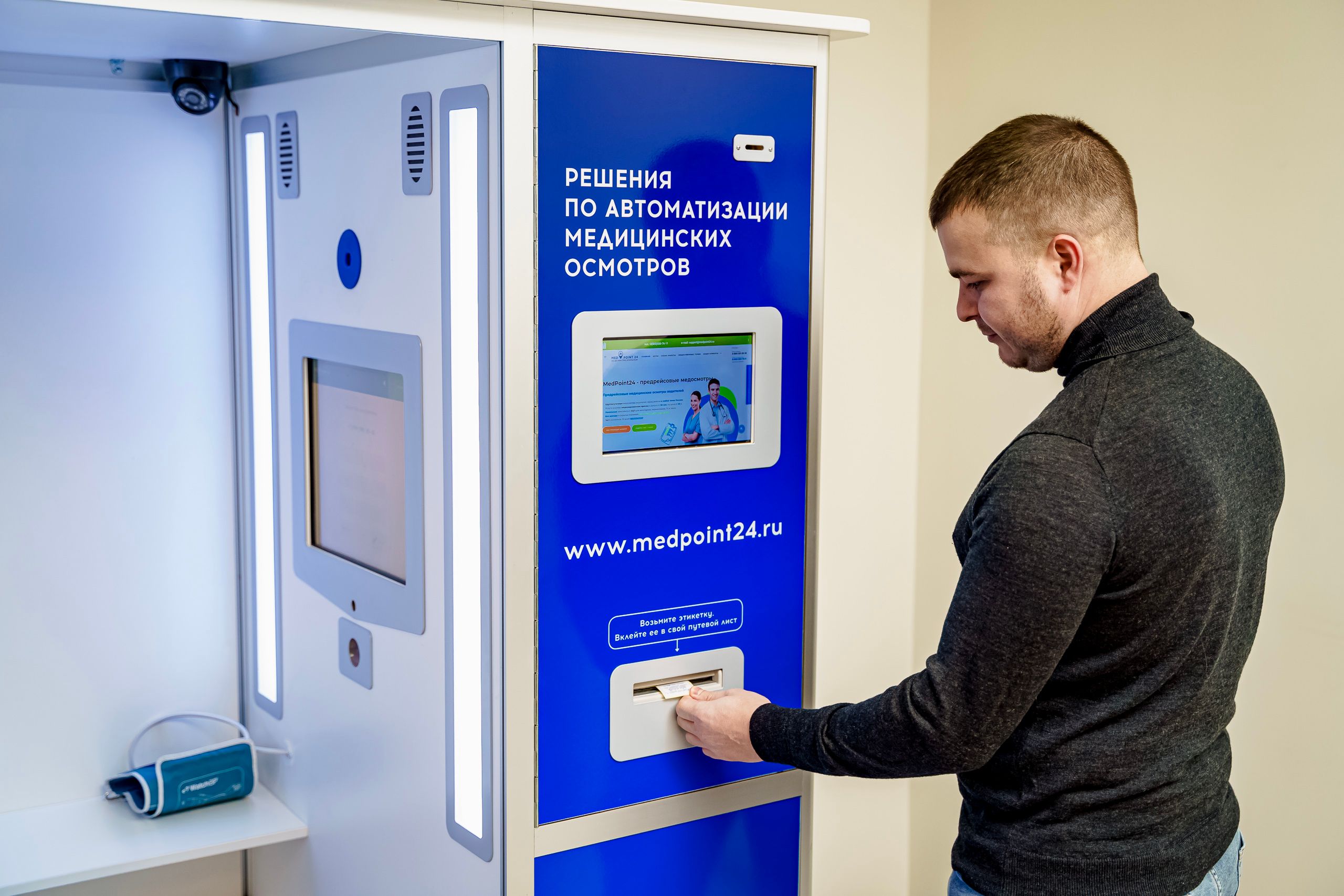
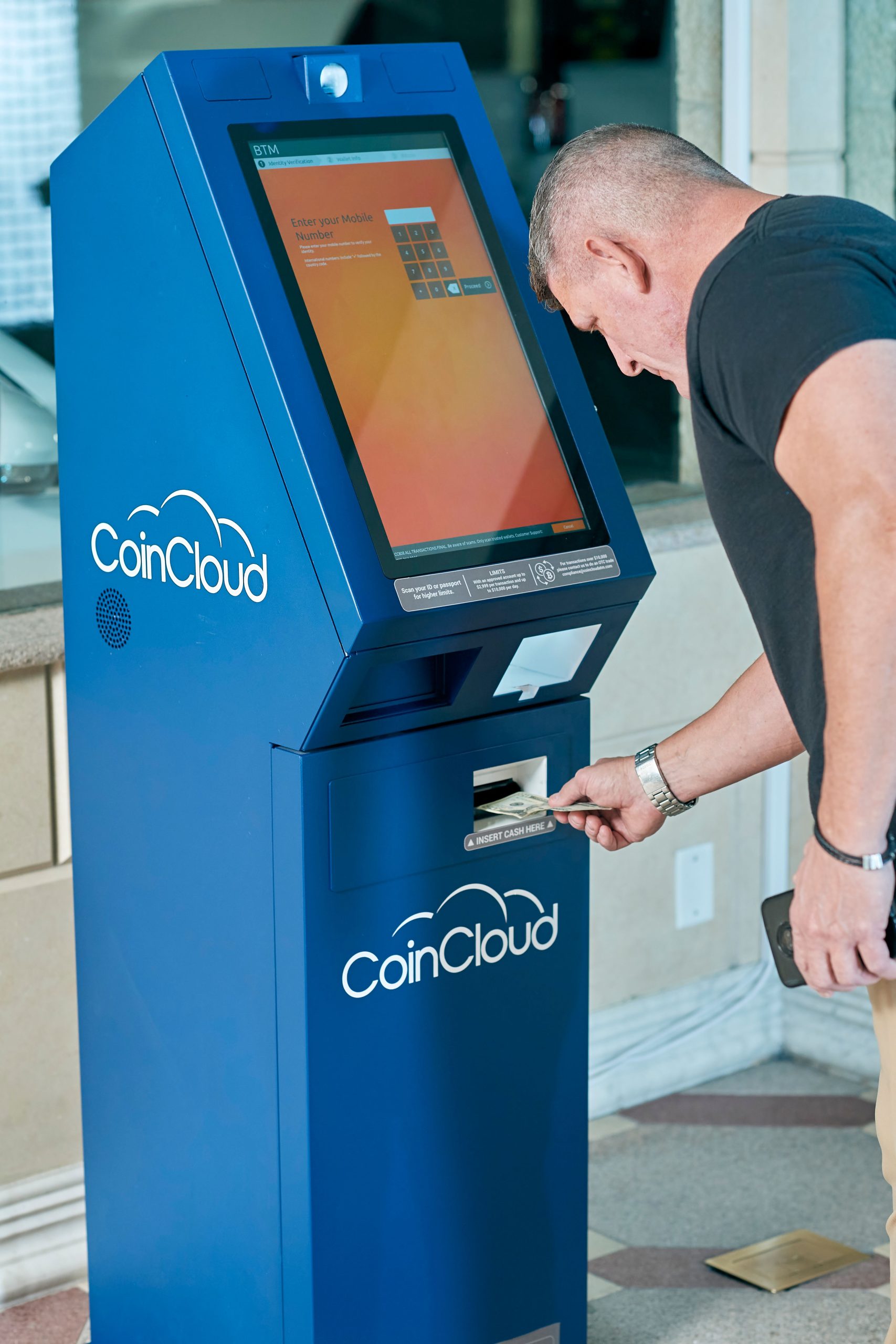
Smart stores can use Panel PCs in several ways. Some put them on a service counter where staff can use them like a shared assistant. Others embed them into a wall or kiosk-style enclosure to support product lookup, order assistance, or directory functions. In larger store formats, the terminal may sit in a customer help zone or consultation area where associates and shoppers interact.
The deployment style should match the store’s flow. A terminal that is too large can crowd the counter, while one that is too small can slow down the staff member using it. For more kiosk-heavy retail concepts, it can be useful to compare how larger public-facing systems are handled in the 32 Inch Commercial Android Kiosk or 49 Inch Commercial Android Kiosk product pages, especially if your retail project needs a more prominent interactive screen.
What to look for in a retail Panel PC
Retail buyers should start with the workflow. If the device is for quick staff lookup, the priorities are speed and convenience. If it is customer-facing, then readability, touch response, and visual fit with the store design become more important. The best Panel PC is the one that supports the most common store action with the least friction.
Practical checklist
-
Compact size that fits the counter or kiosk location.
-
Clear touch response for repeated daily use.
-
Enough performance for POS-adjacent tools and inventory lookups.
-
Clean mounting that matches the store’s design language.
-
Easy service access if the terminal needs support or replacement.
When these basics are right, the terminal feels like a natural extension of the store instead of an extra device added at the last minute.
Mounting and service planning
Mounting can make or break the retail experience. A countertop terminal needs to be stable and easy to reach, while a wall-mounted or embedded terminal should save space and keep the store looking tidy. The hardware should support the physical layout instead of forcing the layout to adapt around it.
Service planning matters too. A retail team cannot afford to lose a terminal for long during trading hours, so easy access and simple replacement planning are important. If the device is part of a high-traffic support point, the design should make maintenance as quick as possible. That is one reason all-in-one industrial devices are often preferred over loosely assembled retail hardware.
Software and store systems
Retail software needs vary widely. Some stores only need a browser-based inventory tool or staff portal, while others need deeper POS integration, loyalty tools, or order-management workflows. The Panel PC should fit that software stack cleanly so staff are not forced into awkward workarounds.
If the store uses app-based tools or a kiosk-style interface, the device should be selected to support that workflow rather than overbuilt for the job. If the retail environment is more connected to enterprise systems, the hardware should be chosen with integration in mind. In other words, retail computing should stay close to the store process, not the other way around.
When to use a retail Panel PC
A retail Panel PC is the right choice when the store needs a compact, reliable, customer-facing or associate-facing terminal that can keep daily operations moving. It is especially useful when the goal is to reduce clutter, improve staff access to store systems, and keep the store looking clean and modern. That makes it a strong fit for smart stores, assisted selling areas, inventory support zones, and POS-adjacent stations.
If the project is moving toward self-service browsing or public interaction, the broader kiosk guidance can also help. LCDSLD’s Panel PC product category is a practical place to compare industrial all-in-one options that can support retail and kiosk workflows. If your team wants a broader solution-view of kiosk planning, the digital kiosk display buyer guide is a useful companion because it focuses on display selection, user flow, and deployment trade-offs.
What buyers should remember
Retail Panel PCs work best when they make the store feel faster, cleaner, and easier to use. They should support staff without taking over the space, and they should fit the shopping environment rather than fight it. In smart stores, that combination of compact industrial computing and customer-facing usability is what gives the format its value.
A simple way to think about it is this:
-
Use a retail Panel PC when the terminal must stay close to the customer journey.
-
Use it when inventory lookup or staff support needs to happen on the floor, not in the back room.
-
Use it when you want industrial reliability without making the store look industrial.
FAQ
Is a Panel PC good for retail stores?
Yes. It is a strong fit for POS-adjacent workflows, staff assistance, and smart-store terminals where compactness and reliability matter.
What is the main advantage over a regular PC and monitor?
The main advantage is integration. A Panel PC combines the screen and computing in one cleaner, easier-to-place unit.
Can it work for customer-facing areas?
Yes. Many retail deployments place Panel PCs in customer-facing or semi-customer-facing zones where staff need quick access to store systems.
Should I choose a kiosk-style product instead?
If the goal is more public self-service or a bigger interactive screen, comparing kiosk-oriented products may help, especially for larger smart-store concepts.
If your retail project needs a compact, reliable Panel PC for POS-adjacent work, inventory lookup, or smart-store staff terminals, the best next step is to match the hardware to the way the store actually runs. For product support or customisation, contact LCDSLD through the contact page and request a tailored recommendation.