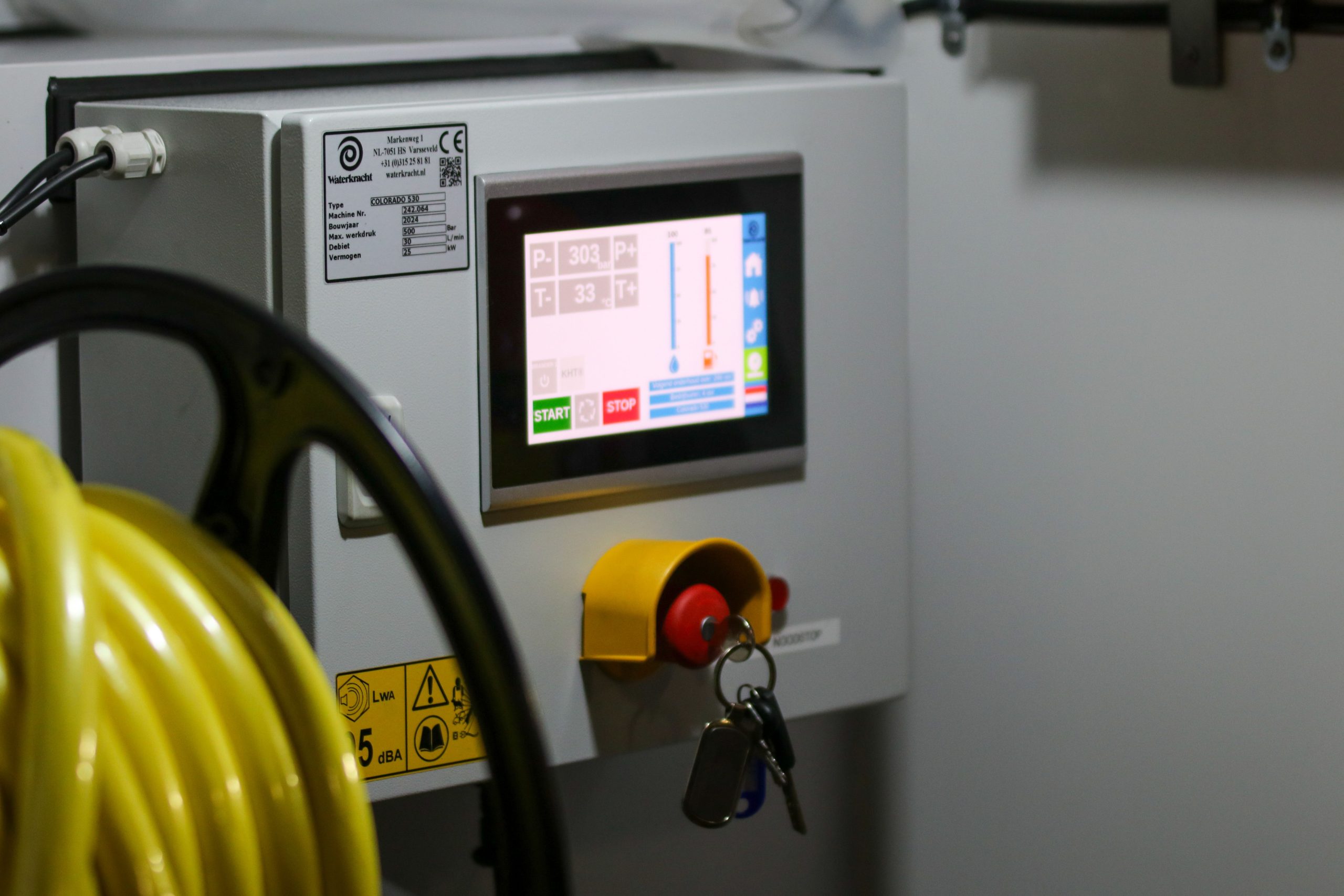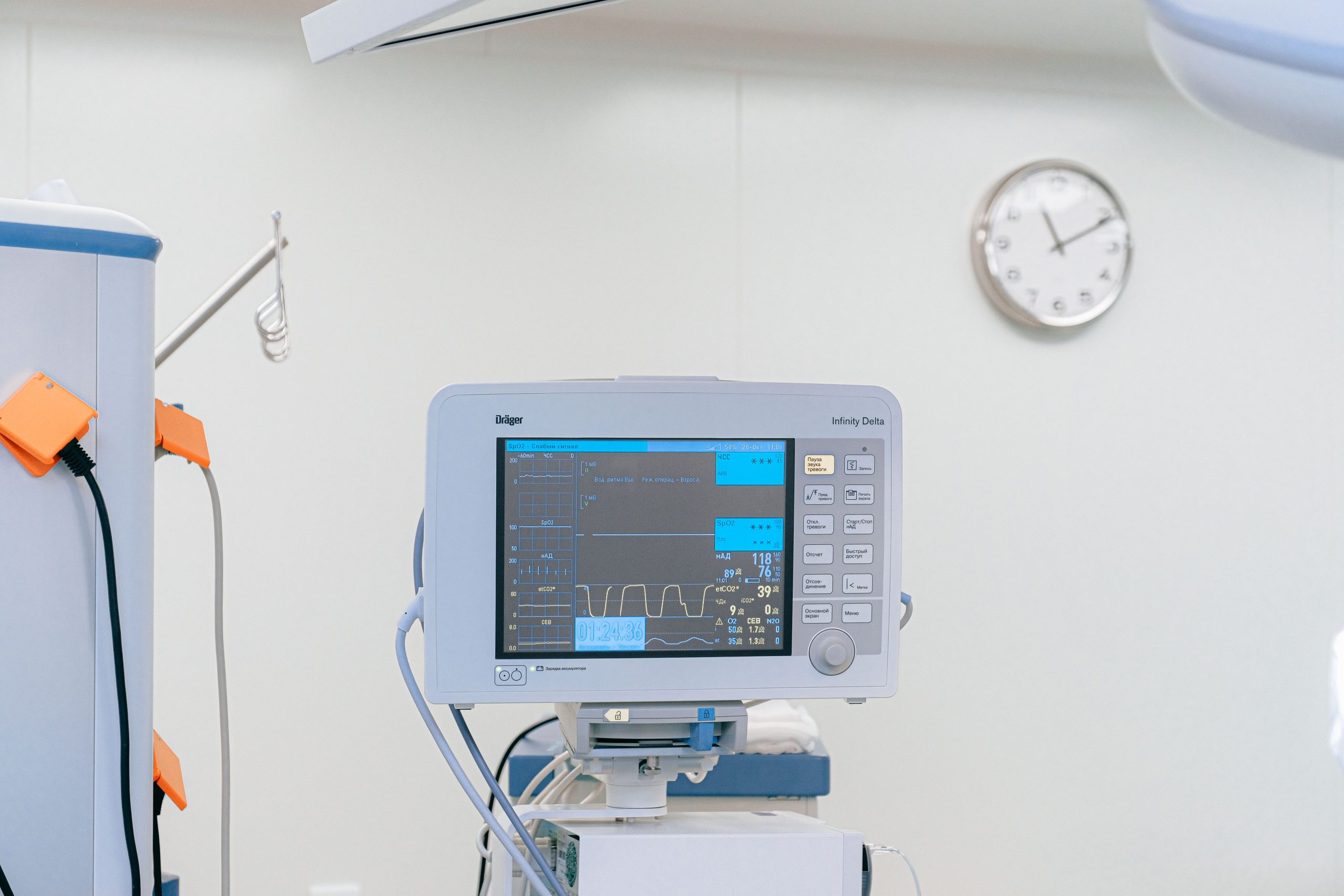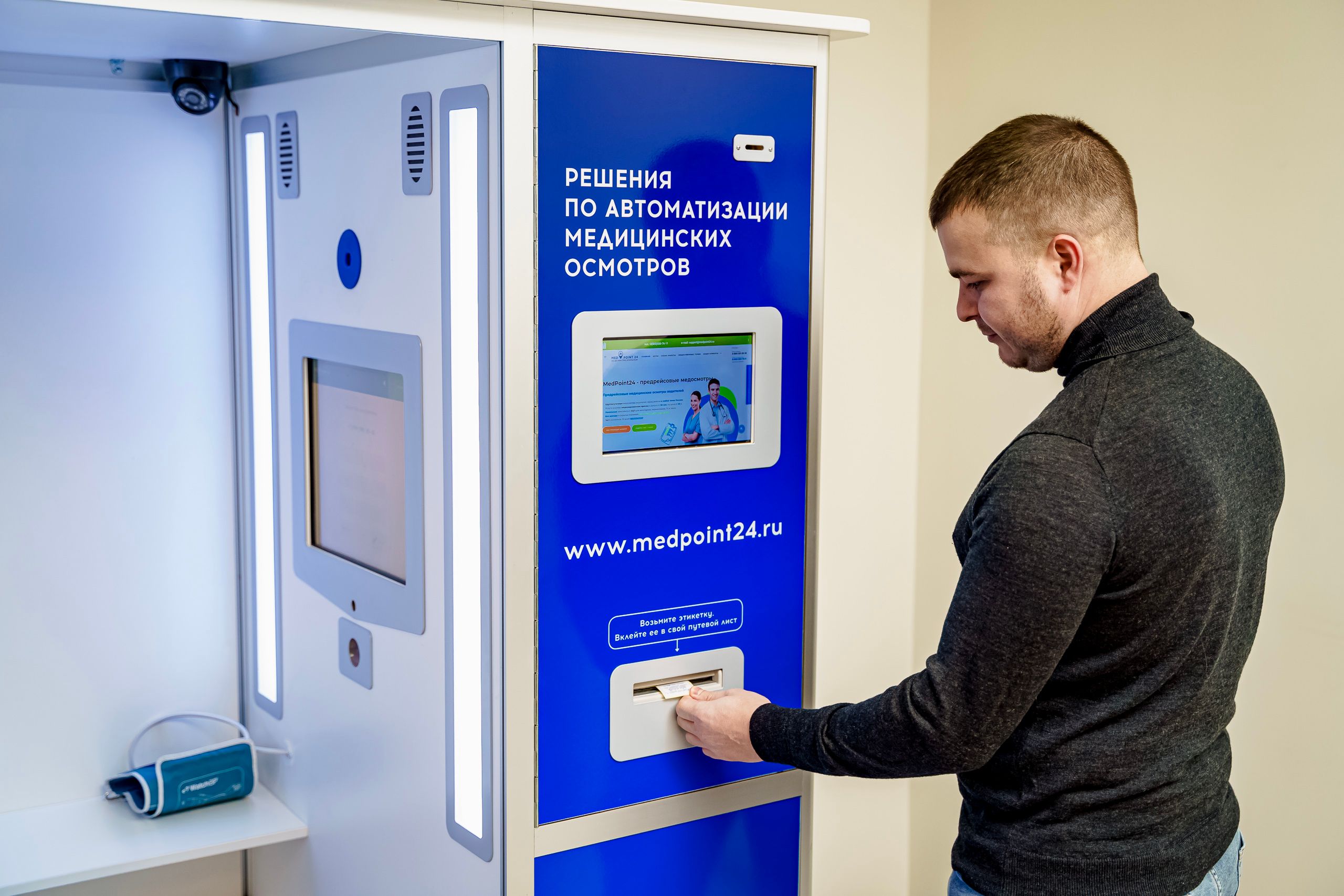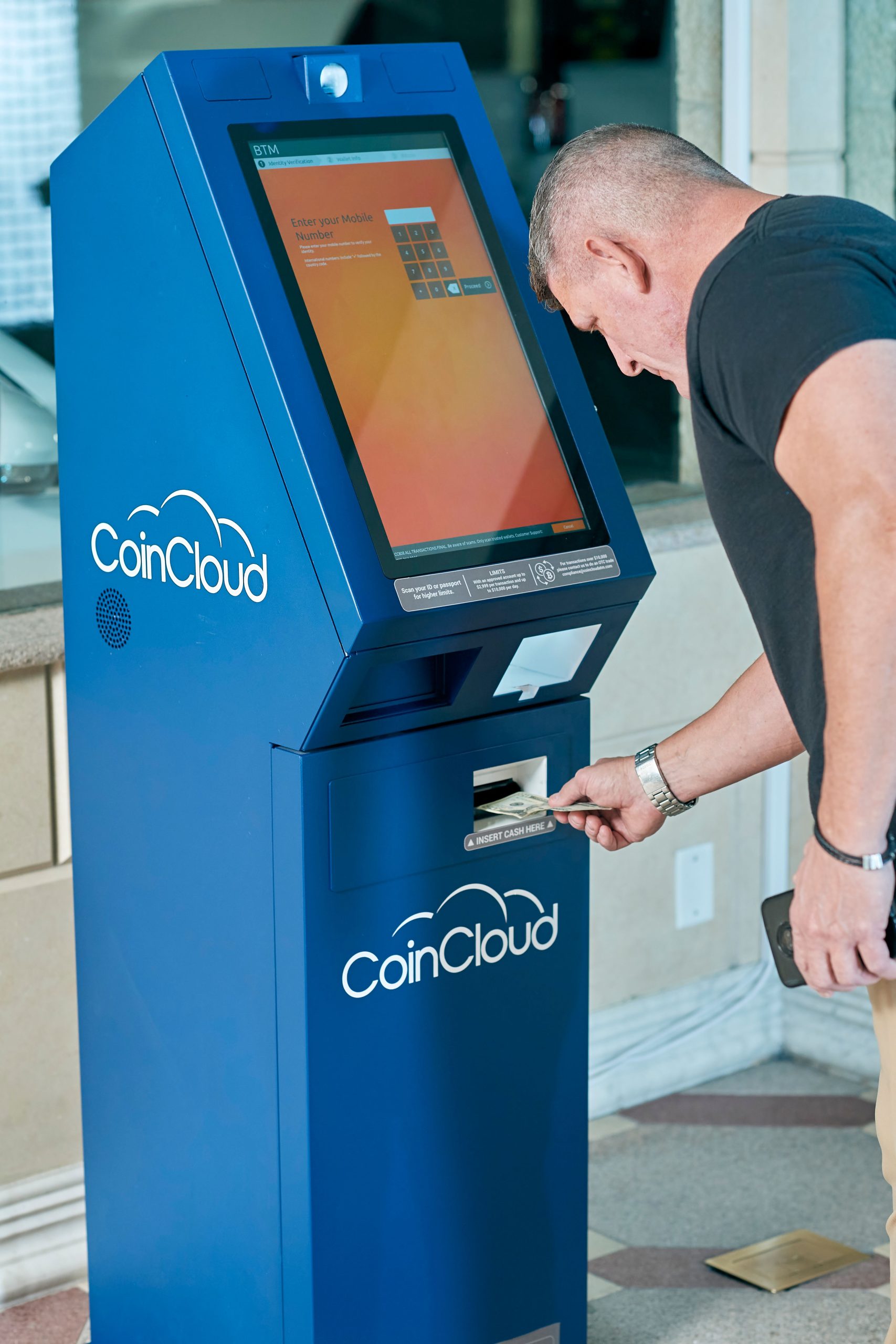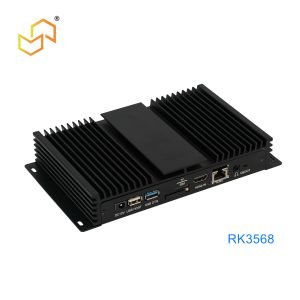
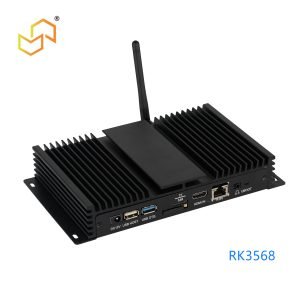
An industrial Panel PC is more than a screen with a computer behind it. It is a rugged, integrated terminal built to handle factory workflows, operator interaction, and long-term deployment in environments where a consumer device would fail. For LCDSLD, this category matters because it sits at the intersection of industrial computing, touch control, and project-specific customisation.
What Is an Industrial Panel PC?
An industrial Panel PC combines a display, touch interface, and embedded computer in one sealed unit. Compared with a separate monitor and box PC, it reduces wiring, installation time, and space requirements. That is why it is widely used in factory automation, HMI, kiosks, logistics, healthcare, and embedded control systems.
The word industrial is important. It usually means the unit is designed for continuous operation, stable performance, and harsher conditions than a standard office computer. Depending on the model, that can include fanless operation, front IP protection, wide temperature tolerance, and stronger enclosure design.
Why It Is Different from Other Options
A Panel PC is not the same as an industrial monitor, a touch monitor, or a box PC. An industrial monitor gives you a display only, so it still needs a separate computer. A touch monitor adds interaction, but the computing layer remains external.
A box PC provides the processing power, but not the integrated display and front-panel form factor. For projects that need a compact operator terminal, a Panel PC is usually the most efficient option. It is especially practical when the goal is to simplify cabinet design and reduce assembly complexity.
Key Buying Factors
When selecting an industrial Panel PC, the first step is to define the application clearly. The best model is not the one with the biggest specification sheet; it is the one that fits the real workload, environment, and installation plan.
Screen size and resolution
Screen size should match how close the operator will stand and how much information must be visible at once. Smaller sizes are useful for compact equipment or limited cabinet space, while larger sizes improve readability and reduce operator strain. Resolution matters too, especially if the system shows detailed dashboards, machine data, or multi-window interfaces.
Brightness
Brightness should match the installation environment. Indoor projects usually do not need extreme brightness, but semi-outdoor or sunlight-exposed setups do. If the screen will be viewed under strong ambient light, brightness becomes a key comfort and usability factor.
Touch technology
Touch technology should be selected based on how the unit will be used. Capacitive touch is common for smooth interaction and modern interfaces, while resistive touch remains useful in gloves, dust-heavy settings, or industrial control workflows. For harsh conditions, touch performance and durability are just as important as the panel itself.
Processor, RAM, and storage
Performance should be sized to the workload. Basic monitoring may only need modest hardware, but real-time dashboards, edge applications, or industrial software can require stronger CPUs and more memory. Storage also matters, especially where data logging, local caching, or system recovery is required.
Ports and connectivity
Industrial devices often need more than standard consumer ports. USB, LAN, serial interfaces, and expansion options all matter when the Panel PC must communicate with PLCs, sensors, barcode readers, printers, or other industrial equipment. Buyers should check port counts early, not after the enclosure is already designed.
Indoor vs Harsh-Environment Selection
Indoor systems and harsh-environment systems are often very different products. A clean indoor operator interface may only need basic protection and moderate brightness, while a factory or washdown area may need stronger sealing and a more rugged front panel. That is why IP rating, temperature tolerance, and enclosure design should be part of the decision from the beginning.
For dirty, damp, or exposed environments, buyers should look for models that are explicitly designed for industrial use. A typical example is a front-rated unit that can resist dust and water ingress while remaining practical for operator use. In those cases, ruggedness is not a bonus; it is a requirement.
OS Selection: Windows vs Android vs Linux
Operating system choice usually determines the software path for the whole project. Panel PC Windows Embedded is often the safest choice when the system must run industrial software, legacy applications, or Windows-based control tools. Windows also remains a familiar environment for many automation teams.
Android Panel PC is a strong fit for self-service terminals, kiosks, light HMI, and app-driven interfaces. It can be easier to deploy and better aligned with modern interactive workflows. Linux is also available in some industrial models, but it is usually chosen for more specialised embedded or developer-led requirements.
Fanless Design and Thermal Strategy
Fanless design is one of the most valuable industrial features because it improves reliability and reduces dust intake. In continuous operation environments, fewer moving parts usually mean less maintenance and lower risk over time. That is why many industrial Panel PCs are built around passive cooling strategies.
Thermal design should still be checked carefully, especially if the unit will be placed in an enclosure or near heat-generating machinery. Wide operating temperature ranges, ventilation planning, and enclosure airflow all affect long-term stability. If the installation environment is hot, dusty, or poorly ventilated, thermal planning becomes a core part of product selection.
Mounting Methods and Service Access
Mounting style affects both installation and maintenance. Common options include panel mount, VESA mount, and rack-style integration. The right choice depends on cabinet depth, operator visibility, and how the machine is assembled.
Service access is just as important as the mounting style itself. Front maintenance is the better choice when the back side of the cabinet is difficult to reach, while rear maintenance works well when the installation area allows easy access from behind. This detail can affect downtime, cabinet design, and service workflow more than many buyers expect.
Recommended Specs by Industry
Different industries prioritise different features. A manufacturing line often values reliability, touch durability, and clear visibility, while a retail or kiosk application may care more about interface smoothness and visual presentation. Choosing by industry helps narrow the spec list quickly.
-
Manufacturing: fanless design, stable Windows support, strong I/O, and rugged front sealing.
-
Kiosks and smart terminals: Android support, responsive touch, clean integration, and compact mounting.
-
Healthcare: easy-clean surfaces, reliable touch, and long service life.
-
Transportation: good visibility, strong mounting, and durable operation.
-
Warehouse and logistics: barcode compatibility, serial ports, and reliable uptime.
Product Paths at LCDSLD
If you are evaluating products, the fastest way to move from research to selection is to start with the category page and then narrow down by system and size. LCDSLD’s lineup makes that easy because the product families already reflect common project needs.
-
Explore the Panel PC product category for industrial models.
-
View the Android Panel PC category for app-driven and smart terminal applications.
-
Review the 15 Inch Industrial Panel PC for a balanced industrial size.
For deeper reading, these pillar articles are the most relevant follow-ups:
FAQ
Is a rugged Panel PC always IP65?
Not always, but IP65 front protection is common in industrial models that need resistance to dust and water.
Which OS is more common, Windows or Android?
Both are mainstream. Windows is stronger in traditional industrial software environments, while Android is increasingly popular in smart terminals and kiosk-style applications.
What is the most important factor when choosing a Panel PC?
It depends on the application, but environment, OS compatibility, mounting, and service access are usually the biggest decision points.
Should I choose front maintenance or rear maintenance?
Choose front maintenance when back access is limited. Choose rear maintenance when the cabinet layout leaves enough space for servicing from behind.
Contact and Next Step
A good industrial Panel PC should fit the software, the enclosure, and the operating environment from day one. If you need help matching the right model to your project, contact LCDSLD through the contact page and request a tailored recommendation.