Panel PC

10.4 Inch Panel PC Applications

10.4 Inch Panel PC Applications

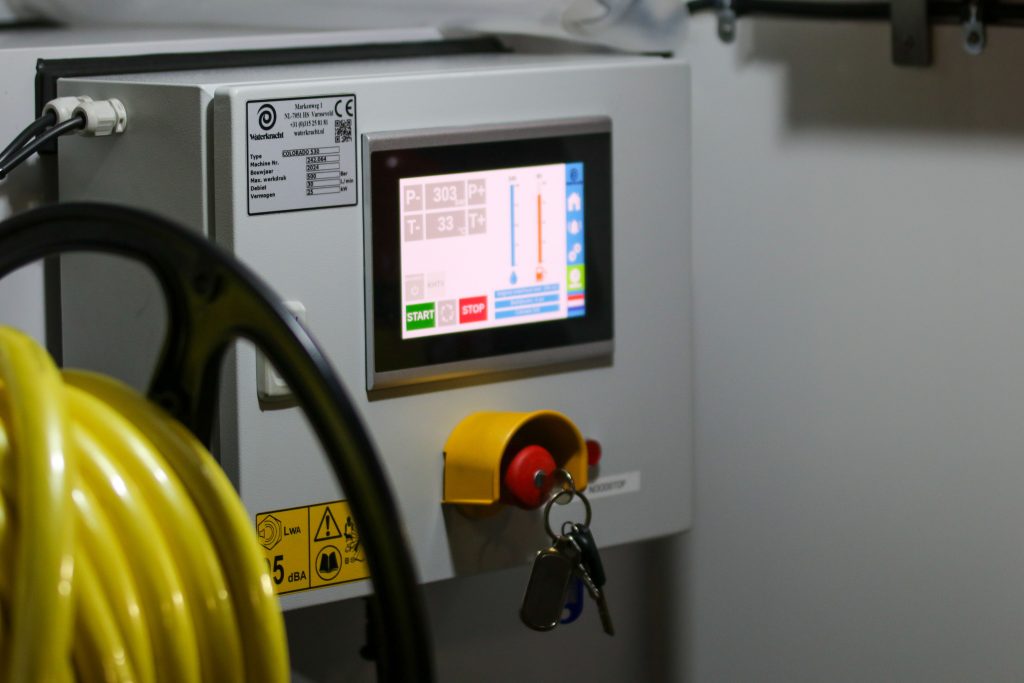
10.4 Inch Panel PC Applications A 10.4 inch Panel PC is often the right choice when space is limited, but reliable interaction still matters. It offers a compact footprint, practical readability, and enough versatility to support control, monitoring, and point-of-use workflows across industries. Why Compact Panels Are Hard to Specify Many buyers begin with a […]
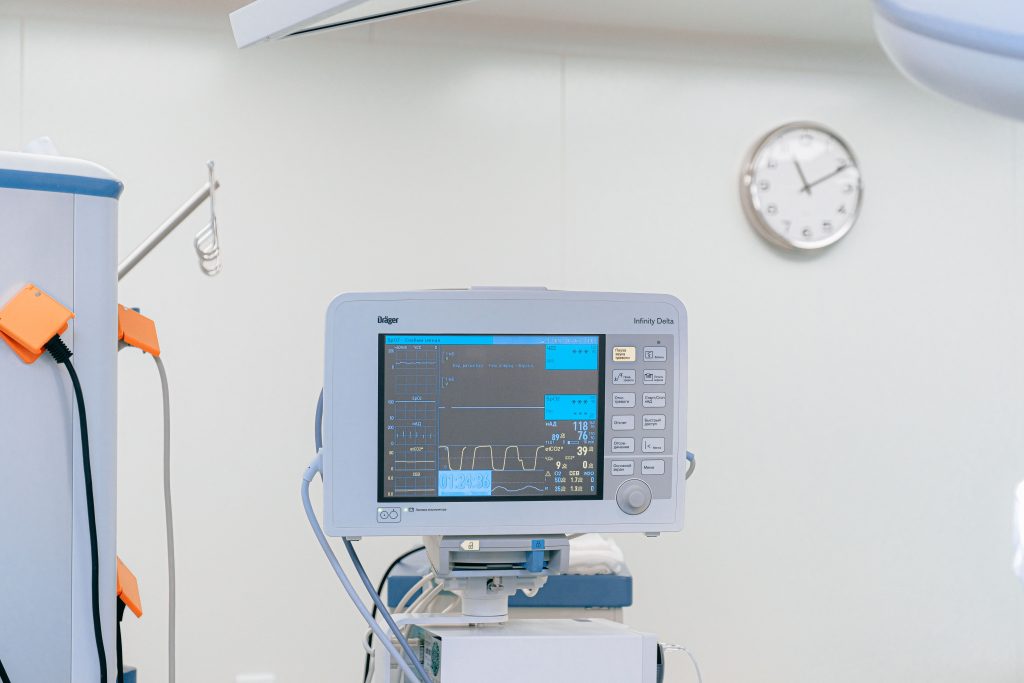
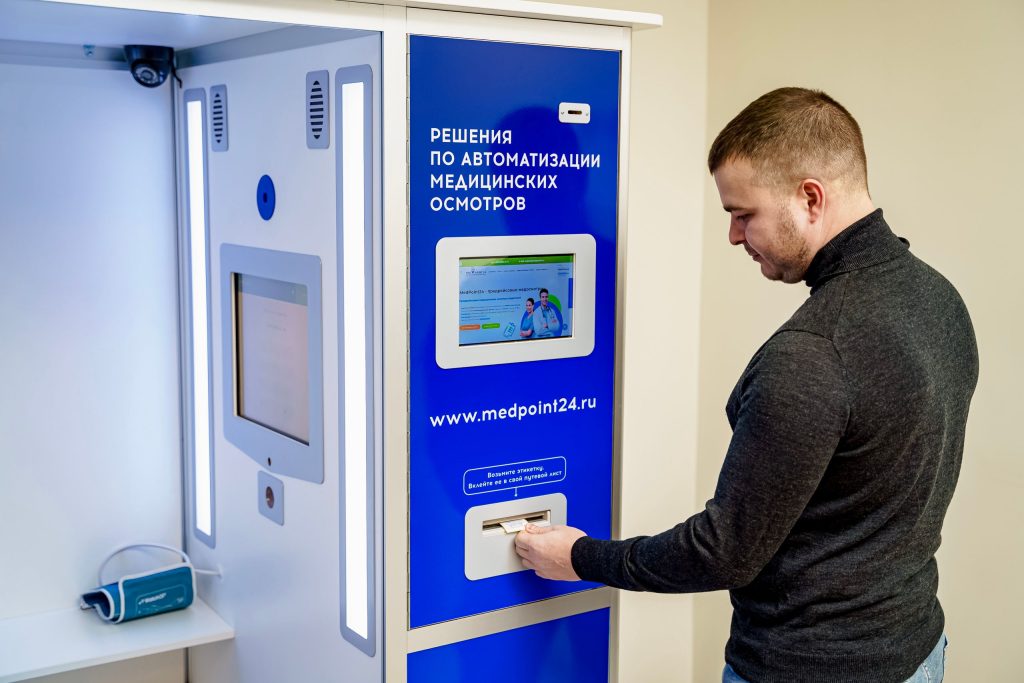
Panel PC for Medical Cart Integration

Panel PC for Medical Cart Integration: Solving Real Healthcare Pain Points

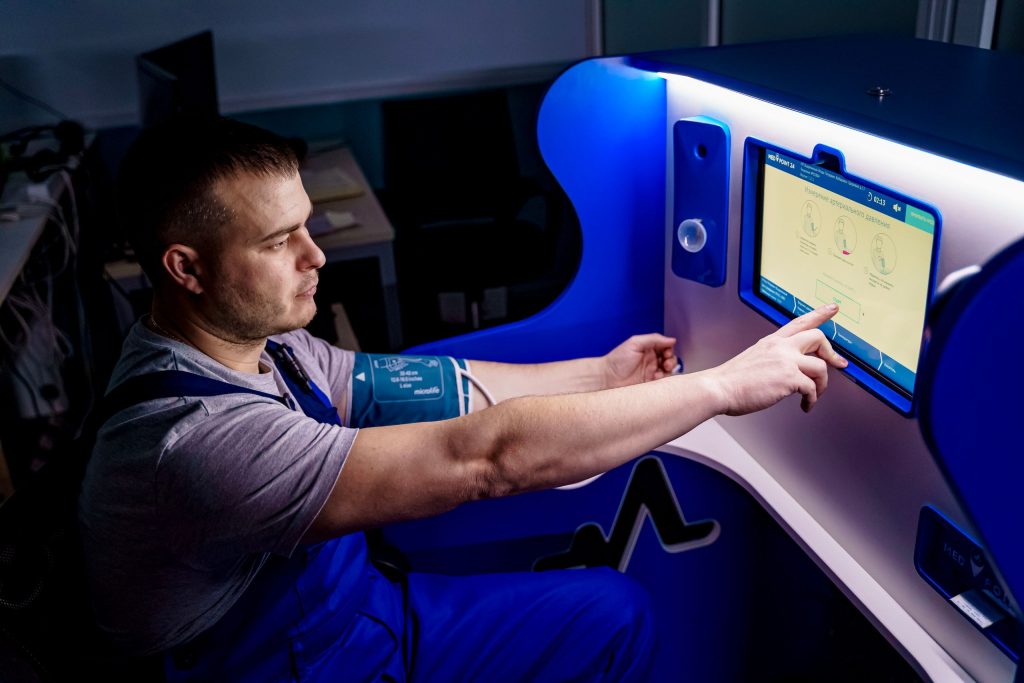
Panel PC for Medical Cart Integration: Solving Real Healthcare Pain Points Medical carts are supposed to make clinical work easier, but that only happens when the computer on the cart is built for the job. In day-to-day healthcare use, the real challenges are usually mobility, cleaning, power, space, and mounting stability, not just screen size

Panel PC for Access Control and Visitor Management

Panel PC for Access Control and Visitor Management

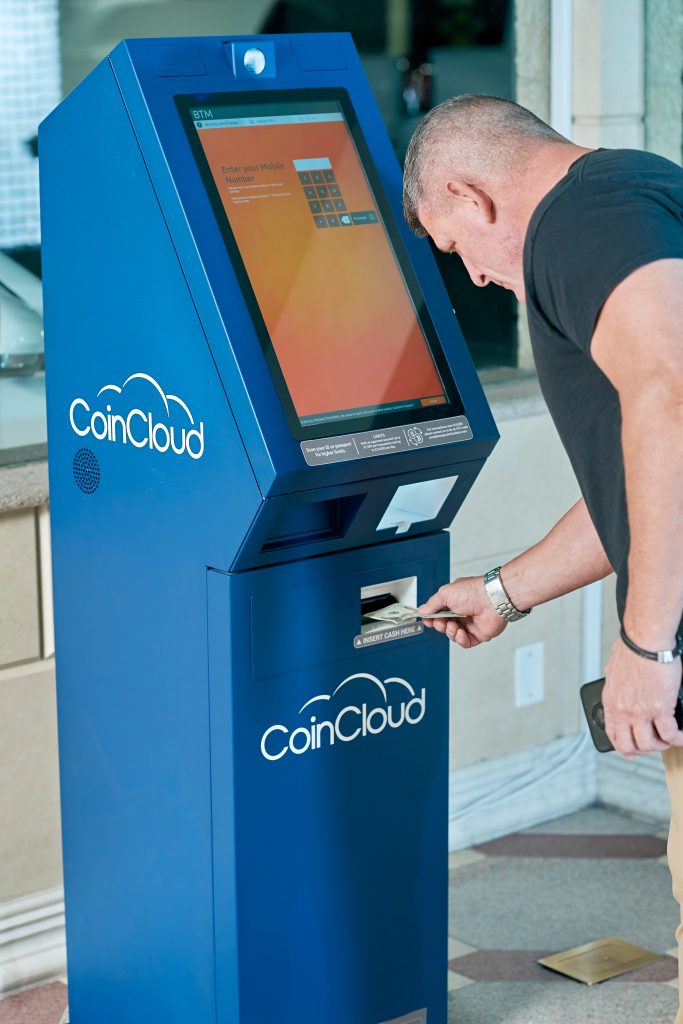
Panel PC for Access Control and Visitor Management A Panel PC is a practical choice for access control and visitor management because it combines a touch interface, industrial reliability, and peripheral support in one device. It helps front desks handle check-in, identity verification, badge printing, and access handoff with fewer steps. For teams that need

Panel PC for Self-Service Check-In Systems

Panel PC for Self-Service Check-In Systems

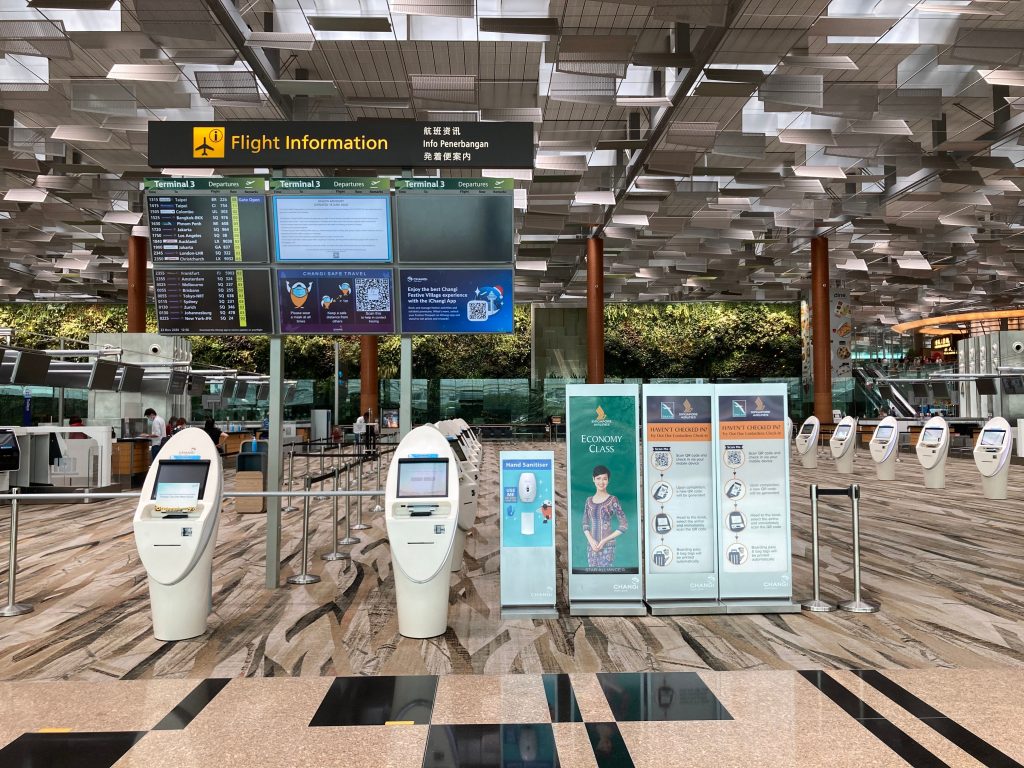
Panel PC for Self-Service Check-In Systems Self-service check-in systems work best when the hardware makes the process feel fast, simple, and reliable. A Panel PC is ideal here because it combines the display, touch input, and computing engine into one compact unit, which helps keep the check-in experience clean and easy to deploy. For product

Panel PC for Public Service Terminals

Panel PC for Public Service Terminals

Panel PC for Public Service Terminals Public service terminals are expected to do a lot more than answer questions. They guide visitors, support government workflows, and help institutions deliver services without creating a bottleneck at the front desk. That is why the panel PC behind the screen matters so much: it must be secure, easy

Panel PC for EV Charging Stations

Panel PC for EV Charging Stations

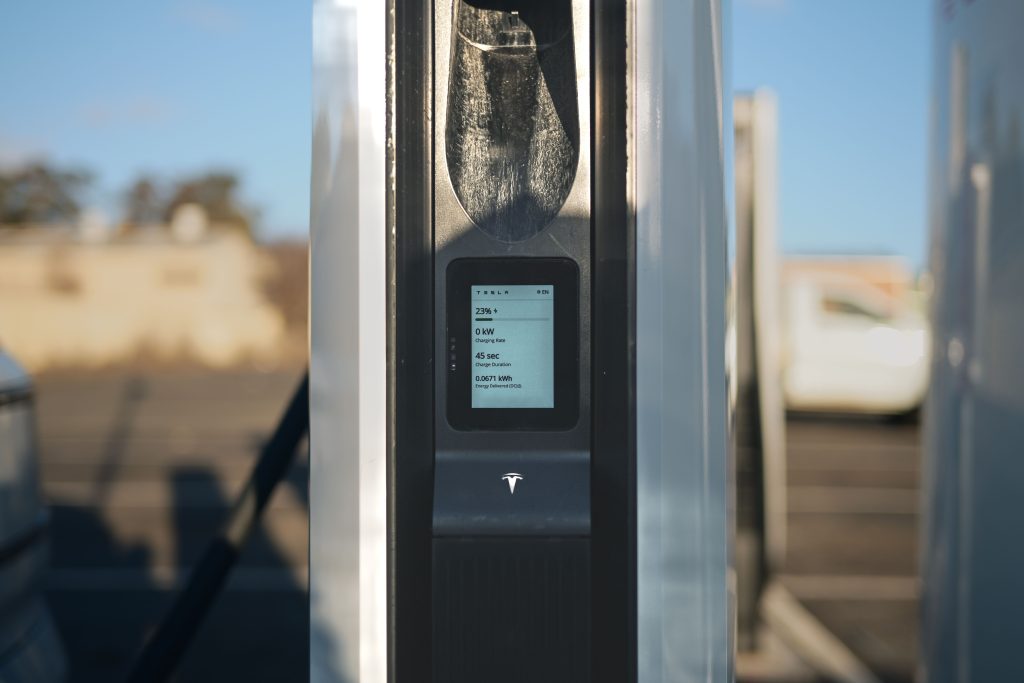
Panel PC for EV Charging Stations EV charging stations look simple from the outside, but the hardware behind them has to solve three hard problems at once: survive outdoor or semi-outdoor conditions, stay readable in changing light, and keep the network stable enough for payment, monitoring, and service updates. That is why the right Panel

Panel PC for Pharmaceutical Production

Panel PC for Pharmaceutical Production

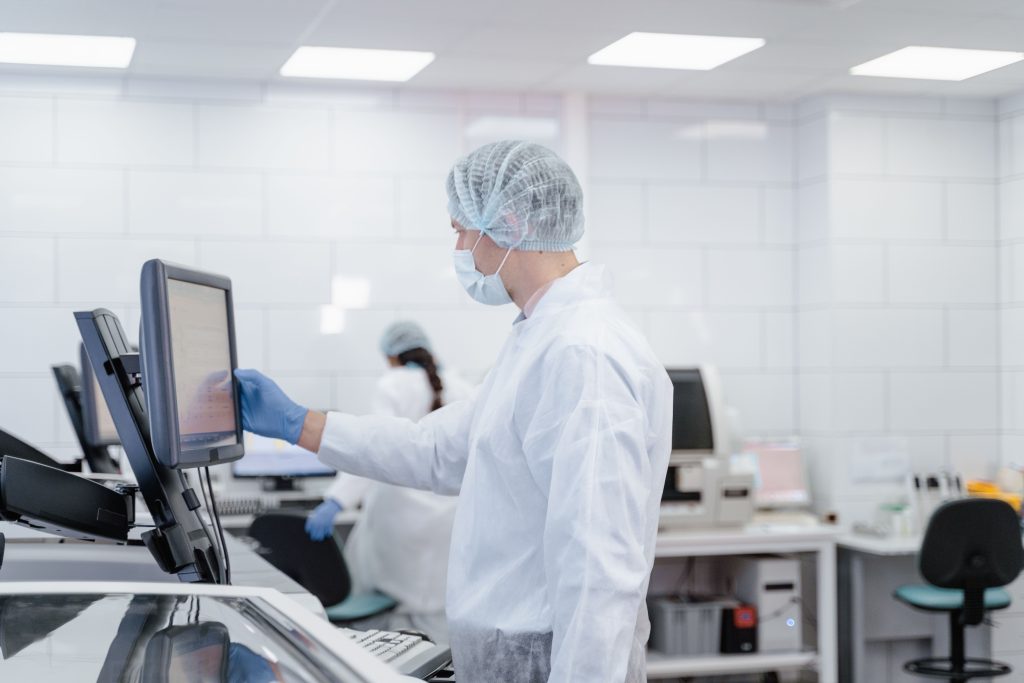
Panel PC for Pharmaceutical Production In pharmaceutical production, a panel PC is not just a screen on the line. It sits inside a process where cleanliness, traceability, and repeatability all matter at the same time. If the device is unstable, hard to clean around, or awkward to use, it becomes a weak point in an

Panel PC for CNC Machines

Panel PC for CNC Machines

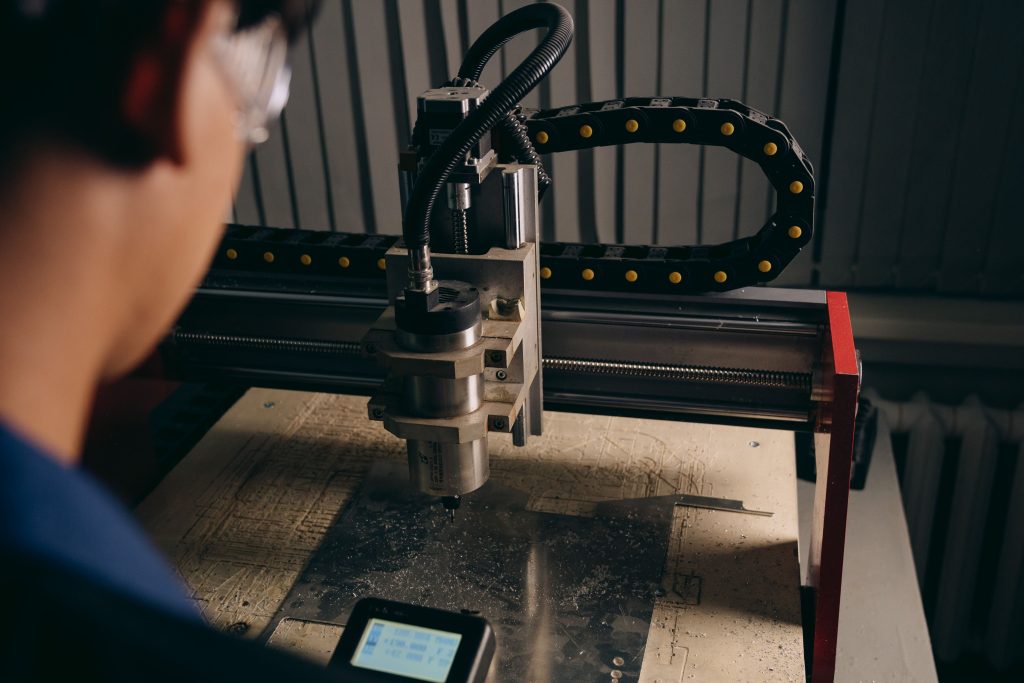
Panel PC for CNC Machines A CNC machine asks more from a panel PC than most industrial applications do. The screen has to stay readable, the touch response has to feel immediate, and the hardware has to keep working while the machine vibrates, cuts, and runs long shifts. If the interface is clumsy or the

Panel PC for Food Processing Lines

Panel PC for Food Processing Lines

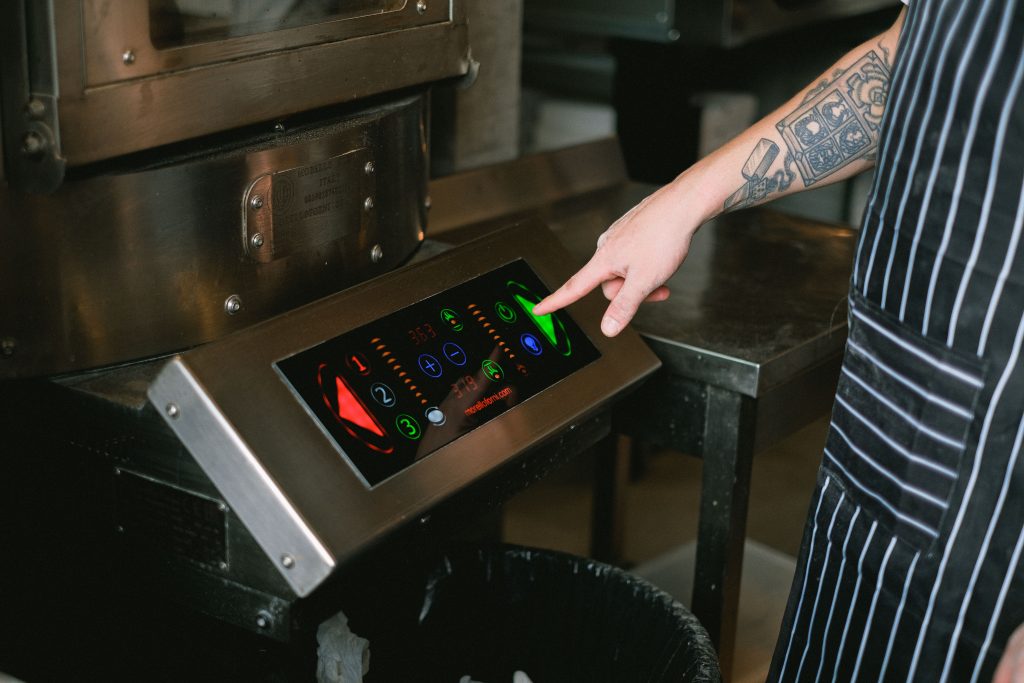
Panel PC for Food Processing Lines Food processing lines are rough on equipment. A panel PC in this environment is not just a screen with a computer behind it; it is part of a hygiene-sensitive workflow that gets sprayed, wiped, steamed, and inspected far more often than a normal industrial terminal. If the unit is

Connectivity and I/O Checklist for Panel PC Projects

Connectivity and I/O Checklist for Panel PC Projects

Connectivity and I/O Checklist for Panel PC Projects Choosing a Panel PC is not only about screen size, CPU performance, or OS selection. In real deployments, connectivity and I/O often determine whether the system integrates smoothly with machines, sensors, networks, and future upgrades. If the ports do not match the project’s devices and workflow, even

Shopping Cart
Scroll to Top