


Panel PC for Healthcare: Clean Design and Reliable Workflow Support
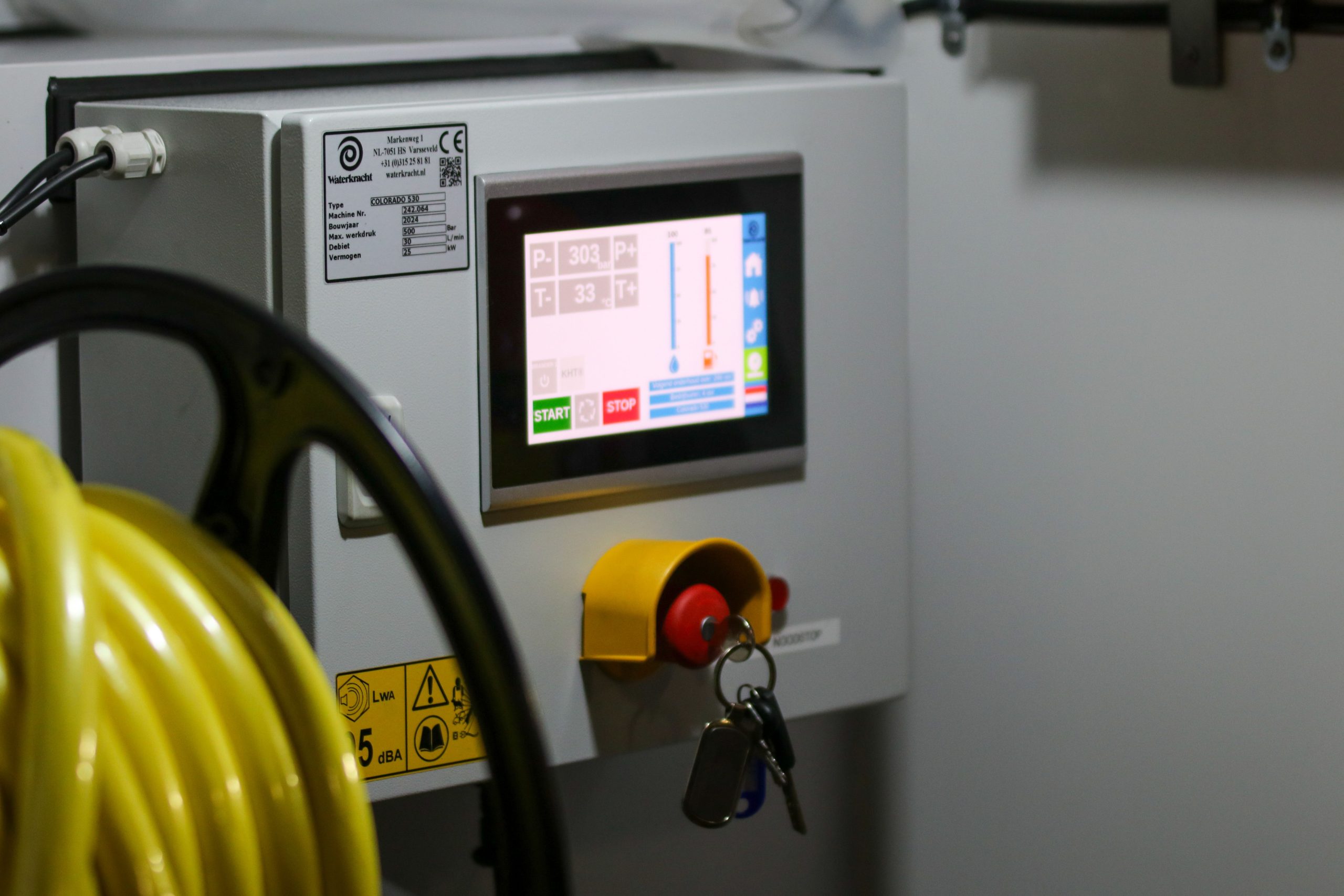
A healthcare Panel PC needs to do more than display information. It has to support patient-facing tasks, clinical workflows, and daily operations in spaces where cleanliness, quiet operation, and reliability matter every hour. For hospitals, clinics, and care facilities, the right Panel PC can reduce friction at check-in, streamline bedside communication, and give staff a dependable interface for routine tasks.
Unlike a general industrial or kiosk deployment, healthcare places extra weight on hygiene, service continuity, and user confidence. That is why the best healthcare Panel PC solution is usually defined by clean design first and workflow support second, not the other way around.
Panel PC for Healthcare
Why healthcare needs a different approach
Healthcare environments are sensitive to noise, clutter, and maintenance interruptions. A Panel PC used in a clinic or hospital should feel quiet, easy to clean, and simple enough that staff can use it without adding complexity to the workflow. In that sense, healthcare is not just another application; it is a setting where the hardware becomes part of the care experience.
This is also why medical and healthcare deployments often favour all-in-one form factors. A compact integrated terminal reduces loose cables, external boxes, and desktop-style clutter that can get in the way of cleaning or daily movement. For buyers planning new clinical installations, the goal is to support care routines without creating more maintenance work.
Check-in workflows
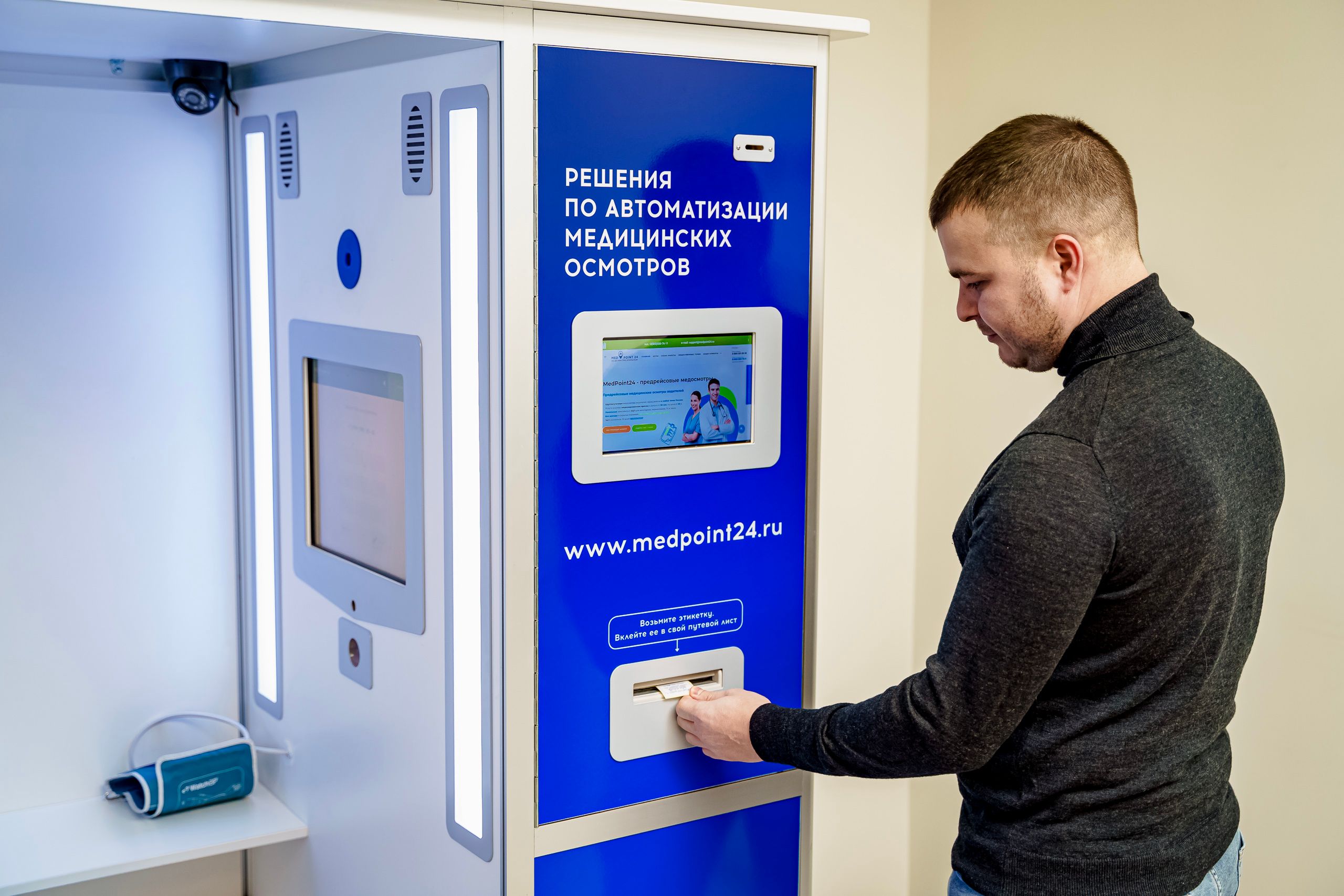
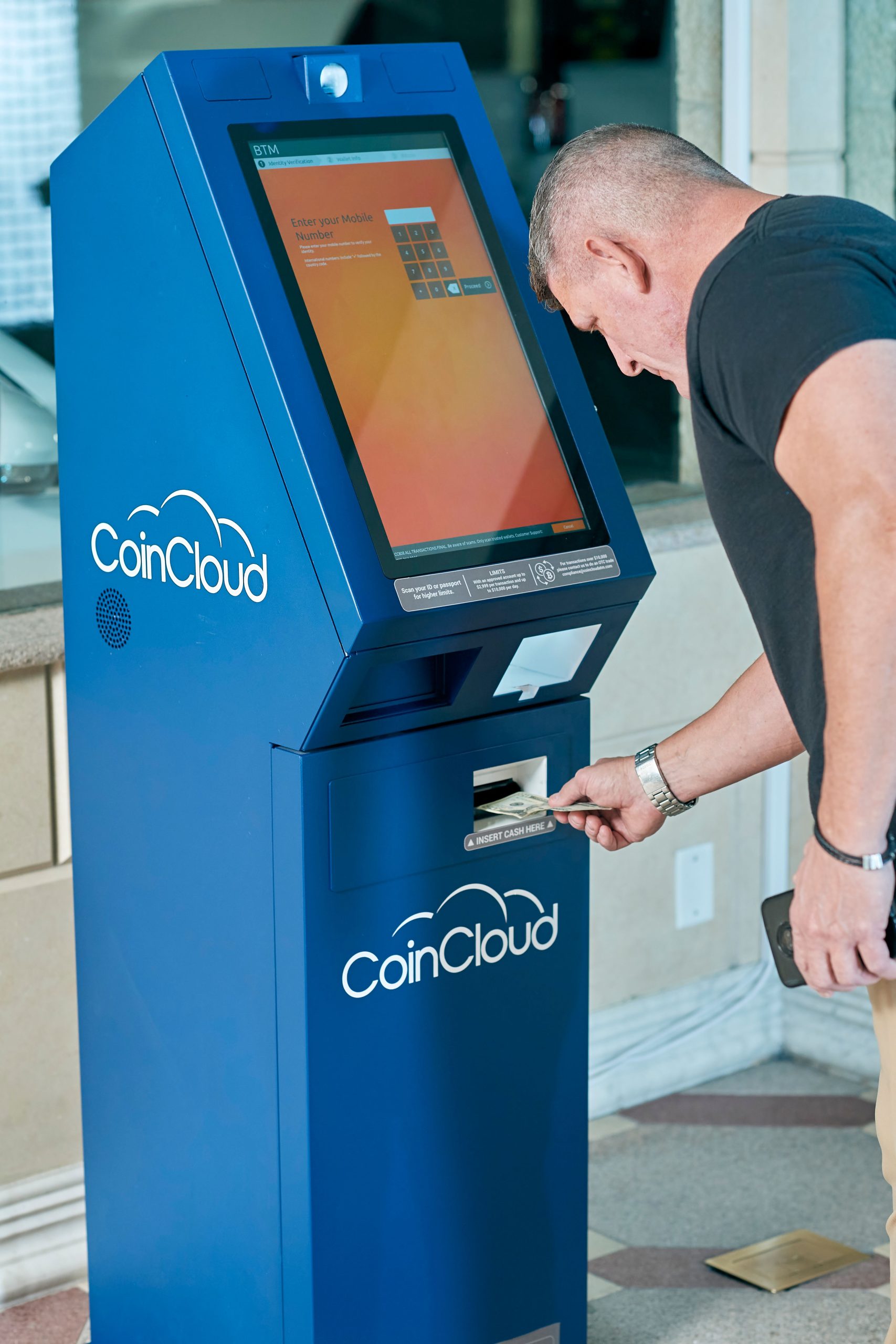
Patient check-in is one of the clearest use cases for a healthcare Panel PC. Whether it is at a front desk, self-service registration point, or reception counter, the device must present a simple interface that helps the patient complete the process quickly. That includes identity lookup, form entry, appointment confirmation, and queue handoff.
A good check-in setup also needs to be easy for staff to support behind the scenes. The hardware should mount cleanly, be visible from the reception position, and keep the front area organised enough for frequent patient traffic. In busy clinics, even a small improvement in registration flow can reduce waiting stress for both staff and patients.
Bedside terminals
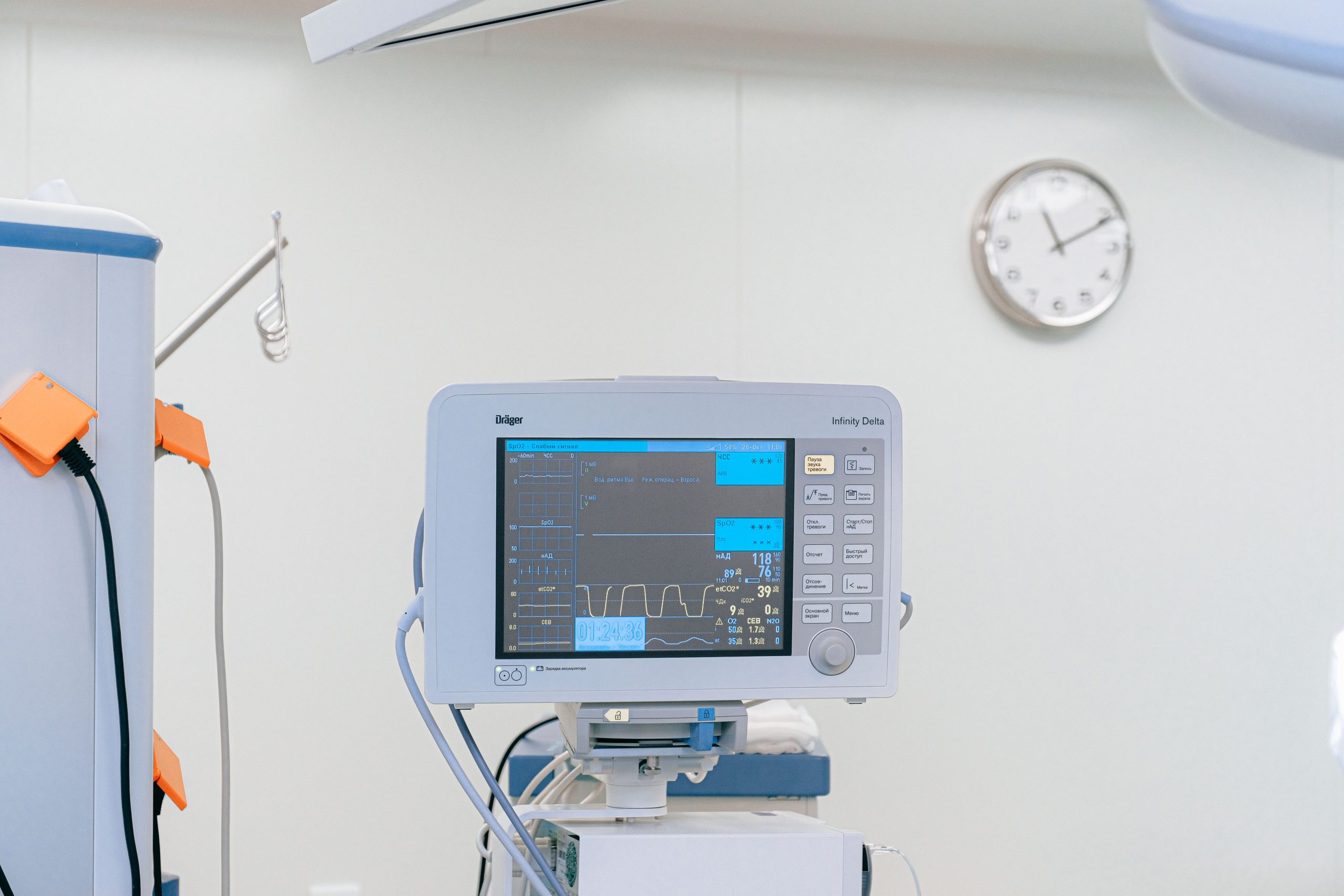
Bedside terminals are another important healthcare use case. In this role, the Panel PC may support patient infotainment, nurse communication, service requests, meal options, or care updates. The screen has to be easy to read from a bed position and simple enough for patients or caregivers to use without confusion.
These terminals also need to fit the physical reality of the room. Wall mounting, arm mounting, or cart-based mounting each changes how the device is used and serviced. The more seamlessly the Panel PC fits into the room layout, the more naturally it supports the bedside workflow.
Carts and mobile care
Medical carts create a different kind of workflow challenge because the device may move with staff across wards or treatment areas. In this case, the Panel PC becomes part of mobile documentation, patient lookup, or task access rather than a fixed terminal. That means stability, compactness, and easy handling become especially important.
A cart-mounted solution should feel secure and practical, not improvised. It should support quick access to clinical information while staying out of the way during routine care movement. For hospitals and care facilities that rely on mobile rounds, this can make daily work smoother and more consistent.
Clinic workflows and staff stations
In clinics, Panel PCs often sit at reception, triage, or nurse stations where they support a mix of patient-facing and staff-facing tasks. They may be used to review appointments, check records, guide patients, or coordinate the next step in the visit. The hardware should make those tasks feel direct rather than adding another layer of complexity.
The best healthcare setups usually minimise context switching. Staff should be able to glance at the screen, take the next action, and move on without wrestling with a bulky desktop system or awkward cabling. That is why integrated Panel PCs are often preferred in reception and workstation environments.
Hygiene and clean design
Hygiene is one of the biggest reasons healthcare buyers look at Panel PCs. A smooth front design is easier to wipe down, and an integrated unit generally leaves fewer dust-catching edges or cable clutter than a traditional computer setup. In spaces where regular cleaning is part of the operating routine, simplicity matters.
Fanless or low-noise operation is also valuable because it helps the room feel calmer and reduces one more maintenance point. While a device should still be selected based on the real workflow, healthcare users usually appreciate equipment that disappears into the background instead of drawing attention. Clean design is not only visual; it is also operational.
Stability and service continuity
Healthcare panels need stable operation because interruptions can affect service flow throughout the facility. A terminal that freezes or needs frequent intervention can slow check-in, delay nurse coordination, or complicate bedside communication. In a clinic or hospital, reliability is therefore a workflow requirement, not just a technical feature.
Serviceability also matters. A healthcare device should be planned with maintenance access in mind so staff can replace or inspect it without disrupting the room. The best deployment is one that stays dependable in daily use and still allows efficient servicing when needed.
What to look for
When selecting a healthcare Panel PC, the first question is how it will be used in the care workflow. A check-in terminal, bedside terminal, and cart-mounted terminal may share the same product family, but they do not need the same mounting, screen positioning, or service plan. The hardware should follow the workflow rather than forcing the workflow to adapt to the hardware.
Practical checklist
-
Easy-clean front surface.
-
Quiet, low-noise operation.
-
Mounting that fits the room or cart.
-
Clear readability for patients and staff.
-
Stable operation for extended daily use.
-
Software and connectivity that match clinic systems.
If the project requires medical-grade certification, that should be confirmed separately during specification and procurement. Not every healthcare use case needs the same compliance level, but every deployment does need the right fit for its environment.
Product paths and related options
For healthcare projects, it is often useful to start with the broader industrial and kiosk product family, then narrow to the device that fits the room and workflow. If you are comparing healthcare-friendly configurations, these pages are the most relevant starting points:
-
Explore the Panel PC product category for industrial all-in-one models.
-
Explore the Android Panel PC category for app-driven healthcare or reception workflows.
-
Review the 32 Inch Commercial Android Kiosk as a larger interactive reference.
-
Review the 49 Inch Commercial Android Kiosk if the project is closer to lobby information or patient guidance.
For deeper reading, these two pillar articles are useful companions:
-
Panel PC: Complete Guide to Industrial All-in-One Computing.
-
Industrial Panel PC Buyer’s Guide: How to Choose the Right Model.
FAQ
Is a Panel PC suitable for bedside use?
Yes, especially when the device is used for patient communication, infotainment, or bedside workflow support and is mounted in a clean, easy-to-service way.
Do healthcare Panel PCs need medical certification?
Not always, but if the deployment is in a regulated clinical environment, certification requirements should be confirmed during procurement.
Why is fanless design useful in healthcare?
Fanless or low-noise operation helps reduce dust intake, lowers maintenance burden, and keeps the environment quieter for patients and staff.
Can one Panel PC handle check-in and staff workflows?
Yes, if the software and mounting plan are designed correctly. The same product family can often support both patient-facing and staff-facing tasks.
If your healthcare project needs a clean, reliable, and easy-to-integrate Panel PC, start with the product family that matches the workflow and room layout. For product support or customisation, contact LCDSLD through the contact page and request a tailored recommendation.