

10.4 Inch Panel PC Applications
A 10.4 inch Panel PC is often the right choice when space is limited, but reliable interaction still matters. It offers a compact footprint, practical readability, and enough versatility to support control, monitoring, and point-of-use workflows across industries.
Why Compact Panels Are Hard to Specify
Many buyers begin with a simple requirement: the device must fit. In practice, the harder part is choosing a screen size that works inside a tight cabinet, cart, or enclosure without making daily operation feel cramped.
That is where the trade-off begins. A smaller panel can save space and simplify installation, but if the interface becomes too dense, users lose speed and accuracy. A larger display improves readability, but it can create layout problems in compact systems.
Best Use Cases for 10.4 Inch Panel PC
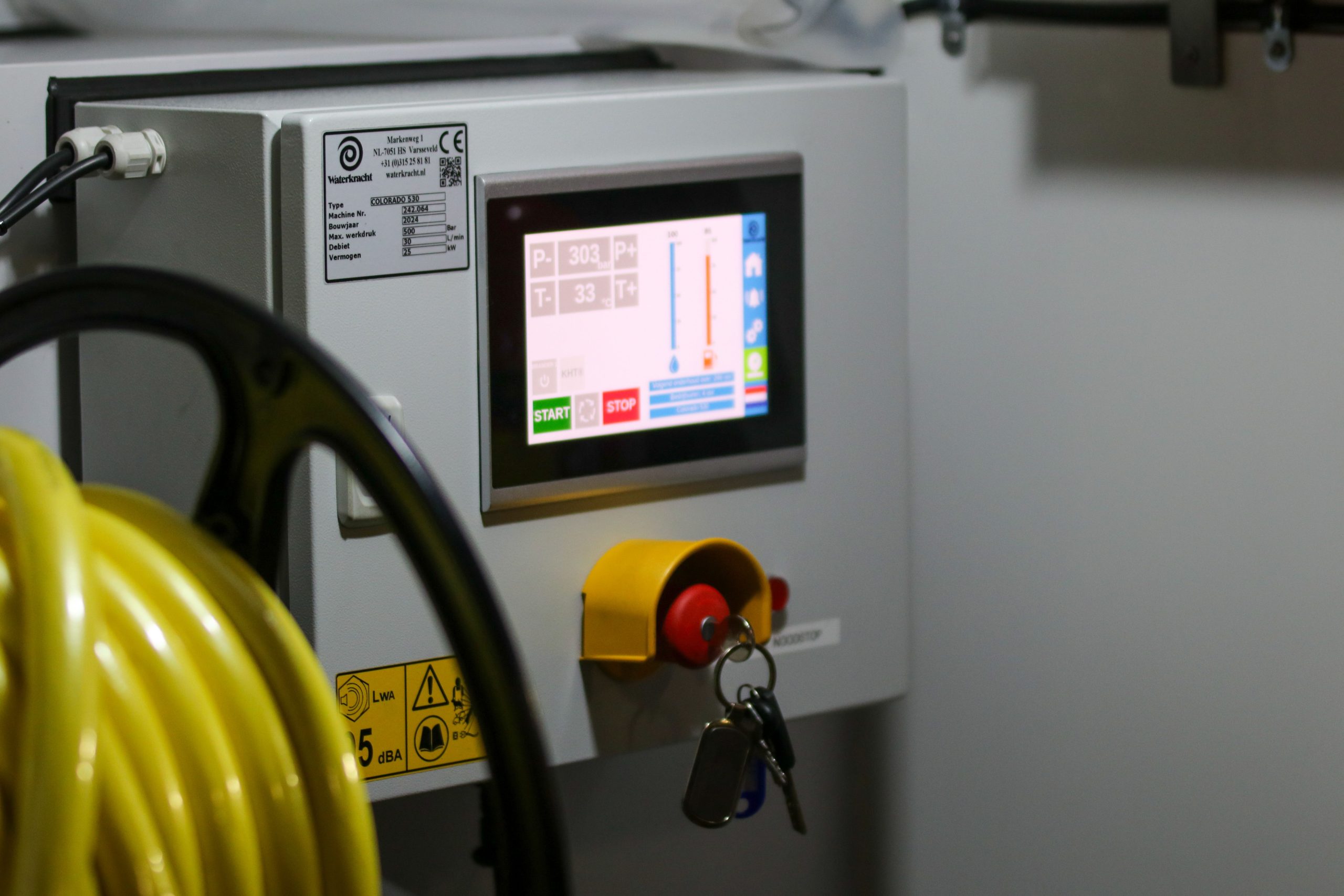
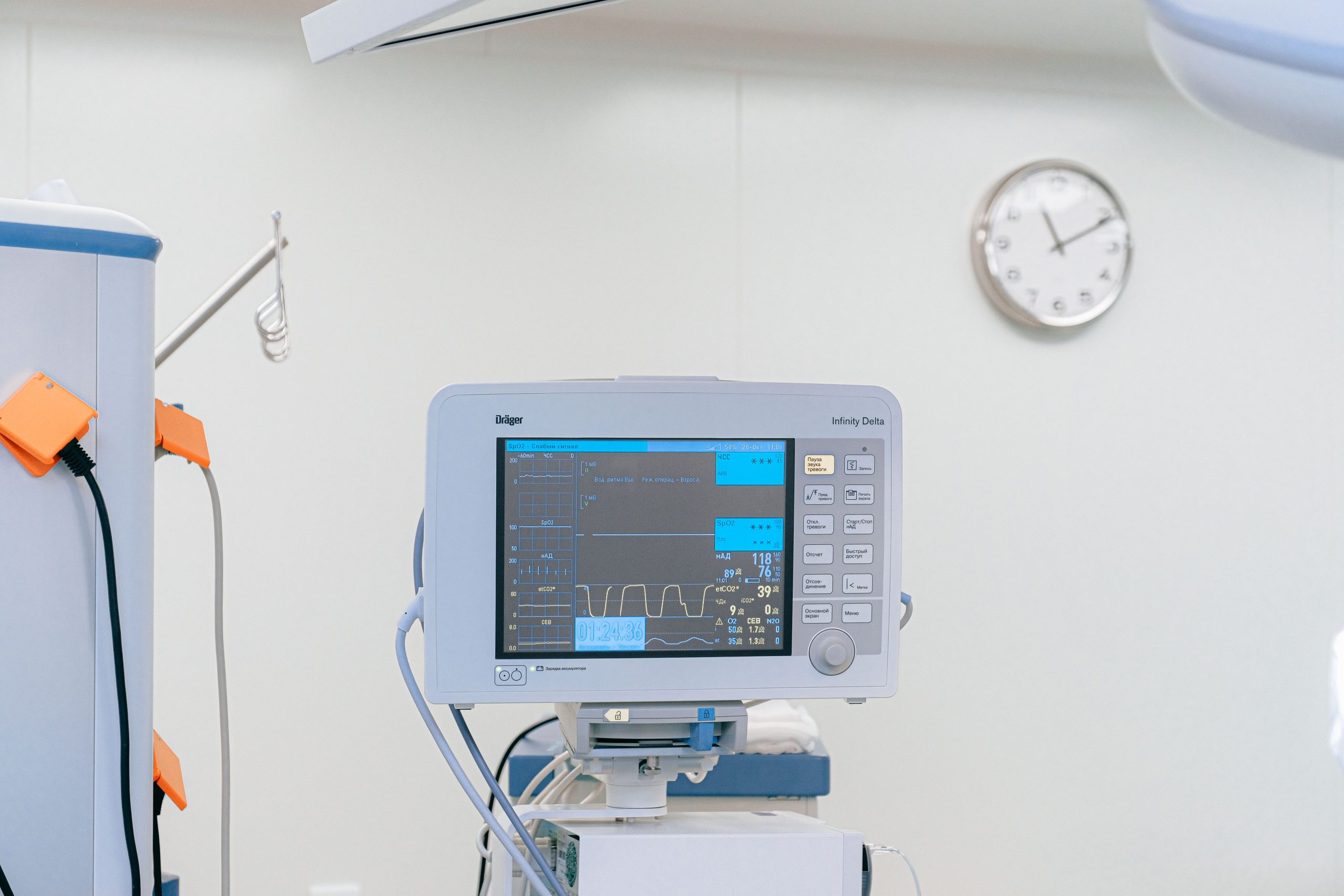
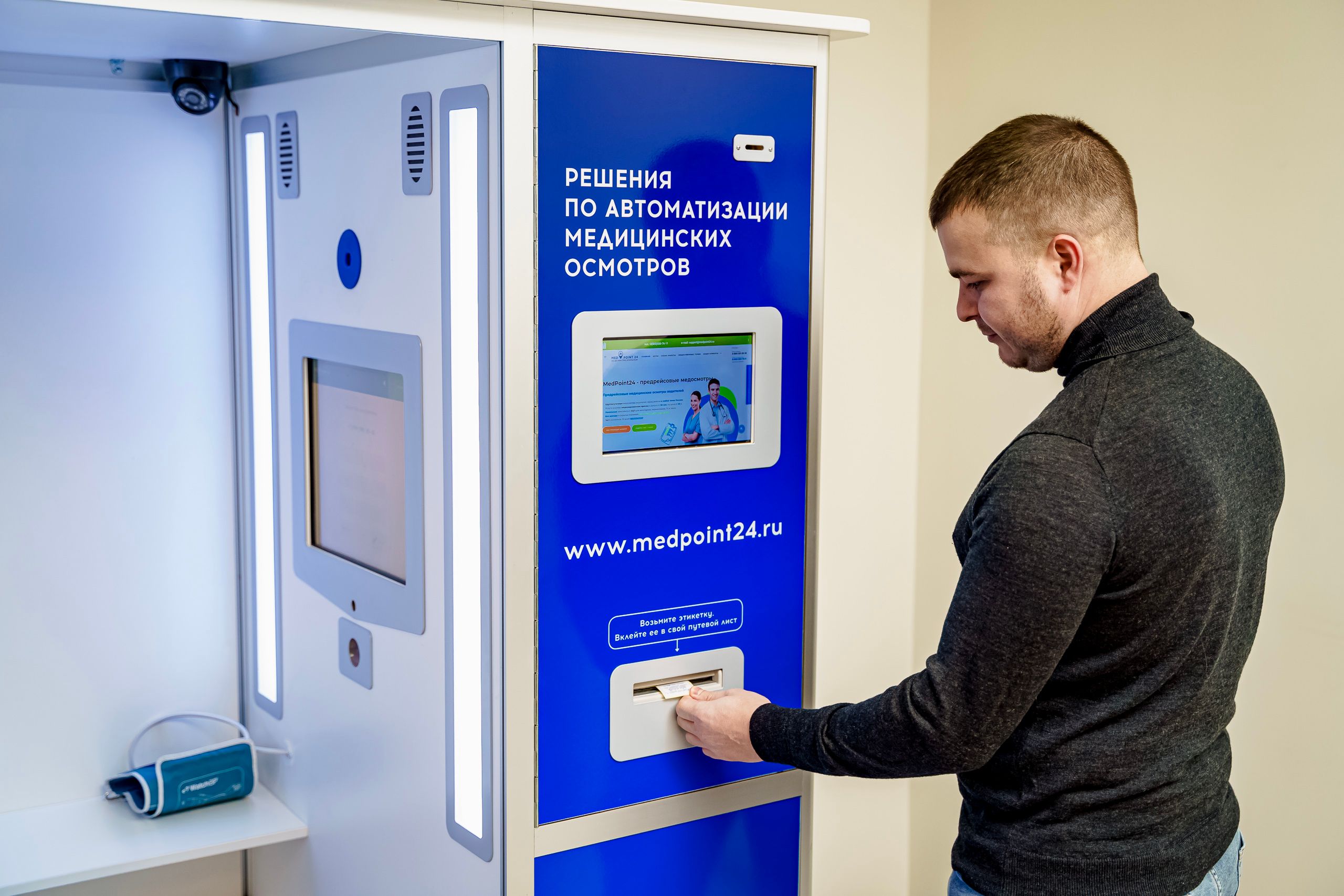
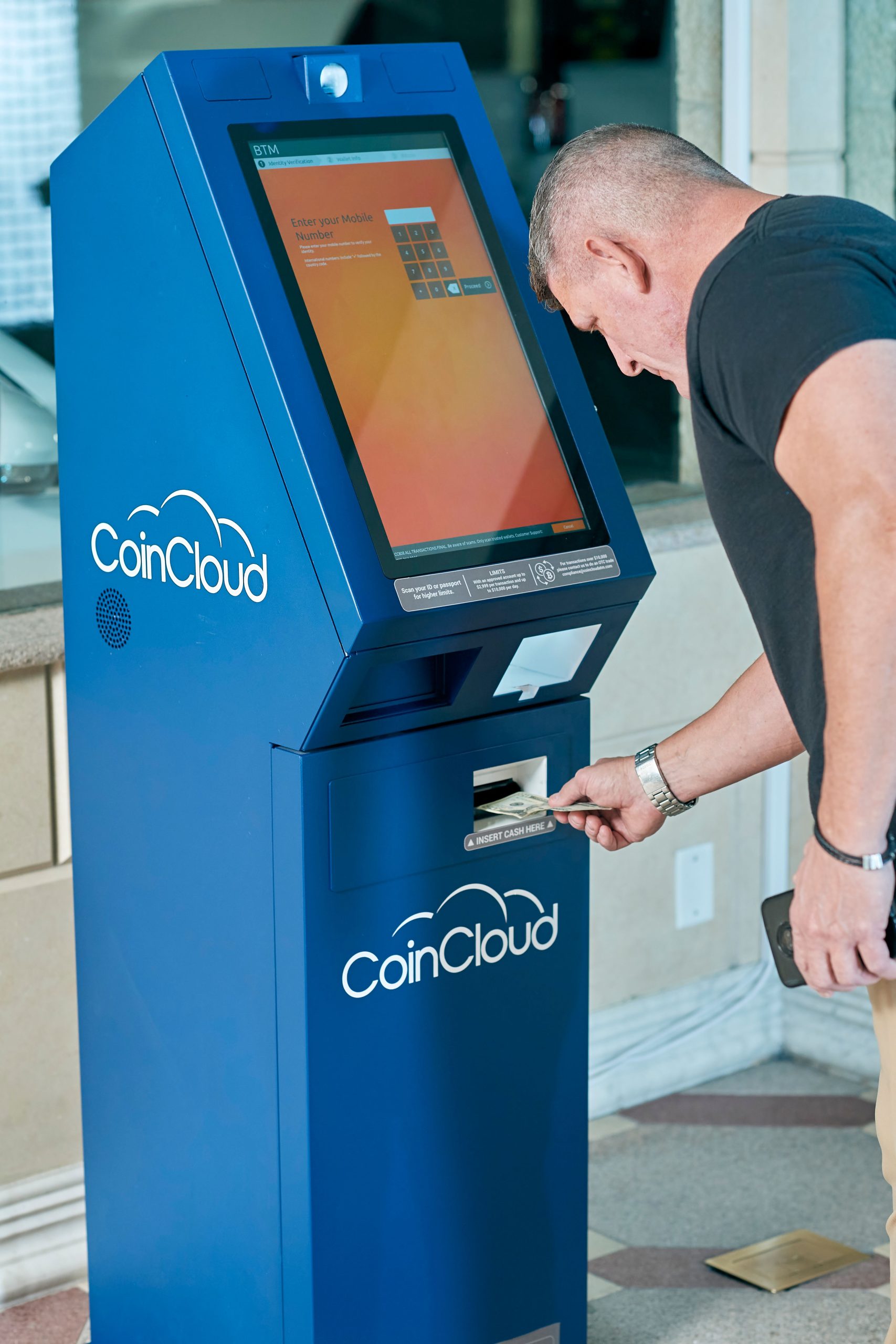
A 10.4 inch Panel PC works best in environments where the operator is close to the screen and the interface is task-focused. That includes industrial control stations, embedded machine interfaces, healthcare carts, compact kiosks, marine or rail systems, and other space-constrained applications.
In factory automation, it can serve as a compact HMI for machine status, alarm acknowledgement, and process control. In healthcare, it is often suitable for bedside workflows, medication carts, and mobile documentation where cleanability and space efficiency matter. In rugged transport environments, the smaller footprint can improve packaging flexibility without sacrificing dependable visibility.
Why Buyers Choose This Size
The 10.4 inch format sits in a practical middle ground. It is smaller than a 15 inch display, but more usable than ultra-compact interfaces that can feel too restricted for real work.
For teams comparing form factors, the Panel PC category page is a useful starting point because it helps narrow the field before selecting a specific size. From there, the main question is not whether the device fits physically, but whether it fits operationally.
Solution Approach
A good 10.4 inch Panel PC solves the compact-space problem by combining a small footprint with enough usability for daily interaction. In most cases, the best solution is an integrated, fanless all-in-one unit with a sealed front bezel, stable mounting, and a touch interface that matches the operator’s workflow.
The real advantage is not just size reduction. A well-designed unit simplifies installation, reduces cable clutter, and improves long-term reliability in environments where separate monitor and PC combinations would be harder to manage.
Readability and Space Trade-Offs
Resolution matters because a small screen has less room to hide a poorly designed interface. A 10.4 inch panel with a clear resolution and sensible layout can support data entry, alarms, and menu navigation effectively, while a dense interface can become tiring very quickly.
Touch technology also matters. Capacitive touch is often preferred for clean, finger-based interaction, while resistive or glove-friendly options may suit harsher environments. Brightness should match the viewing environment as well, especially if the display is used near windows, on vehicles, or in high-ambient-light areas.
For compact comparisons, the 10-inch medical Panel PC is a useful reference point for tighter installations, while the 15-inch medical Panel PC shows where a larger display may be more comfortable for detailed workflows.
Product Selection
The right 10.4 inch Panel PC is not defined by size alone. Buyers should evaluate resolution, touch type, brightness, mounting style, operating system, and environmental protection together.
A compact model with an efficient display ratio can work well for simple HMI screens, while a higher-resolution version may be preferable when the interface includes detailed process data or multiple status windows. Buyers should also compare fanless versus active cooling, embedded OS options, and the availability of industrial connectors, especially when the device will run for long periods in demanding environments.
Implementation
A 10.4 inch Panel PC should be selected with the full system in mind, not as an isolated display. The installation environment determines whether the unit succeeds or becomes a maintenance burden.
In compact machinery, the screen should be easy to reach without forcing the operator into an awkward posture. In healthcare carts, it should stay readable during movement and remain easy to wipe down between uses. In kiosks and control cabinets, the interface should be designed around the display size so the user does not need to zoom or scroll constantly.
Cable routing, ventilation, and service access also deserve attention. A small panel can still create installation problems if the rear depth is ignored or if the connector layout makes maintenance difficult. In practice, the best results come from matching the display to the environment first and the processor configuration second.
Related Reading
If you are comparing options, the Panel PC buyer’s guide is a strong next step for understanding size, touch, mounting, and deployment decisions. For a broader all-in-one hardware perspective, the industrial all-in-one guide helps place the 10.4 inch format in context with other compact and mid-size models.
FAQ
What are the best use cases for a 10.4 inch Panel PC?
It is commonly used in factory automation, healthcare carts, compact control panels, kiosks, marine systems, and other space-limited installations where the operator is close to the screen.
Is 10.4 inches too small for daily operation?
Not necessarily. It works well when the interface is streamlined, and the viewing distance is short, but dense dashboards may feel cramped.
What should buyers check first?
Start with mounting space, interface complexity, visibility needs, touch method, and environmental requirements such as fanless construction or sealed housing.
Which is better: 10.4 inch or 15 inch?
A 10.4 inch Panel PC is usually better for compact installations, while a 15 inch model is often easier to use when more on-screen detail is needed.
Talk to Our Team
If you are planning a compact deployment and need help selecting the right 10.4 inch Panel PC, talk to our team about the display size, mounting method, touch technology, and operating environment. The best choice is the one that fits the space without compromising daily usability.