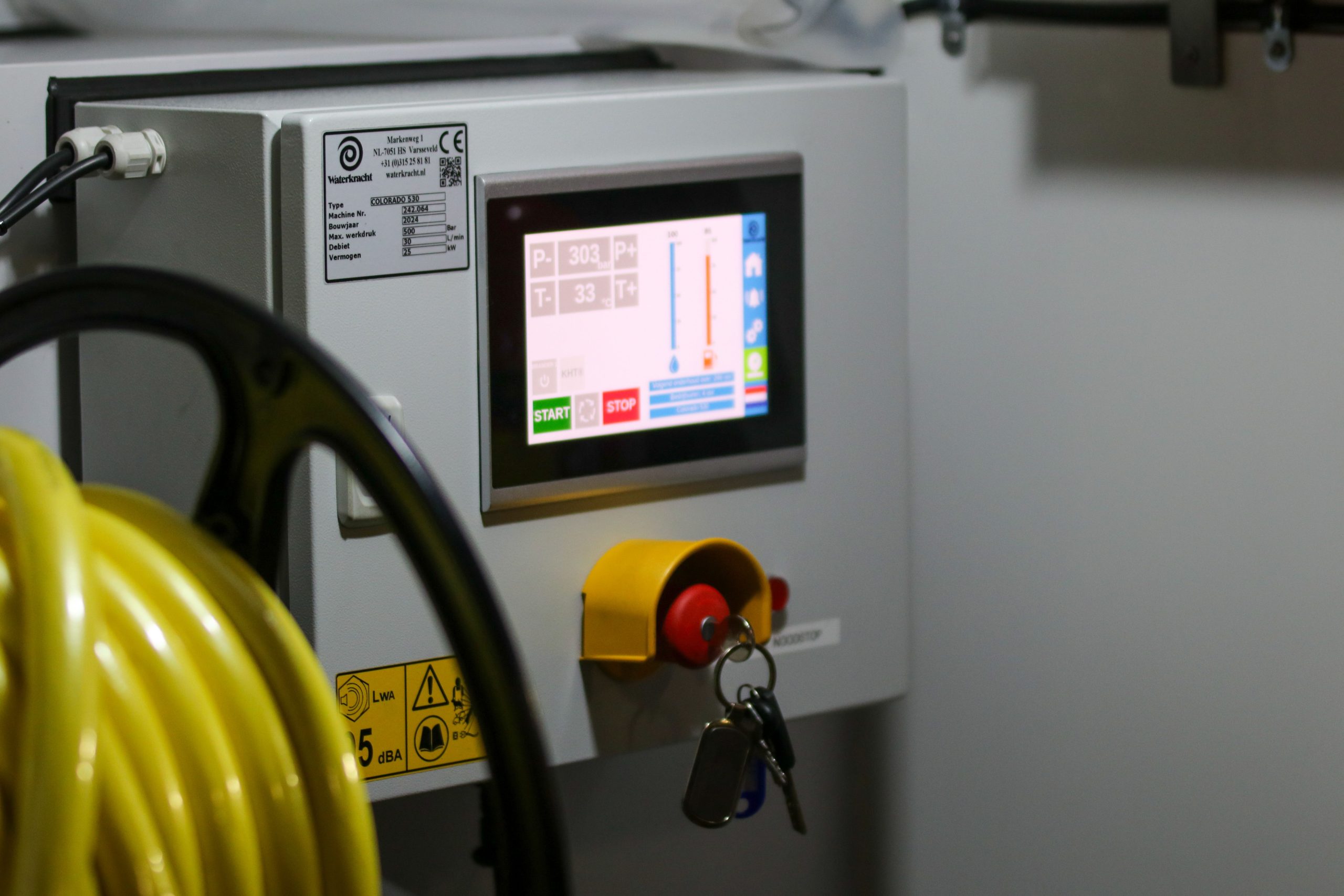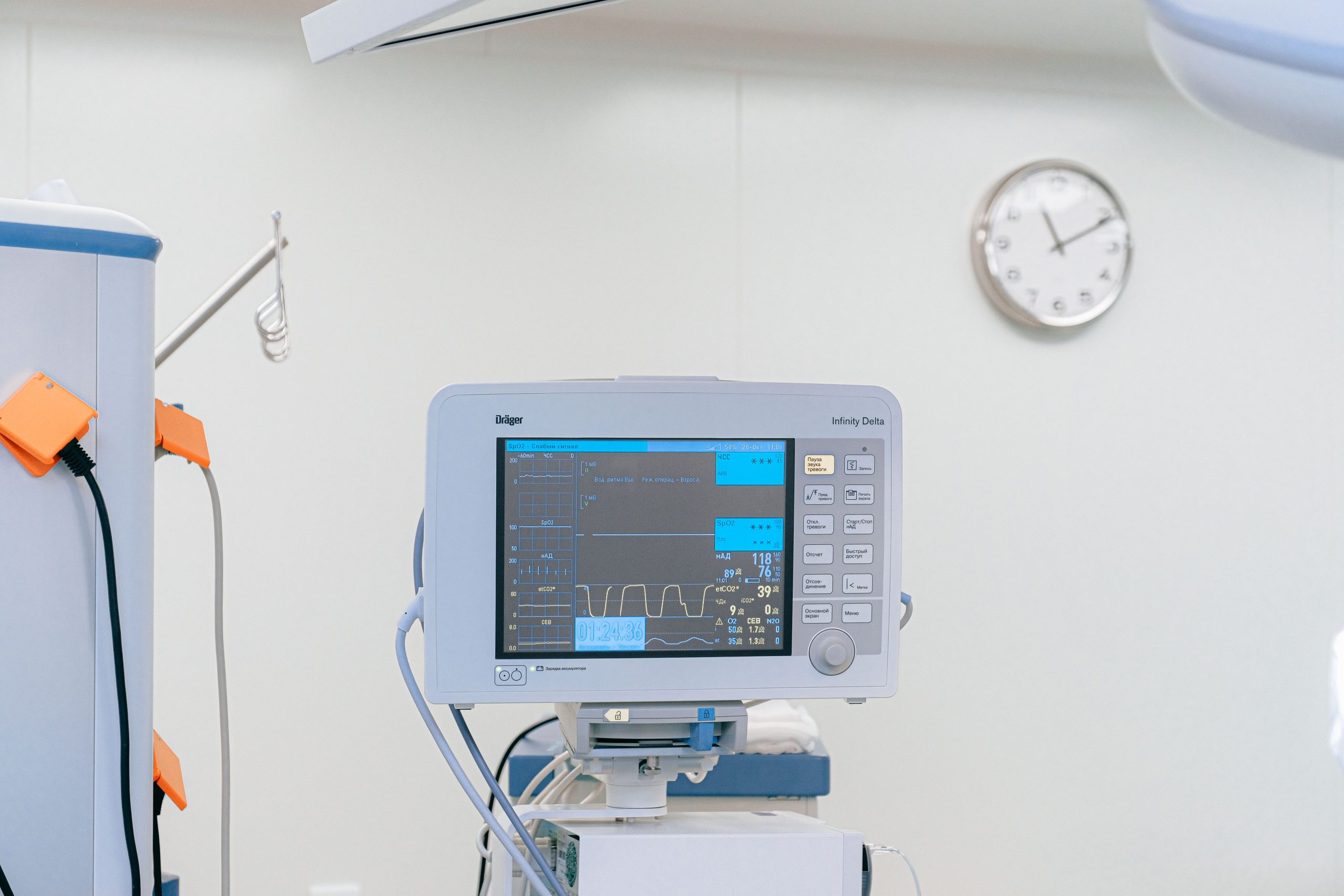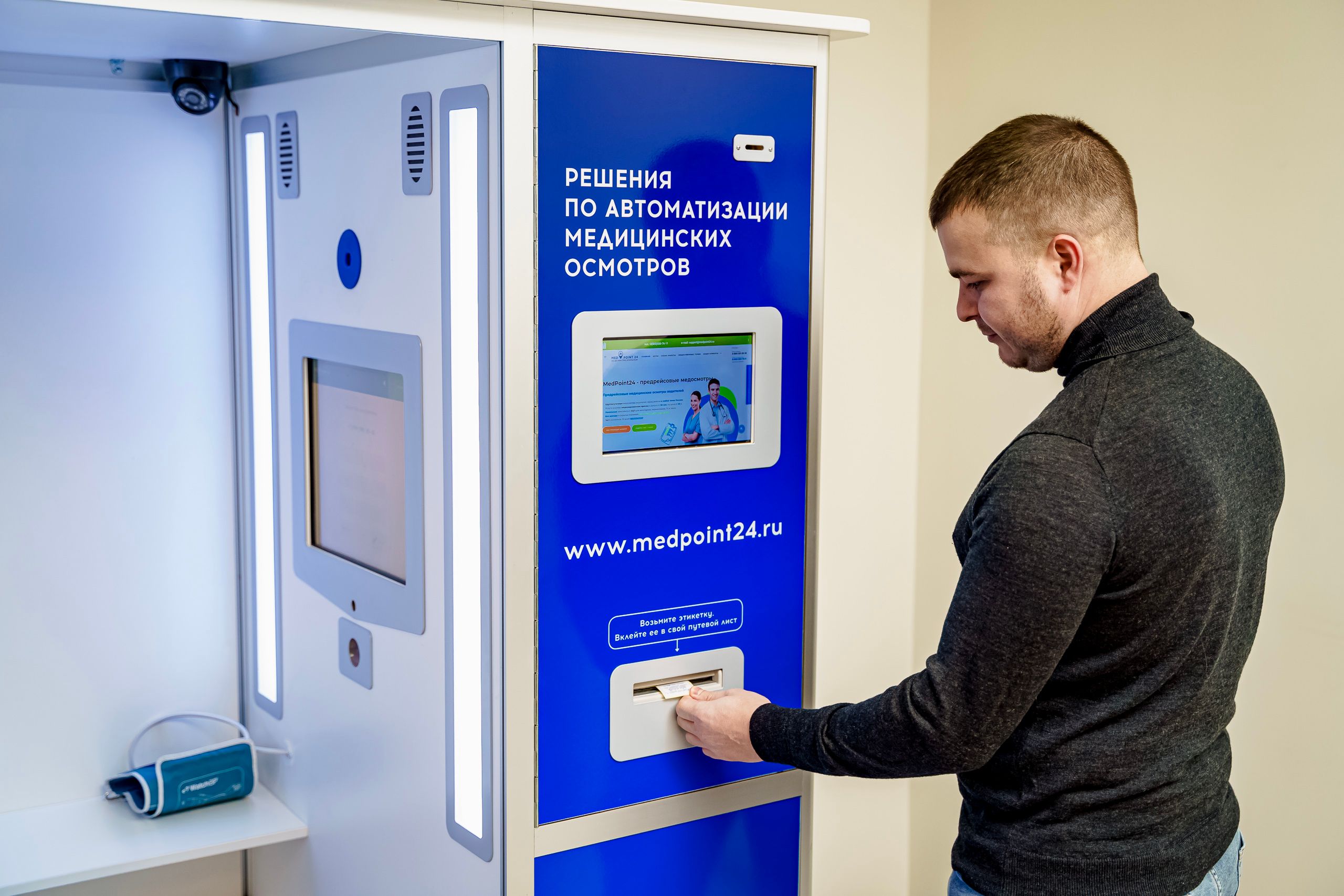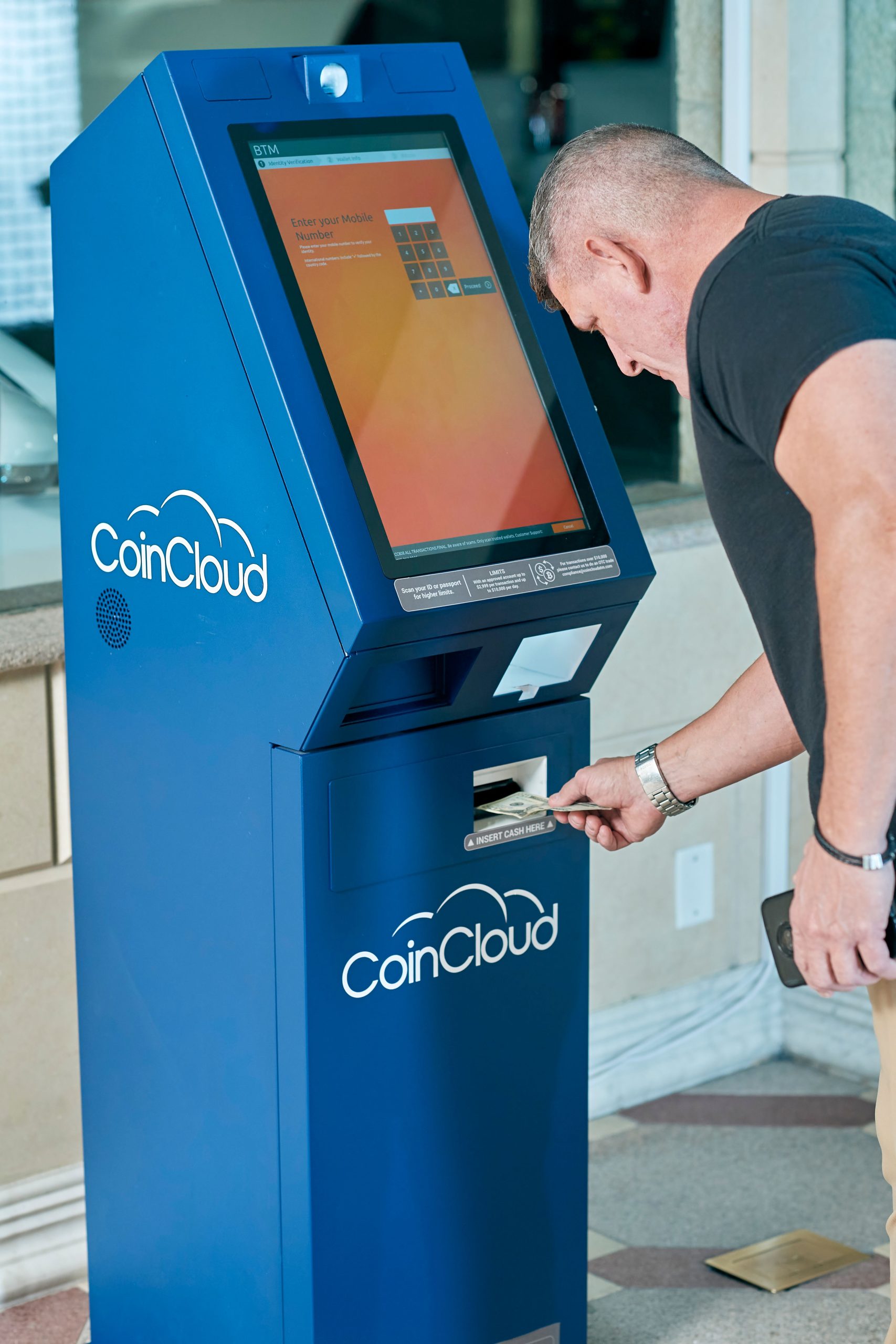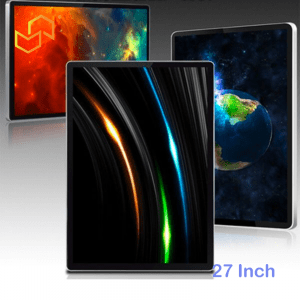


Choosing between a Panel PC Windows and Panel PC Android is not just a software decision. It affects compatibility, deployment speed, long-term maintenance, and how well the device fits your application. For industrial buyers, the right choice usually depends on whether the project is software-driven, app-driven, or built around a specific workflow.
At LCDSLD, this decision matters because the Panel PC line supports both industrial control use cases and smart terminal use cases. If you choose the right system early, the rest of the project becomes easier to design, install, and support.
Why the OS decision matters
The operating system is the part of the Panel PC that shapes the user experience, application compatibility, and maintenance path. A project that depends on Windows software will behave very differently from one that runs a lightweight Android interface. That is why the OS should be selected before you finalise the display size, mounting method, or enclosure design.
In practice, many project delays happen because the hardware is chosen first and the software requirements are decided later. A better approach is to match the OS to the job from the beginning. That saves time, reduces integration risk, and helps the final system feel purpose-built instead of adapted.
Windows strengths
Panel PC Windows is still the standard choice for many industrial environments because it offers broad software compatibility. If a project needs SCADA, MES, PLC-related tools, legacy applications, or Windows-based management software, Windows is usually the safest path. It also fits teams that already manage devices in a Windows ecosystem.
Another advantage is familiarity. Many industrial engineers and IT teams already know how to support Windows-based systems, which can reduce training friction. For projects that need long-term continuity and established software workflows, Windows often remains the most practical option.
Best fit for Windows
Windows is usually the right choice when the Panel PC will be used for:
-
Factory automation and HMI.
-
SCADA and process monitoring.
-
MES or enterprise-connected industrial workflows.
-
Legacy software environments that are already built around Windows.
If your project depends on software compatibility more than speed of deployment, Windows should be the first system you evaluate.
Android strengths
Panel PC Android has become very popular in smart terminals, kiosks, retail interfaces, and lightweight industrial applications. The biggest reason is that Android is fast to deploy, easy to adapt, and well-suited to app-based workflows. For projects that focus on touch interaction and simple operation, Android can be an excellent fit.
Android also tends to be attractive when the total cost of ownership matters. The ecosystem is lighter, the interface is simple, and the device often does not need the same software overhead as a Windows system. In projects where the Panel PC is acting more like an interactive terminal than a full industrial workstation, Android is often the better choice.
Best fit for Android
Android is usually the right choice when the Panel PC will be used for:
-
Smart terminals and self-service devices.
-
Kiosk-style applications.
-
Retail and customer-facing interfaces.
-
Restaurant, hospitality, and information display systems.
If the workflow is app-driven and you want a simpler user experience, Android usually makes the most sense.
Which system Panel PC Windows and Panel PC Android fit which project
A simple way to choose is to start with the software environment. If the Panel PC must run industrial control software, link to existing Windows systems, or support a more traditional automation stack, Windows is usually the correct answer. If the device is being used for a kiosk, a menu screen, a self-service terminal, or a lightweight smart interface, Android is often the better answer.
The two systems are not competitors in every case. They are different tools for different types of deployments. A Windows Panel PC may be ideal for the factory floor, while an Android Panel PC may be better for a retail counter or a public-facing terminal.
Quick decision logic
-
Choose Windows if compatibility, legacy software, and industrial integration are the top priorities.
-
Choose Android if simplicity, app deployment, and lower operating overhead are more important.
-
Choose Linux only when the project has a specific embedded or developer-led requirement.
Hardware factors still matter
Even after you choose the OS, the hardware still needs to be matched to the job. Screen size should fit the viewing distance and the amount of data displayed. Brightness should match the installation environment. Touch technology should fit the way users interact with the unit.
Processor, RAM, and storage also matter more than many buyers expect. A simple touchscreen terminal may run smoothly on modest hardware, but a Windows-based industrial application or dashboard often needs a more capable configuration. Likewise, the number of ports must be checked early if the device needs to communicate with PLCs, printers, barcode scanners, or other peripherals.
Fanless design and lifecycle
Fanless design is a major advantage in industrial Panel PCs because it reduces dust intake and eliminates a moving part that can fail over time. This is especially useful in factories, logistics sites, and other environments where reliability matters more than maximum raw performance. A fanless system also tends to be quieter and easier to maintain.
Lifecycle planning is just as important as the initial spec. If the project has a long service life, you need to consider software support, replacement strategy, and how the operating system will be maintained over time. Windows and Android can both work well here, but the long-term plan should be part of the selection process from day one.
Mounting and service access
Mounting style affects more than installation convenience. Panel PCs can be panel-mounted, VESA-mounted, rack-mounted, or DIN rail-mounted, depending on the project. The correct choice depends on enclosure depth, maintenance access, and how the rest of the machine is built.
Service access is also critical. Front maintenance is best when the back side of the cabinet is hard to reach, while rear maintenance is better when there is enough space behind the installation. This is not a minor detail; it affects cabinet design, service downtime, and the practicality of the overall solution. For OEM projects, it is worth deciding this before finalising the enclosure.
Recommended models and product paths
If you are comparing systems, the easiest way to start is by looking at the category pages and then narrowing down by product type. LCDSLD’s product structure makes that process straightforward because the industrial and Android families are already separated.
-
Explore the Panel PC product category for the full industrial lineup.
-
Explore the Android Panel PC category for app-driven and kiosk-style options.
-
Review the 15 Inch Industrial Panel PC if you want a balanced industrial size with strong practical value.
For deeper reading, these two pillar articles are the best companions:
-
Panel PC: Complete Guide to Industrial All-in-One Computing.
-
Industrial Panel PC Buyer’s Guide: How to Choose the Right Model.
What buyers should remember
The right choice usually comes down to the job, not the brand of the OS. Windows is the stronger option for compatibility-heavy industrial environments. Android is the stronger option for lightweight, app-driven, and customer-facing deployments.
If you are designing a new project, think through these five points before you order:
-
What software must run on the device?
-
Is the application industrial or customer-facing?
-
How much maintenance access will you have?
-
What environment will the unit be installed in?
-
How long does the system need to stay in service?
FAQ
Is Windows always better for industrial Panel PCs?
No. Windows is better when compatibility and industrial software support matter, but Android can be better for kiosks, smart terminals, and simpler interfaces.
Is Android only for consumer-style devices?
No. Android Panel PCs are widely used in commercial and industrial touchscreen applications, especially where app-based interaction is the priority.
Can I use Linux instead of Windows or Android?
Yes, but Linux is usually a more specialized choice for embedded or developer-oriented projects.
Does the OS affect mounting or maintenance?
Not directly, but the project architecture does. Windows and Android systems may have different service, update, and lifecycle requirements that influence installation planning.
If you are planning a new industrial terminal, kiosk, or HMI project, the best next step is to match the OS to the application before finalising the rest of the design. For product recommendations or customisation, contact LCDSLD through the contact page and request a tailored quote.