




Industrial Panel PC vs Open Frame Touchscreen Monitor: Which Is Better?
Choosing between an industrial Panel PC and an open frame touchscreen monitor is usually a question of integration strategy, not just display type. Both can be used in industrial and commercial projects, but they solve different problems. If you need a compact all-in-one terminal, a Panel PC is often the better choice. If you need a display module that can be built into a custom enclosure or machine, an open frame touchscreen monitor may fit better.
For LCDSLD buyers, this comparison matters because many projects sit right between the two categories. The wrong choice can create service headaches, extra cabinet work, or an awkward user experience.
Structure and integration differences
An industrial Panel PC combines the display, touch interface, computer hardware, and enclosure in one integrated unit. That makes it easier to install when the project needs a complete front-facing operator terminal. It is a ready-to-integrate system, which is why it is common in HMI, kiosks, and industrial control stations.
An open frame touchscreen monitor is different because it is designed as a display module for custom integration. It usually has a bare chassis with mounting points and no outer casing, which makes it easier to embed into a machine, kiosk, or enclosure designed by the customer. In other words, the Panel PC is a full solution, while the open frame monitor is a flexible building block.
Why the difference matters
The structural difference affects everything downstream. A Panel PC can shorten development time because the computing layer is already built in. An open frame monitor gives more freedom in mechanical design, but the integrator must add the computer, housing, and often more service planning.
That means the right choice depends on whether your project is driven by speed or customisation. If you want a cleaner all-in-one system, a Panel PC is usually the easier route. If you want full control over the enclosure and user interface design, open frame technology can be a better foundation.
Cost differences
At first glance, open frame touchscreen monitors often look cheaper because they are display modules rather than complete systems. But the total project cost can be misleading if you only compare the front-end hardware. Once you add the separate PC, enclosure design, assembly time, and service planning, the overall cost picture may change.
Industrial Panel PCs can be more cost-effective when you want a complete system with less engineering overhead. They reduce the number of components to source, install, and support. Open frame monitors may win on initial hardware price, but Panel PCs can win on total deployment simplicity.
Installation differences
Panel PCs are often panel-mounted or embedded directly into an enclosure or machine front. That makes them practical when you need a neat, integrated installation with limited room for extra parts. They are especially useful when the installer wants a more standardised, repeatable deployment.
Open frame monitors require more mechanical integration. They work best when the customer is already designing a kiosk, machine, or custom cabinet around the monitor itself. That adds flexibility, but also more design effort and more responsibility on the engineering side.
Service and maintenance differences
Service access is another major difference. A Panel PC is usually designed as a more self-contained front unit, so service planning tends to be simpler if the installation is standardised. Maintenance can still involve front or rear access depending on the enclosure design, but the system itself is already an integrated product.
Open frame monitors often depend more heavily on the surrounding enclosure for maintenance strategy. Because the display is only one part of the whole assembly, serviceability depends on how the integrator built the cabinet around it. If the enclosure is custom and well-planned, maintenance can be excellent. If not, access may become more complicated.
Best-fit use cases for Panel PC
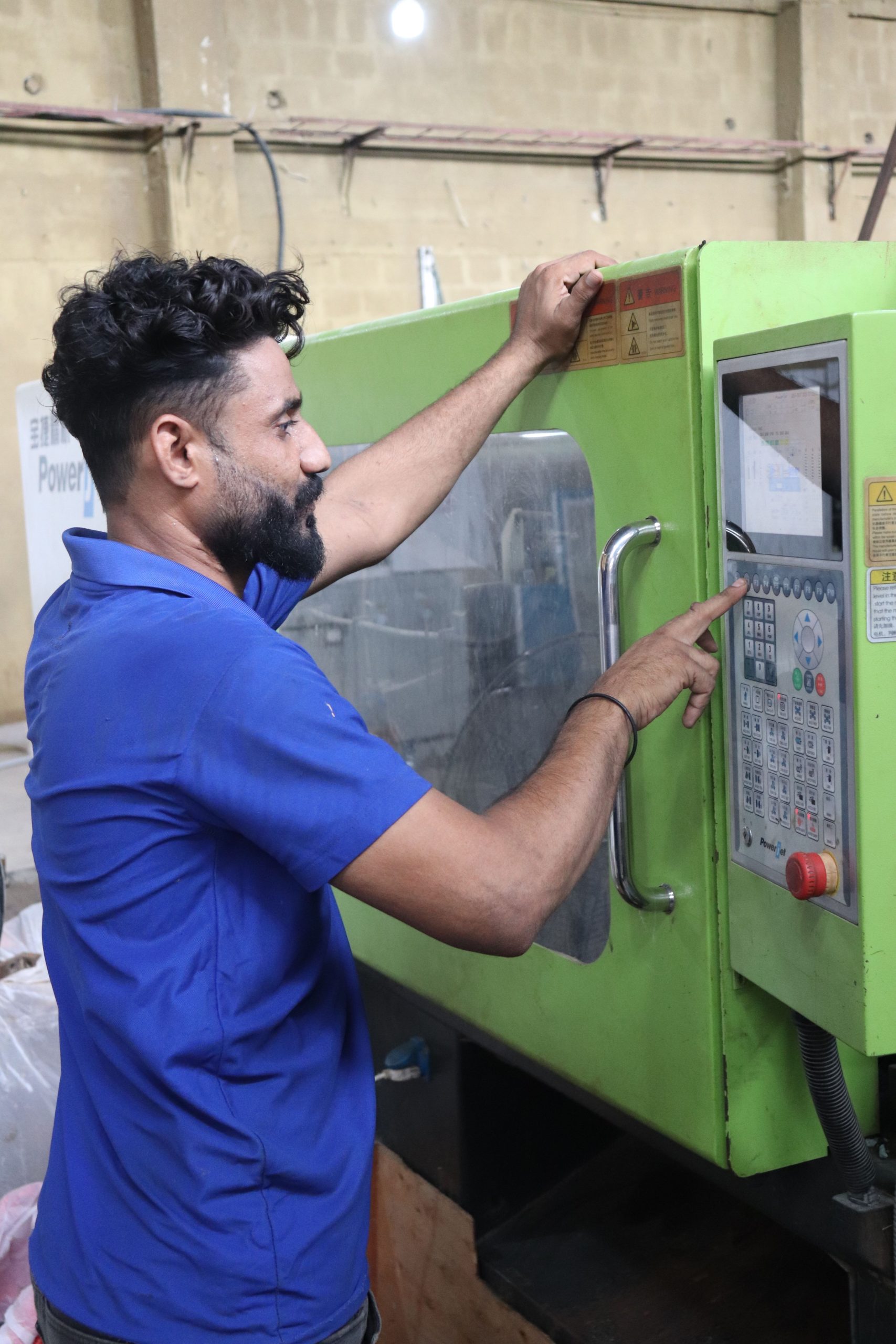
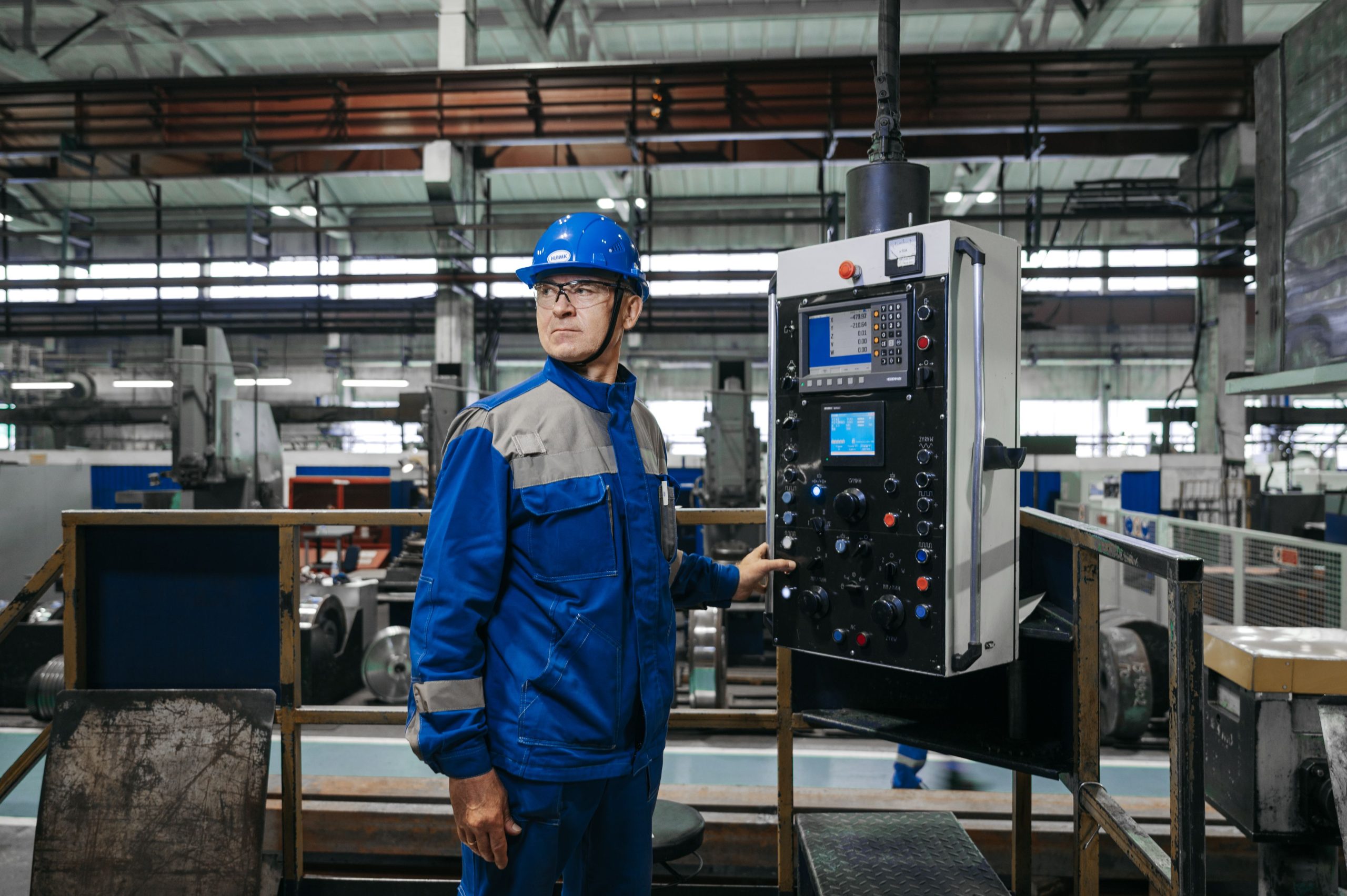
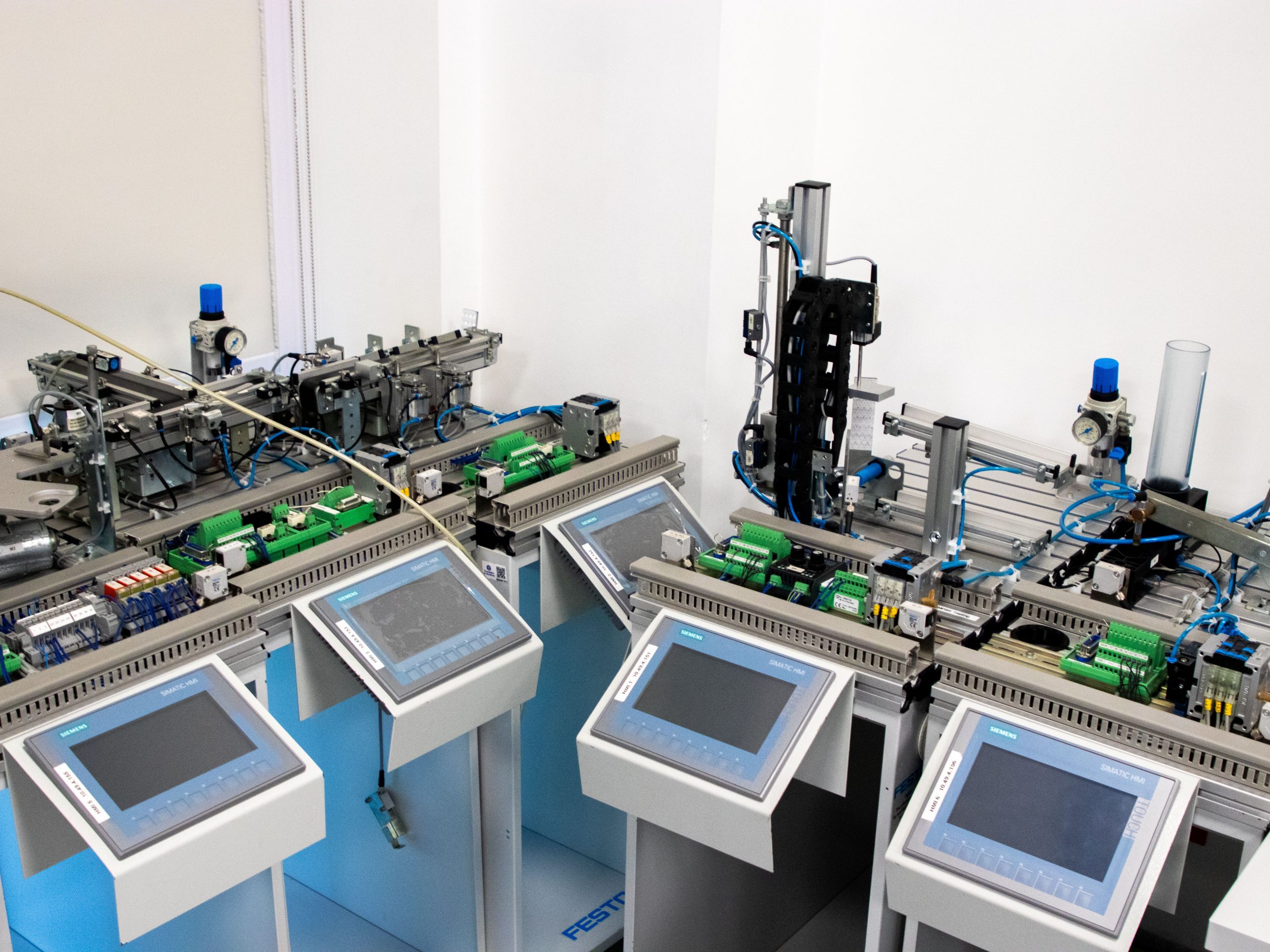
Industrial Panel PCs are usually the better choice when the project needs a compact, integrated operator interface. They are especially well-suited for factory automation, HMI stations, production dashboards, kiosks, healthcare terminals, and smart control equipment. The value is in the ready-made, industrial-grade all-in-one design.
They also make sense when the buyer wants to reduce integration time and simplify procurement. If you need a dependable front-end terminal rather than a display-only module, a Panel PC is usually the safer and faster choice.
Best-fit use cases for open frame monitors
Open frame touchscreen monitors are strongest when the display must be built into a custom enclosure or machine. They are common in kiosks, ATMs, gaming machines, industrial panels, vending systems, and public information terminals. Their open chassis design gives mechanical designers more freedom.
They also make sense when the project already has a separate computer or control system. In that case, the monitor is only one part of the full solution, and the open frame style keeps the integration flexible. For custom OEM builds, that can be exactly what the project needs.
How to choose between them
A simple rule helps most buyers decide:
-
Choose a Panel PC when you want an all-in-one industrial terminal with faster deployment.
-
Choose an open frame touchscreen monitor when you need a display module for a custom enclosure design.
-
Choose based on integration effort, not just hardware price.
If your team is looking for a repeatable industrial product with less engineering overhead, the Panel PC is usually the better fit. If your project is OEM-led and enclosure design is part of the value proposition, an open frame is usually the smarter foundation.
Product paths at LCDSLD
If you want to compare these options in the LCDSLD product structure, the best path is to start with the category pages and then narrow down by product type. That makes it easier to move from comparison to real selection.
-
Explore the Panel PC product category for integrated industrial models.
-
Explore the Android Panel PC category if you want to compare OS-based alternatives too.
-
Review the 15 Inch Industrial Panel PC as a practical integrated option.
-
Review the 32 Inch Commercial Android Kiosk if your project is closer to a kiosk-style deployment.
For deeper reading, these two pillar articles are the best companions:
-
Panel PC: Complete Guide to Industrial All-in-One Computing.
-
Industrial Panel PC Buyer’s Guide: How to Choose the Right Model.
FAQ
Is an open frame touchscreen monitor cheaper than a Panel PC?
Sometimes the monitor itself is cheaper, but the total project cost can rise once you add the separate computer, enclosure work, and integration labour.
Which is better for kiosks?
It depends on the design. Panel PCs are great for all-in-one kiosk terminals, while open frame monitors are ideal when the kiosk enclosure is custom-built around the display.
Which is easier to install?
Panel PCs are usually easier because they are integrated systems. Open frame monitors require more custom enclosure and system design.
Which is better for industrial automation?
Panel PCs are often the better choice when you need a complete industrial terminal. Open frame monitors are better when the customer wants a display-only module inside a larger machine or cabinet.
If your project needs a compact industrial terminal, a Panel PC is often the better choice. If it needs a custom display module inside a machine or kiosk, an open frame touchscreen monitor may be the right fit. For product support or customisation, contact LCDSLD through the contact page and request a tailored recommendation.
 English
  Arabic
  Spanish