

An Android Panel PC is a practical choice when a project needs a touch-driven interface, fast deployment, and a simple user experience. It combines a display, touch layer, and Android-based computing platform in one compact industrial device. For LCDSLD buyers, that makes it especially useful in smart terminals, kiosks, light HMI systems, and customer-facing applications.
The reason Android Panel PCs have gained momentum is simple: they are easy to use, flexible, and often more cost-effective than heavier industrial computing setups. When the application is app-based rather than software-heavy, Android can be the most efficient path forward.
What an Android Panel PC Is
An Android Panel PC is an all-in-one industrial touchscreen device that runs the Android operating system. It usually combines the display, touch interface, processor, storage, and enclosure into one unit designed for embedded or semi-embedded use. This makes it different from a standard tablet or consumer Android device because it is built for commercial and industrial deployment.
The structure matters because it allows the Panel PC to be integrated into kiosks, machines, cabinets, or custom enclosures. In many projects, the goal is to provide a clean, reliable front-end interface without the complexity of a full Windows workstation.
Why Android Is Growing
Android has become a strong choice in smart terminals and kiosk-style projects because it is lightweight, familiar, and efficient to deploy. Many applications today do not need a traditional desktop environment; they only need a responsive touch interface and a stable app platform. Android fits that model very well.
Another reason for growth is cost structure. In many cases, Android-based devices can reduce software overhead and simplify system design. That is especially useful in public-facing projects where the goal is to deliver a focused interaction rather than a full computing environment.
Best-Fit Industries
Android Panel PCs are especially effective in environments where the interface is simple, the workload is predictable, and touch interaction is central. Common industries include retail, hospitality, restaurants, healthcare, education, and kiosk-based self-service systems.
In retail and hospitality, Android Panel PCs are often used for menu boards, information points, or check-in systems. In healthcare and education, they can support patient flow, visitor information, or campus services. In these settings, Android is attractive because the device can be tailored to a single workflow without unnecessary complexity.
Best Use Cases
The strongest use cases are the ones where the software is application-led rather than system-led. Android Panel PCs work well for:
-
Smart terminals in retail or hospitality.
-
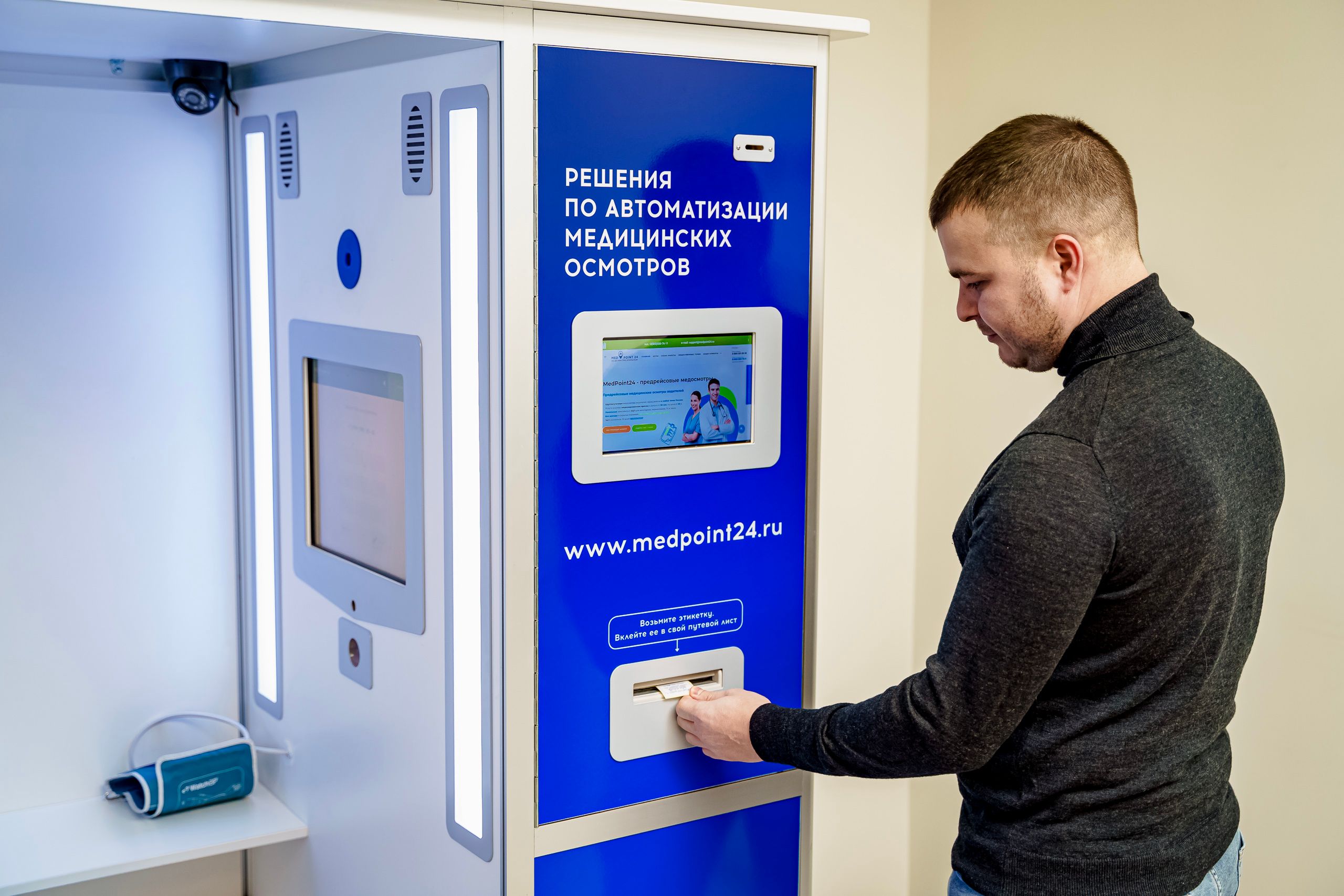
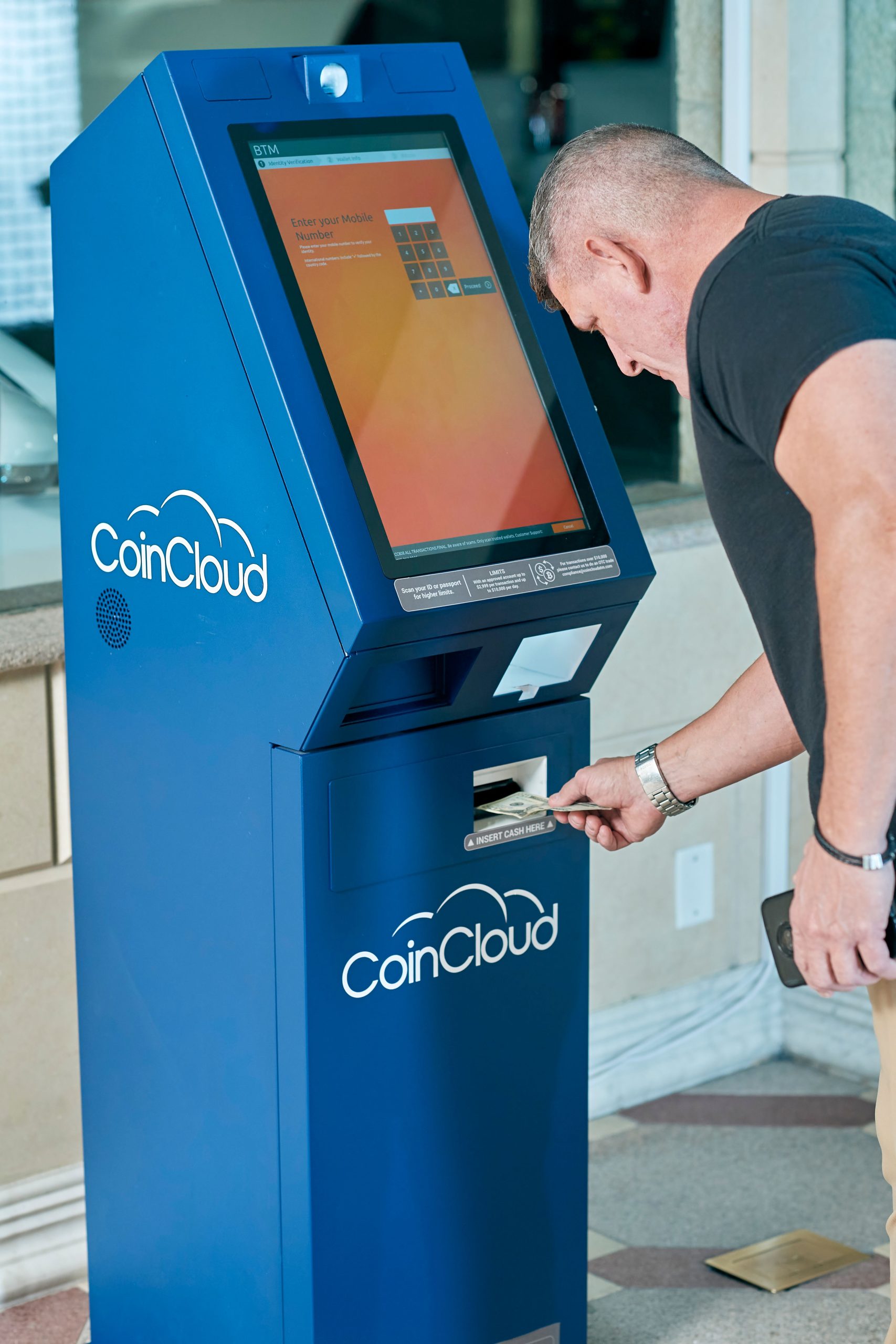
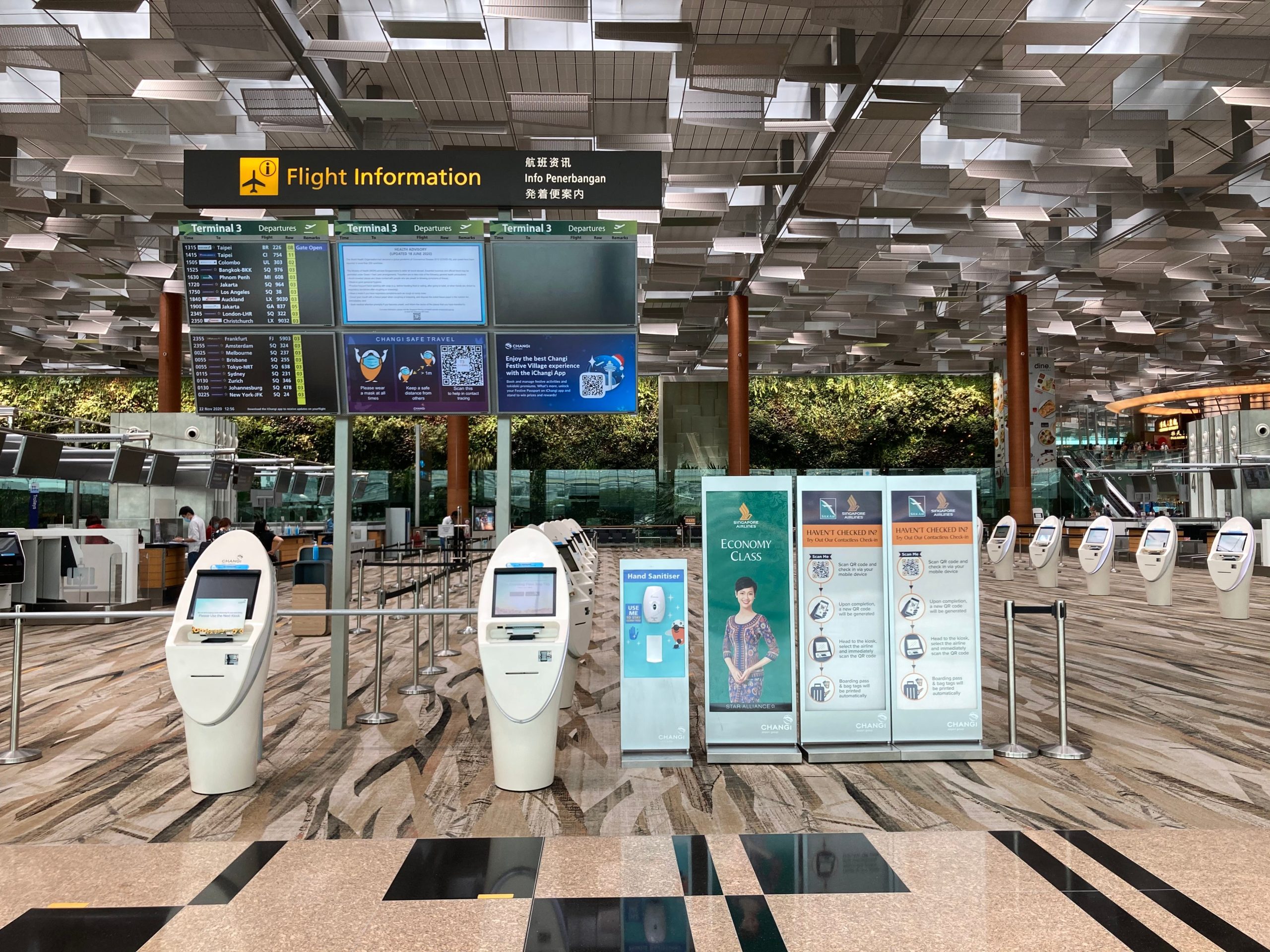
Self-service kiosks for information, ordering, or check-in.
-
Lightweight HMI for equipment or facility control.
-
Digital menu boards and interactive customer touchpoints.
-
Meeting room or lobby signage with touch interaction.
This is why Android Panel PCs often perform best when the task is clear and the user journey is simple. If the project needs a focused interface and quick interaction, Android is often the right platform.
Hardware Considerations
Even though Android Panel PCs are often lighter than Windows-based industrial systems, the hardware still matters. The screen size should match the use case, the touch panel should feel responsive, and the enclosure should suit the installation environment. A compact terminal in a kiosk will need different specs than a wall-mounted information display or an embedded machine interface.
Ports and connectivity also deserve attention. Depending on the project, the device may need LAN, Wi-Fi, Bluetooth, USB, or other interfaces to connect with peripherals or cloud services. A good Android Panel PC should feel simple to use without being limited in integration.
Software and Deployment
Android is often chosen because it makes deployment straightforward. Apps can be designed around a single workflow, which reduces complexity for end users and operators. That is one reason Android is common in kiosks and customer interaction points: the device can be locked into a task-specific experience.
For teams managing multiple units, Android can also support a more standardised deployment model. If every terminal uses the same app and interface, it becomes easier to train staff and maintain consistency across locations. That makes Android particularly useful in chain operations and repeatable installations.
Thermal Design and Reliability
Industrial-grade Android Panel PCs should still be designed for long operation, not just consumer convenience. In real installations, heat dissipation, dust resistance, and enclosure quality can have a major effect on reliability. This is especially true in machinery, kiosks, or public spaces where the device runs for many hours each day.
A well-designed Android Panel PC should offer stable performance, adequate ventilation, and a form factor that fits the cabinet or mounting environment. If the project is going into a demanding space, you should not judge Android as “light” in a weak sense; it should still be selected as a durable industrial product.
Mounting and Integration
Android Panel PCs are often selected because they are easy to embed into a custom enclosure or machine interface. That makes them useful in open-frame builds, kiosks, and integrated machine panels where space is limited. The physical design should therefore be evaluated together with the software plan, not separately.
If the project requires in-wall or panel-mounted integration, the product should support that installation style from the beginning. This is one area where a dedicated industrial model is much better than a consumer tablet solution. You get a more stable fit, better service planning, and a cleaner overall result.
Product Paths at LCDSLD
If you are comparing Android options, the best place to begin is the product category and then narrow down by size and use case. LCDSLD already organises its industrial products in a way that makes comparison easier.
-
Explore the Android Panel PC category for Android-based industrial models.
-
Explore the Panel PC product category if you want to compare Android with Windows-based industrial units.
-
Review the 32 Inch Commercial Android Kiosk as a larger interactive terminal reference.
-
Review the 15 Inch Industrial Panel PC if you want to compare Android and Windows sizing options.
For deeper reading, these two pillar articles are the best companions:
What Buyers Should Remember
Android Panel PCs are strongest when the project is simple, interactive, and app-based. If the application needs heavy industrial software or legacy Windows compatibility, Windows may be the better fit. But if you want a focused experience for kiosks, smart terminals, or lightweight HMI, Android is often the most efficient option.
A good buying decision usually comes down to five questions:
-
Is the interface app-based or software-heavy?
-
Will the device be used by staff, customers, or both?
-
How much deployment simplicity do you need?
-
What kind of enclosure or mounting is required?
-
How long must the device operate reliably?
FAQ
Is the Android Panel PC good for industrial use?
Yes, when the application is suitable for Android, and the hardware is industrial-grade rather than consumer-grade.
Is Android better than Windows?
Not always. Android is better for lightweight, app-driven use cases, while Windows is better for compatibility-heavy industrial workflows.
What industries use Android Panel PCs most often?
Retail, hospitality, kiosks, healthcare, education, and smart terminal applications are common use cases.
Can Android Panel PCs be embedded into custom enclosures?
Yes. Many industrial models are designed for integration into kiosks, machines, and custom panels.
If your project needs a simple, reliable, and touch-friendly interface, an Android Panel PC may be the most practical choice. For product support or customisation, contact LCDSLD through the contact page and request a tailored recommendation.