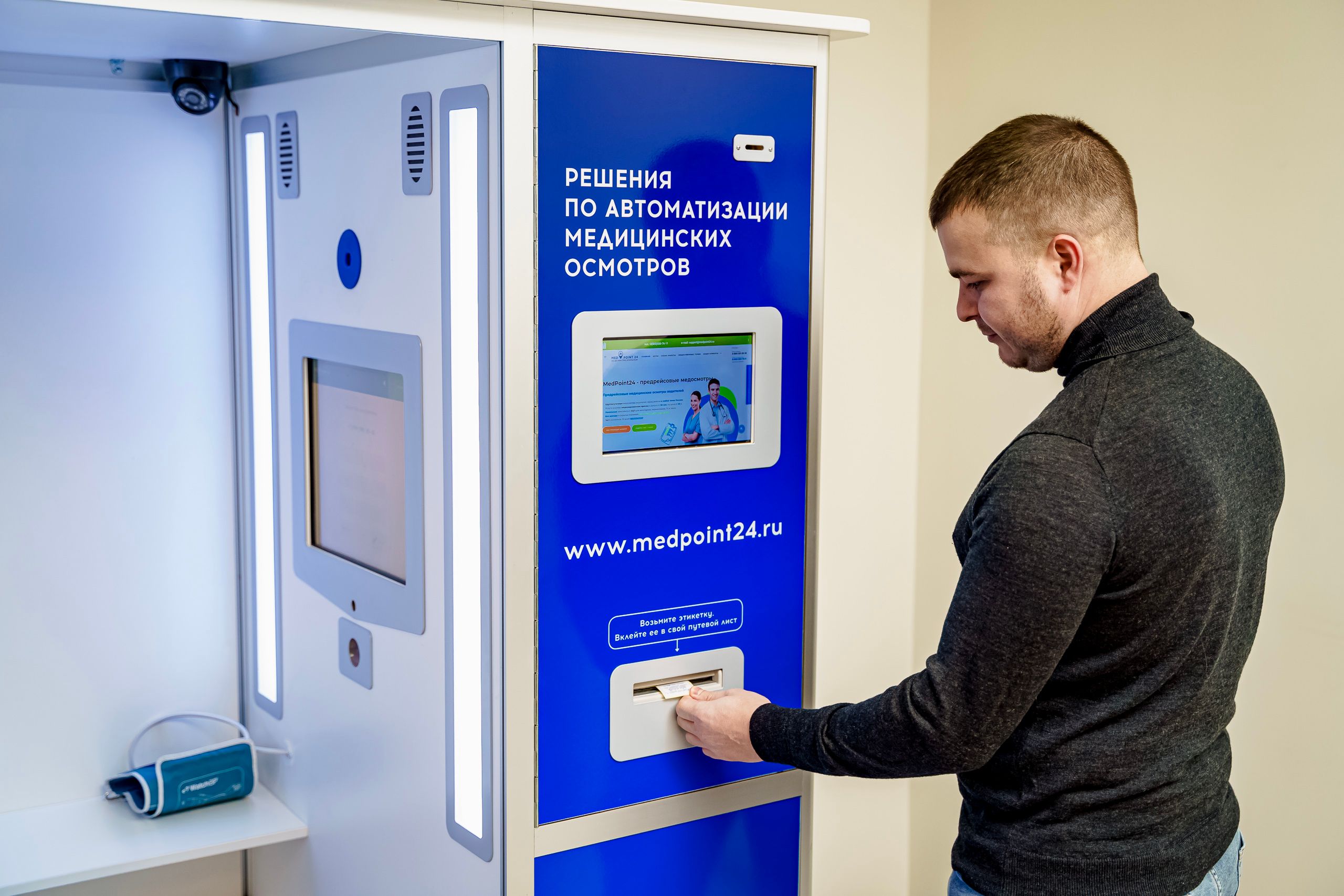
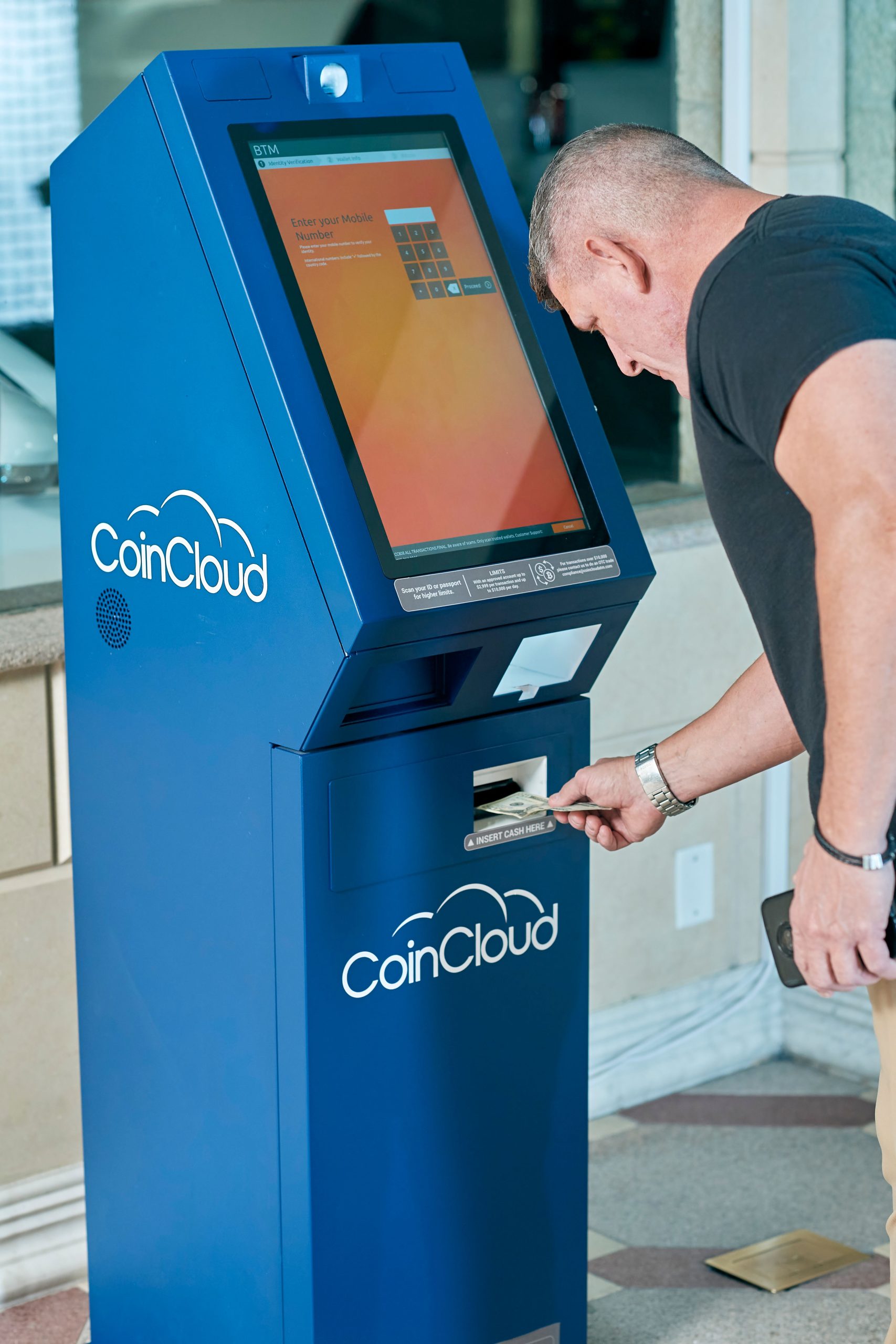
A small-sized digital screen kiosk gives you a professional way to present information, promote products, or support self-service without overwhelming the environment. When space is limited, the right display can make a big difference.
For compact retail counters, reception desks, showroom corners, narrow corridors, and small service areas, a 21.5-inch kiosk display or 27-inch digital kiosk can deliver the visibility you need in a footprint that still feels manageable.
At LCDSLD, we design kiosk solutions that balance performance, installation practicality, and commercial presentation. If your project needs a compact display that still looks polished and works reliably, this size range is often the most efficient place to start.
Why Small-Size Digital Screen Kiosks Matter
Not every project benefits from a large screen. In many spaces, a smaller kiosk is the better choice because it fits naturally into the layout and keeps the area open, clean, and easy to navigate.
Small-format kiosks are especially useful where foot traffic is close to the display, where counter space is limited, or where the kiosk needs to support information delivery without becoming the main visual object in the room.
That makes small kiosk displays a strong fit for environments that value both functionality and presentation.
21.5 Inch vs 27 Inch: Which One Fits Better?
Both sizes are practical for compact installations, but they serve slightly different needs.
A 21.5-inch kiosk display is often the better fit when:
-
The installation area is very limited.
-
The kiosk sits close to the user.
-
The content is simple, focused, and easy to read.
-
You want a low-profile solution for counters, walls, or corners.
A 27-inch digital kiosk is often the better fit when:
-
You want a little more screen presence.
-
Users may view the display from a slightly greater distance.
-
The layout needs more room for menus, promotions, or multiple content blocks.
-
You want a stronger balance between compact size and readability.
If you are deciding between the two, the simplest rule is this: choose 21.5 inches for tighter spaces, and choose 27 inches when visibility matters a little more.
A practical selection guide
-
Choose 21.5 inches if the display will be seen at close range.
-
Choose 27-inch if the display needs slightly more visual impact.
-
Choose 21.5 inches if the kiosk should stay discreet.
-
Choose a 27-inch if you want more room for content without going to a large format.
Common Use Cases for 21.5–27 Inch Kiosk Displays
Small kiosk screens are widely used in commercial environments where space efficiency matters.
Retail counters
A compact kiosk can display featured products, promotions, loyalty messaging, or ordering support without crowding the checkout zone. In smaller stores, this helps maintain a clean and professional customer experience.
Reception and check-in areas
In lobbies, clinics, and service desks, a compact kiosk can present welcome messages, instructions, queue information, or simple self-service options. It supports smooth visitor flow while reducing pressure on staff.
Food and beverage service points
Smaller kiosk displays are often used for menu boards, promotional offers, digital ordering, and quick payment workflows in space-constrained restaurant layouts. They are especially valuable where the front counter must remain efficient and uncluttered.
Showrooms and product corners
In retail display environments, a small kiosk can add product storytelling, feature comparisons, or campaign content without competing with the products themselves. It works well as a supporting sales tool.
Pop-up and temporary installations
Because they are compact, these kiosks can be deployed quickly in exhibition booths, seasonal activations, and modular retail setups. They offer a strong blend of flexibility and professional presentation.
Hotels, clinics, and public service venues
A 21.5–27-inch kiosk is also suitable for guest guidance, appointment flow, room direction, or service prompts in places where users need clear information at a glance.
Industry solutions page:https://lcdsld.com/product-category/kiosk/
Space Planning for Tight Areas
The best small kiosk is not just compact; it is well integrated into the environment.
Best placement areas
-
Next to a wall.
-
Beside a checkout counter.
-
In a corner of the lobby.
-
Near a queue line.
-
At the edge of a product display zone.
-
Inside a small booth or pop-up structure.
What to avoid
-
Areas with poor visibility.
-
Locations where the kiosk blocks traffic flow.
-
Positions that make cable routing difficult.
-
Spots where nearby fixtures reduce access or readability.
In compact spaces, the goal is to place the kiosk where it supports the room instead of competing with it.
Floor space vs wall space
In many small environments, floor space is more valuable than wall space. A compact kiosk lets you create a digital touchpoint while keeping the overall layout open and comfortable.
Design Tips for Compact Kiosk Installations
Compact installations work best when the design is simple, clean, and easy to understand.
Keep the interface focused
Use large text, limited choices, and a clear visual hierarchy. A small screen should not be overloaded with too much information at once.
Match screen size to viewing distance
If users stand close to the display, a 21.5-inch model may be enough. If the display needs to be visible from a bit farther away, a 27-inch model may provide a better balance.
Use vertical space effectively
In compact layouts, vertical orientation can help the kiosk feel easier to place and more visible from a distance. This is especially useful in corridors, corners, and narrow service zones.
Leave room for servicing
Even a small kiosk needs access for cable management, maintenance, and future updates. Tight does not mean inaccessible.
Consider lighting conditions
Bright retail or lobby environments can affect visibility. A screen with good brightness, contrast, and anti-glare treatment helps content remain readable.
Make the purpose obvious quickly
A small kiosk should communicate its purpose in seconds. Whether it is for check-in, information, offers, or menu content, the user should understand what to do immediately.
Buyers’ guide or size selection guide
https://lcdsld.com/digital-screen-kiosk-complete-guide/
https://lcdsld.com/digital-kiosk-display-buyers-guide/
Performance Requirements for Small Kiosk Displays
A small kiosk still needs commercial-grade performance, especially if it will be used in a busy public or business environment.
Brightness
The screen should remain readable in bright indoor spaces, near windows, and under strong store lighting. Visibility is one of the most important factors for small displays.
Resolution
Because small screens are often read from close range, sharp image quality matters. Clear text and crisp graphics help the kiosk look professional and easy to use.
Touch or non-touch
Some projects require interaction, while others only need display content. A touch-enabled model works well for self-service, but a non-touch kiosk may be a better fit for signage-style use. The right choice depends on the user task.
Durability
For commercial use, the enclosure, glass, and internal hardware should be suitable for repeated daily operation. This matters in retail, hospitality, and public-facing spaces.
Connectivity and content control
A good kiosk should be easy to update. Whether the content changes daily or runs on a schedule, the workflow should remain simple and stable.
Installation and service access
Ask how the kiosk will be mounted, how maintenance will be handled, and how much space is needed for servicing. In compact areas, this is often overlooked until it becomes a problem.
How to Choose the Right Size
If you are deciding between 21.5 and 27 inches, think about space, viewing distance, and content complexity.
Choose 21.5 inch if:
-
The area is very tight.
-
The screen is close to the user.
-
You want a low-profile solution.
-
The content is short and focused.
-
Preserving space is the main priority.
Choose 27 inch if:
-
You want stronger visibility.
-
Users may stand a bit farther back.
-
The content needs more layout room.
-
You want the kiosk to feel more present without becoming large.
Simple rule of thumb
If space is the main challenge, start with 21.5 inch.
If visibility is the main challenge, start with 27 inch.
In real projects, the best choice is usually the one that makes the space work better, not just the one with the larger screen.
Our 21.5–27 Inch Digital Screen Kiosks
LCDSLD offers kiosk solutions that can be adapted for compact spaces, small retail footprints, and fixed service points.
21.5 inch kiosk options
A 21.5 inch kiosk display is a strong choice for counters, compact lobbies, and smaller service areas where the footprint must stay minimal.
27 inch kiosk options
A 27 inch digital kiosk gives you more screen room while staying compact enough for many indoor applications. It is a practical option when you want more presence without moving to a large format.
Product link opportunities
Touchscreen monitor category:https://lcdsld.com/product-category/touchscreen-monitor/
Why choose LCDSLD
Working with a manufacturer helps you match size, mounting style, enclosure, and usage scenario more precisely. It also makes customisation and future scaling easier if your project expands.
If you are planning a compact installation, send us your project details, and we can help you choose the right size and format.
When to Choose Small vs Large Kiosks
Small kiosks are not better in every case. They are simply better when the environment demands efficiency, clarity, and a smaller footprint.
Choose a small kiosk if
-
The area is narrow or compact.
-
The kiosk must fit near a wall, counter, or corner.
-
You want a simpler installation.
-
The content is short and easy to read.
-
The kiosk should blend into the environment.
Choose a larger kiosk if
-
The screen needs to attract attention from farther away.
-
The venue has an open lobby or a large floor area.
-
The kiosk needs to support more content.
-
The display is part of a stronger brand statement.
In many projects, screen size is only one part of the decision. The real goal is to create the right experience for the space.
Frequently Asked Questions
Is a 21.5 inch kiosk display too small?
Not necessarily. It can be ideal for counters, lobbies, and compact service areas where close viewing is expected.
Is a 27 inch digital kiosk better than a 21.5 inch model?
It depends on the layout. A 27 inch kiosk usually offers more visibility, while a 21.5 inch model is better for tighter spaces.
Are small kiosks only for retail?
No. They are also used in hospitality, healthcare, food service, showrooms, and public-facing environments.
Can small kiosks be interactive?
Yes. Small kiosks can be touch or non-touch, depending on the project requirements.
What is the best use for a small-sized digital screen kiosk?
The best use is any space where you need a clear display but do not have room for a larger unit.
If you want help choosing the right format, contact our team for a tailored recommendation.