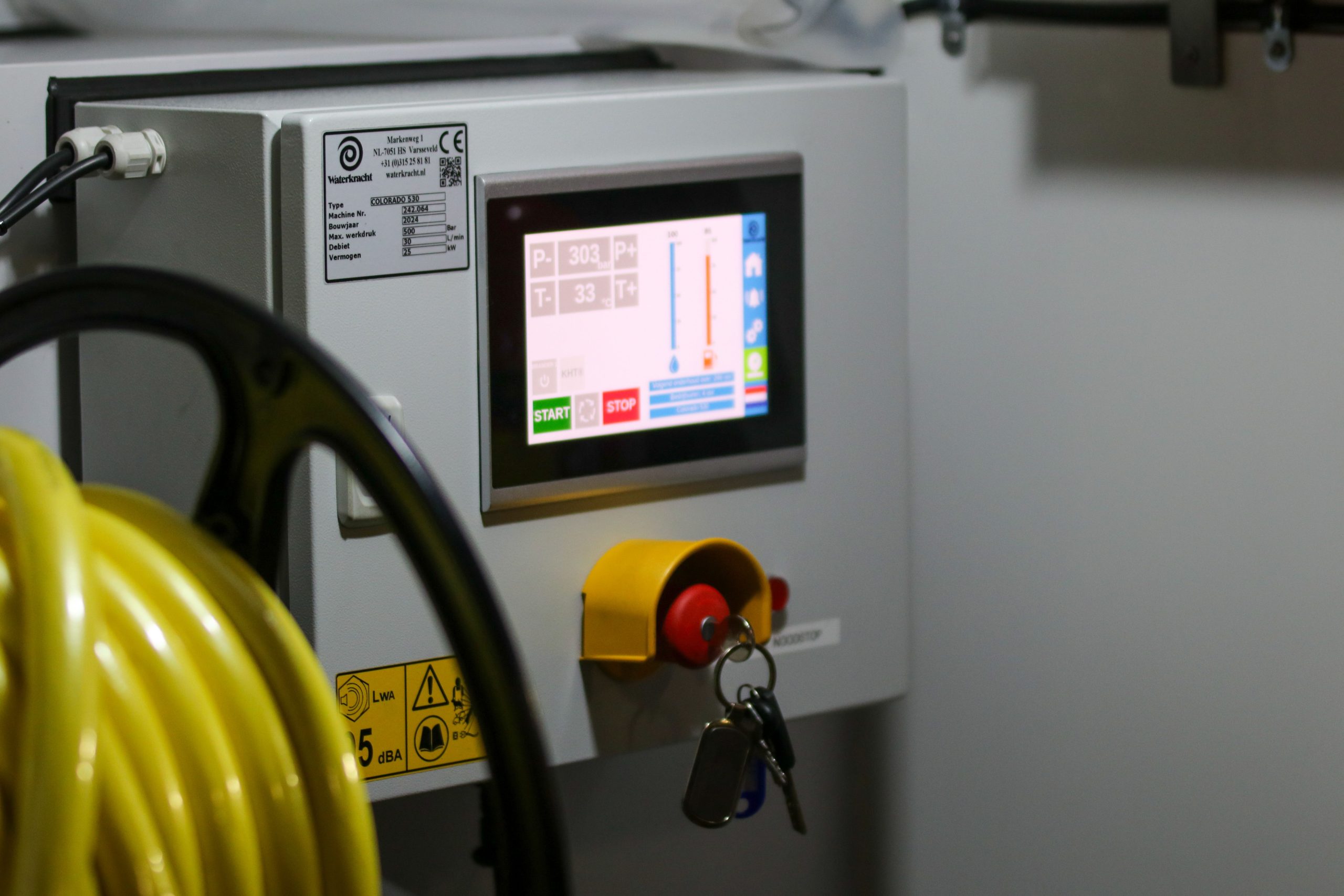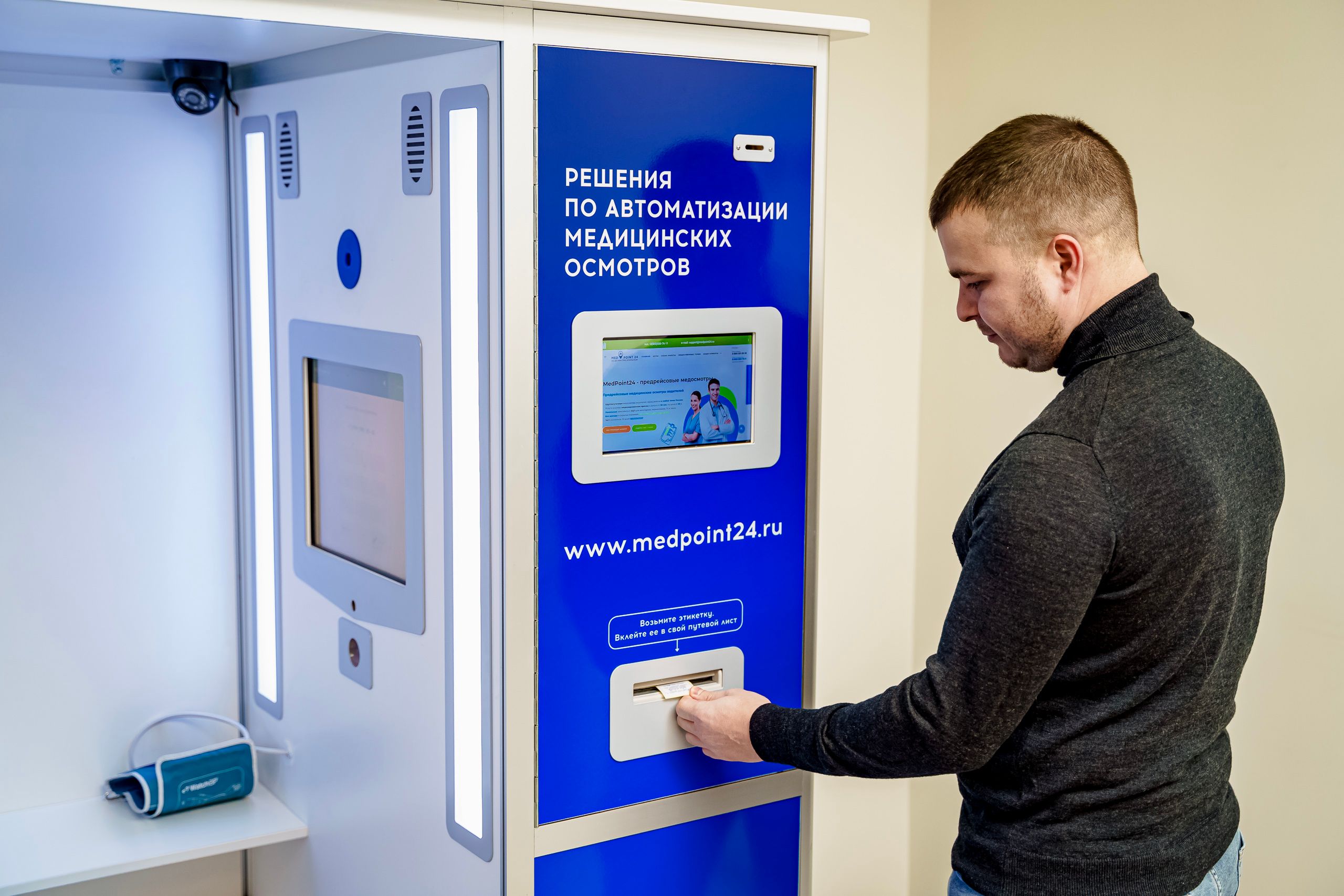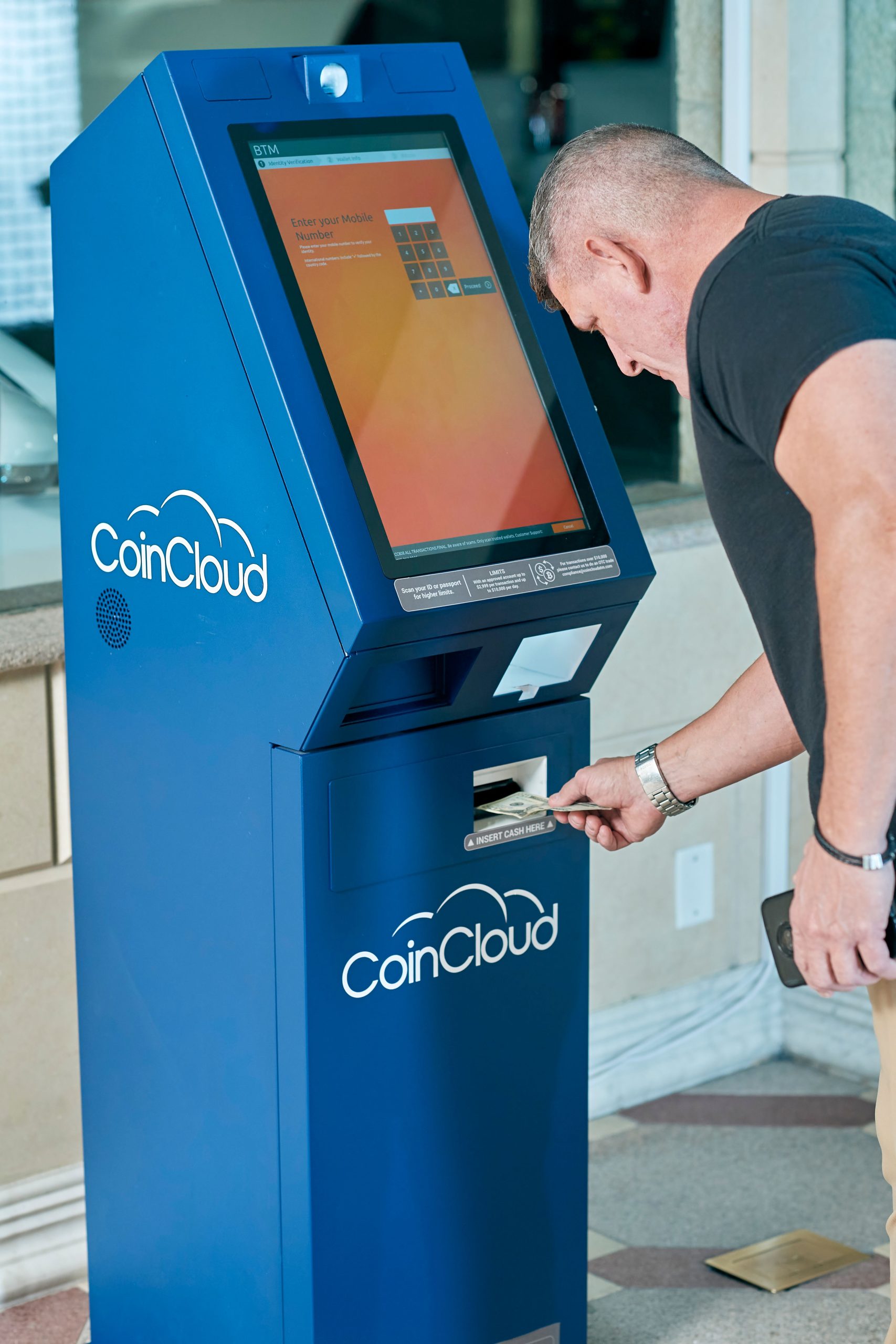
Outdoor digital screen kiosks have to do more than look good. It must survive weather, resist tampering, stay readable, and keep working in public environments where downtime is costly, and damage is always a possibility.
At LCDSLD, outdoor kiosk design is treated as a protection system as much as a display system. That means IP ratings, enclosure strength, glass selection, cooling, and service access all have to work together if the kiosk is going to perform reliably in the field.
Why Outdoor Kiosks Need More Protection
Outdoor digital screen kiosks face a much wider set of risks than indoor displays. They deal with dust, rain, humidity, UV exposure, temperature swings, accidental impacts, and intentional vandalism.
A kiosk that looks fine on paper can still fail in the real world if its enclosure is not built for the environment. That is why outdoor buyers should treat protection as a core buying criterion, not a secondary detail.
The right protection strategy helps reduce maintenance, improve uptime, and extend the life of the installation.
What IP Ratings Mean
IP ratings are one of the most important ways to judge how well a kiosk can resist dust and water ingress. The rating helps buyers compare protection levels more objectively rather than relying on vague “weatherproof” claims.
The basics of IP protection
An IP rating uses two digits. The first digit refers to protection against solids like dust, and the second digit refers to protection against liquids like water.
For outdoor kiosks, both matter. Dust protection helps the electronics stay clean and stable, while water protection helps the kiosk survive rain, spray, and cleaning conditions.
Common IP levels for kiosks
-
IP65 means dust-tight and protected against water jets.
-
IP66 offers stronger protection against more powerful water jets.
-
IP67 is designed to handle temporary immersion under defined conditions.
-
IP68 is used for more demanding waterproof requirements in specialised cases.
For many outdoor kiosk deployments, IP65 is often considered the minimum practical baseline, while more exposed locations may require a higher level depending on site conditions.
How to read the rating correctly
An IP rating does not automatically mean the kiosk is ready for every outdoor environment. A high IP value helps with dust and water, but it does not cover every challenge, such as impact, heat, or vandalism.
That is why outdoor kiosk selection should always combine IP rating with structural and thermal design.
Where IP Ratings Matter Most
The value of a high IP rating becomes obvious when the kiosk is placed in a real public environment.
Street-level public kiosks
Street-facing kiosks are exposed to rain, wind-driven dust, splashes, and constant public access. These units need strong ingress protection and solid front-end sealing.
Transit and parking environments
Transit hubs, parking areas, and curbside locations expose kiosks to weather and heavy traffic at the same time. Outdoor-rated protection is essential because the kiosk may be used all day, every day.
Retail plazas and storefronts
Retail locations often mix open air, partial shelter, and high foot traffic. These kiosks need to balance durability, visibility, and presentation because the screen also serves a brand role.
Campus and civic installations
Universities, public agencies, and civic spaces often need kiosks that can run unattended for long periods. In these settings, protection affects both reliability and operating cost.
What Makes a Kiosk Vandal-Proof
A vandal-proof kiosk is designed to reduce the chance of damage, theft, and unauthorised access. It is not about making a kiosk “invincible.” It is about making the system harder to damage, harder to open, and easier to maintain securely.
Reinforced enclosure design
A strong enclosure gives the kiosk its structural backbone. Materials, frame thickness, and internal supports all matter because the cabinet must resist knocks, forced entry, and environmental stress.
Impact-resistant front glass
The front face is the most exposed part of the system. Tempered or laminated glass is often used to improve resistance to impact and surface damage.
Tamper-proof access
Locks, hidden service points, and secure panel designs help keep unauthorised users out of the internal hardware. This is especially important in unattended locations where the kiosk may be accessible after hours.
Hidden cable management
Exposed cabling creates both a safety risk and a tampering risk. A well-designed kiosk keeps wires internal and protected wherever possible.
Internal shock protection
Inside the enclosure, components should be mounted and supported so that vibration, impact, or frequent access does not loosen critical connections.
Design Features That Improve Durability
Outdoor durability is not achieved by one feature alone. It comes from the way the entire kiosk is engineered.
Ventilation and thermal control
Outdoor kiosks need cooling systems that can manage heat without compromising protection. Active cooling, filtered vents, and smart airflow help keep internal components stable.
UV resistance and weathering
Sun exposure can age materials quickly. Outdoor surfaces, paint, and coatings should be selected for long-term UV resistance and visual stability.
Corrosion resistance
If the kiosk will be used in humid, coastal, or chemically exposed areas, corrosion resistance becomes even more important. Material choice and finish quality can make a major difference over time.
Serviceable but secure access
A good outdoor kiosk must be secure, but it should not be impossible to maintain. The best designs balance tamper resistance with practical access for technicians.
How to Choose the Right Protection Level
The right protection level depends on where the kiosk will be installed and how it will be used.
Start with the site conditions
Ask whether the kiosk will be fully exposed, partially sheltered, or mostly protected by architecture. Then look at dust levels, rain exposure, temperature swings, and expected daily use.
Assess public access risk
A kiosk in an attended retail location has different risks from one in an unattended public plaza. The more exposed the unit is, the stronger the vandal-proof design should be.
Match protection to business value
If the kiosk supports ticketing, payment, navigation, or critical public information, downtime is more expensive. Higher protection can be justified when the kiosk is mission-critical.
Balance protection and cost
More protection usually means more engineering and cost. The goal is not to overspec every project, but to specify enough protection to match the actual environment.
Plan for long-term ownership
A kiosk should be evaluated not just for purchase price, but for maintenance frequency, component replacement, and expected operating life. In many cases, stronger protection lowers the total cost of ownership.
Why Work With a Manufacturer
Outdoor kiosk projects are easier to get right when the manufacturer understands both the display and the enclosure.
LCDSLD’s outdoor kiosk and digital kiosk display portfolio is built around real deployment conditions, which means protection, brightness, cooling, and installation can be considered as a system instead of as separate products.
What manufacturer support adds
-
Better IP-level alignment with the environment.
-
More realistic vandal-proof design choices.
-
Better integration of brightness, cooling, and enclosure.
-
More practical service planning.
-
Stronger consistency for multi-site rollout.
Typical customization areas
-
IP protection target.
-
Glass type.
-
Cabinet material.
-
Locking method.
-
Cooling structure.
-
Port placement.
-
Branding finish.
-
Mounting configuration.
LCDSLD Outdoor Digital Screen Kiosk Solutions
LCDSLD supports outdoor kiosk projects where durability and public-facing reliability are equally important.
For buyers comparing outdoor solutions, that means we can help define the right protection level from the start instead of retrofitting protection after the kiosk is already designed. In practice, that leads to better performance, lower risk, and a more polished final installation.
If your project needs an outdoor digital screen kiosk with the right IP rating and vandal-proof construction, send us your requirements, and we can recommend a tailored solution.
How to Start Your Project
The best way to start is with a short project brief that clearly describes the environment.
Share these details
-
Indoor, semi-outdoor, or fully outdoor use.
-
Weather exposure.
-
Dust exposure.
-
Public access level.
-
Operating hours.
-
Screen size preference.
-
Touch or non-touch.
-
Mounting style.
-
Maintenance access requirements.
Ask the right questions
Before selecting hardware, ask:
-
What IP level does the site really require?
-
Will the kiosk face rain or direct spray?
-
Is vandal resistance a priority?
-
Will technicians need easy access?
-
Is the location unattended overnight?
Design for the real environment
A kiosk should be chosen for the conditions it will actually face, not for idealised lab assumptions. That is the fastest way to reduce service issues and improve deployment success.
FAQ
What is IP65 in an outdoor kiosk?
IP65 means the enclosure is dust-tight and protected against water jets, which is a common baseline for outdoor kiosk protection.
Is IP66 better than IP65?
Yes. IP66 provides stronger resistance to water jets than IP65, making it better suited to harsher conditions.
What makes a kiosk vandal-proof?
Reinforced enclosure design, impact-resistant glass, secure locks, hidden cabling, and protected access points all contribute to vandal resistance.
Do outdoor kiosks need tempered glass?
In many cases, yes. Tempered or laminated glass improves impact resistance and helps protect the display face.
Can LCDSLD customise outdoor protection features?
Yes. LCDSLD can tailor outdoor kiosk solutions around IP level, enclosure design, cooling, and deployment needs.
If you want help selecting the right configuration, contact our team for a tailored recommendation.