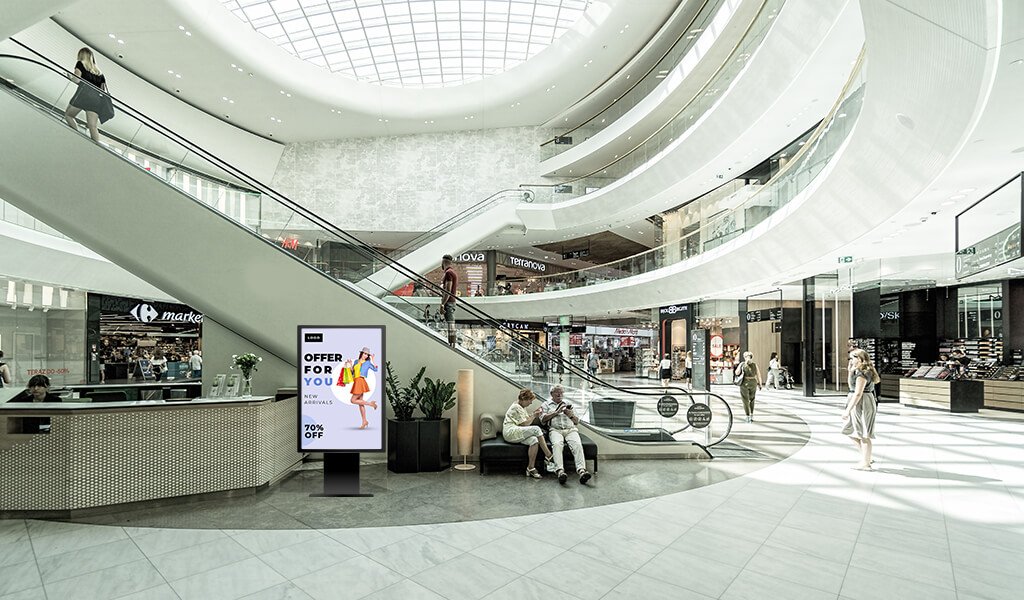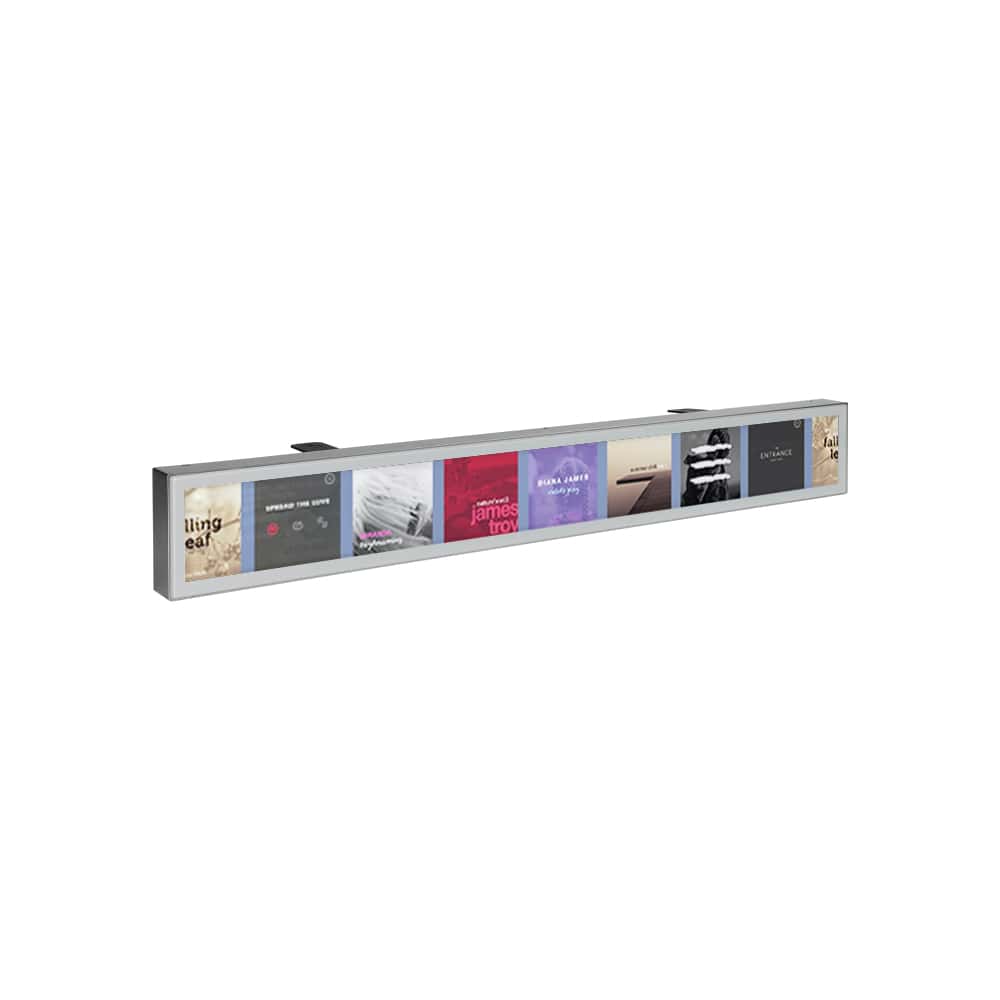
A custom digital kiosk display is the right choice when standard hardware cannot fully match your space, brand, workflow, or user experience. Whether you need a custom kiosk screen solution for a retail flagship, a hospitality lobby, a museum, a healthcare reception area, or a multi-site rollout, customisation helps ensure the kiosk works as a natural part of the environment rather than a compromise.
At LCDSLD, custom kiosks are designed to support both visual impact and operational performance. From housing design to embedded Android players, the goal is to create a solution that fits the project instead of forcing the project to fit the product.
When Off-the-Shelf Kiosks Are Not Enough
Standard kiosks are often a good starting point, but they do not solve every problem. In some projects, the screen size is right, but the enclosure is wrong. In others, the software is fine, but the installation format, brand finish, or hardware integration does not fit the venue.
This is where a bespoke digital screen kiosk becomes valuable. Customisation can improve the kiosk’s fit in three major ways:
-
It matches the space more accurately.
-
It reflects the brand more consistently.
-
It supports the actual user workflow more effectively.
For projects with specific design language, unusual footprints, or integration requirements, custom work is usually the most efficient long-term choice.
Custom Kiosk Display Design Process
A successful custom kiosk project follows a clear process. The more structured the process, the better the final result tends to be.
Requirements collection
The first step is understanding what the kiosk needs to do. This includes the display purpose, target audience, installation location, operating environment, software requirements, and service expectations.
Typical questions include:
-
Is the kiosk for information, self-service, promotion, or navigation?
-
Will users interact with the screen?
-
Is the kiosk indoors or outdoors?
-
Does the project need one unit or a multi-site rollout?
-
Are there brand or architectural restrictions?
The clearer the requirements, the faster the project can move from concept to prototype.
Industrial design and prototyping
Once the requirements are clear, industrial design begins. This stage focuses on the overall look, footprint, screen placement, accessibility, and brand consistency.
Prototyping is especially important because it helps validate proportions, usability, and installation practicality before full production. A good prototype can prevent costly issues later in the project.
Hardware selection
After the form factor is defined, the next step is selecting the right hardware. This may include display size, touch technology, mounting style, enclosure material, internal PC or media player, speakers, and cable routing.
The goal is to make the kiosk durable, easy to maintain, and appropriate for the expected traffic level.
Software integration
Hardware is only part of the solution. The kiosk also needs a software layer that supports the user journey. This could include Android-based media playback, a browser-based application, a directory system, a self-service interface, or a custom branded UI.
A good kiosk should feel simple to the user and manageable for the operator.
Key Customisation Options
Custom kiosk projects are most valuable when the product can be adapted to the exact use case. Some clients need a subtle, minimalist enclosure. Others need a high-impact branded display that becomes part of the environment.
Size
One of the biggest advantages of customisation is screen size flexibility. Depending on the application, a kiosk may be compact, mid-size, or large-format. The right size depends on viewing distance, content density, and floor plan.
Enclosure
The enclosure can be customised in shape, material, finish, and structure. A kiosk may need a slim profile, a heavy-duty base, a wall-mounted frame, or a freestanding housing that suits a premium retail or hospitality environment.
Branding
Branding is often a major reason to choose custom over standard. Colours, logos, graphic panels, lighting effects, and decorative surfaces can all help the kiosk align with the space and the brand identity.
Operating system
Depending on the project, the kiosk may run Android, Windows, or another embedded platform. Some projects use dual-OS flexibility, while others use a dedicated media player or internal PC.
Touch or non-touch
Some kiosks are designed for direct interaction, while others work best as display-only units. The right configuration depends on whether the user needs to tap, browse, select, or simply view information.
Peripheral integration
Custom kiosks can also support printers, scanners, card readers, cameras, sensors, and other peripherals. This is especially important for self-service, payment, ticketing, check-in, and visitor management applications.
Benefits of Working Directly with a Manufacturer
Working directly with a manufacturer gives you more control over the outcome. It also helps reduce the number of handoffs between design, engineering, and production.
Better project alignment
A manufacturer can adapt the kiosk to the actual use case rather than only offering a fixed catalogue option. That usually results in better space fit, better aesthetics, and better functionality.
Faster design feedback
When the product team, engineering team, and production team are aligned under one roof, it becomes easier to review changes, refine details, and move from concept to prototype.
More practical customisation
Some customisation looks good on paper but creates maintenance issues later. Working with a manufacturer helps make sure the design is not only attractive but also practical to build and support.
Better long-term support
A custom kiosk is rarely a one-time purchase. It often becomes part of a larger deployment or an evolving user journey. Manufacturer support helps with updates, replacement planning, and future expansion.
Example Custom Digital Kiosk Projects
Custom kiosk projects can look very different depending on the environment. Here are a few common examples that show why custom matters.
Retail brand kiosk
A fashion retailer may need a branded kiosk with a unique enclosure, custom colour palette, and embedded Android player for campaign content and product browsing. In this case, the kiosk supports both visual identity and customer engagement.
Mall directory kiosk
A shopping mall may require a large interactive kiosk with wayfinding software, tenant directories, and clear navigation for visitors. The enclosure, screen height, and interface layout all need to support heavy foot traffic.
Hotel concierge kiosk
A hotel may want a sleek, premium lobby kiosk that matches the interior design while offering guest information, local attractions, and event guidance. In this case, the kiosk is as much a part of the guest experience as the signage itself.
Healthcare reception kiosk
A clinic or medical centre may need a compact, easy-to-clean kiosk that supports patient check-in, appointment verification, and directional support. Durability, hygiene, and software simplicity matter more than decorative features.
Exhibition or showroom kiosk
A trade show exhibitor may need a kiosk with custom branding, integrated lighting, and a presentation workflow that helps visitors explore products quickly. In this situation, the kiosk becomes both a display and a lead-generation tool.
How to Start Your Custom Digital Kiosk Display Project
The best way to start is with a clear brief. A detailed brief helps the manufacturer understand the project faster and recommend the right structure, hardware, and software direction.
Start with the basics
Before requesting a quote, prepare the following:
-
Project purpose.
-
Installation location.
-
Target users.
-
Screen size preference.
-
Touch or non-touch requirement.
-
OS preference.
-
Branding or enclosure requirements.
-
Target timeline.
Share the use case
A kiosk designed for self-service will not be built the same way as one designed for advertising or wayfinding. The more clearly you explain the use case, the better the solution will match the real environment.
Ask for prototype support
If the project is complex, ask whether prototype or pre-production review is available. This is one of the most effective ways to confirm size, fit, and usability before full production.
Plan for scale
If the kiosk may be deployed in multiple locations later, tell the manufacturer early. That can influence material choice, software architecture, and maintenance planning.
If you have a project in mind, send us your requirements, and we can recommend the right custom kiosk screen solution.
Why Custom Kiosks Often Deliver Better ROI
A custom solution may require more planning upfront, but it often performs better over time. That is because it fits the environment, supports the user workflow, and aligns with brand goals from the beginning.
When a kiosk is easy to place, easy to use, and easy to recognise, it is more likely to get used consistently. That improves the business value of the investment and reduces the need for workarounds later.
Frequently Asked Questions
What is a custom digital kiosk display?
It is a kiosk solution designed around a specific project’s size, branding, hardware, and software requirements rather than a standard off-the-shelf model.
When should I choose a custom kiosk screen solution?
Choose custom when standard products do not fit the space, user flow, brand identity, or functional requirements.
Can a bespoke digital screen kiosk include Android?
Yes. Embedded Android players are a common option for custom kiosk projects, especially for signage and content-driven applications.
Can LCDSLD customise both hardware and enclosure?
Yes. LCDSLD can support customisation across the enclosure, screen size, operating system, and integration requirements.
How long does a custom kiosk project take?
The timeline depends on requirements, prototype needs, and production scope. A clear brief usually shortens the process and improves accuracy.
If you want to get started, contact our team for a tailored recommendation.