
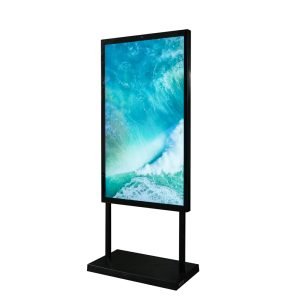
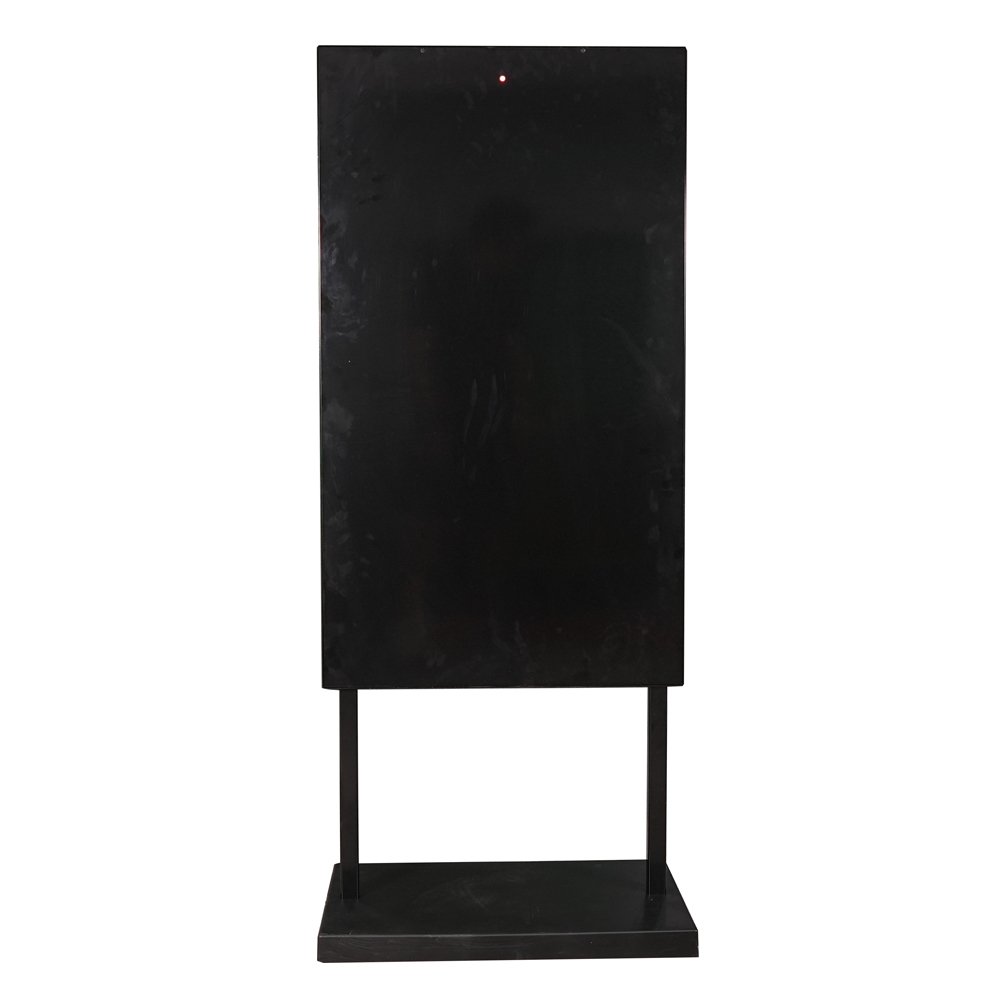




Wayfinding digital kiosk display solves one of the most universal problems in modern public spaces: helping people navigate complex environments quickly and intuitively. Whether it’s a shopper finding a specific store in a multi-level mall, a hospital visitor locating a specialist clinic, or an airport passenger reaching the correct gate, effective wayfinding kiosks reduce frustration, save time, and improve the overall customer experience.
This comprehensive guide covers everything you need to know about the wayfinding digital kiosk display: proven UI/UX design principles, hardware specifications by environment, touch technology considerations, backend integration strategies, and real-world deployment examples from Southeast Asia and the Middle East.
Continuing our series: Android Digital Kiosk Guide | Shopping Mall Kiosks | Indoor vs Outdoor Comparison
Why Wayfinding Digital Kiosk Display?
Lost visitors cost businesses real money. Studies show:
-
Shopping malls: 35% of staff time spent answering “where is it?” questions
-
Hospitals: 40% longer patient journey times due to poor navigation
-
Airports: $12 average revenue loss per confused passenger
-
Corporate campuses: 25% lower meeting attendance from navigation frustration
Wayfinding digital kiosk display delivers immediate ROI through:
-
70% average interaction rate in high-traffic locations
-
45–90 second average session (long enough for promotions)
-
25–35% store conversion from search to visit
-
5–12% loyalty signup rate during navigation
In our recent Shopping Mall Kiosk analysis, wayfinding accounted for 70% of all kiosk interactions.
UI/UX Design Best Practices for Wayfinding digital Kiosk Display
Great wayfinding isn’t about fancy graphics—it’s about intuitive flows that work for all users.
Core Design Principles
– Fingers average 10–14mm touch area
– Critical for gloves, long nails, and children.
Never more than 3 screens deep
Never overwhelm with 100+ options upfront. MULTI-MODAL INPUT
Voice search + text + category icons + floor plans
Information Hierarchy (Proven 5-Level Structure)
├── Dining (40 icons)
├── Fashion (35 icons)
├── Electronics (25 icons)
├── Services (15 icons)
└── Entertainment (10 icons)
Level 4: Interactive map with path
Level 5: Storefront with offers/parking
Accessibility Requirements
– Colour contrast: 4.5:1 minimum
– Text resize: 200% without loss
– Keyboard navigation support
– Screen reader compatibility
– Multilingual audio guidance
Regional considerations:
-
Southeast Asia: 4+ languages per kiosk (English, Bahasa, Chinese, Thai)
-
Middle East: Right-to-left Arabic + English bi-directionally
Hardware Recommendations by Environment
Different wayfinding scenarios demand different specifications.
Shopping Mall Atriums (Primary Navigation)
Brightness: Glass-heavy environments
Touch: 10-point PCAP (smooth gestures)
Height: 1.5m from floor (eye-level)
Orientation: Portrait (max info density)
Platform: Android 13+, 8GB RAM
Ideal for: Main entrances, escalator landings, central atriums
Hospital Corridors (Secondary Navigation)
Touch: PCAP with glove support
Height: 1.4m (wheelchair accessible)
Anti-microbial coating
Multilingual medical icons
Ideal for: Department hallways, waiting areas
Airport Terminals (High-Traffic Critical)
Touch: IR frame (works with wet hands)
IP54 minimum (spills, cleaning)
4G/5G backup connectivity
Real-time flight integration
Refer to our Indoor vs. Outdoor hardware guide.
Touch Technology Deep Dive
Not all touch works equally well for wayfinding.
PCAP (Projected Capacitive) – Best for Premium
✅ 10-point multitouch gestures (pinch, swipe)
✅ Smooth smartphone-like experience
✅ Thin glass compatibility (better visibility)
✅ Glove support (latex, thin fabric)
❌ Higher cost
❌ Sensitive to water droplets
❌ Thick glass reduces sensitivity
Best for: Malls, corporate, high-end hospitality
IR (Infrared Frame) – Best for Rugged
✅ Works through thick glass (12mm+)
✅ Gloved hands, wet fingers
✅ Lower cost per screen size
✅ Vandal resistant
❌ No native multitouch gestures
❌ Visible frame bezel
❌ Dust/water on the frame affects accuracy
Best for: Airports, hospitals, outdoor-covered areas
LCDSLD Recommendation: PCAP for 80% of deployments, IR backup for harsh environments.
Backend Integration Strategies
Static maps don’t cut it. Real-time data drives engagement.
Essential Integrations
– Green/Red indicators per level
– “Nearest open spot” directions
– Validation coupons
– Friday prayer closures (Middle East)
– Ramadan adjustments
– Emergency closures
– “Call to reserve” buttons
– Size/colour availability
CMS Requirements
Template-based updates (no coding)
User analytics dashboard
A/B testing capabilities
Mobile app previewer
Learn about Android kiosk management.
LCDSLD Wayfinding Digital Kiosk Display Solutions + Case Studies
Featured Wayfinding Models
49″ Mall Navigator Series
Case study: Pavilion KL (12 units)
Result: 32% reduction in staff navigation queries
ROI: 14 months (sponsorship revenue)
Case study: Mount Elizabeth Hospital, Singapore
Features: Multilingual medical icons, glove touch
300+ tenants, 8 floors, real-time parking
Pre-integrated with mall management systems
3-year local warranty
Wayfinding Digital Kiosk Display Deployment Checklist
Pre-Installation (Week 1-2)
✅ Competitor kiosk benchmarking
✅ Multilingual content translation
✅ Parking system integration tested
✅ Content team trained
Installation (Week 3)
✅ Electrical capacity verified
✅ Network latency tested (<100ms)
✅ Physical accessibility verified
✅ Emergency override tested
Launch (Week 4+)
✅ Usage analytics configured
✅ Sponsor content activated
✅ Mobile app QR codes live
✅ 24/7 monitoring established
Typical budget (6 kiosks, mid-size mall):
Hardware + install: $38,000
Content + CMS: $7,500
Year 1 total: $45,500
Payback: 12-18 months
Get Your Custom Wayfinding Digital Kiosk Display Solution
Transform navigation across your properties:
-
Upload floor plans (PDF/DWG)
-
Specify languages and tenant count
-
Share traffic data (optional)
-
Receive proposal within 48 hours
Proven regionally:
-
Singapore: VivoCity, 8 kiosks, 28% engagement lift
-
Kuala Lumpur: 1 Utama, 12 kiosks, $1.8M sponsorships
-
Dubai: Mall of the Emirates, multilingual deployment
Start your wayfinding kiosk project.
Continue Our Digital Kiosk Series
Digital Screen Kiosk Complete Guide – Full overview
Digital Kiosk Display Buyer’s Guide – Hardware deep dive
Android Digital Kiosks – Platform guide
Mall Kiosk Solutions – Retail applications
Next: Self-Service Kiosks | QSR & Hospital Navigation Systems

 English
  Arabic
  Spanish