Self Service Digital Screen Kiosks have become essential for businesses facing labour shortages, rising wages, and customer demands for speed and convenience. By enabling customers to handle routine tasks independently, these kiosks cut queue times by 30–60%, reduce staffing needs, and unlock new revenue through consistent upselling—all while maintaining a modern, professional brand experience.
This guide provides a broad overview of Self Service Digital Screen Kiosks and their applications across multiple industries. For vertical-specific deep dives, see our Self-service kiosks| QSR & Hospital Navigation and Hospital Check-In Kiosk.
Series progression: Wayfinding Kiosks | Android Kiosks | Mall Solutions
What Is a Self Service Digital Screen Kiosk?
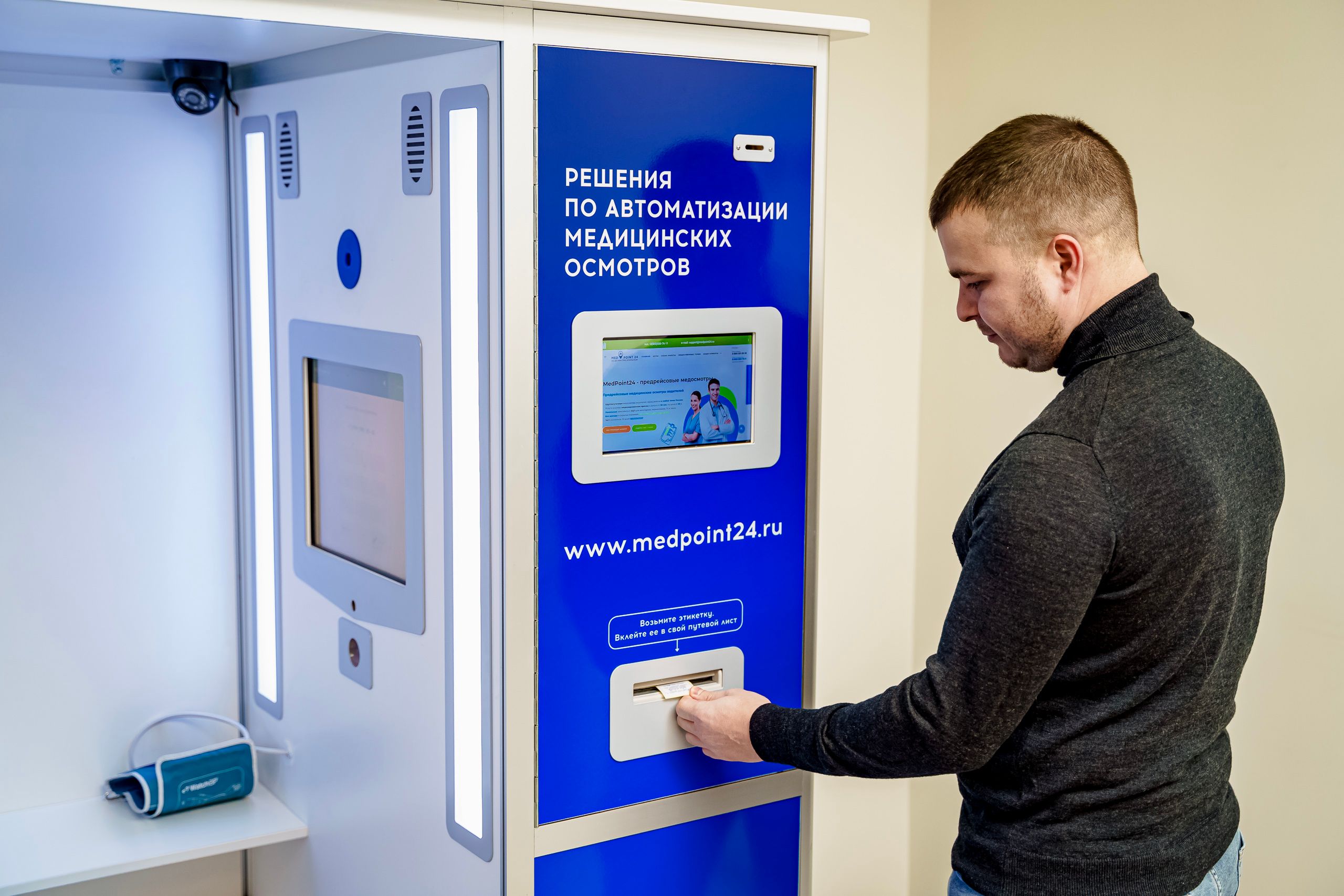
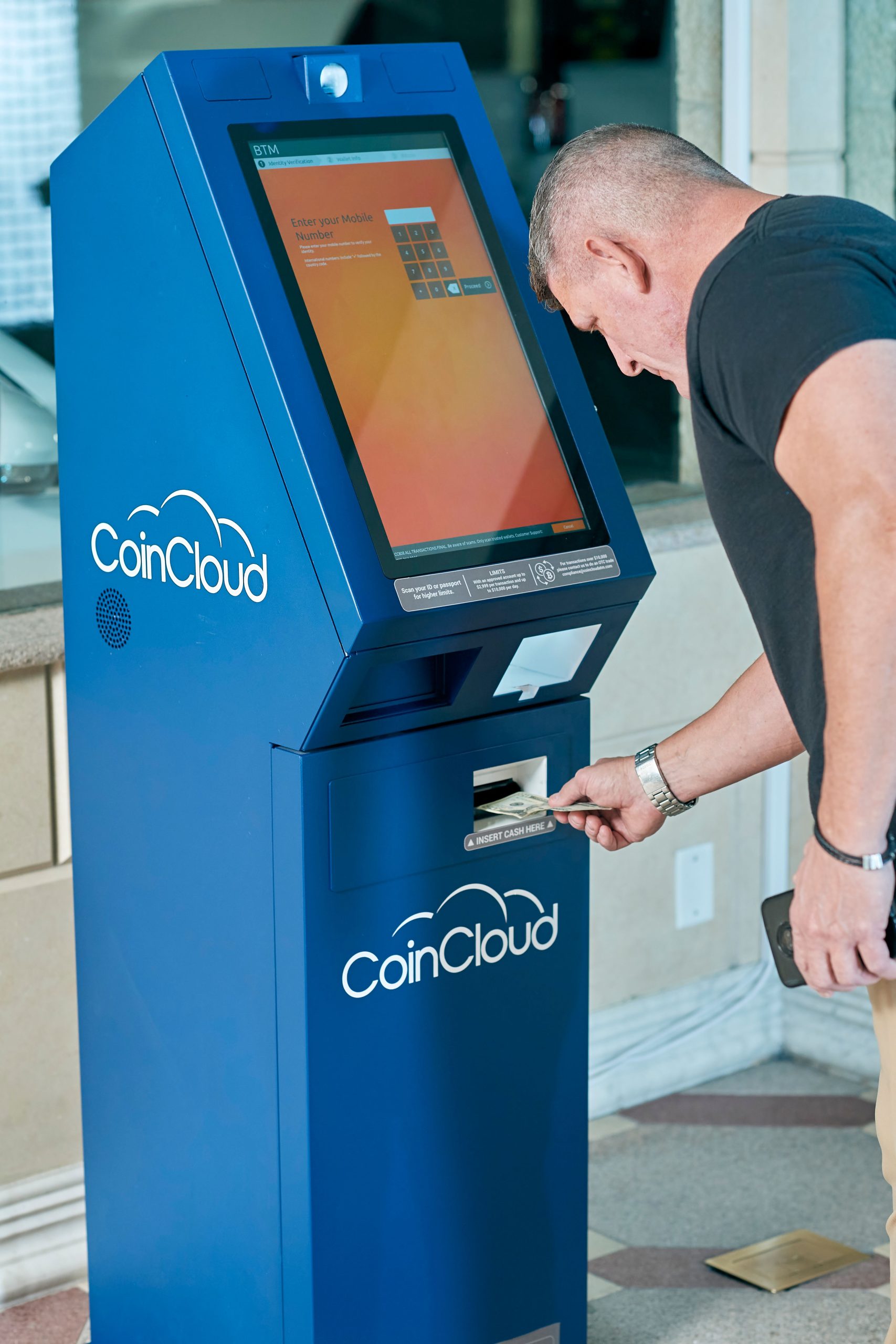
A self-service digital screen kiosk is a standalone, interactive system that allows users to complete tasks independently without direct staff assistance. It combines:
-
Commercial-grade digital display (touch-enabled)
-
Embedded computing unit (typically Android)
-
Touch technology (PCAP or IR)
-
Optional payment devices (EMV/NFC/QR)
-
Optional peripherals (printers, scanners)
-
Robust public-space enclosure
-
Cloud-based CMS for management
Unlike digital signage (one-way content) or static ticket dispensers, self service digital screen kiosks are transactional:
-
Place orders and pay
-
Check in or register
-
Get queue tickets and status updates
-
Search for information or directions
-
Update personal profile data
Common across QSR, hospitals, malls, corporate offices, universities, and more.
Key Business Benefits: From Queues to Profit
Self service digital screen kiosk systems deliver measurable ROI across five dimensions.
Reduced Queue Times and Perceived Wait
Kiosks act as additional “service points” without adding headcount:
-
QSR: Double throughput capacity
-
Hospitals: Route routine check-ins away from reception
-
Malls: Offload loyalty signup and product lookup
Customers spend time actively engaged (choosing, customising), making wait times feel shorter.
Direct Labor Cost Savings
Handle repetitive tasks to reallocate staff:
-
QSR: Staff focus on food prep instead of order taking
-
Hospitals: Reception handles complex cases only
-
Corporate: Front desk focuses on VIPs
Industry average: $15K–$30K/store/year savings.
Higher Average Transaction Value
Programmed upsells work every time:
-
QSR: Combo suggestions, add-ons (22–35% ATV uplift)
-
Retail: Related product suggestions
-
Ticketing: Seat upgrades, add-on services
No human fatigue or forgetfulness.
Fewer Errors and Reworks
Customers enter their own data:
-
Order accuracy: 99% vs 92% human entry
-
Patient info: Less typos in medical records
-
Visitor details: Cleaner security logs
Reduces refunds, remakes, and back-office corrections.
Consistent 24/7 Service
Always available, never tired:
-
Peak hours without extra staffing
-
Off-hours service (corporate lobbies, 24/7 campuses)
-
Uniform experience across locations
Core Use Cases by Industry (Short Overview)
Self service digital screen kiosks excel across verticals. Detailed guides are available for each.
Quick Service Restaurants (QSR)
-
Self-order with upselling
-
Loyalty integration
-
Queue management
-
See full QSR Self-Service Guide.
Hospitals and Clinics
-
Patient check-in and queue tickets
-
Insurance verification
-
Basic symptom triage
-
See the full Hospital Check-In Guide.
Shopping Malls and Retail
-
Loyalty signup
-
Product lookup
-
Coupon redemption
-
See Mall Kiosk Solutions.
Corporate Offices
-
Visitor registration
-
NDA signature
-
Meeting host notification
Universities
-
Event check-in
-
Campus navigation
-
Queue management for services
Essential Hardware Requirements
Screen Size and Brightness
27–32″: Lobbies, shared viewing
32–43″: High-traffic freestanding
Brightness:
300–500 nits: Standard indoor
500–700 nits: Bright atriums
1000+ nits: Semi-outdoor
Touch Technology
PCAP (Recommended):
✅ Multi-touch gestures
✅ Smartphone feel
✅ Thin glass OK
❌ Moisture sensitivity
IR Frame:
✅ Thick glass OK
✅ Gloves work
❌ Visible bezel
Payment and Peripherals
Printer: 80mm thermal (receipts/tickets)
Scanner: QR/barcode
Camera: ID capture (regulated industries)
Disinfectant-safe surfaces
Vandal-resistant locks
Front-serviceable design
Core UX Principles
2. BIG BUTTONS (44px+ touch targets)
3. CLEAR PROGRESS (“Step 2 of 4”)
4. ERROR RECOVERY (“Start Over”)
5. TIMEOUT PROTECTION (privacy + readiness)
Language and Accessibility
WCAG 2.1 AA:
– 4.5:1 contrast
– 200% zoom support
– Screen reader friendly
Analytics Essentials
Drop-off analysis
Peak usage patterns
Upsell acceptance
Session time averages
Real-time sync (queue status, inventory)
Cloud CMS (remote updates)
Payment certification (PCI DSS)
Pilot Phase (1–3 sites):
✅ Define KPIs (queue time, ATV, NPS)
✅ A/B test layouts
✅ Staff training
Scale Phase:
✅ Centralised monitoring
✅ Spare unit rotation
✅ Monthly content refresh
LCDSLD Self Service Digital Screen Kiosks Solutions
27–32″ Freestanding: Lobbies, malls
32–43″ High-Traffic: Busy areas
Start Your Self Service Digital Screen Kiosks Journey
Self service digital screen kiosk systems deliver proven ROI across industries.
Ready to reduce queues and labour costs?
Share your use case for a free proposal: Get Started.
Series Links
Digital Screen Kiosk Guide | Kiosk Display Buyer’s Guide | Indoor vs Outdoor