


Outdoor LCD Kiosk Suppliers: How to Pick the Right One for Your Project
Choosing the right outdoor LCD kiosk supplier can make or break your project. From sunlight‑readable brightness and IP ratings to installation, maintenance and after‑sales support, there are many details that most spec sheets don’t explain clearly. This guide walks you through the key criteria and compares leading outdoor LCD kiosk suppliers, so you can confidently shortlist the best partner for your specific application and budget.
What Is an Outdoor LCD Kiosk (and Why Supplier Choice Matters)?
What Are Outdoor LCD Kiosks?
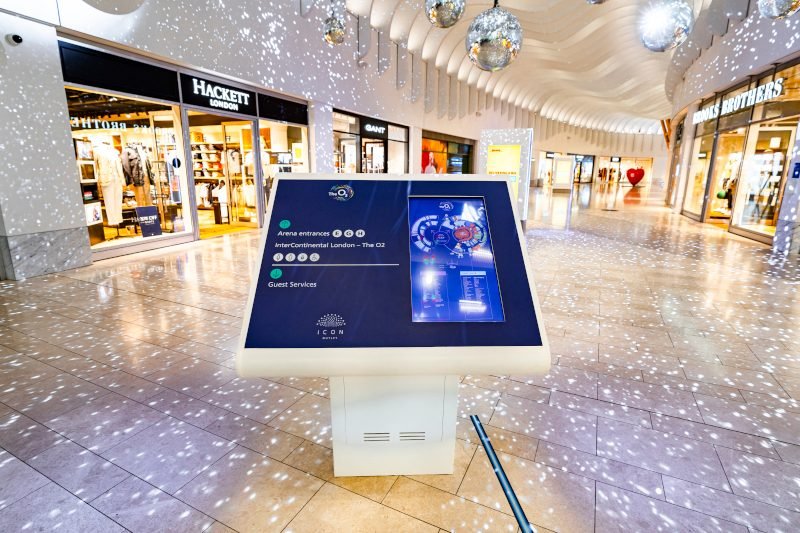
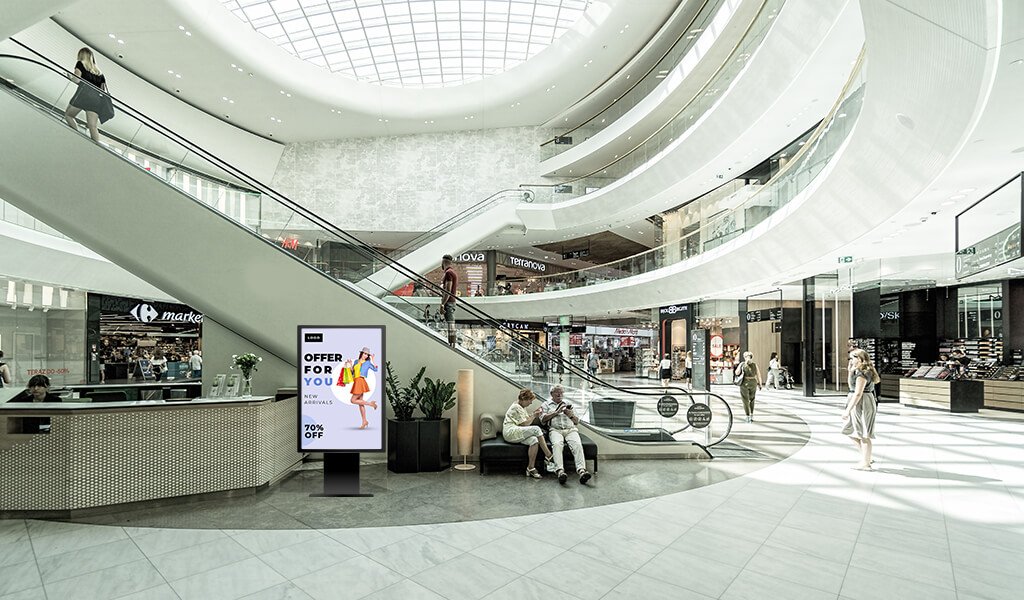
Outdoor LCD kiosks are weather‑resistant, self‑service or information terminals that use high‑brightness LCDs to deliver content in public spaces. They are typically installed in outdoor locations such as streets, transport hubs, campuses, shopping centers and tourist attractions, and must withstand sun, rain, dust and temperature changes while remaining easy to use.
Key Features of Outdoor LCD Kiosks
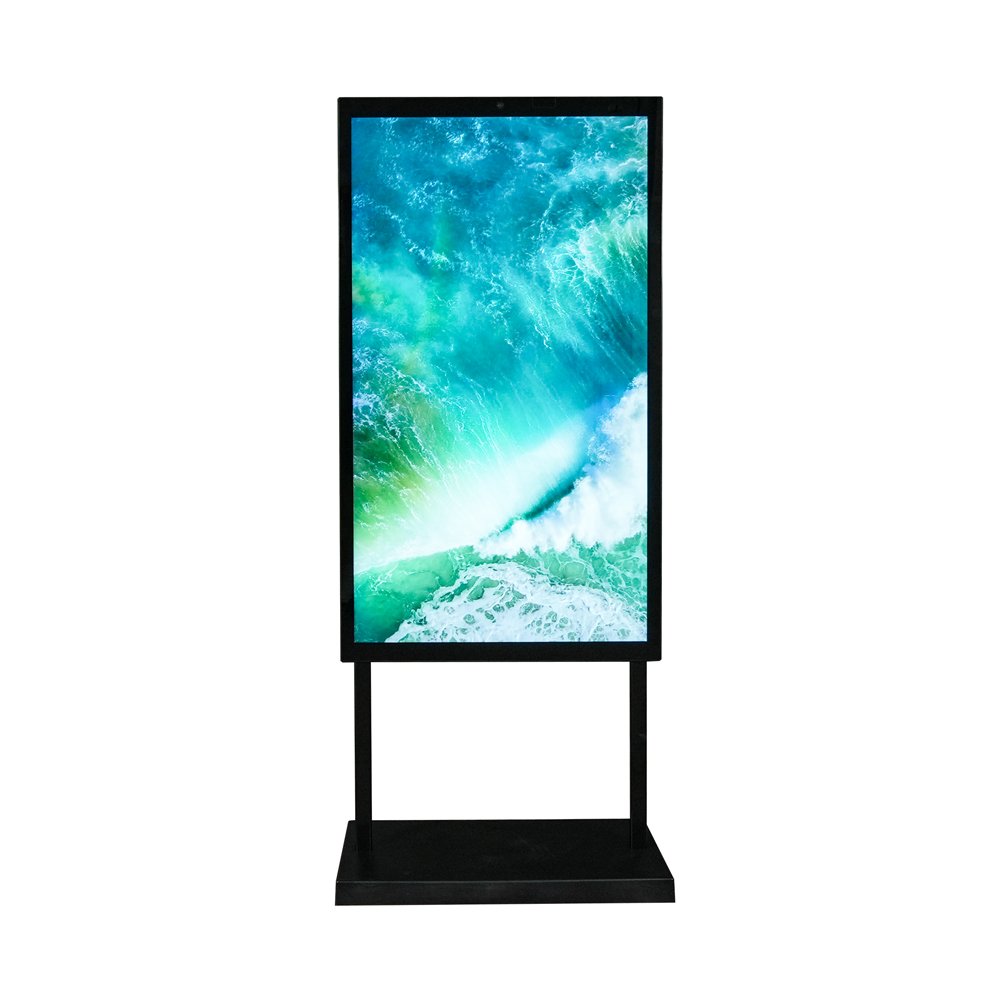
Typical outdoor LCD kiosks combine a high‑brightness LCD panel, a rugged weatherproof enclosure, touch or non‑touch glass, an internal media player or PC, and secure mounting options. Key technical aspects include brightness (measured in nits), IP rating, operating temperature range, glass type, connectivity options, and support for content management systems (CMS) or custom applications. Because these kiosks operate 24/7 in harsh outdoor environments, choosing a supplier with proven hardware reliability and real project experience is just as important as the kiosk specs themselves.
Top Outdoor LCD Kiosk Suppliers
Not all outdoor LCD kiosk suppliers are created equal. Below is an overview of several well‑known vendors you will often see in RFPs, along with the types of projects they are best suited for.
1. LCDSLD
LCDSLD focuses on outdoor LCD solutions, including free-standing kiosks, wall-mounted displays, and custom-engineered enclosures. The company offers high-brightness screens, IP-rated designs, and flexible integration with Android, Windows, or Linux systems, making it suitable for a wide range of outdoor applications.
Best for: OEMs and system integrators that need custom‑engineered outdoor touch solutions, flexible branding options and long‑term technical support rather than off‑the‑shelf kiosks only.
2. Peerless‑AV
Peerless‑AV is a well‑known AV hardware manufacturer that provides outdoor displays, kiosks and mounts. Their outdoor LCD kiosks focus on durability, weather resistance and compatibility with professional signage players, and are frequently used in transportation, stadium and corporate environments.
Best for: Projects that prioritise brand‑name AV components, standardised form factors and integration with existing digital signage ecosystems.
3. LamasaTech
LamasaTech offers interactive kiosks and digital signage solutions, including outdoor kiosks for wayfinding and ticketing. Their strength lies in complete solutions that combine hardware, software and services, making deployment easier for end users who prefer a single point of contact.
Best for: Organisations seeking turnkey interactive kiosk solutions with bundled software and cloud management options.
4. Redyref
Redyref designs and manufactures self‑service kiosks for various industries, including outdoor solutions for ticketing, bill payment and information services. They offer both standard models and customised units, with a focus on industrial‑grade construction and integration with transactional systems.
Best for: Outdoor self‑service projects that require secure payment integration, robust metal enclosures and transactional kiosks.
5. Conceptkiosk
Conceptkiosk provides custom kiosk design and manufacturing services, with the ability to tailor enclosures, branding and internal electronics to specific project needs. Their outdoor kiosks are commonly used in public information, smart city and transport applications.
Best for: Design‑driven projects that require unique enclosure shapes, custom finishes and high emphasis on aesthetics and user experience.
Selection Checklist for Outdoor LCD Kiosks
Use the checklist below when talking to potential suppliers. If a vendor cannot clearly answer these points, it may be a red flag.
Step 1: Define Your Application and Key Goals
Start by clarifying what you want the outdoor LCD kiosk to do: advertising, wayfinding, self‑service ticketing, information display, check‑in or interactive services. Define your target users, locations, operating hours and success metrics so suppliers can recommend an appropriate configuration instead of generic hardware.
Step 2: Check Display Size, Resolution and Sunlight Readability
Choose a display size that fits the viewing distance and content type, whether it is a compact 32‑inch information kiosk or a 55‑inch advertising display. For outdoor use in direct or strong sunlight, look for at least 2,000 nits of brightness combined with anti‑glare or anti‑reflective glass to prevent the image from looking washed out.
Step 3: Verify IP Rating, Operating Temperature and Build Quality
Confirm the enclosure’s IP rating and make sure it matches your environment, such as IP54 for general outdoor use or IP65 for harsher conditions with heavy rain or dust. Check the specified operating temperature range and ask about thermal management, ventilation or active cooling solutions to ensure long‑term reliability in your climate.
Step 4: Confirm Connectivity, CMS and Remote Management Options
Discuss which connectivity options you need, such as Ethernet, Wi‑Fi, 4G/5G or serial interfaces for peripherals. Make sure the kiosk supports your preferred CMS or digital signage software, and ask whether the system offers remote monitoring, content updates and basic diagnostics to reduce on‑site maintenance.
Step 5: Calculate Total Cost: Hardware, Installation and Maintenance
Look beyond the hardware unit price and consider installation, mounting, power supply, networking, software licenses and ongoing maintenance costs. Ask suppliers for the typical total cost of ownership over three to five years, including spare parts, service contracts and any recommended on‑site inspections or cleaning.
Step 6: Ask About Security: Physical Locks, Software Protection and Monitoring
Outdoor kiosks require both physical and digital security. Check for secure locks, tamper‑resistant enclosures, vandal‑resistant glass and options for anchoring to the ground or structure. At the software level, confirm that the system supports secure OS configurations, remote updates and protection against unauthorised access.
Step 7: Make Sure the Kiosk Is Accessible for All Users
Ensure the kiosk design follows basic accessibility guidelines for height, viewing angle, touch targets and readability. Consider wheelchair access, language options, audio assistance and clear on‑screen instructions so the kiosk can be used comfortably by a broad range of users.
Step 8: Compare Energy Efficiency and Power‑Saving Features
Outdoor displays can consume significant power, especially at high brightness. Compare energy efficiency between models and look for features such as automatic brightness adjustment, scheduling, sleep modes and efficient power supplies to reduce operating costs over time.
Example: Custom Outdoor LCD Kiosk Solutions from LCDSLD
If you need a supplier that can adapt to non‑standard environments and branding requirements, LCDSLD offers fully custom outdoor LCD kiosk solutions. The engineering team can match brightness, IP rating, enclosure design, touch technology and internal PC hardware to your exact specification, and support you from prototype through mass production.
Key advantages include:
– Custom enclosure design and branding
– High‑brightness, sunlight‑readable LCD panels
– Wide temperature range and IP‑rated protection
– Integration with Android, Windows or Linux systems
– Support for OEM and system integrator projects
Share your project drawings or requirements, and the LCDSLD team will help you select the most suitable configuration within your budget and timeline.
Outdoor LCD Kiosk Supplier FAQ
Q1: How do I choose the right outdoor LCD kiosk supplier?
A: Start by clarifying your application (wayfinding, ticketing, advertising, self‑service), then compare suppliers on key factors such as outdoor brightness, IP rating, operating temperature, customisation options, warranty terms and real project references. If a vendor cannot give clear answers on these points, it may be a red flag.
Q2: What minimum brightness should an outdoor LCD kiosk have?
A: For outdoor use in direct or strong sunlight, look for at least 2,000 nits of brightness, combined with anti‑glare or anti‑reflective glass. Anything significantly lower may look washed out during the day and hurt user experience.
Q3: What IP rating is recommended for outdoor kiosks?
A: For most outdoor installations, an enclosure with at least IP54 is recommended, while harsher environments (heavy rain, dust or coastal areas) often require IP65 or higher. Always match the rating to your local climate and installation method.
Q4: How long should a reliable outdoor LCD kiosk last?
A: A quality outdoor LCD kiosk from a reputable supplier should offer a panel lifetime of 50,000–70,000 hours and a multi‑year warranty on both the display and enclosure. Ask suppliers to provide written warranty terms and typical field failure data.
Q5: Can I customise the design and branding of an outdoor kiosk?
A: Yes. Many suppliers, including LCDSLD, can customise enclosure shape, colour, logo placement, touch technology, internal PC hardware and mounting method. Customisation is especially important for OEMs and system integrators who need a consistent branded look across locations.
Q6: What should I prepare before contacting suppliers?
A: Prepare basic information such as project quantity, target installation country or region, preferred display size, brightness, operating hours per day, required operating temperature range, and any special certification needs (for example, CE or UL). This helps suppliers provide a more accurate proposal quickly.
Quick Supplier Checklist (Summary)
Use this quick checklist when shortlisting outdoor LCD kiosk suppliers:
– Outdoor brightness ≥ 2,000 nits – IP rating and temperature range match your environment
– Proven outdoor project references and case studies – Clear warranty and after‑sales support
– Customisation options for size, enclosure and branding
– Compatible CMS and remote management tools
– Transparent total cost (hardware, installation, maintenance).
Need a custom solution? LCDSLD provides turnkey outdoor LCD kiosks with high‑brightness displays, weatherproof enclosures and flexible branding options for OEMs and system integrators.

 English
  Arabic
  Spanish