




Choosing the right operating system for your Android digital kiosk display can make or break your project. While Windows-based kiosks still have their place, Android has become the dominant platform for modern retail, malls, QSRs, and hospitality deployments across Southeast Asia and the Middle East. Why? Lower costs, easier remote management, a massive app ecosystem, and hardware optimised for 24/7 operation.
This guide explains what makes Android digital kiosk displays the preferred choice for forward-thinking businesses, compares them against alternatives, and shows real-world retail applications. Whether you’re planning self-order kiosks for a Bangkok food court or interactive directories for a Dubai mall, you’ll understand why Android delivers better ROI.
Continue from our series: Indoor vs Outdoor Digital Kiosk Guide | Digital Screen Kiosk Complete Guide
What Is an Android Digital Kiosk Display?
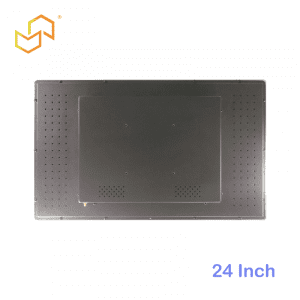
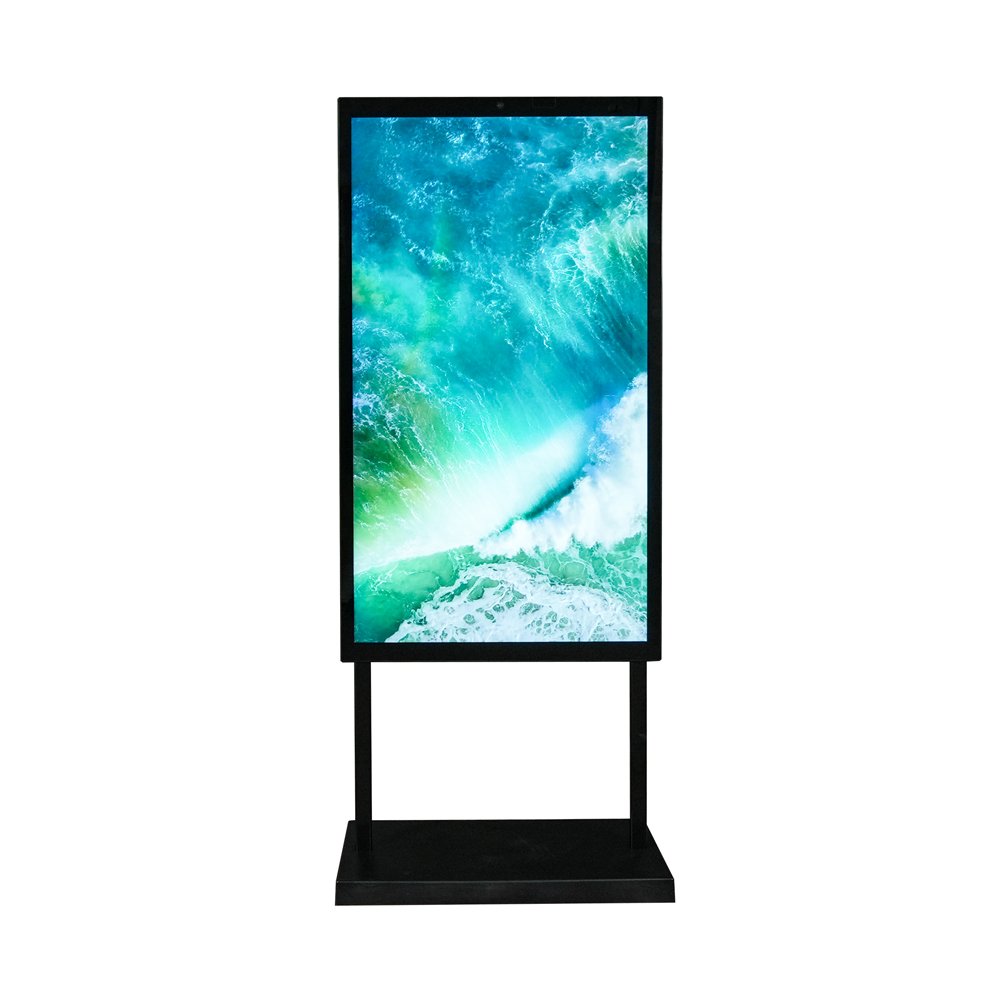
An Android digital kiosk display integrates an embedded Android media player (or SoC) directly behind a commercial-grade touchscreen or display panel, creating a complete all-in-one interactive solution. Unlike generic Android tablets mounted on stands, these kiosks use industrial-grade components designed for continuous operation, remote management, and integration with enterprise CMS platforms.
Core components:
-
Commercial display: 21.5″–55″, 300–2500+ nits brightness
-
Android media player: Quad-core ARM processor, 4–8GB RAM, 32–128GB storage
-
Touch overlay: PCAP or IR, supporting 10-point multitouch
-
Kiosk enclosure: Metal housing with secure locks and ventilation
-
Connectivity: Wi-Fi 6, 4G/5G, Ethernet, USB expansion
The result is a slim, power-efficient kiosk that runs custom Android apps, supports cloud CMS, and locks down to kiosk mode—perfect for unattended retail environments.
Explore our complete Android kiosk solutions.
Key Benefits of Android Digital Kiosk Display
Android’s dominance in digital kiosks stems from practical advantages that directly impact your bottom line.
Flexible App Ecosystem
Android offers thousands of kiosk-ready apps through:
-
Google Play Store (business/enterprise apps)
-
Custom APK development (tailored to your brand)
-
Progressive Web Apps (PWA) for simple deployments
-
Third-party CMS integrations (ScreenCloud, NoviSign, etc.)
Retail chains across Kuala Lumpur, Jakarta, and Riyadh can deploy loyalty apps, self-order systems, or wayfinding apps in weeks rather than months. Local Southeast Asian developers familiar with Android accelerate custom development.
Easy Remote Management
Android kiosk mode + MDM (Mobile Device Management) solutions enable:
-
Zero-touch provisioning across 100+ locations
-
OTA (over-the-air) updates for apps and OS
-
Remote content scheduling and device monitoring
-
Geo-fencing for location-specific campaigns
A Jakarta mall operator can push Ramadan promotions to 50 kiosks across Indonesia overnight. Dubai hotel chains sync room service menus across UAE properties instantly.
Lower Hardware and Software Costs
Cost comparison (43″ kiosk, typical retail specs):
| Platform | Hardware Cost | Annual Power | Software Licensing | 3-Year TCO |
|---|---|---|---|---|
| Android | $4,500 | $250 | Free/Open Source | $6,000 |
| Windows | $7,200 | $450 | $300+/year | $10,500 |
| Linux | $6,800 | $380 | Custom dev | $9,800 |
See our cost-optimised Android kiosk models.
Typical Retail and Mall Use Cases
Android kiosks excel in high-traffic retail environments where speed, reliability, and scalability matter.
Shopping Malls
-
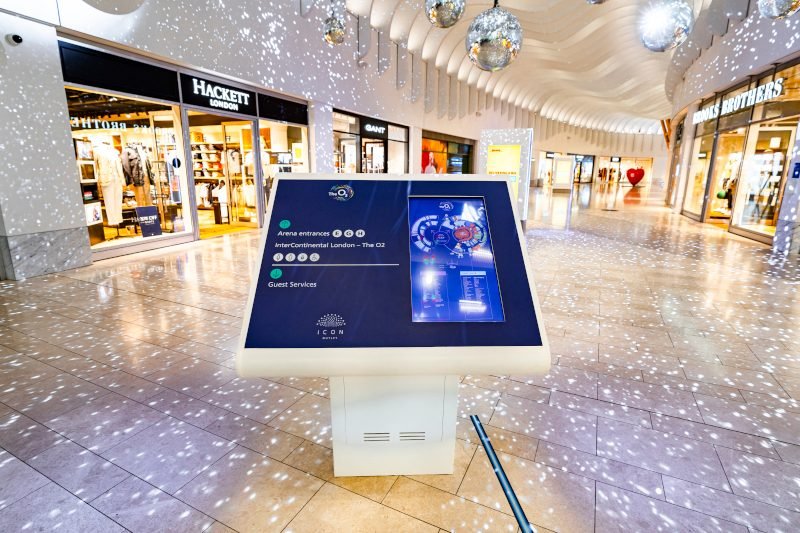
Interactive directories with store search and floor maps
-
Digital loyalty registration and QR code campaigns
-
Tenant promotions rotating across multiple screens
-
Multilingual support (English, Bahasa, Arabic, Thai)
Singapore example: VivoCity mall uses Android kiosks for real-time parking availability + personalised store recommendations.
Quick Service Restaurants (QSR)
-
Self-order kiosks with upselling (combo suggestions, loyalty points)
-
Digital menu boards with dayparting (breakfast/lunch/dinner)
-
Drive-thru order confirmation screens
Dubai example: Al Baik chicken chain deployed 200+ Android self-order kiosks across UAE/Saudi locations, reducing queues by 40%.
Convenience Stores and Fuel Stations
-
Product lookup and shelf location guides
-
Fuel/lottery payment terminals
-
Promotional content between transactions
Kuala Lumpur example: 7-Eleven Malaysia uses Android kiosks for membership sign-up and targeted promotions.
Coming soon: Digital Screen Kiosk for Shopping Malls
Hardware Requirements for Android Digital Kiosk Displays
Not all Android hardware survives retail environments. Look for:
Minimum Specifications
Indoor vs Outdoor Android Kiosks
-
Indoor: Standard brightness, slim enclosures
-
Semi-outdoor: 1000+ nits, IP54 splash protection
-
Full outdoor: 2000+ nits, IP65, active cooling
Reference our indoor/outdoor comparison.
Recommended Models from LCDSLD
-
27″ Commercial White Android Kiosk: Perfect for clinics, small retail
-
49″ Commercial Android Kiosk: Mall directories, QSR self-order
-
Custom Android solutions: OEM for chains
Android vs Windows vs SoC for Kiosk Displays
| Factor | Android | Windows | Linux SoC |
|---|---|---|---|
| Cost | ⭐⭐⭐⭐⭐ | ⭐⭐ | ⭐⭐⭐ |
| App Ecosystem | ⭐⭐⭐⭐⭐ | ⭐⭐⭐⭐ | ⭐⭐ |
| Remote Management | ⭐⭐⭐⭐⭐ | ⭐⭐⭐ | ⭐⭐⭐ |
| Power Efficiency | ⭐⭐⭐⭐⭐ | ⭐⭐ | ⭐⭐⭐⭐ |
| Enterprise Integration | ⭐⭐⭐⭐ | ⭐⭐⭐⭐⭐ | ⭐⭐⭐ |
| Retail Self-Order | ⭐⭐⭐⭐⭐ | ⭐⭐⭐ | ⭐⭐⭐ |
-
Retail chains (malls, QSR, convenience)
-
Multi-location deployments
-
Budget-conscious projects
-
Cloud-first CMS strategy
When Windows makes sense:
-
Legacy enterprise integration
-
Heavy local processing
-
Existing Windows IT team
Learn display specs in our Digital Kiosk Display Buyer’s Guide.
Android Kiosk Display Solutions from LCDSLD
LCDSLD specialises in Android digital kiosk displays optimised for Southeast Asia and the Middle East retail:
Ready-to-Deploy Models
-
21.5″ Android Touch Kiosk: Compact self-service, clinics, small retail
-
27″ Commercial Android Kiosk: Perfect balance for most retail applications
-
49″ High-Brightness Android: Malls, food courts, large directories
-
55″ Outdoor Android Kiosk: Drive-thru, smart city, weatherproof
Custom OEM Capabilities
-
Branded enclosures matching your corporate identity
-
Pre-loaded kiosk apps and CMS integration
-
Multi-language interface support
-
Local warranty and service in Singapore, Malaysia, UAE
View all Android kiosk solutions.
How to Start Your Android Kiosk Project
3-step rollout framework:
-
Week 1–2: Planning
Define use cases (self-order, directory, loyalty). Select screen sizes/locations.Choose CMS/platform partner Budget: $4K–$12K per kiosk -
Week 3–6: Pilot
Deploy 1–3 kiosks per location type. Test user experience + backend integration, Train staff on content updates -
Week 7+: Scale
Roll out to the full network, implement centralised monitoring, Launch marketing campaigns, Measure ROI (queue reduction, sales uplift)
Get your free Android kiosk proposal: Share your locations, use cases, and timeline at LCDSLD Contact.
Continue Exploring Our Digital Kiosk Series
Digital Screen Kiosk: Complete Guide – System-level overview
Digital Kiosk Display Buyer’s Guide – Hardware selection
Indoor vs Outdoor Kiosks – Environment Comparison
[Shopping Mall Kiosks] (next) – Industry deep dive

 English
  Arabic
  Spanish