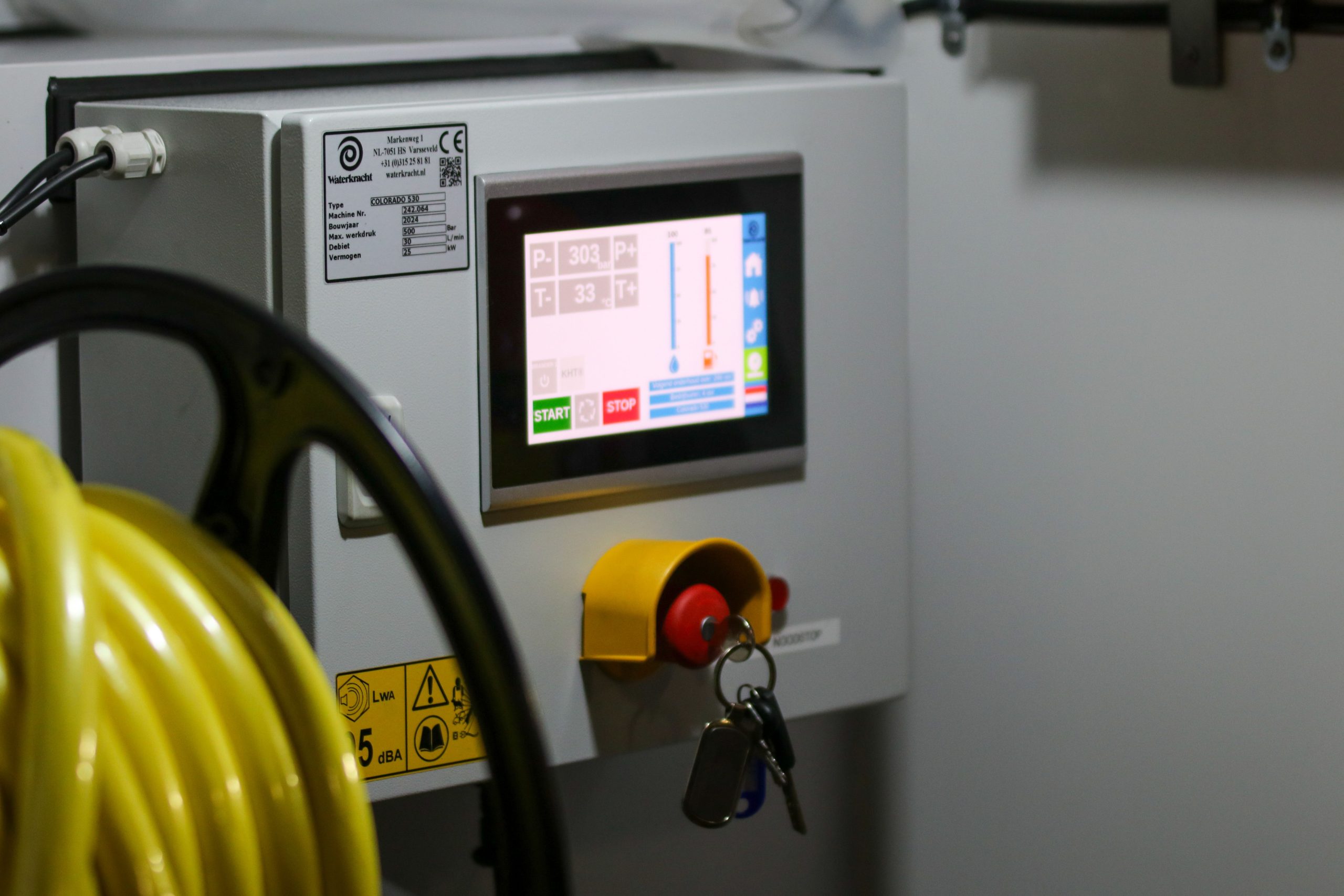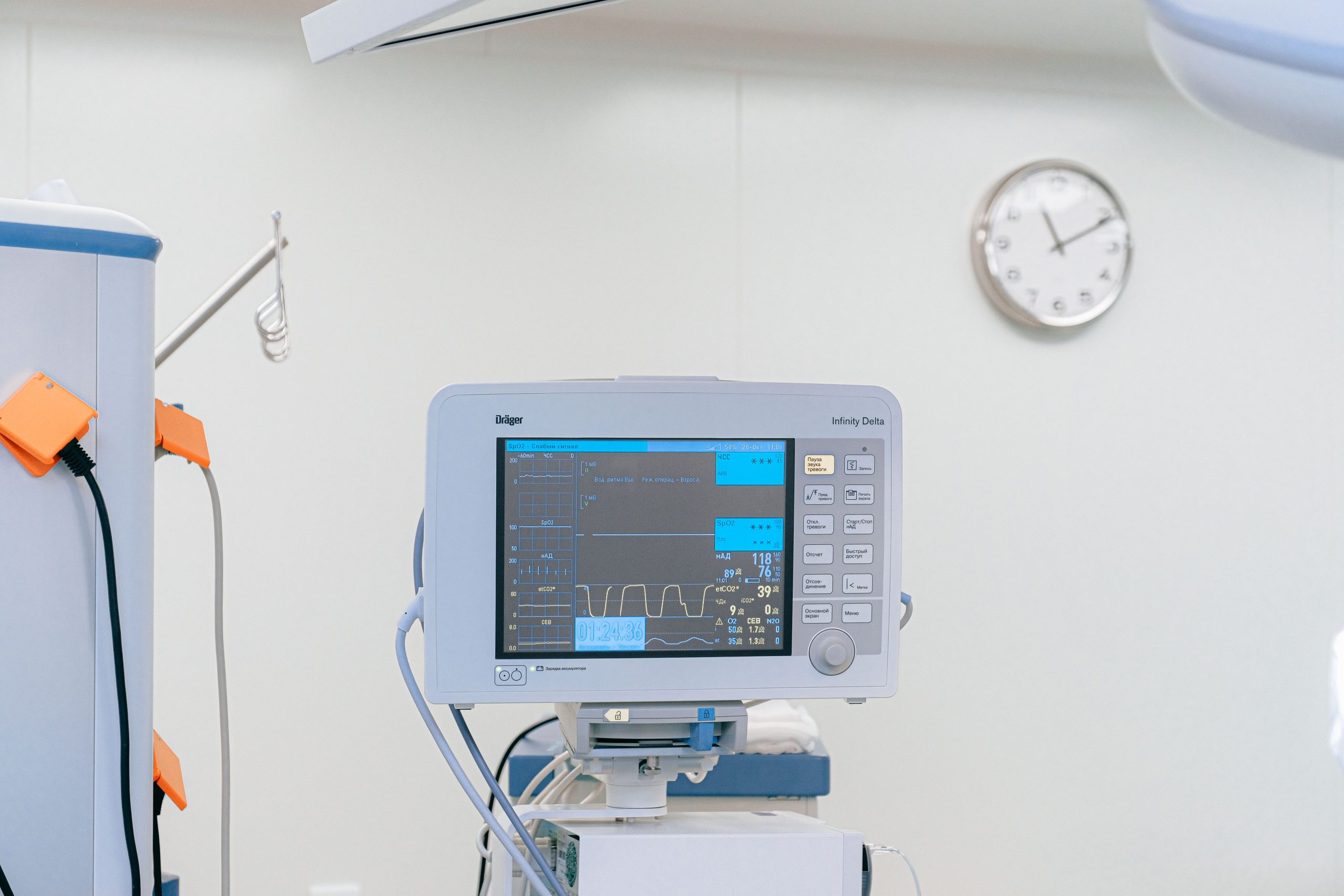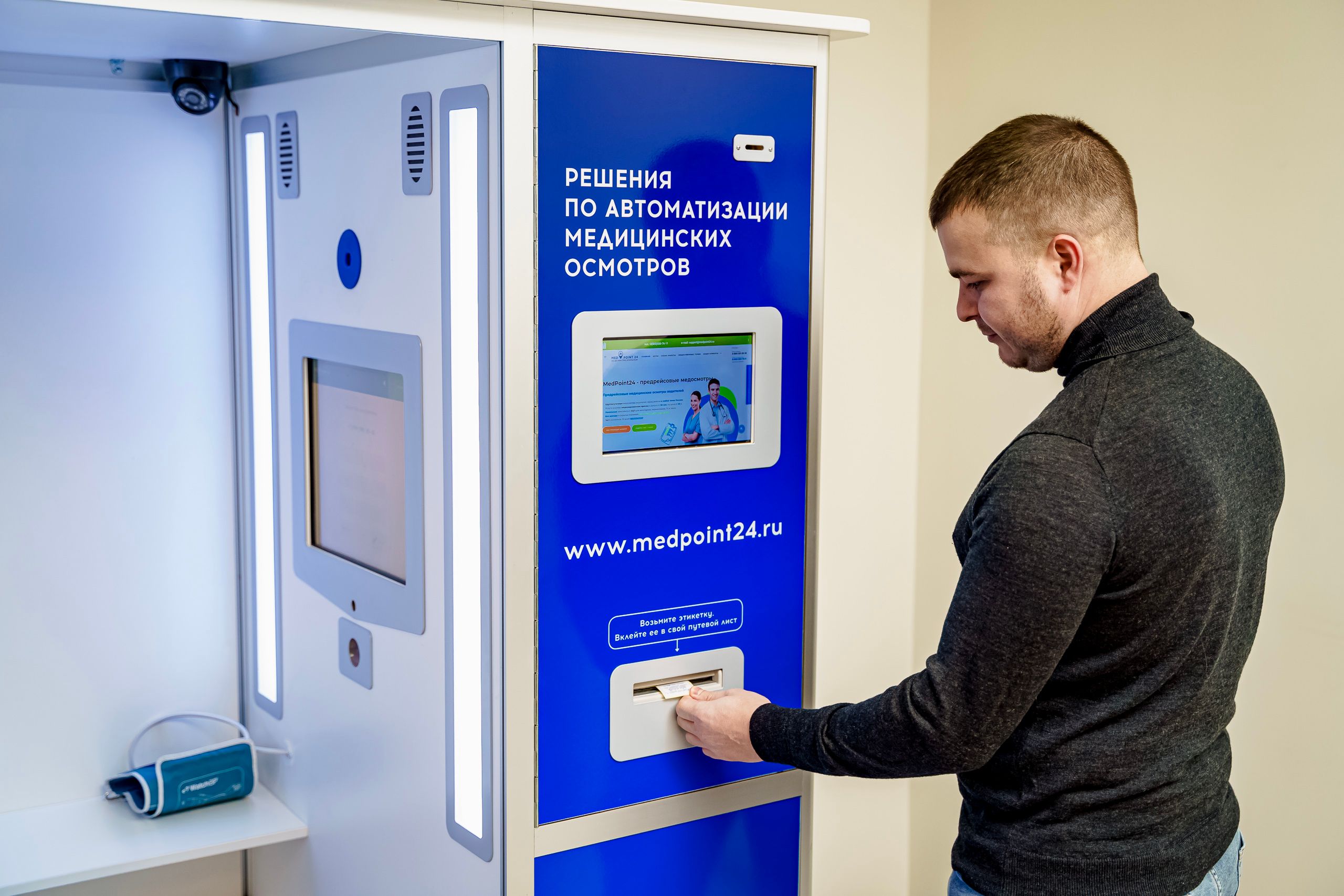


Panel PC for Medical Cart Integration: Solving Real Healthcare Pain Points
Medical carts are supposed to make clinical work easier, but that only happens when the computer on the cart is built for the job. In day-to-day healthcare use, the real challenges are usually mobility, cleaning, power, space, and mounting stability, not just screen size or processing speed.
Why Medical Cart Integration Gets Complicated
A cart moves all day, gets cleaned constantly, and often carries more equipment than it appears to hold. If the computing hardware is too heavy, too difficult to disinfect, or too awkward to mount, it quickly becomes part of the problem rather than part of the workflow.
That is why a healthcare Panel PC needs to do more than display information. It has to stay out of the way, hold up under frequent use, and fit into a workflow that changes from one department to the next.
Common Medical Cart Pain Points
Most healthcare teams run into the same set of issues when they add a computer to a medical cart.
-
The cart becomes harder to push because the device is bulky or badly balanced.
-
Cleaning takes too long because the device has seams, vents, or hard-to-wipe surfaces.
-
The cart loses power too early, so staff have to think about charging instead of caring.
-
There is never quite enough room once the screen, scanner, and accessories are in place.
-
The display shifts or shakes because the mounting method is not stable enough.
Those problems may sound small on paper, but in a busy ward, they slow people down fast. The rest of this article looks at how a medical cart Panel PC helps remove those pain points one by one.
Mobility Comes First
A cart has to move naturally
A medical cart is used where people work, not where cables happen to reach. Nurses and clinicians need to move through corridors, patient rooms, and treatment areas without fighting the equipment on the cart.
When the computer is too large or too heavy, the cart feels awkward. It becomes harder to steer, harder to park, and harder to use comfortably over a long shift.
Why a Panel PC helps
A compact Panel PC keeps the cart lean and balanced. Medical-grade designs are often built as slim all-in-one units with VESA-compatible mounting, which makes them easier to integrate without adding unnecessary bulk.
For teams comparing formats, the Panel PC category page is a useful starting point because it lets you review the available form factors before narrowing down the cart configuration.
That matters because mobility is not just about movement. It is about reducing fatigue, keeping the workflow smooth, and making sure the device feels like part of the cart rather than an extra object attached to it.
Sanitation Should Be Easy
Cleaning is part of the workflow
Healthcare equipment is cleaned again and again throughout the day. If a device has vents, rough edges, or too many seams, cleaning slows down, and contamination risk goes up.
What to look for
A good medical cart Panel PC should have a smooth front surface, a simple exterior, and a design that tolerates frequent wiping. Fanless or sealed construction is especially helpful because it reduces dust buildup and makes routine cleaning easier.
If you are evaluating compact options, the 10-inch medical Panel PC and 15-inch medical Panel PC are both worth a look, especially when the cart needs to stay compact and easy to clean.
This is one of the reasons medical panel solutions are different from ordinary office computers. In a clinical setting, hygiene is not a feature on the spec sheet. It is part of daily operational discipline.
Power Planning Can Make or Break the Cart
Mobile use needs mobile power
A cart that stops because of power problems is not really mobile. If the team has to keep checking the battery level or looking for a charging point, the whole workflow slows down.
How Panel PC solves it
Many medical cart systems use integrated battery strategies, hot-swappable power options, or other mobility-friendly approaches designed for point-of-care use. That gives hospitals more flexibility in how they organise charging, runtime, and shift-based use.
The practical goal is simple: the cart should stay ready for a full work period, or at least for the length of time the department actually needs it. If power is planned well, the device becomes invisible in the best possible way.
Space Is Always Tight
Medical carts fill up fast
Once a screen, keyboard, scanner, and storage accessories are added, there is very little room left. A large or poorly designed device can quickly crowd the cart and make daily work feel cluttered.
Compact design solves that problem
Compact Panel PCs are a better fit for cart-based workflows because they preserve usable space while still giving staff a clear screen and reliable interaction. Smaller all-in-one medical computers are especially common in cart applications because they keep the footprint low without sacrificing core functionality.
That extra breathing room is useful. It leaves space for the things caregivers actually reach for during a shift, not just the computer itself.
Stable Mounting Matters More Than People Think
Movement creates stress
A cart is not a desk. It rolls, stops, turns, and gets adjusted constantly. If the computer mount is weak, the screen can wobble, tilt, or create strain on the cables over time.
The right mounting setup
Medical cart Panel PCs are commonly mounted with VESA patterns, pole mounts, or bracket-based systems that hold the unit firmly in place. That kind of setup helps the cart survive daily movement without becoming loose or unstable.
Stable mounting is not just about hardware longevity. It also makes the cart safer and easier to use, which matters even more in fast-moving clinical environments.
What Buyers Should Prioritise
If you are choosing a Panel PC for a medical cart, start with the workflow instead of the device list.
-
Confirm the cart size and the available mounting area.
-
Decide how long the cart needs to run between charges.
-
Choose a screen size that fits the task without crowding the cart.
-
Check whether the surface and structure support regular disinfection.
-
Make sure the mount stays secure during movement.
-
Verify support for scanners, cards, wireless access, and clinical software.
That checklist sounds simple, but it prevents most of the mistakes buyers make during early planning. A good fit here usually saves time later in deployment and support.
Typical Healthcare Uses
Bedside charting
A cart-mounted Panel PC lets staff document and review patient data at the point of care, instead of walking back and forth to a fixed workstation.
Medication rounds
Medication carts need fast access, secure mounting, and clear visibility. Compact medical panel solutions are often a better match than general-purpose computers in this setting.
Nursing rounds
During rounds, the device should disappear into the workflow. Staff should be able to glance, tap, confirm, and move on without dealing with extra friction.
Patient transport and mobile documentation
When the cart moves frequently, stable mounting and dependable power become essential. That is where a purpose-built medical Panel PC makes the biggest difference.
Related Reading
For a broader technical overview, the Panel PC buyer’s guide is a good next step. If you want a fuller background on the manufacturer, the video introduction guide can help you know more about the factory and the hardware direction.
Talk to Our Team
If you are planning a medical cart deployment, talk to us about the screen size, mounting method, and power setup that best fit your workflow. The right Panel PC should feel like part of the cart from day one, not something the team has to work around.