


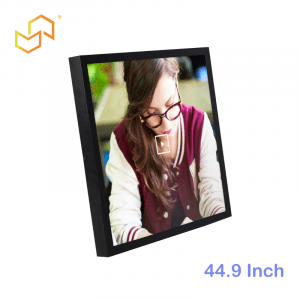


Panel PC for Manufacturing.
A Panel PC is one of the most useful tools on a modern manufacturing floor because it combines a touchscreen interface and industrial computing in one unit. In practice, that makes it a natural fit for HMI stations, MES terminals, production dashboards, and shop floor control points. For LCDSLD buyers, this category matters because manufacturing projects need reliability, visibility, and a form factor that can handle daily production use.
Manufacturing teams do not just need a screen. They need a device that can support operators, connect to systems, and stay stable in real production conditions. That is why Panel PCs remain a core part of industrial automation and factory digitalisation.
What Manufacturing Teams Use Panel PCs For
In manufacturing, a Panel PC is usually the operator’s front-end to the production process. It may be used for machine control, line monitoring, work order display, quality checks, or data entry. When the system is designed well, the operator can do more with fewer steps and less confusion.
Panel PCs also help unify the workflow between the physical line and the digital system. Instead of using separate devices for control, data collection, and reporting, the Panel PC can handle several tasks in one place. That reduces clutter and makes the workstation easier to manage.
Panel PC for Manufacturing.
HMI on the Shop Floor.
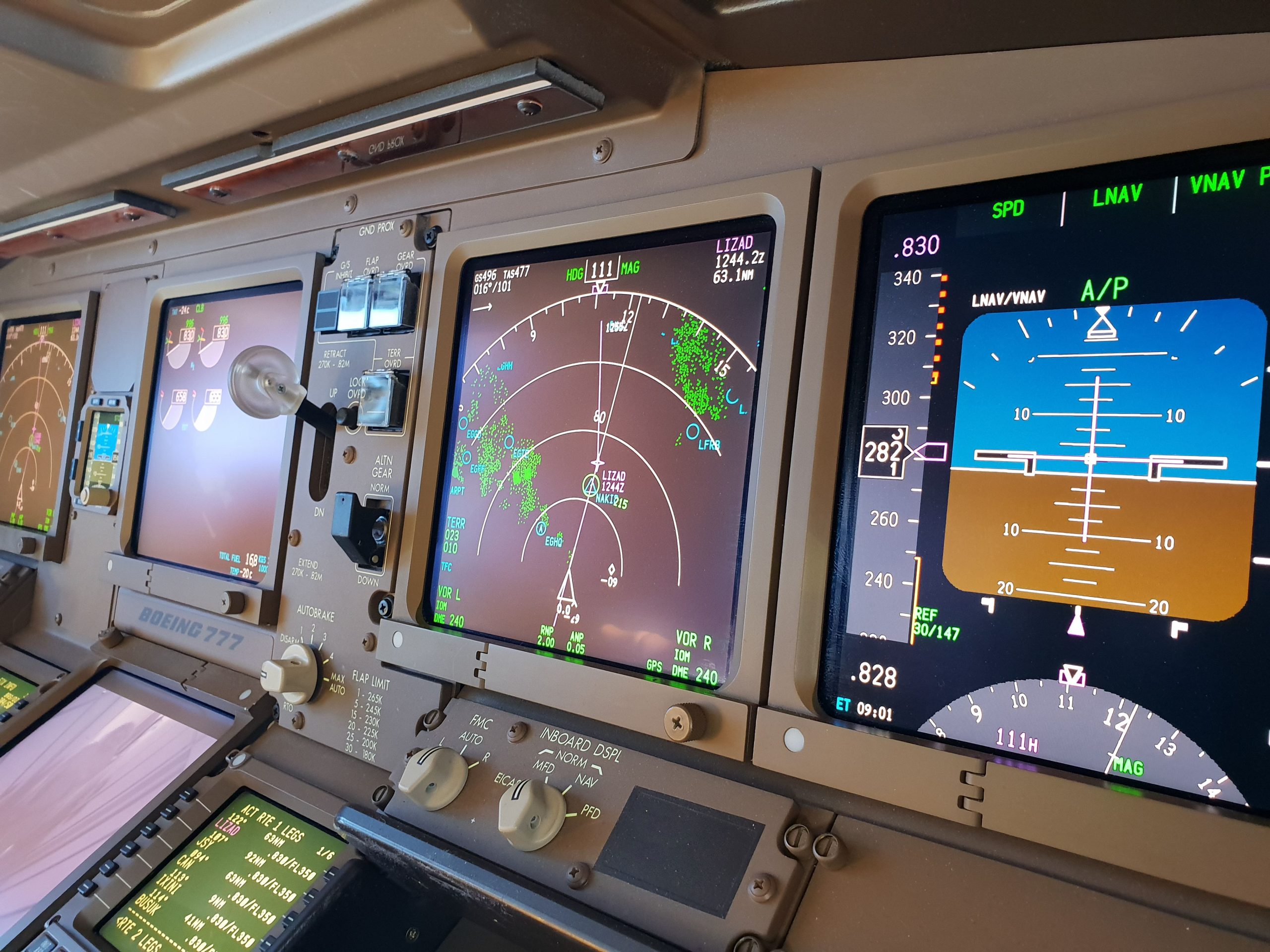
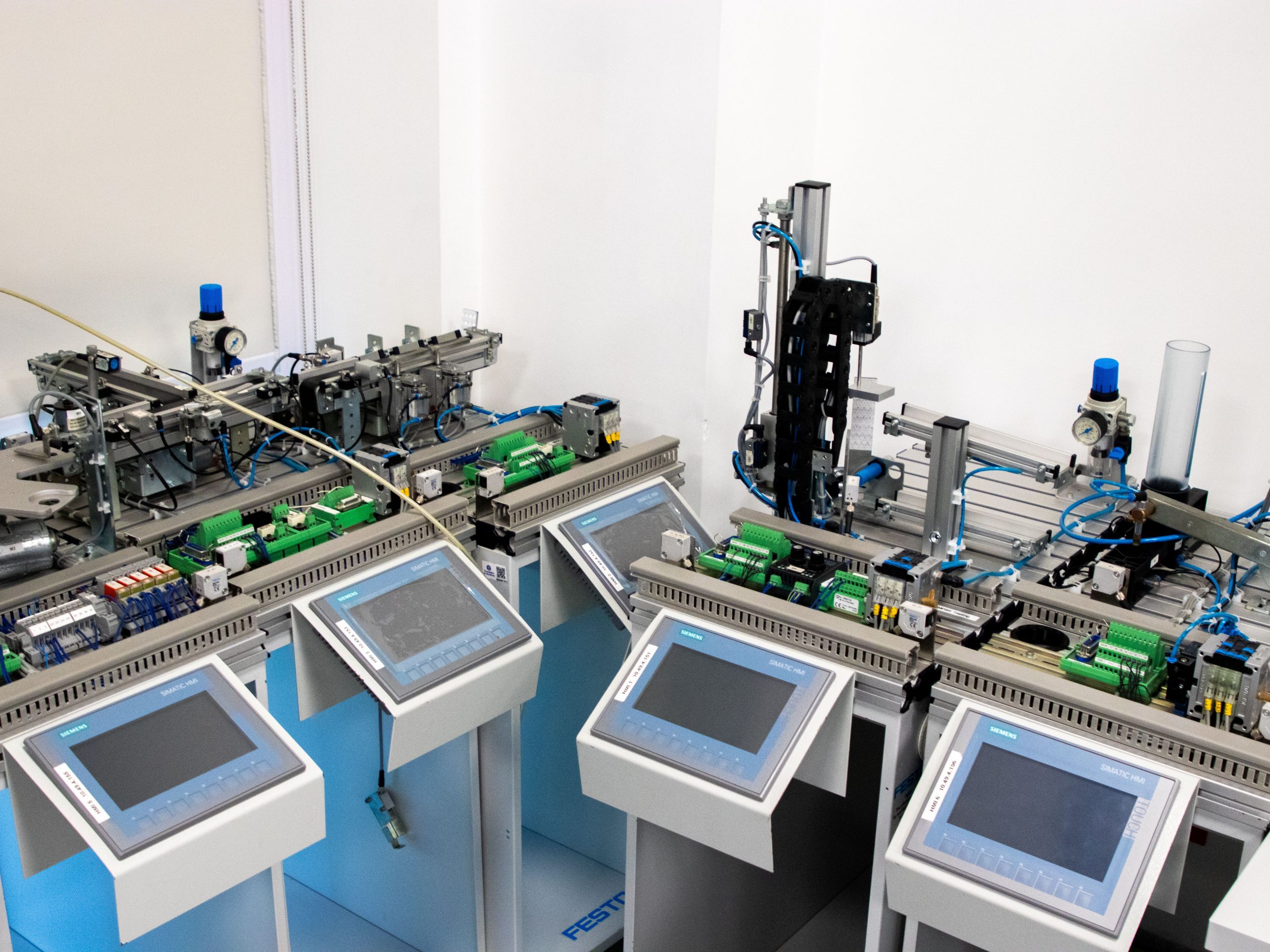
HMI is one of the most common uses for Panel PCs in manufacturing. The device becomes the operator interface for machines, lines, or process stations. It is where production data is viewed, parameters are adjusted, alarms are monitored, and actions are confirmed.
A good HMI Panel PC should be easy to read, responsive to touch, and reliable over long shifts. If the screen is hard to see or the interface is slow, operators will lose time and productivity. That is why Panel PC selection is not just a hardware decision; it is a workflow decision.
MES Connectivity and Data Flow
MES systems depend on timely and accurate shop floor data. A Panel PC can serve as the point where operators record production events, confirm work instructions, scan jobs, or review traceability information. In that role, the device becomes a bridge between the machine and the enterprise system.
This is especially valuable in plants that want better visibility into production status, downtime, and operator actions. When the Panel PC is properly integrated, MES data becomes more complete and more consistent. That helps planning, reporting, and quality control across the factory.
Production Dashboards
Production dashboards are another major use case. They show KPIs, machine status, work order progress, and real-time output at a glance. A Panel PC gives operators and supervisors a direct visual window into how the line is performing.
The value of a dashboard is only as strong as its visibility and reliability. If the screen is too small, too dim, or too fragile, it becomes a weak point instead of a useful tool. That is why many manufacturing teams choose an industrial Panel PC rather than a consumer display setup.
Machine Control and Line Interaction
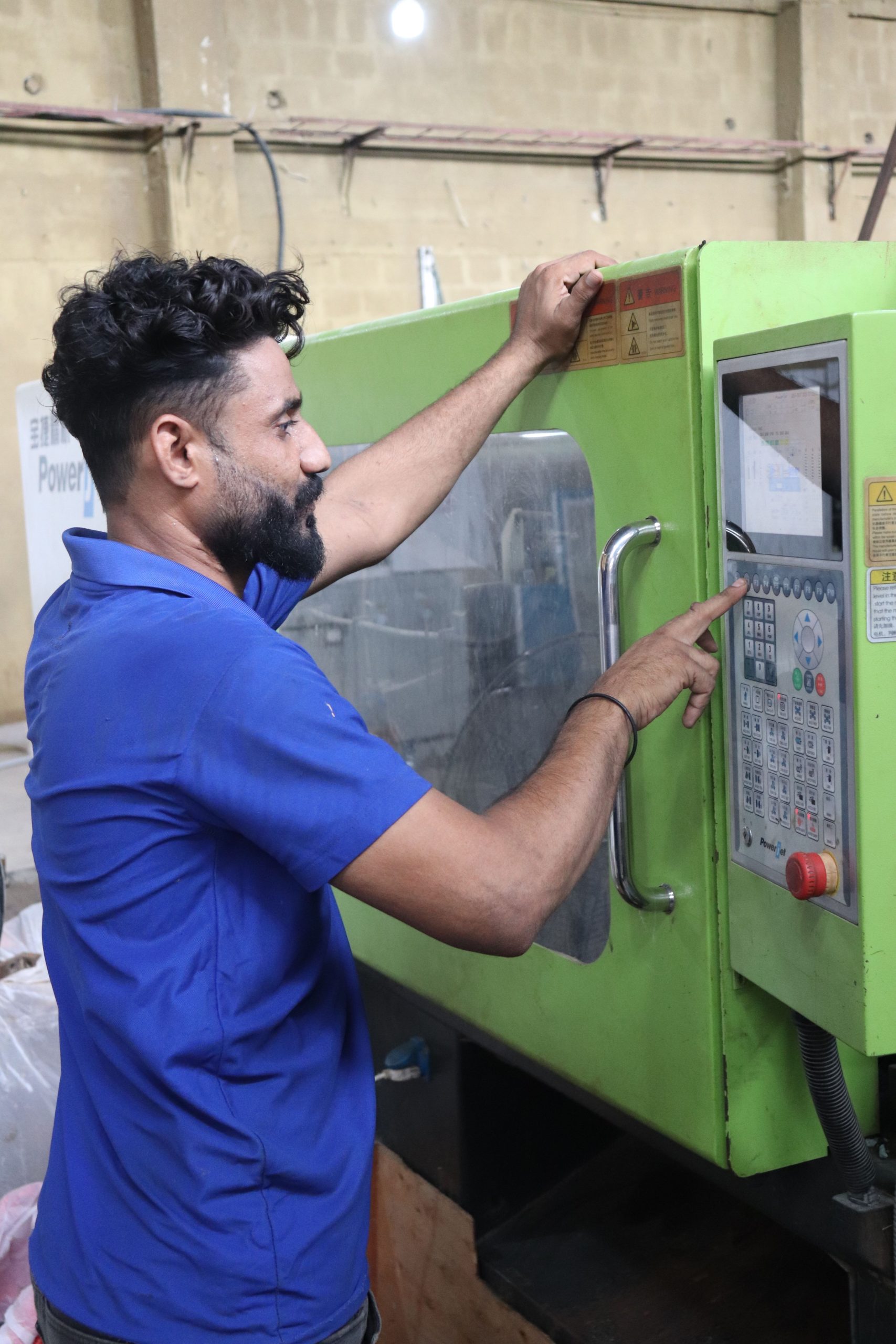
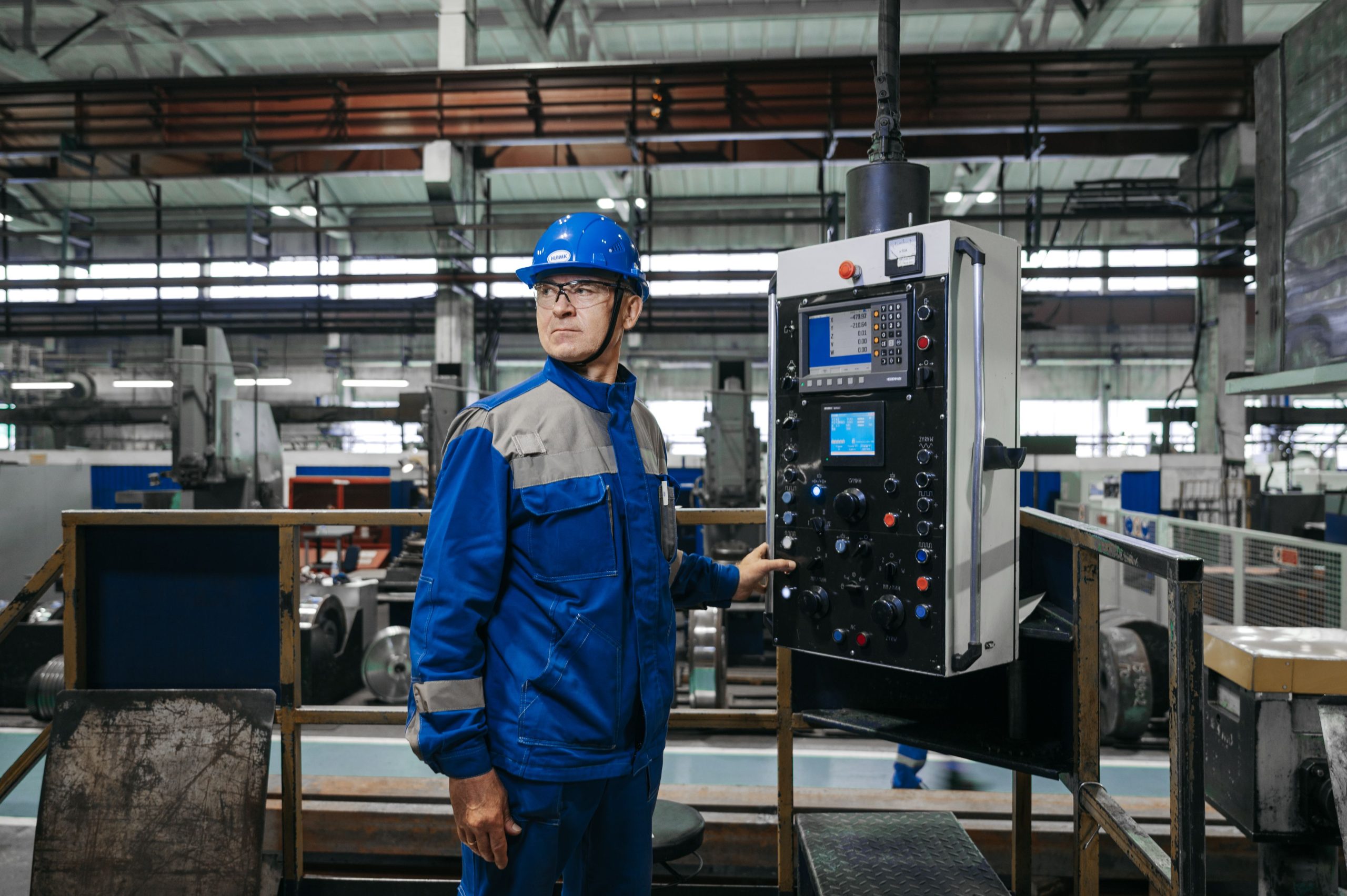
On the shop floor, Panel PCs often sit close to the machine they control. The operator uses the touch interface to start jobs, select recipes, confirm steps, or respond to alerts. This makes the Panel PC part of the machine experience rather than a separate accessory.
That proximity to machinery means the device has to be dependable. If the control interface goes down, the production line may slow or stop. For that reason, machine-level use is one of the strongest arguments for using an industrial Panel PC instead of a general-purpose computer.
Why Industrial Reliability Matters
Reliability matters because manufacturing environments are demanding by nature. Equipment may face vibration, dust, temperature variation, operator wear and tear, and continuous use. If a Panel PC is not built for that reality, it may become a maintenance burden rather than a productivity tool.
Industrial reliability also matters because the Panel PC is often tied to a critical workflow. If the unit fails, operators may lose access to instructions, alarms, production data, or machine controls. In manufacturing, that is not a small inconvenience; it can affect throughput and downtime.
What to Look For
The right manufacturing Panel PC should be selected around the actual job, not just the screen size. Buyers should consider OS compatibility, industrial I/O, touch performance, mounting style, and service access. The hardware should fit the application and the plant environment.
Good features to prioritise
-
Stable industrial computing platform.
-
Clear touch interface for operators.
-
Enough ports for scanners, PLCs, and peripherals.
-
Rugged enclosure for shop floor use.
-
Easy mounting into machine panels or control cabinets.
A manufacturing Panel PC should feel like part of the line, not like an afterthought.
OS Choice for Manufacturing
For manufacturing, Windows remains the most common choice when the plant depends on industrial software, MES tools, or legacy compatibility. Android can work well for simpler HMI or kiosk-style interfaces, but Windows is often better when integration is the priority. Linux may fit custom or embedded factory systems, but it is more specialised.
The key is to match the OS to the software stack already used in the plant. If the Panel PC needs to communicate with existing production tools, the wrong OS can create unnecessary integration work. That is why OS planning should happen early in the project.
Mounting and Service Access
Mounting style has a major effect on how practical a manufacturing Panel PC will be. Panel mount is common for machine front panels, while VESA or other mounting options may work better in flexible workstation setups. The device should integrate cleanly with the enclosure and surrounding hardware.
Service access matters as well. If the machine layout is tight, front maintenance may be the better option; if the cabinet has rear clearance, rear maintenance may work well. In manufacturing, maintenance workflow often matters as much as initial installation. A good Panel PC should support both production and service realities.
Product Paths at LCDSLD
If you are evaluating Panel PCs for manufacturing, the best starting point is the product category and then the application-specific pages. That gives you a clearer path from general research to actual selection.
-
Explore the Panel PC product category for industrial models.
-
Explore the Android Panel PC category for lighter, app-driven options.
-
Review the 15 Inch Industrial Panel PC as a practical factory-floor baseline.
-
Review the 32 Inch Commercial Android Kiosk if your manufacturing interface needs a larger, more display-heavy terminal.
For deeper reading, these two pillar articles are the best companions:
-
Panel PC: Complete Guide to Industrial All-in-One Computing.
-
Industrial Panel PC Buyer’s Guide: How to Choose the Right Model.
What Buyers Should Remember
Manufacturing Panel PCs work best when they are chosen for the workflow, not just the wall space. The screen has to be visible, the system has to stay reliable, and the software stack has to fit the plant environment. If any one of those three pieces is weak, the whole solution becomes harder to support.
A simple rule helps:
-
Use a Panel PC when operators need a direct touch interface at the machine.
-
Use it for MES when you need a reliable data capture point on the floor.
-
Use it for dashboards when visibility and uptime matter together.
FAQ
What is the main role of a Panel PC in manufacturing?
It usually serves as the operator interface for HMI, MES data entry, machine control, and production monitoring.
Why not use a normal PC and monitor?
Because industrial environments need more reliability, better integration, and a more durable form factor than consumer hardware usually provides.
Which OS is best for manufacturing Panel PCs?
Windows is often the default for MES and industrial software compatibility, while Android and Linux fit more specialised use cases.
Is mounting important?
Yes. Mounting and service access affect installation, downtime, and how well the Panel PC fits the machine or workstation.
If your manufacturing line needs a reliable HMI, MES terminal, or shop floor control station, a Panel PC is often the most practical foundation. For product support or customisation, contact LCDSLD through the contact page and request a tailored recommendation.
 English
  Arabic
  Spanish