Panel PC for Access Control and Visitor Management
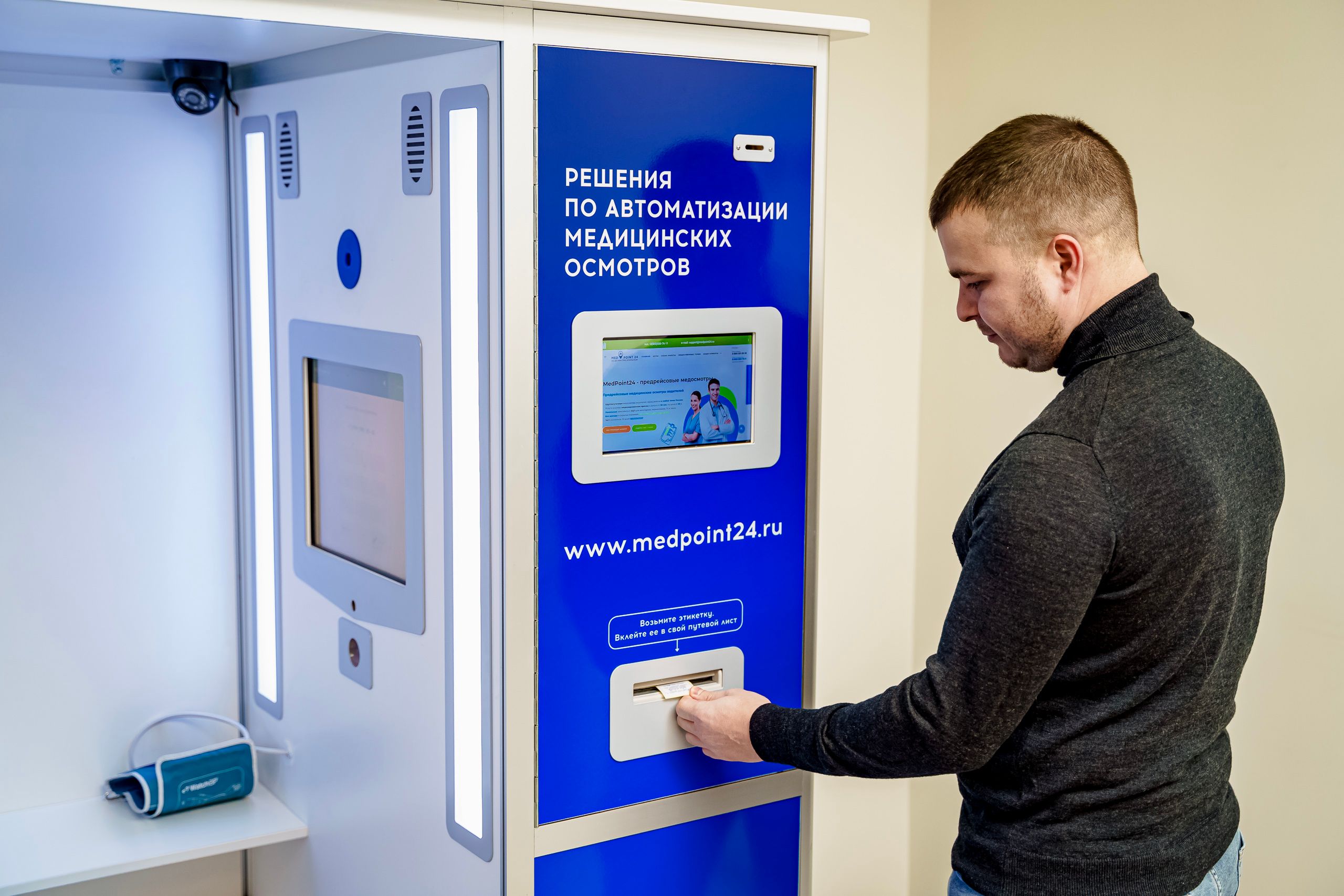
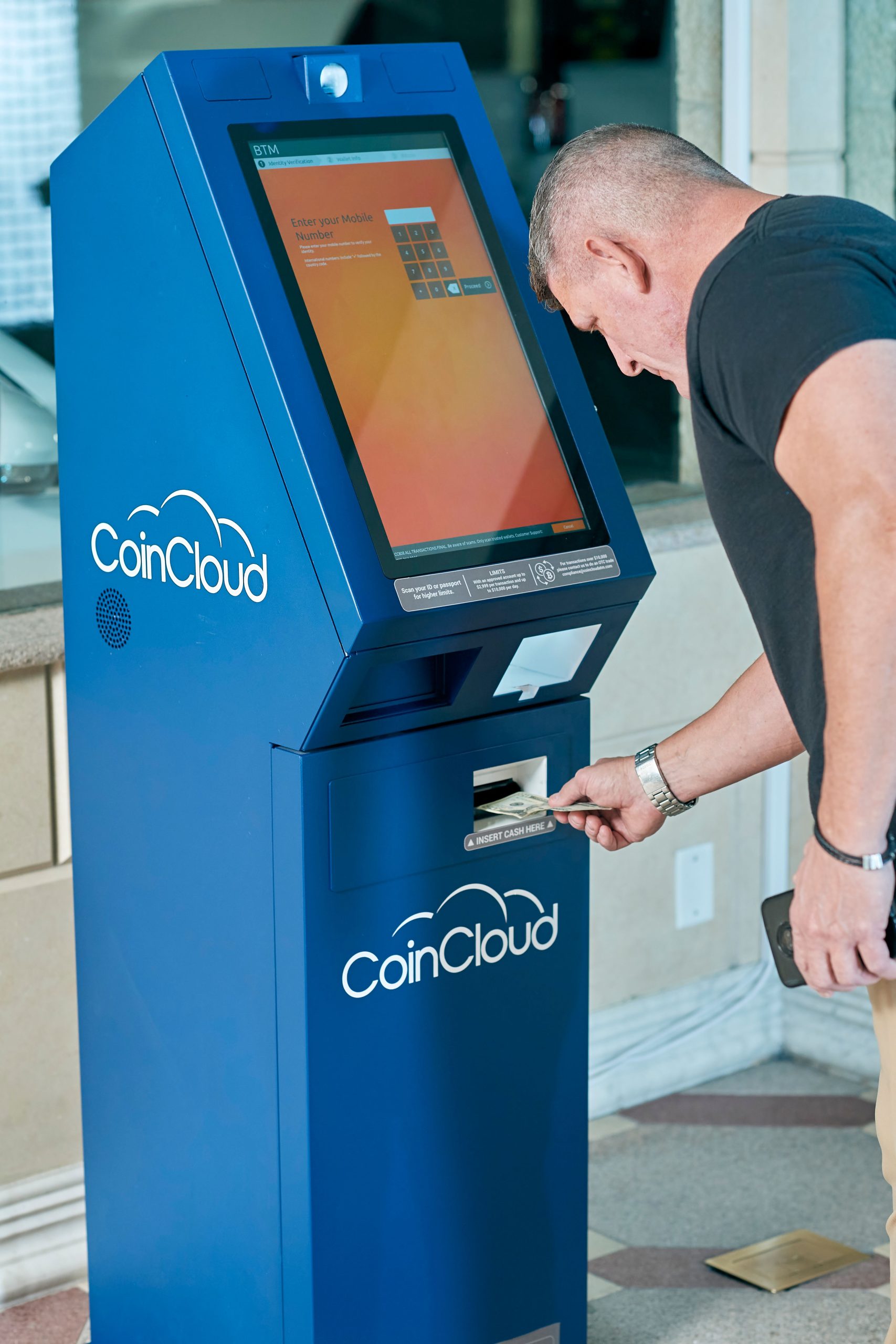
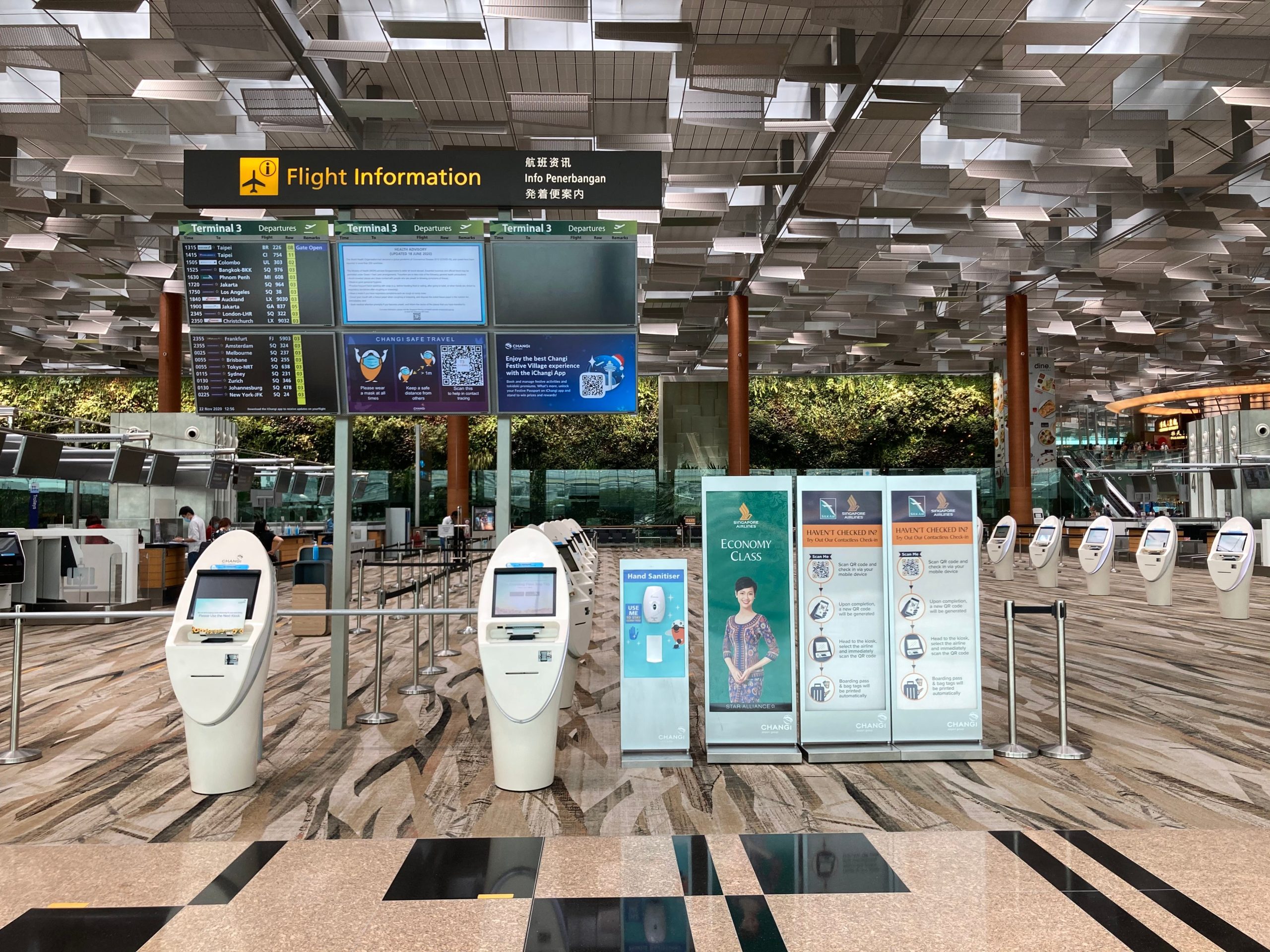
A Panel PC is a practical choice for access control and visitor management because it combines a touch interface, industrial reliability, and peripheral support in one device. It helps front desks handle check-in, identity verification, badge printing, and access handoff with fewer steps.
For teams that need a stable front desk platform, the main goal is simple: make visitor entry faster, cleaner, and easier to control. When the workflow is connected, reception and security can work from the same screen without switching between devices.
For a broader product overview, see Panel PC: Complete Guide to Industrial All-in-One Computing. That page explains the core role of industrial all-in-one systems in HMI and self-service applications.
Why It Matters
Visitor management is no longer just a sign-in form. Modern sites need a workflow that records identity, notifies hosts, manages access, and keeps logs for review.
When those steps are handled with separate tools, delays and errors increase. A Panel PC reduces that friction by putting the full process on one controlled front desk station.
Front Desk Use Case
At reception, the Panel PC acts as the main interaction point for visitors and staff. It can support QR check-in, ID scanning, photo capture, host confirmation, and badge printing in one flow.
That makes it easier for the visitor to move through the process and easier for staff to keep the desk organised. In busy environments, this also helps shorten queues and reduce manual work.
Typical Front Desk Workflow
-
Pre-registration or walk-in arrival.
-
Visitor identity capture.
-
Host lookup and confirmation.
-
Badge or pass printing.
-
Arrival notification to the host.
-
Log entry stored for later review.
Security Use Case
Access control needs visibility, not just speed. Security teams need to know who entered, why they came, where they can go, and whether their visit is still active.
A Panel PC helps connect visitor registration with access permissions and audit records. That makes it easier to manage temporary entry, host approval, and exception handling from one interface.
How to Choose
If the goal is a reliable front desk setup, the hardware should match the actual workload. A visitor management Panel PC usually needs a clear display, fast touch response, stable connectivity, and support for external devices.
For buyers comparing specifications and deployment options, the next step is Industrial Panel PC Buyer’s Guide: How to Choose the Right Model. That guide is useful when you are moving from concept to product selection.
Key Features to Look For
-
Fanless industrial design for 7×24 operation.
-
USB, LAN, and COM connectivity for peripherals.
-
Support for camera, scanner, and printer integration.
-
Secure mounting for desk, wall, or kiosk use.
-
Reliable touch performance for fast check-in.
Best-Fit Scenarios
This type of setup is common in corporate offices, factories, hospitals, campuses, and government buildings. Each environment has a different balance of hospitality, compliance, and security.
In offices, the priority is a smooth guest experience. In factories, the focus is often on contractor control and safety acknowledgment. In hospitals and campuses, the workflow usually needs to support both visitor flow and compliance tracking.
Product Options
To explore available configurations, start with the Industrial VESA-Mounted Panel PC category. It is the best place to review form factors and deployment options.
If you need compact embedded examples, the 10 Inch Industrial VESA-Mounted Embedded Panel PC and the 22 Inch Industrial VESA-Mounted Embedded Panel PC are useful references.
Buying Checklist
Before choosing a model, confirm the full workflow first. A check-in-only site has very different needs from one that also requires badge printing, photo capture, and access integration.
Then check the mounting environment, because screen size and installation method affect usability. A front desk counter and a wall-mounted station do not need the same configuration.
Simple Checklist
-
Define the visitor flow.
-
List all connected peripherals.
-
Confirm access control integration.
-
Choose the mounting method.
-
Verify software compatibility.
FAQ
Is a Panel PC suitable for visitor check-in?
Yes. It works well as the main interface for registration, identity capture, and visitor workflow management.
Can it connect to access control?
Yes. Many deployments link visitor records to temporary permissions, host approval, and audit logs.
What peripherals are usually added?
Common devices include a camera, ID scanner, QR scanner, badge printer, and sometimes a card reader.
Why use an industrial Panel PC instead of a desktop?
Industrial Panel PCs are better suited for continuous operation, front desk integration, and controlled deployment.
Conclusion
A Panel PC is a strong fit for access control and visitor management because it brings reception and security into one workflow. It helps reduce manual steps, improve consistency, and keep visitor entry under control.
For a manufacturer’s view, visit our channel. For project discussion or a quote, use the Contact us page.