


How to Choose the Right Touch Technology for a Panel PC?
Choosing the right touch technology for a Panel PC is not a cosmetic decision. It affects how fast operators work, how reliably the device performs, and how well the system fits the environment where it will actually be used.
A Panel PC is already a compact, industrial all-in-one device, so the touch layer becomes part of the core workflow rather than a secondary feature. In a factory, control room, workshop, or smart building station, the best touch option is the one that supports the job without making operators think about the interface itself.
How to Choose the Right Touch Technology for a Panel PC? Why touch choice matters?
Touch technology shapes the feel of the whole system. It influences input speed, error rate, glove compatibility, surface durability, and how comfortable the device is to use over long shifts. On a Panel PC, that matters because operators often interact with the screen dozens or hundreds of times a day.
The wrong touch choice can slow down a task that should feel simple. It may also create frustration in environments where the user’s hands are wet, gloved, dirty, or moving quickly between steps. That is why touch selection should always start from the use case, not from the technology itself.
Capacitive touch
What it is
Capacitive touch is the familiar touch method used in many phones and tablets. It reacts to the electrical properties of a finger or compatible input, which makes the interaction feel smooth and modern.
Where it works best
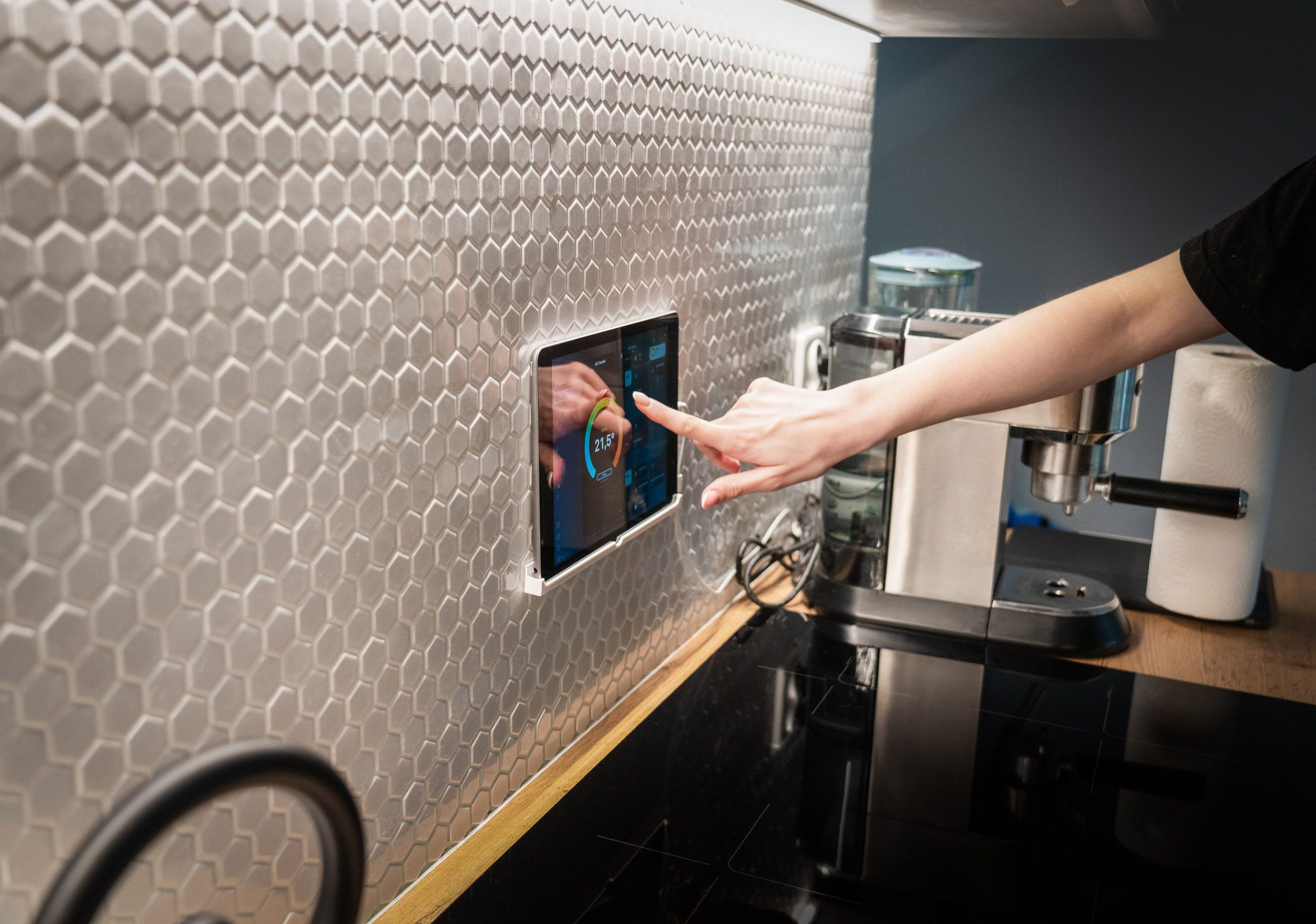
Capacitive touch is a strong choice for clean indoor environments where users want fast, intuitive interaction. It works well when the workflow is menu-driven, visual, and repeated often enough that a responsive interface makes a real difference.
Strengths
The main advantage is usability. Capacitive touch usually feels more natural, supports a cleaner visual design, and makes it easier for operators to move quickly through interface steps. It is often the best fit when the goal is to reduce hesitation and keep the operator focused on the task.
Limitations
Capacitive touch is less forgiving in certain industrial conditions. Heavy gloves, moisture, contamination, or rough handling can reduce its practicality compared with more tolerant options. In those settings, “best feel” may not mean “best results.”
Best fit
Capacitive touch is usually the right choice for:
-
Clean control rooms.
-
Indoor operator stations.
-
Modern HMI interfaces.
-
Workflows where speed and ease of use matter most.
Resistive touch
What it is
Resistive touch uses pressure. When the user presses the surface, the layers inside the screen make contact and register the input. That makes it a more force-based method than capacitive touch.
Where it works best
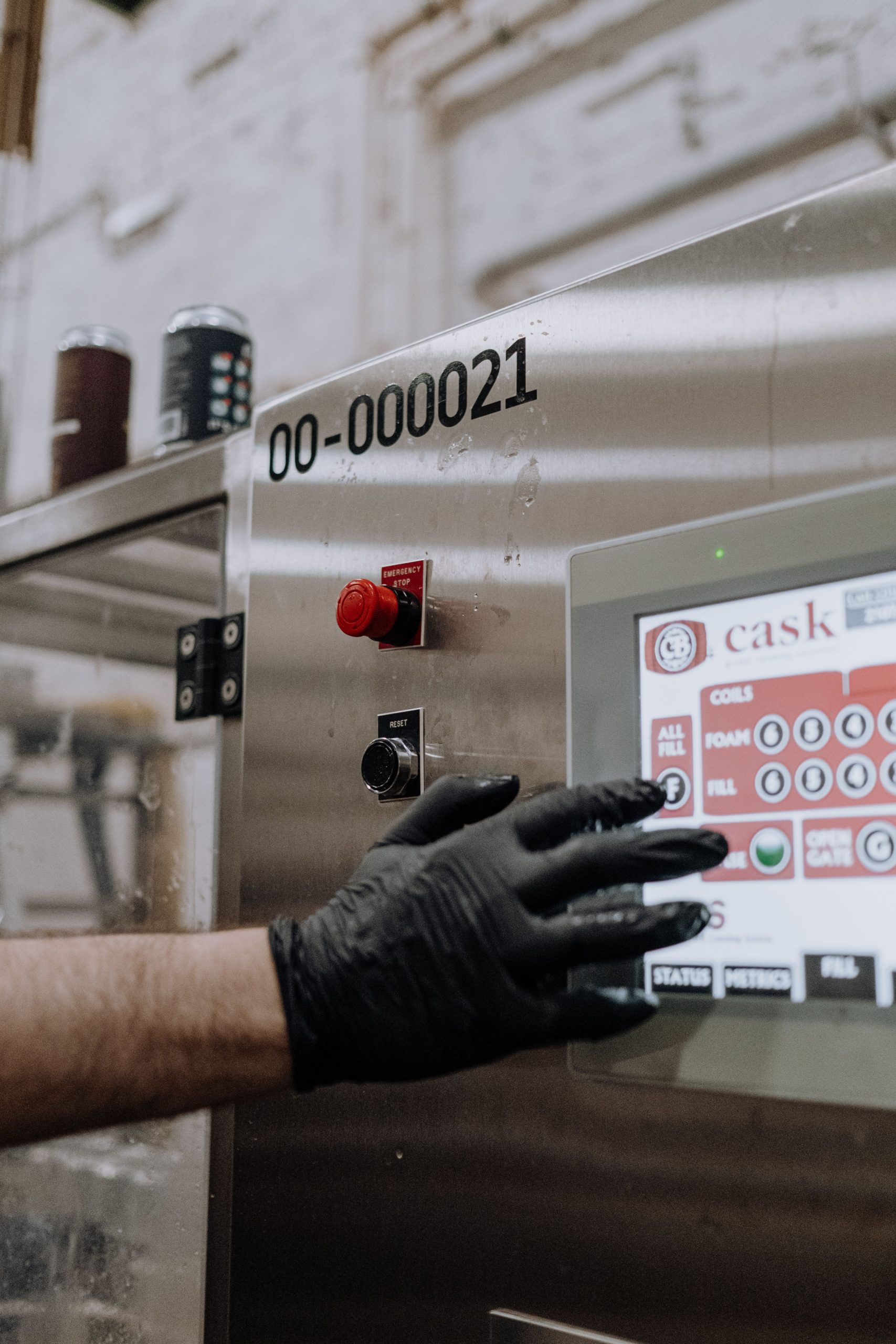
Resistive touch is often better in harsher or less controlled environments. If operators wear gloves, work around dust or moisture, or need a screen that remains usable under rougher conditions, resistive technology can be the more practical option.
Strengths
Its biggest strength is tolerance. It can work with gloves and styluses, and it can stay usable in environments where a smoother touch system might become less reliable. For industrial teams, that reliability often matters more than a premium feel.
Limitations
The tradeoff is that resistive touch usually feels less refined. It may not offer the same smooth interaction or visual clarity that buyers associate with modern touch systems. That does not make it a weaker technology; it simply makes it better suited to different priorities.
Best fit
Resistive touch is usually the right choice for:
-
Glove-heavy workflows.
-
Dusty or damp environments.
-
Utility and maintenance stations.
-
Industrial tasks where reliability matters more than touch elegance.
Infrared touch
What it is
Infrared touch uses a sensor frame around the screen to detect when something interrupts the infrared light grid. The screen itself does not need pressure-based contact to register a touch.
Where it works best
Infrared touch can be a strong option for larger Panel PCs or shared stations where the user needs a durable, flexible interface. It is often attractive when the screen surface needs to stay robust, and the interaction area is relatively large.
Strengths
One advantage of infrared is that it can support a sturdy surface while still offering touch input around the entire active area. That can be useful in public-facing or shared-use industrial setups where the device is used frequently by different operators.
Limitations
The main limitation is environmental sensitivity around the bezel. Dust, obstruction, or alignment issues can affect performance if the installation is not well planned. In industrial settings, that means physical deployment is a major part of touch performance.
Best fit
Infrared touch is usually the right choice for:
-
Large-format operator stations.
-
Shared industrial terminals.
-
Applications where a durable surface is valuable.
-
Installations that can keep the bezel area clear.
How to choose by use case
The right touch technology depends on the worksite, the operators, and the daily conditions around the screen. A clean indoor station does not need the same touch behaviour as a glove-heavy production area or a large shared terminal.
Clean indoor control stations
For clean indoor workflows, capacitive touch is often the best fit. It offers fast interaction, a familiar feel, and a polished user experience that suits modern HMI use.
Glove-heavy or rough environments
For harsher conditions, resistive touch is often the safer choice. It is more forgiving when hands are protected, when surfaces are dirty, or when the screen must remain usable regardless of environmental noise.
Large operator stations
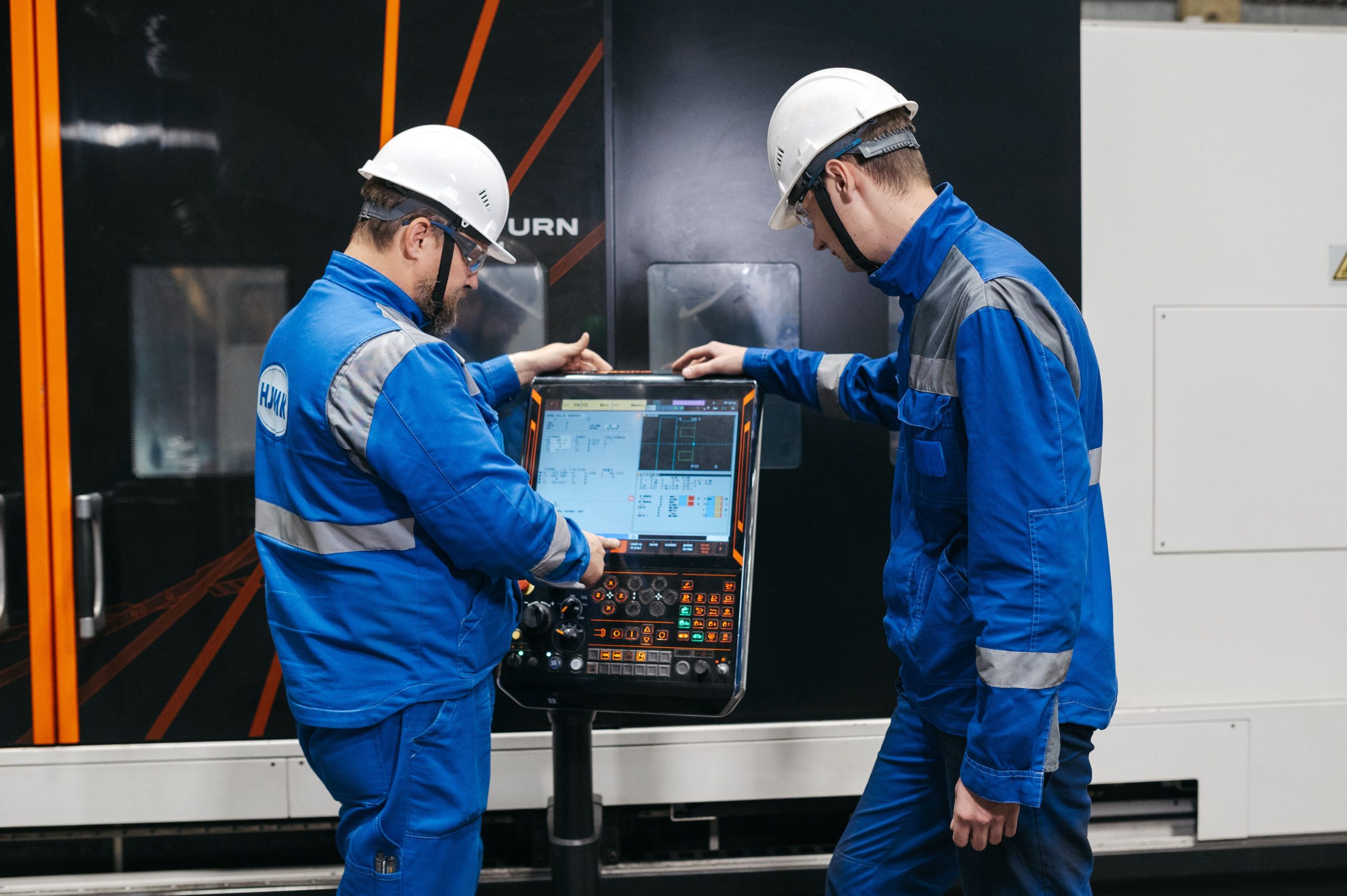
For larger displays or shared-use stations, infrared can make sense. It gives designers flexibility and can be a good match when the touch surface needs to stay durable and easy to access.
Touch technology in real deployment
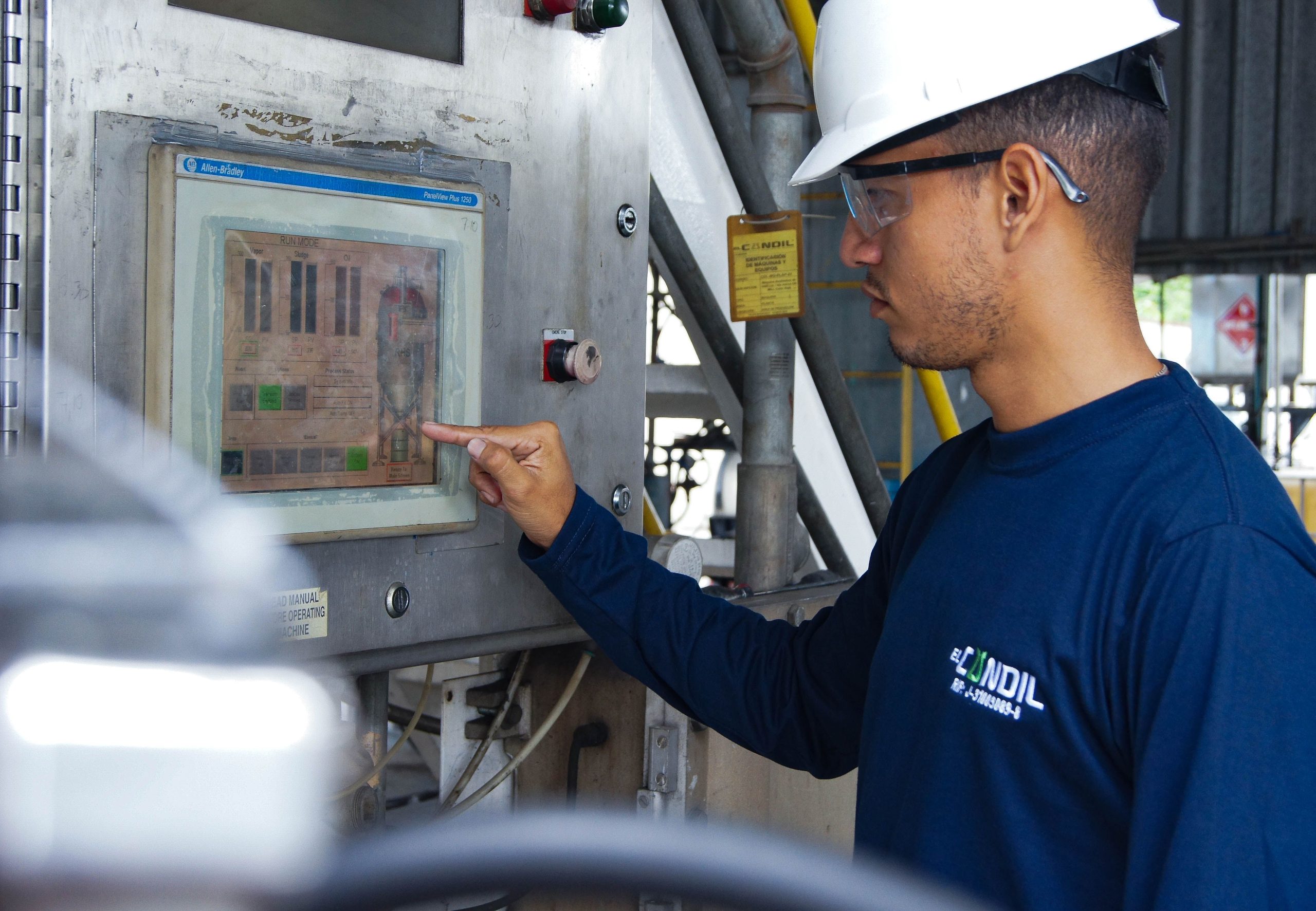
Touch technology should never be chosen in isolation from the installation environment. Lighting, humidity, cleaning routines, operator posture, and physical access all affect how a Panel PC feels after it is deployed. A touch system that looks ideal on a spec sheet may behave differently once it is mounted on a line, in a cabinet, or in a control room.
Mounting style also matters. A well-positioned Panel PC is easier to use, easier to clean, and more comfortable for operators during long shifts. In practical terms, the touch type and the deployment setup should support each other.
Common buyer mistakes
One common mistake is choosing capacitive touch simply because it seems newer. In reality, the latest-feeling option is not always the best-performing option for a given job. If the worksite involves gloves or moisture, the wrong choice can become a daily annoyance.
Another mistake is assuming resistive touch is outdated. It is still highly useful in industrial settings where the operator needs a dependable, low-fuss input method. The question is not whether it is modern enough; the question is whether it fits the environment.
A third mistake is selecting infrared without thinking about the space around the screen. If the bezel is likely to be crowded, dusty, or physically exposed, infrared performance may suffer unless the installation is planned carefully.
Recommended Panel PC options
If you are comparing industrial all-in-one systems, the Panel PC product category is a useful place to start because it shows how LCDSLD organises rugged panel solutions for demanding environments. For projects that need Android-based flexibility, the Android Panel PC category is also worth reviewing.
Two product pages that are especially relevant to this topic are the 22 Inch Industrial VESA-Mounted Embedded Panel PC and the 19 Inch Industrial VESA-Mounted Embedded Panel PC. They show how industrial design, mounting style, and environmental tolerance can support different touch strategies in real deployments.
For a broader context, you can also revisit How Panel PCs Improve Operator Efficiency and the Digital Kiosk Display Buyer’s Guide. Those pages help place touch choice inside a larger product and workflow strategy rather than treating it as a standalone spec.
FAQ
Which touch technology is most common in Panel PCs?
Capacitive touch is common in clean indoor applications, while resistive and infrared remain important in more specialised industrial environments.
Which touch type works best with gloves?
Resistive touch is often the best practical choice when gloves are part of the workflow.
Is capacitive always the best choice?
No. Capacitive touch is excellent for smooth interaction, but it is not always the best fit for dirty, wet, or glove-heavy conditions.
Is infrared good for large Panel PCs?
Yes, infrared can be effective for larger screens or shared operator stations when the environment is suitable.
Does OS choice affect touch performance?
OS choice affects the user experience, app compatibility, and interface behaviour, so it should be considered alongside touch technology.
How do I choose touch technology for harsh environments?
Start with the real conditions: gloves, dust, moisture, cleaning routines, mounting style, and operator posture. Then choose the touch type that fits those conditions most naturally.
The best touch technology for a Panel PC is the one that fits the job and the environment. Capacitive is usually best for clean, modern, high-speed workflows; resistive is often the strongest option for gloves and harsher conditions; and infrared can be a good fit for larger or shared operator stations.
If you are evaluating Panel PC touch options for a real deployment, start with the Panel PC product category or the Android Panel PC category, and use the Contact Us page to request a tailored recommendation.
 English
  Arabic
  Spanish