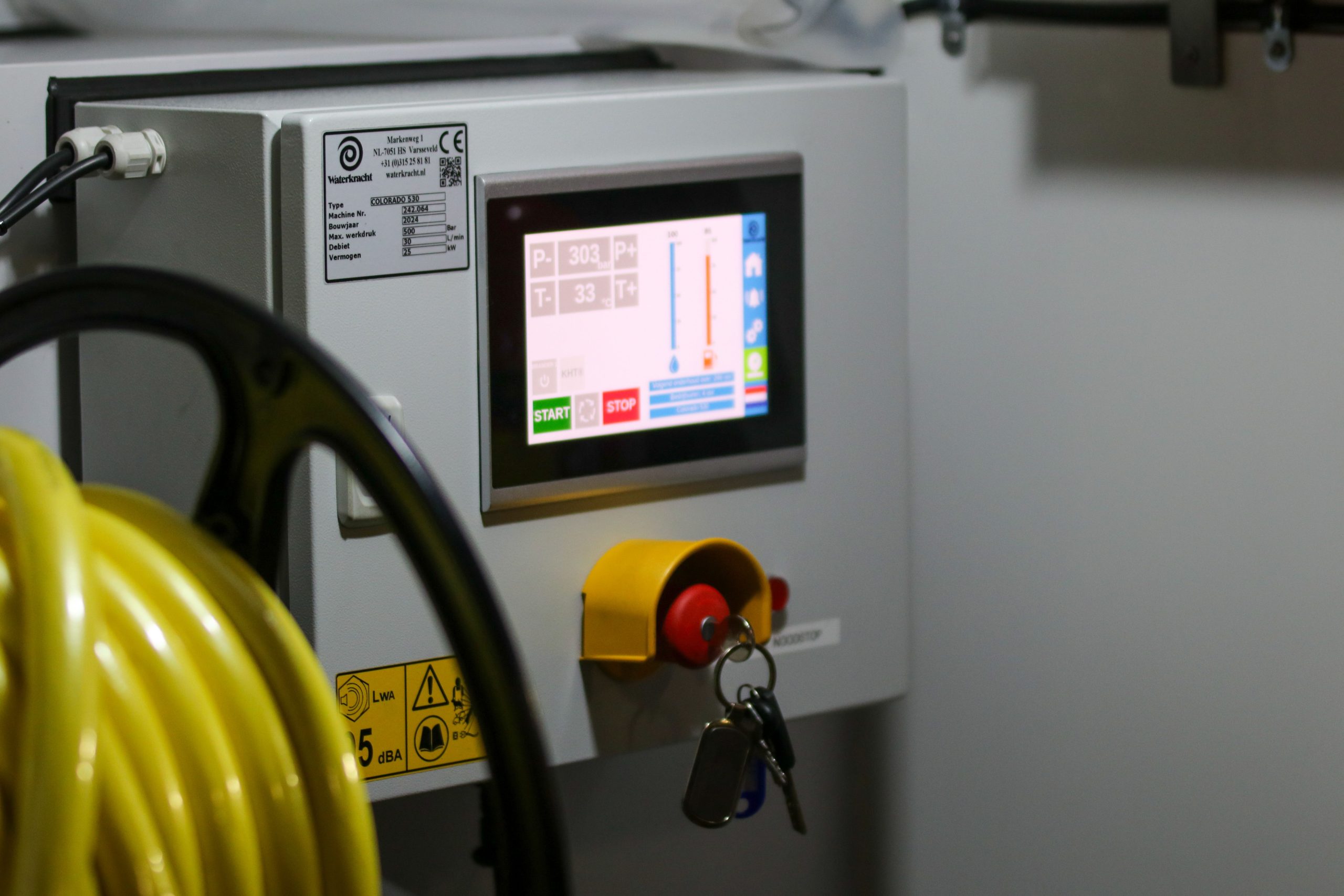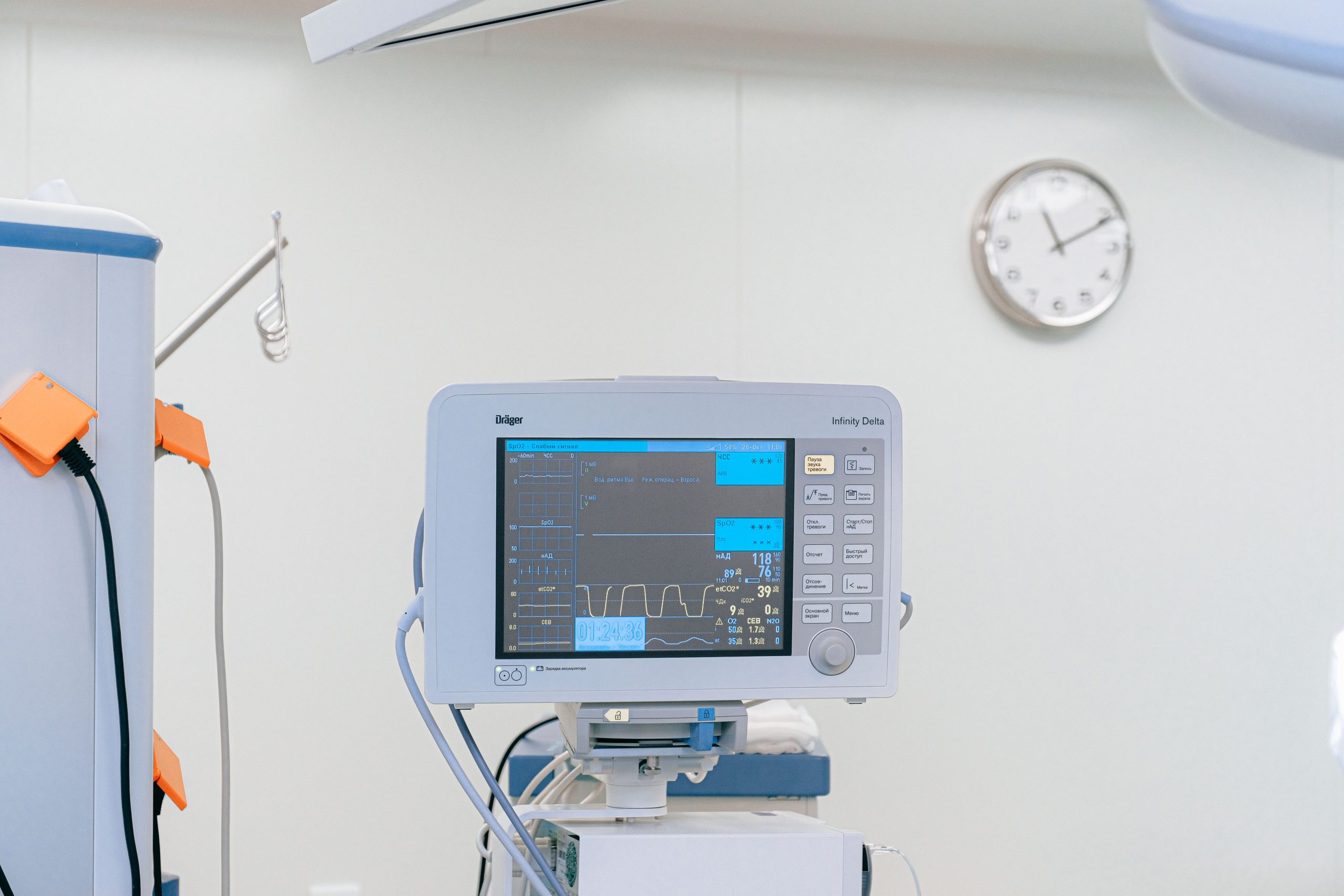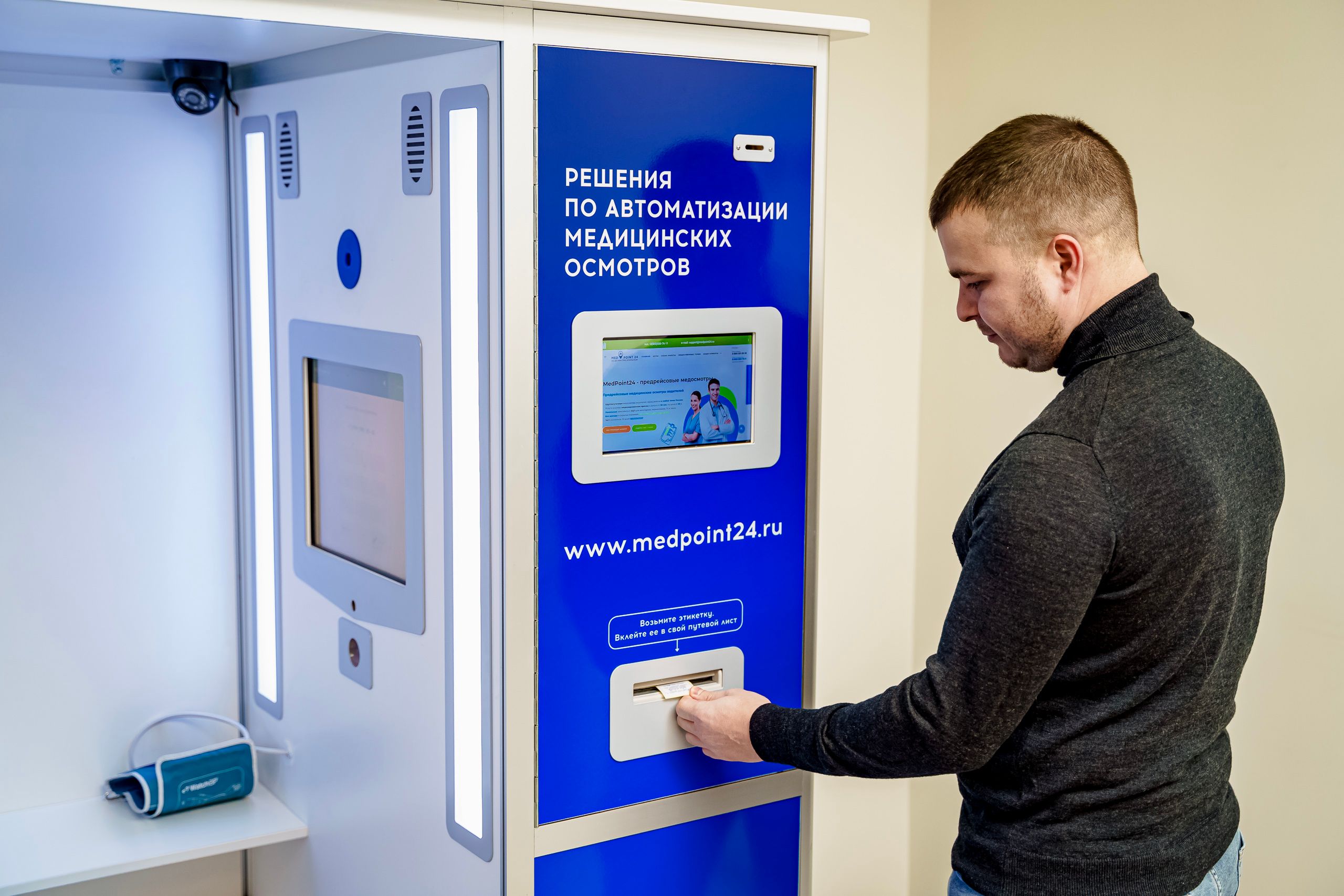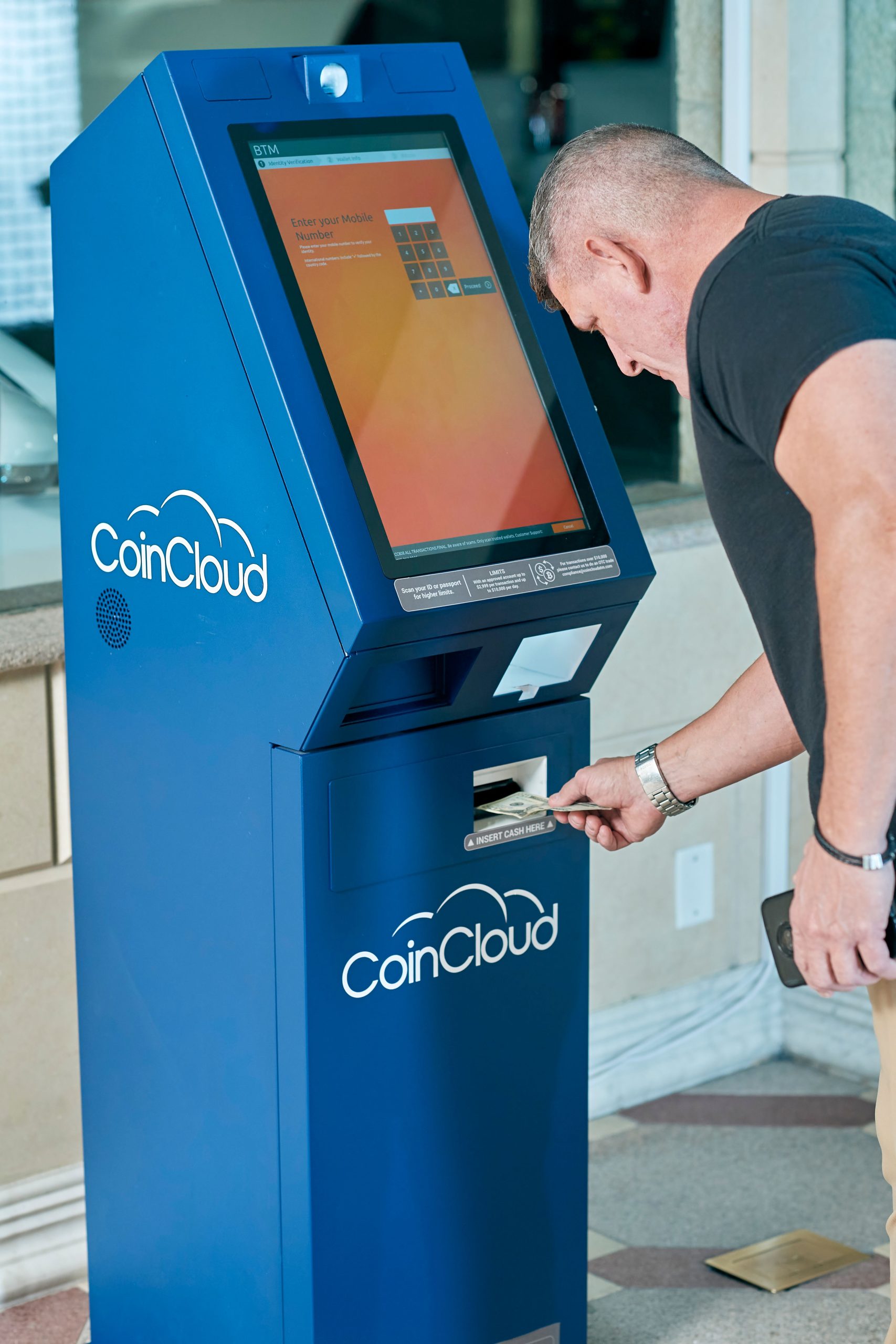


A Panel PC is one of the most practical choices for self-service kiosks because it combines the display, touch interface, and computing platform into one compact unit. That makes it easier to build kiosks that look clean, respond quickly, and stay consistent in public-facing environments. In projects such as ordering stations, ticketing terminals, and information kiosks, the hardware is not just a screen; it is the primary point of interaction between the business and the user.
The right kiosk setup should feel obvious to use, simple to maintain, and stable enough to run all day. That is why Panel PCs remain a strong foundation for self-service systems in retail, hospitality, transportation, healthcare, and public information spaces.
Panel PC for Self-Service Kiosks
Why Panel PCs fit kiosks
Self-service kiosks work best when the user journey is short, visual, and intuitive. A Panel PC supports that model by integrating the touch display and computing layer into a single device, reducing the number of separate components in the kiosk cabinet. That helps keep the enclosure compact and the installation cleaner, which is especially valuable in public spaces where appearance matters.
Another advantage is consistency. When the screen, computer, and touch layer are designed to work together, the kiosk is easier to standardise across multiple locations. For businesses that want to roll out the same kiosk concept in several stores or branches, a Panel PC gives them a repeatable hardware base.
Self-service terminal use cases
Self-service kiosks are used for more than ordering. They can support ticketing, visitor registration, queue management, check-in, wayfinding, and information lookup. In each case, the user is expected to finish a task without staff help, so the interface has to be clear and the hardware has to be dependable.
In ticketing environments, the kiosk often needs to guide the user through a few simple steps and then hand off the transaction or print a receipt. In information terminals, the kiosk may need to present maps, directories, schedules, or service instructions in a way that is easy to read at a glance. The more public and high-traffic the space is, the more important the Panel PC’s responsiveness and reliability become.
Ordering kiosks in retail and food service
Ordering kiosks are one of the most visible self-service applications. They are used in quick-service restaurants, cafés, food courts, and retail stores to reduce queue pressure and speed up the ordering process. A Panel PC works well here because it supports a direct touch experience and can be integrated neatly into a countertop, wall, or freestanding kiosk cabinet.
For ordering workflows, the display must do two things well: make the menu easy to read and make the action buttons easy to hit. If the interface feels cluttered or hard to navigate, customers will hesitate or ask for staff assistance. That is why kiosk ordering hardware should be selected together with the interface design, not after the fact.
Ticketing and check-in terminals
Ticketing kiosks are common in transportation, events, clinics, and visitor management systems. In these settings, the kiosk may need to issue a ticket, verify a booking, print a pass, or complete a check-in flow. A Panel PC is a good fit because it supports the kind of guided interaction these tasks require.
The challenge in ticketing is usually not complexity; it is reliability under repetitive public use. The kiosk has to stay responsive, readable, and easy to understand for users who may only use it once. That is one reason many self-service projects prefer an all-in-one panel computer instead of a loose assembly of separate devices.
Information terminals and wayfinding
Information kiosks are often used in lobbies, campuses, malls, hospitals, and corporate buildings. These terminals typically present directories, maps, service guides, event schedules, or visitor instructions. The job of the Panel PC is to make that information easy to access and easy to trust.
In these applications, the kiosk may be used by a wide range of visitors with different levels of technical comfort. That means the interface should be simple, the text should be readable, and the overall system should feel obvious from the first touch. A well-placed Panel PC can turn a static space into a more helpful and self-guided environment.
What to specify for kiosk projects
A kiosk Panel PC should be chosen based on the interaction, not just the physical size. The most important questions are: how close will users stand, how long will the screen be visible, and how much content needs to fit on the screen. If the kiosk is for quick transactions, clarity and touch response matter most. If it is for wayfinding or directories, readability and layout matter more.
The display should also be matched to the environment. Indoor kiosks usually need a different brightness and protection level than semi-outdoor or high-traffic public installations. A kiosk in a quiet lobby does not need the same visual profile as one in a storefront, transit hub, or ordering line.
Touch, brightness, and serviceability
Touch performance is one of the defining factors in kiosk quality. If touch response is slow or inaccurate, the whole self-service experience feels frustrating. Brightness matters too, especially in spaces with strong ambient light or changing lighting conditions. In public-facing installations, the screen has to remain readable, not just technically functional.
Serviceability is another major planning point. If the kiosk needs frequent maintenance or replacement of peripherals, the enclosure and mounting strategy should support fast access. The best kiosk designs are the ones that look simple to the user but remain practical for the service team behind the scenes.
Compact integration and enclosure planning
Panel PCs are popular in kiosk design because they help keep the cabinet slim and the wiring simple. This is useful in countertop ordering stations, in-wall information kiosks, and self-service cabinets where space is limited. A compact integrated build also makes it easier to standardise the final product across multiple locations.
Enclosure planning should be done early. The bezel, cutout, cable routing, and peripheral placements all affect the user experience and the maintenance workflow. If the kiosk will include a printer, scanner, payment module, RFID reader, or other peripheral, those parts should be planned together with the Panel PC from the start.
What else do kiosks usually need
A kiosk is rarely just a screen. Many projects also need a barcode scanner, receipt printer, payment terminal, NFC/RFID module, camera, or network connection. The Panel PC should support the overall ecosystem rather than force extra adapters or awkward workarounds.
This is one reason specification planning matters so much. A kiosk that looks good on paper can still fail in the real world if the peripheral layout is not designed carefully. The best self-service systems are the ones where the hardware supports the complete customer flow, not just the first touch.
Where to start on LCDSLD
If you are evaluating kiosk Panel PC options, it helps to start with the product family that matches the deployment style, then narrow it by application and enclosure needs. For kiosk-oriented projects, these pages are the most relevant starting points:
-
Explore the Panel PC product category for industrial and kiosk-friendly models.
-
Explore the Android Panel PC category for app-based kiosk concepts.
-
Review the 32 Inch Commercial Android Kiosk as a larger kiosk-style reference.
-
Review the 49 Inch Commercial Android Kiosk if your project needs a larger public-facing kiosk format.
For related reading, these two pillar articles are the most useful companions:
-
Panel PC: Complete Guide to Industrial All-in-One Computing.
-
Industrial Panel PC Buyer’s Guide: How to Choose the Right Model.
What buyers should remember
A good kiosk Panel PC should make the experience feel simple for users and manageable for the operator. That means the screen must be readable, the touch response must feel natural, and the enclosure must support the full service plan. If the kiosk is for ordering, ticketing, or information access, the hardware should be selected around that exact job.
The most practical rule is this: choose a Panel PC that matches the user flow, then design the enclosure and peripherals around it. That approach creates a kiosk that is easier to use, easier to maintain, and easier to scale.
FAQ
Is a Panel PC better than a tablet for kiosks?
Usually, yes, because a Panel PC is designed for integration, public use, and kiosk enclosure mounting rather than consumer-style portability.
Do all kiosks need Android?
No. Android is common for app-driven kiosk use, but the right system depends on the software and deployment requirements.
What size is best for kiosk applications?
It depends on the use case. Ordering and information kiosks often use medium to larger formats, while compact check-in or ticketing stations may use smaller sizes.
Do kiosks need IP65 protection?
Not always, but public-facing or cleaning-sensitive installations often benefit from stronger front protection.
If your project needs a self-service terminal, ordering station, ticketing kiosk, or information display, a Panel PC is often the most practical foundation. For product support or customisation, contact LCDSLD through the contact page and request a tailored recommendation.