How Panel PCs Solve Space Constraints
Panel PCs are one of the most effective ways to save space in industrial and commercial installations because they combine the display, touch interface, and computing hardware into one compact unit. Instead of mounting a monitor, a tower, and a pile of cables, teams get a cleaner, slimmer, and easier-to-place system that fits into tighter cabinets, desks, kiosks, and control areas.
That compact design matters because many projects fail not on performance, but on footprint. When floor space, cabinet depth, or desk area is limited, a Panel PC can simplify the layout and make the whole installation easier to build, service, and scale.
Why space is such a problem
In many industrial and commercial projects, space is the hidden constraint that shapes every other decision. A factory cabinet may already be crowded with power supplies, relays, controllers, and wiring, while a retail counter or service desk may have very little room left once the customer-facing equipment is in place. If the hardware footprint grows too large, the result is often a messy enclosure, poor cable routing, and harder maintenance.
Panel PCs help because they remove the need for separate components. By integrating the screen and computing layer into one enclosure, they reduce the number of devices that must be mounted, powered, and cooled. That single change can free enough room to make a project practical where a traditional setup would feel cramped.
Integrated design saves cabinet space
The biggest advantage of a Panel PC is that it combines multiple devices into one. In a conventional setup, the screen sits in front while the PC or control box sits somewhere else in the cabinet, which adds depth, brackets, and cabling. With an integrated Panel PC, much of that extra hardware disappears, making the enclosure easier to design around.
This is especially useful in panel-mounted installations. When cabinet depth is limited, every centimetre matters, and reducing the number of separate components can make the difference between a clean installation and a redesign. A slimmer system also makes it easier to preserve airflow, access wiring, and keep other equipment organised.
Cleaner installation with fewer cables
Space savings are not only about physical size. Fewer components also mean fewer cables, fewer connection points, and fewer chances for tangled routing inside the cabinet or under the desk. That makes the installation look more professional and reduces the time needed to assemble or service the system.
Cable reduction also improves reliability. Every extra cable adds another point of failure, and every loose bundle makes maintenance more difficult. When a Panel PC is used instead, the system usually feels more orderly because the display and computer are already designed to work together in a single enclosure.
Where compact design matters most
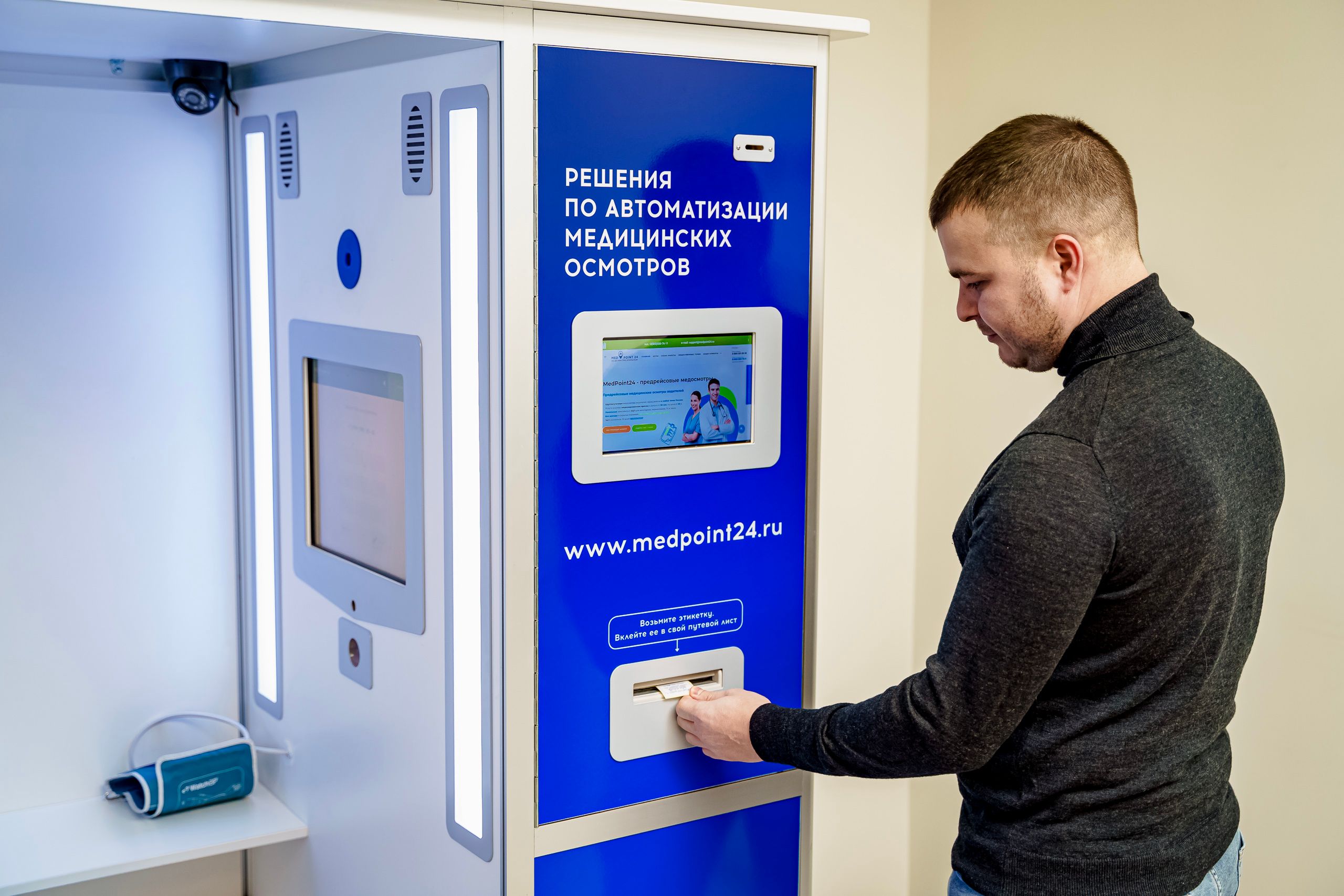
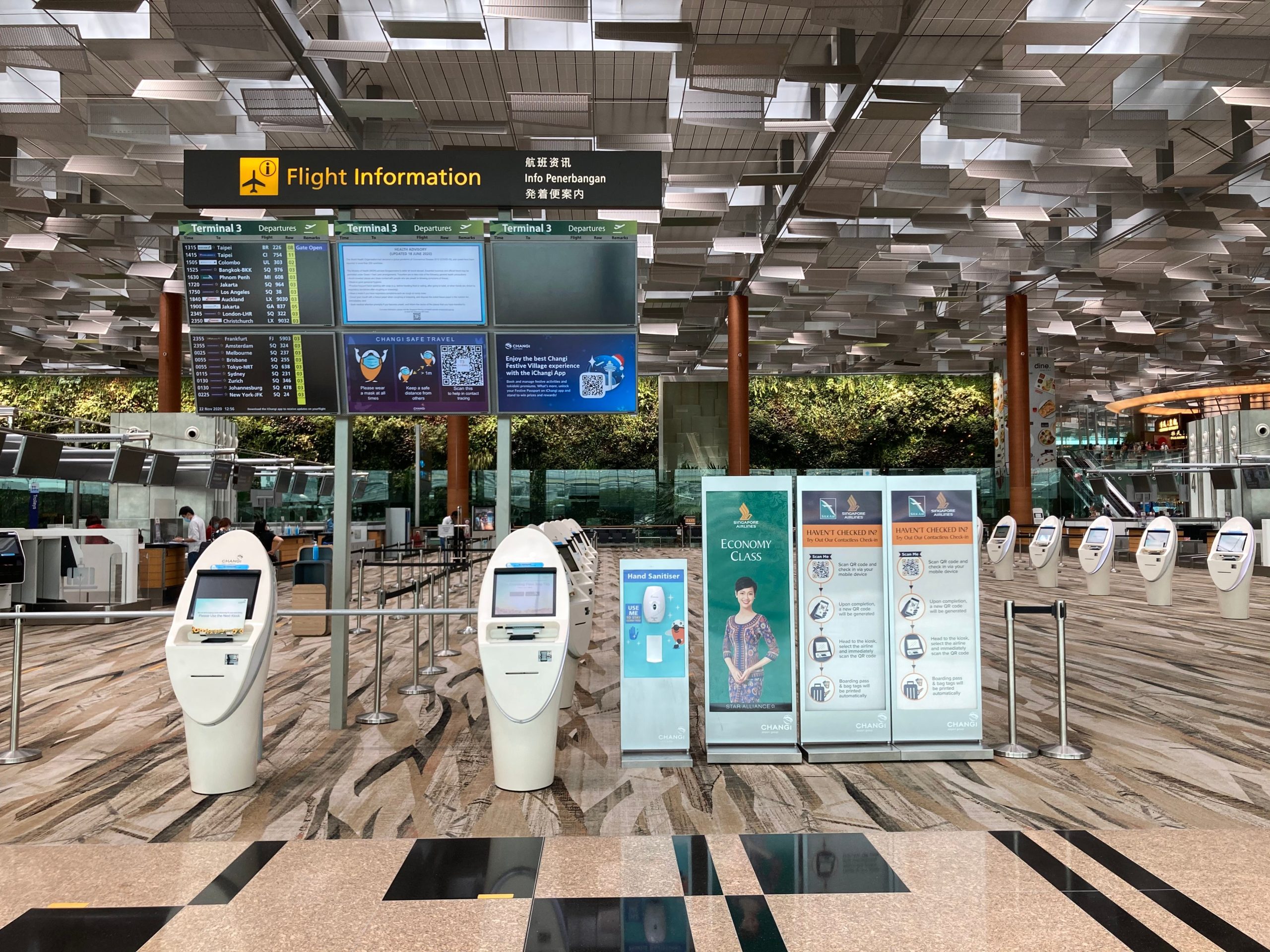
Compact design becomes especially valuable in projects where the user-facing area is small or highly visible. Retail counters, kiosks, service desks, self-service terminals, reception areas, medical carts, and production stations all benefit from hardware that occupies less space while still delivering full functionality.
It also matters in controlled environments like cabinets, wall openings, and equipment doors, where the enclosure shape is fixed before the hardware is selected. In those cases, a compact Panel PC can be the most practical way to fit a modern interface into a limited opening without sacrificing readability or touch interaction.
Industrial projects that benefit most
Industrial projects often face the strictest spatial limitations. Machine enclosures, HMI stations, warehouse workbenches, and control cabinets can all run out of room quickly. A Panel PC is a natural fit because it provides a rugged computing interface without demanding a large footprint.
This is why industrial teams often compare Panel PCs against separate monitor-plus-PC configurations and end up choosing the integrated option. The smaller footprint is easier to mount, easier to wire, and easier to maintain in the long run. If your project also needs a broader evaluation of display selection and installation planning, the Digital Kiosk Display buyer guide is a useful companion because it explains how display type, location, and mounting affect the final system.
Commercial projects that benefit most
Commercial environments also benefit from compact hardware, especially when the customer experience is part of the design. A reception terminal, information kiosk, retail staff station, or check-in point has to look neat as well as function well. A Panel PC helps by reducing visible clutter and preserving desk or counter space for the actual user flow.
This is especially useful in modern commercial settings where design consistency matters. If the hardware looks too bulky, it can distract from the space or make the installation seem improvised. A compact all-in-one system feels more intentional and gives the project a cleaner visual finish.
Cabinets, desks, and kiosks
Panel PCs are especially strong in installations where the hardware must disappear into the structure. In cabinets, the goal is often to preserve as much internal room as possible for the rest of the system. On desks and counters, the goal is to keep the surface usable while still offering a full touchscreen experience.
Kiosks are another major use case because kiosk enclosures are often built around a fixed cutout and a limited depth allowance. A compact Panel PC makes it easier to fit the system into the housing without sacrificing service access or causing cable congestion behind the front panel.
Mounting flexibility supports space savings
A space-saving design is only helpful if it can actually be installed where needed. That is why mounting flexibility is a major advantage of Panel PCs. Depending on the project, the device may be panel-mounted, wall-mounted, embedded into a cabinet, or placed on an articulated arm to free up the work surface.
This flexibility lets integrators choose the most efficient placement for the available space. In a tight control room, it may mean keeping the desktop clear. In a warehouse or production station, it may mean leaving room for tools, scanners, or paperwork. The hardware adapts to the layout instead of forcing the layout to adapt to the hardware.
When space savings improve workflow
Compact hardware does more than save room. It can improve workflow by removing visual clutter and reducing the number of things the operator must navigate around. That can matter in factories, retail counters, service points, and logistics stations where efficiency is tied to how quickly a user can interact with the system.
A smaller, integrated device also makes training easier. Staff can learn one interface instead of managing separate components with separate power and data paths. In practical terms, the cleaner the setup, the easier it is to keep the process consistent from one site to another.
Choosing the right compact model
The right compact Panel PC depends on the space it must fit and the job it must perform. A cabinet-mounted industrial system may prioritise depth and durability, while a desk or kiosk installation may prioritise screen visibility and touch usability. The important thing is to match the physical design to the actual project constraints.
If you are comparing options, it helps to start with the product family and then work outward into the application. LCDSLD’s Panel PC product category is a practical place to begin, especially when the project needs an integrated industrial all-in-one format. For touchscreen-driven commercial projects, the Android Panel PC category can also be useful when the software workflow is app-based or kiosk-style.
For larger or more visible commercial installs, the 32 Inch Commercial Android Kiosk and 49 Inch Commercial Android Kiosk pages show how bigger integrated formats can still preserve a clean footprint compared with separate hardware stacks. If you want a broader product and planning overview before making a final choice, the Panel PC: Complete Guide to Industrial All-in-One Computing is a useful starting point, and the Industrial Panel PC Buyer’s Guide: How to Choose the Right Model can help narrow the selection.
What buyers should remember
Space-saving design is not just about using a smaller device. It is about choosing hardware that fits the enclosure, reduces cable clutter, and simplifies installation without limiting functionality. In industrial and commercial projects alike, that can make the difference between a neat, scalable solution and a crowded, difficult-to-service one.
A simple rule helps:
-
Use a Panel PC when cabinet depth or desk space is limited.
-
Use an integrated design when cleaner cable management matters.
-
Use compact mounting options when the enclosure or kiosk opening is fixed.
FAQ
Why do Panel PCs save more space than separate components?
Because they combine the display and computer into one enclosure, which removes the need for a separate tower or control box.
Are Panel PCs only for industrial projects?
No. They are also useful in commercial settings like kiosks, service desks, retail counters, and reception areas.
What space problem do they solve best?
They solve cabinet depth issues, desk clutter, and cable congestion better than separate hardware setups.
When should I choose a larger kiosk instead?
When the project needs a more visible customer-facing screen, but still benefits from an integrated, tidy system.
CTA
If your project needs a compact, integrated display and computing solution, a Panel PC is one of the most effective ways to reduce footprint and simplify installation. For product support or customisation, contact LCDSLD through the contact page and request a tailored recommendation.