







When a blockbuster drops, the last thing your guests want is a 20‑minute queue at the box office. Cinema ticketing kiosks quietly keep the line moving, sell more premium seats, and make “sold out” nights feel smooth instead of chaotic.
This article zooms in on cinema ticketing kiosks—what they do, how to design flows that work under peak pressure, and how to choose hardware and security that won’t fail five minutes before showtime.
What Is a Cinema Ticketing Kiosk?
A cinema ticketing kiosk is a self‑service terminal in your lobby that lets guests:
-
Purchase movie tickets on‑site
-
Pick up tickets purchased online
-
Select seats from a seating map
-
Apply vouchers, promo codes, or loyalty points
-
Print tickets or receive digital confirmations
Compared with generic self‑service kiosks, cinema ticketing kiosks are optimised for:
-
High‑traffic peaks (evenings, weekends, holidays)
-
Fast, repeatable ticket flows
-
Clear seat selection across multiple screens and showtimes
They are typically placed in theatre lobbies, near entrances, or along high‑traffic walls where guests naturally line up.
Why Cinemas That Use Ticketing Kiosks Sell More and Queue Less
Cinema operators adopt ticketing kiosks for both operational and commercial reasons.
Shorter Queues at the Box Office
Kiosks handle routine ticket sales and pickups, so staff counters can focus on:
-
Complex requests (changes, refunds, special needs)
-
Membership issues and customer complaints
With 40–60% of standard ticket transactions moving to kiosks, box office windows become “problem solvers” instead of bottlenecks.
Better Staff Allocation
Instead of over‑staffing the ticket counter during peaks:
-
Fewer staff are needed behind the glass
-
More team members can move to concessions and upselling
-
Line‑busting becomes easier when staff can float and guide guests to kiosks
You’re not just cutting labour—you’re shifting people to higher‑margin activities.
Increased Throughput and Revenue
Every minute before showtime counts:
-
Kiosks process more transactions per hour in the same floor space
-
Upsell prompts never forget to offer premium seats or 3D/IMAX formats
-
You can cross‑sell concessions, combos, and loyalty programs consistently
Even modest conversion rates on seat upgrades and snacks add up across thousands of transactions per month.
Experiencia del cliente mejorada
-
Guests who already purchased online can go straight to a kiosk, skip the counter, and pick up tickets within seconds
-
Self‑service gives privacy for seat selection and payment
-
Kiosks provide a “safety valve” when app or website traffic spikes before big releases
Combined with online and mobile ticketing, kiosks help build a hybrid, omnichannel journey that reduces friction across all touchpoints.
Core Hardware for Cinema Ticketing Kiosks
Cinema environments have specific requirements: high visitor volumes, busy lobbies, and time‑sensitive transactions right before showtime.
Pantalla y pantalla táctil
Tamaño de pantalla
-
21.5″–27″ is common for lobby kiosks
-
27″–32″ works well for freestanding units, especially when displaying seating maps and multiple showtimes
Orientación
-
Portrait is typical for ticketing flows and seat maps, where vertical scrolling is common
-
Landscape can work for larger, multi‑user kiosks or combined ticketing + concessions ordering
Brillo
-
Standard indoor brightness (300–500 nits) is usually sufficient for cinema lobbies with controlled lighting
-
If kiosks sit near glass entrances or bright atriums, consider slightly higher brightness for readability
Use PCAP touch for a familiar smartphone‑like experience and precise seat selection on seating diagrams.
Ticket Printers and Receipts
Ticket printing is central to cinema kiosks:
-
Ticket printer
-
Prints on ticket stock suitable for scanners at entrance gates
-
Needs fast print speeds to avoid bottlenecks at peak times
-
-
Receipt printer (optional)
-
For payment receipts and detailed booking confirmations
-
Many cinemas are moving towards digital receipts to reduce paper use
-
Choose printers with:
-
Auto‑cutters for clean, professional ticket edges
-
Easy front access for paper roll replacement
-
Sensors and status reporting (paper low, door open, jams)
Payment Hardware
Cinema ticketing kiosks need payment to “just work”:
-
EMV chip reader for secure card payments
-
NFC/contactless reader for tap‑to‑pay and mobile wallets
-
QR code scanning to support local wallet apps, vouchers, and loyalty codes
Consideraciones clave:
-
Support for the most common payment methods in your country (local cards, wallets)
-
Future‑proofing for emerging digital payment habits
-
Integration with your existing payment gateway and box office POS system
Payment devices should be integrated into secure, tamper‑resistant compartments of the kiosk enclosure.
Scanners for Online Ticket Pickup
A growing share of guests purchase online and come only to collect or validate tickets.
-
1D/2D barcode scanner
-
Reads QR codes or barcodes from mobile screens or printed confirmations
-
Positioned at a comfortable height and angle for quick scanning
-
Typical flow:
-
The guest selects “Pick Up Online Booking”
-
Scans QR code from email/app
-
Kiosk fetches booking details and prints tickets or validates digital entry
Fast scanning and error tolerance are critical—otherwise, a short line can turn into a frustrating bottleneck just before the film starts.
Enclosure and Layout for Cinema Lobbies
Cinema ticketing kiosks must fit into busy lobbies without causing congestion.
Enclosure design
-
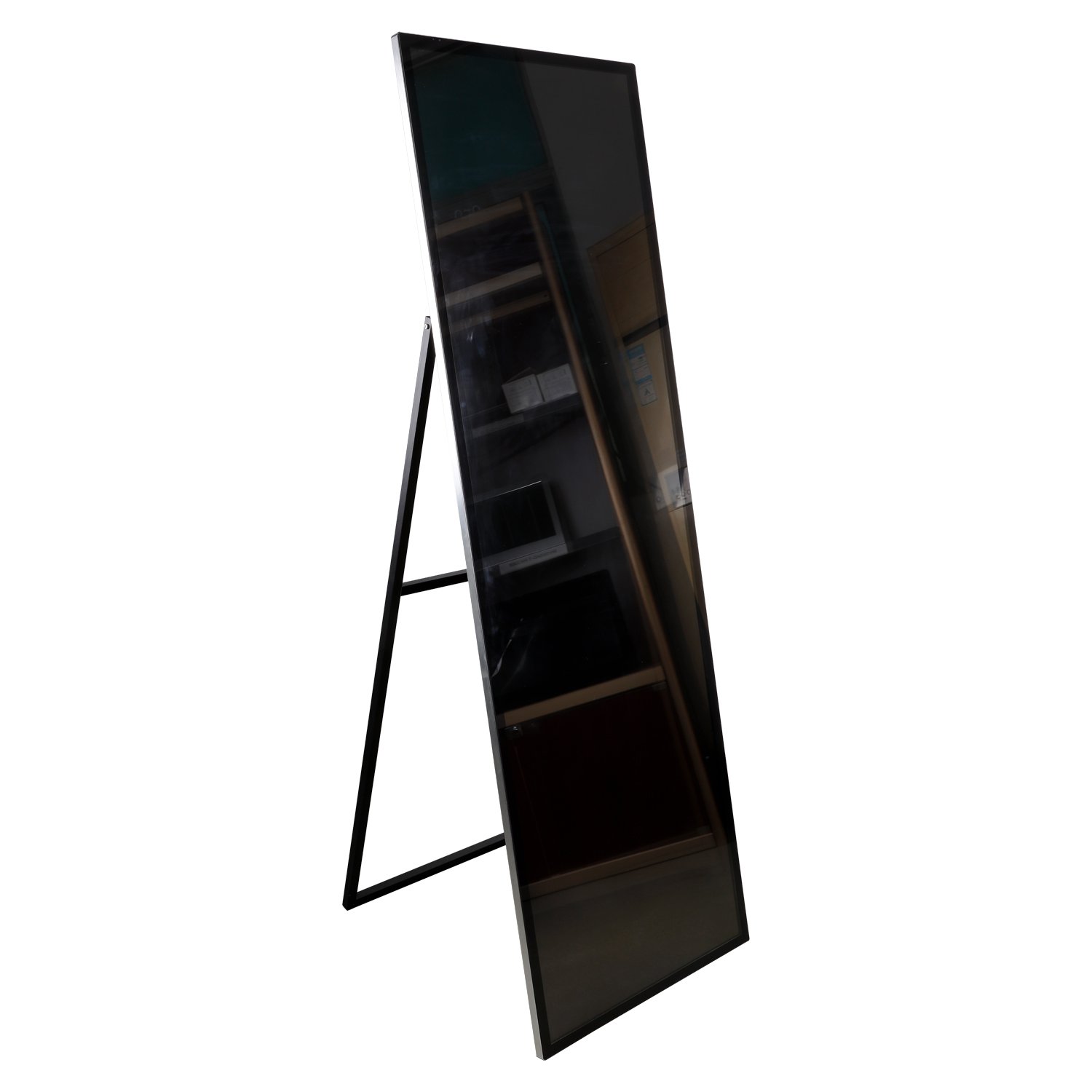
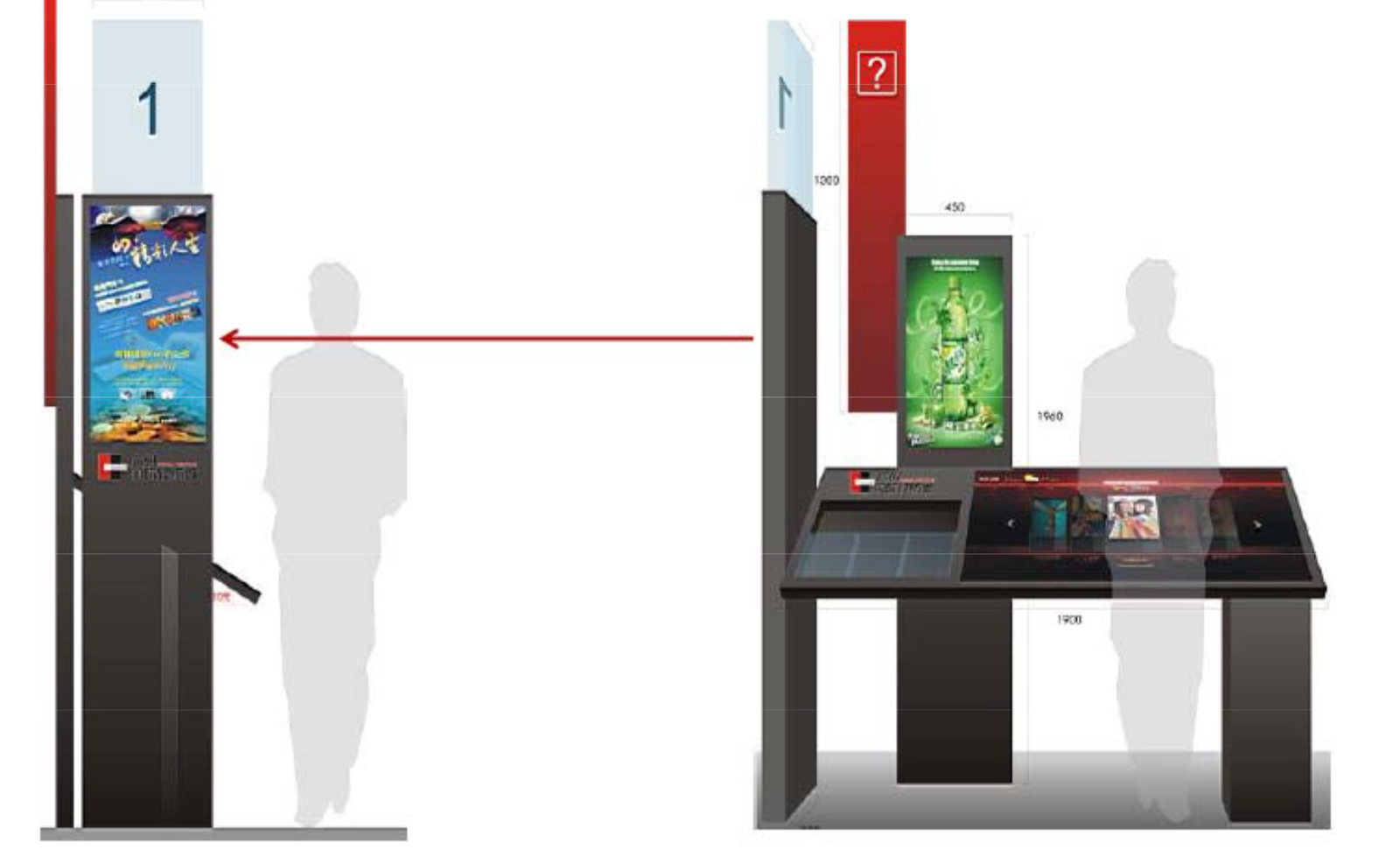
Freestanding, slim‑profile designs to maximise floor space
-
Front‑serviceable, so staff can access printers and devices without blocking pathways
-
Clear signage and branding for “Tickets” and “Pick Up Online Booking”
Location choices
-
Near the main entrance or the central lobby, visible as guests walk in
-
Along walls or between columns, leaving plenty of space for queues
-
Close to the entrance gates, but not so close that lines block the actual entry
Good placement can cut perceived wait times even before you change anything in the software.
UX Design for Cinema Ticketing Flows
A good cinema kiosk UX should feel fast and predictable—even for first‑time users in a hurry with popcorn in hand.
Make “Buy” vs “Pick Up” Obvious in One Glance
On the first screen, clearly separate:
-
“Buy Tickets”
-
“Pick Up Online Booking”
This reduces confusion and lets online customers complete their task in seconds instead of being forced through the full purchase flow.
Design a Purchase Flow Guests Can Complete in Under a Minute
Typical steps for “Buy Tickets”:
-
Choose cinema/location (optional if kiosk is site‑specific)
-
Select a movie and a showtime
-
Choose ticket types (adult, child, senior, etc.)
-
Select seats from a seating map
-
Review order and price
-
Pay and confirm
-
Print tickets/show confirmation
Design tips:
-
Use clear “Step X of Y” indicators
-
Provide an obvious “Back” button on every screen
-
Use large, high‑contrast buttons and text for quick scanning
For “Pick Up Online Booking,” compress the flow to:
Scan code → Confirm details → Print tickets
Seat Maps Guests Can Understand in Three Seconds
Seat selection is a core part of the cinema experience. Your map should:
-
Use a simple, colour-coded legend: available, selected, sold, premium
-
Clearly show screen position and orientation
-
Keep the hall name and showtime visible during seat selection
-
Offer zoom/pan only if needed—avoid over‑complication
The goal: guests immediately understand where they’re sitting and how to change seats without thinking.
Use Kiosks to Sell Premium Seats and Snacks Without Being Pushy
Ticketing kiosks are prime real estate for upselling:
-
Premium formats (3D, IMAX, Dolby, VIP seats)
-
Add‑ons like snack combos, drinks, or merch
-
Memberships or loyalty programs
Mejores prácticas:
-
Show upsell prompts at natural decision points (after movie selection, before payment)
-
Keep upsell screens short, with a clear “No thanks” or “Skip” option
-
Use visuals (icons, posters) to explain benefits quickly
Even small upsell conversion rates can significantly lift per‑guest spend over time.
Security and Reliability in the Cinema Context
Because cinema kiosks handle payments and sensitive booking data, security can’t be an afterthought—or something you fix after a bad incident.
Payment and Data Security
-
Use PCI‑compliant payment solutions and EMV‑certified devices
-
Encrypt card data end‑to‑end between the reader and the payment processor
-
Avoid storing card data on the kiosk; rely on tokenisation via your payment provider
At the software level:
-
Run the kiosk app in locked‑down kiosk mode
-
Restrict access to system menus and other applications
-
Use HTTPS/TLS for all communication with servers and payment gateways
A single card data incident can undo years of brand building—design your system as if you’ll be audited tomorrow.
Physical and Operational Security
Cinema lobbies are busy and sometimes lightly supervised:
-
Use tamper‑resistant enclosures with secure locks and hidden fasteners
-
Separate compartments for payment modules vs general service access
-
Monitor kiosk status (online/offline, door open, paper levels) via remote management tools
-
Combine kiosks with CCTV coverage where possible, especially near entrances and high‑traffic zones
Security isn’t just about hackers—it’s also about making it hard for anyone to pry open, unplug, or walk away with your kiosk hardware.
Deployment and Optimisation Tips for Cinemas
Getting the first kiosks into your lobby is only step one. The real gains come from testing, learning, and refining.
Start with a Pilot You Can Measure
Roll out kiosks in a limited number of sites first and measure:
-
Percentage of tickets sold via kiosks vs box office
-
Average time per transaction
-
Queue length and waiting time at peak periods
-
Number of “help needed” interventions from staff
Gather staff and customer feedback on:
-
Screen flows and language
-
Physical placement and signage
-
Any confusing steps or frequent errors
Use pilot results to refine layouts, flows, and staffing before full rollout.
Rebalance Staff Roles, Not Just Reduce Headcount
Ticketing kiosks don’t just cut costs—they change where humans add the most value.
-
Move staff from the ticket window to concessions, ushering, and guest services
-
Train staff to actively guide guests to kiosks during busy times
-
Position one or two “kiosk champions” during opening weeks to help hesitant guests
People remember how easy it was to use your kiosks y how quickly someone helped when something went wrong.
Mantener y actualizar periódicamente
Keep your cinema kiosks in top condition:
-
Implement regular cleaning schedules for screens and enclosures
-
Monitor paper, printer status, and error logs centrally
-
Update showtimes, prices, promos, and artwork automatically via your CMS or theatre management system
“Out of order” signs and outdated movie times erode trust faster than you think.
Where Cinema Ticketing Kiosks Fit in Your Overall Strategy
Cinema ticketing kiosks are one pillar in a wider digital ecosystem that may include:
-
Online and mobile ticketing
-
Loyalty and membership apps
-
Señalización digital and trailer screens in the lobby
-
Integrated POS and theatre management systems
When designed correctly, quioscos become the in‑venue backbone of this system:
-
They catch guests who didn’t buy ahead of time
-
They rescue guests when apps or websites are slow
-
They keep queues under control during big releases
-
They keep data flowing into your central systems in real time
The result is a smoother, more predictable operation on your busiest nights—and a better experience for guests who just want to sit down and enjoy the movie.
Ready to Upgrade Your Cinema Ticketing?
If you’re planning to add or refresh ticketing kiosks in your cinema, we can help you:
-
Map quiosco locations to your real lobby traffic patterns
-
Choose the right screens, printers, payment devices, and scanners
-
Estimate how many kiosks you need to hit your target “average wait time”
Share your locations, peak showtimes, and current ticketing setup, and you’ll get a tailored kiosk configuration and project estimate you can take straight into your next planning meeting.


 Spanish
  English
  Arabic