




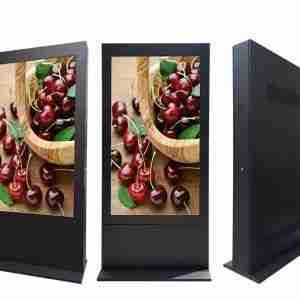
PC de panel para máquinas CNC
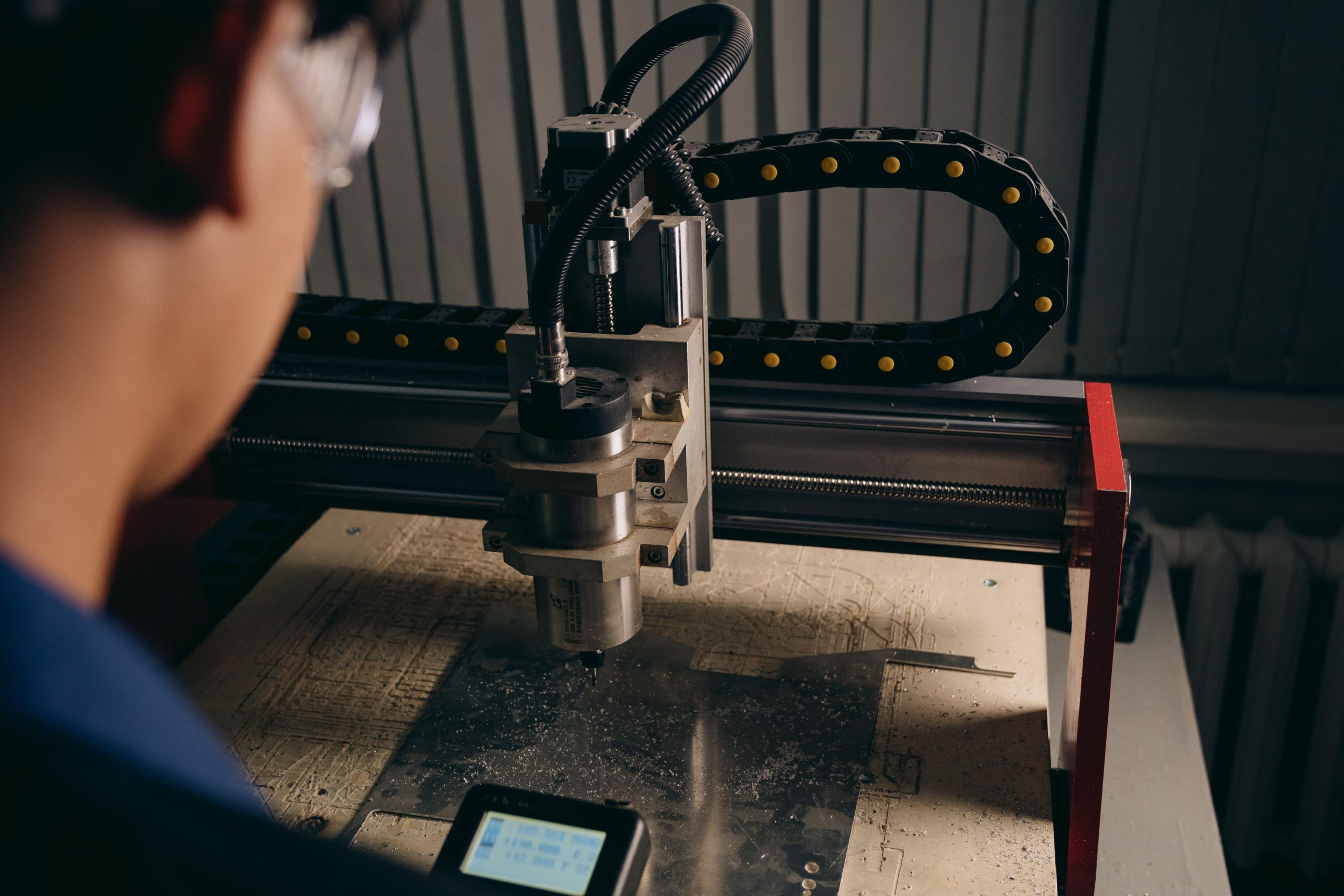
A CNC machine asks more from a panel PC than most industrial applications do. The screen has to stay readable, the touch response has to feel immediate, and the hardware has to keep working while the machine vibrates, cuts, and runs long shifts. If the interface is clumsy or the unit is fragile, operators notice it right away.
For the broader product family, start with Panel PC | LCDSLD y el Panel PC industrial con montaje VESA category. When you need a larger-screen option, the Panel PC industrial integrado montado en VESA de 22 pulgadas is the clearer comparison point.
Why CNC needs a different approach
CNC environments are not gentle. The panel PC may face vibration, oil mist, coolant splash, dust, and power fluctuations all in one shift. That makes it a control device, not just a display.
So the real selection question is not whether it will power on. It is whether it will stay usable when the machine is doing real work. That is the standard CNC hardware has to meet.
Control interface matters most
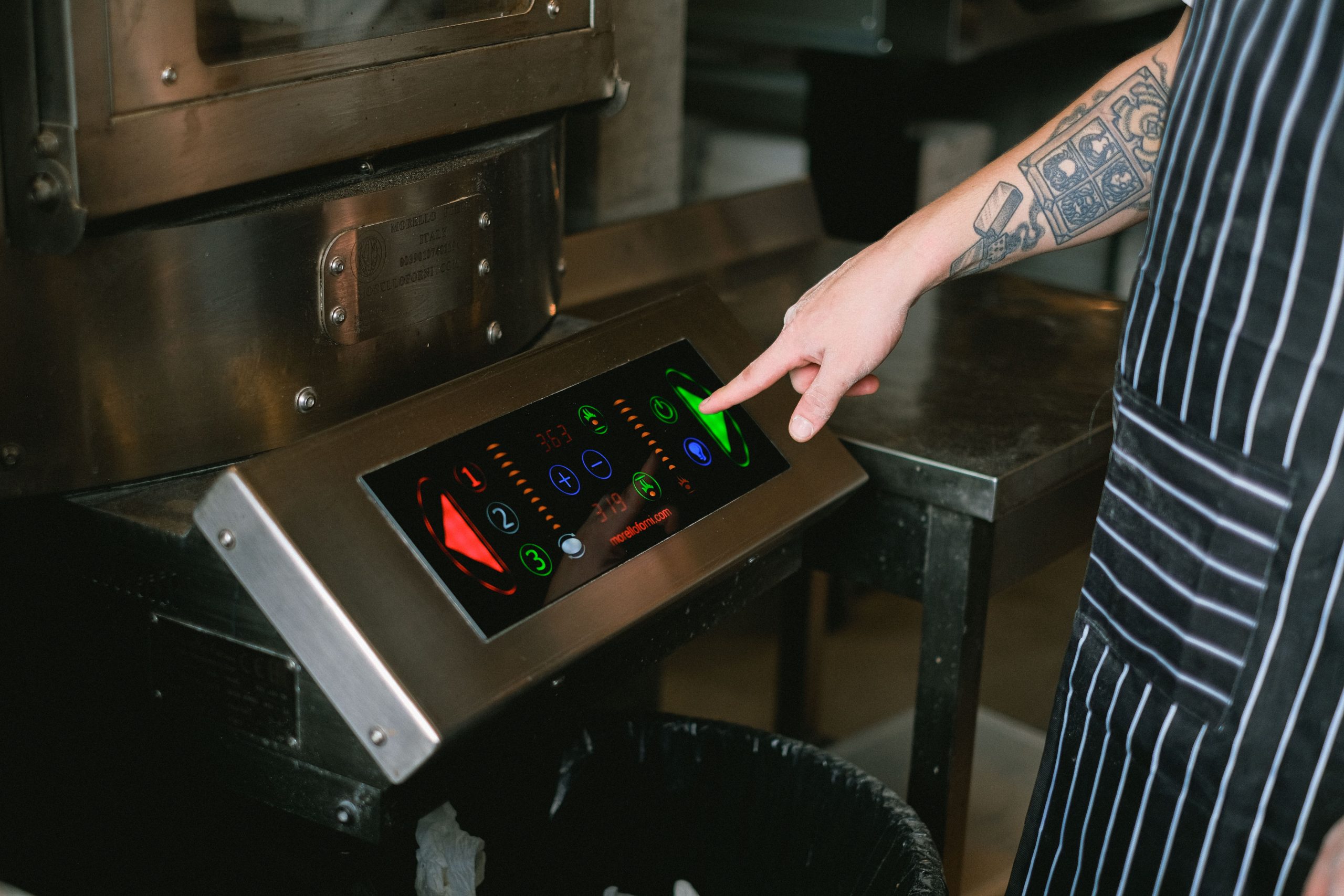
On a CNC machine, the interface is part of the workflow. The operator needs to read the status quickly, confirm alarms, and reach the right controls without digging through menus. If that experience feels slow or cramped, the machine becomes harder to run, even if the hardware itself is fine.
A good CNC interface should make the basics obvious:
-
Machine status.
-
Alarm messages.
-
Cycle progress.
-
Common control actions.
This is one of those cases where clarity beats complexity. The best screen is usually the one that helps the operator act faster without thinking twice.
Vibration is the hidden test
Vibration is a slow problem, which is why it gets ignored until something loosens. CNC machines generate repeated mechanical stress through cutting, spindle motion, and cabinet movement. Over time, that can wear on connectors, storage, and mounting stability.
A CNC panel PC should therefore be designed like industrial hardware first and a display second. Fanless construction, secure mounting, and solid internal build quality all help reduce weak points. In a machine cabinet, that matters a lot more than marketing language.
Reliability keeps production moving
Reliability is what separates a useful CNC workstation from a maintenance headache. If the panel PC keeps freezing, rebooting, or losing connection, production slows down, and the operator loses confidence in the system. In that sense, reliability is part of the machine’s output, not just an IT concern.
When evaluating reliability, look for:
-
Long-hour stability.
-
Industrial-grade connectivity.
-
A build that handles dust and splash exposure.
-
A platform suited to machine-control use.
A CNC panel PC should feel like part of the machine, not like a general computer that was attached to it later.
I/O and machine integration
CNC systems rarely work alone. They need to communicate with controllers, sensors, and factory systems, so the I/O setup has to be right from the start. If the needed ports are missing, the project becomes more complicated than it should be.
Before choosing a model, check:
-
Ethernet for machine and network communication.
-
Serial support for controller or legacy equipment.
-
USB for service tools and peripherals.
-
Expansion room for future needs.
Mounting and placement
A CNC panel PC has to fit the machine, not compete with it. If the unit is too bulky or awkwardly placed, it can interfere with cabinet access and operator movement. In practice, the installation needs to preserve visibility, leave enough room inside the cabinet, and keep service access simple.
Small panel PCs often fit tight cabinets better. Larger screens are useful when the operator needs more information at a glance.
Selection logic
In CNC projects, the wrong choice usually comes from mismatching the machine environment, not from choosing the wrong CPU. Once the environment is wrong, the rest of the specs matter less than people expect. A better order is to define the workflow, check vibration and cabinet conditions, then match mounting, connectivity, and screen size.
A sensible selection order is:
-
Define the CNC workflow.
-
Check vibration and cabinet conditions.
-
Match mounting and connectivity.
-
Compare screen size, memory, storage, and OS.
That order keeps the decision practical. It also prevents buying a nice-looking device that turns into a maintenance issue.
Product examples worth reviewing
For a compact reference point, the Panel PC industrial integrado con montaje VESA de 10 pulgadas is a useful starting model. If you need a larger operator screen, the 22-inch model is a useful next step.
Preguntas más frecuentes
What matters most in a CNC panel PC?
The control interface and reliability matter most because the operator depends on the screen during production.
Why is vibration resistance important?
CNC machines create repeated mechanical stress that can loosen connectors and wear weak components.
Is a fanless design useful for CNC use?
Yes. Fanless systems remove a moving part and often work better in dusty industrial environments.
Should I choose a small or a large screen?
Choose based on cabinet space and how much information the operator needs to see at one time.
Why compare categories before products?
Categories help you narrow the hardware family first, so you do not overfocus on one model before knowing the overall fit.
PC de panel para máquinas CNC
A CNC panel PC should be chosen for how it behaves in the machine, not how it looks on paper. If the interface is clear, the mounting is stable, and the unit can handle vibration and long runs, it becomes a useful part of production instead of another source of friction.
For the full product path, use the Panel PC | LCDSLD page or contact the team through Contáctenos

 Spanish
  English
  Arabic