


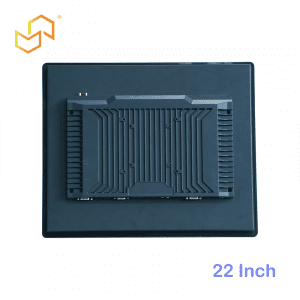


How Panel PCs Improve Operator Efficiency?
Panel PCs improve operator efficiency by combining touch control, live visibility, and industrial computing in one interface. In factories and other fast-paced environments, that means fewer steps, less friction, and faster decisions during everyday work.
Why the interface matters
Operator efficiency often drops when people have to switch between multiple tools to complete one task. A separate monitor, keyboard, handheld device, and paper checklist all add small delays that slow the workflow down. A Panel PC reduces that friction by combining the display and computer in a single device that is built for direct interaction.
That integration matters most in fast-paced environments where operators repeat the same process all day. When the interface is consistent and always in the same place, users spend less time adjusting to the system and more time getting the job done. Over time, that usually translates into smoother shifts and fewer avoidable interruptions.
Touch interaction speeds work
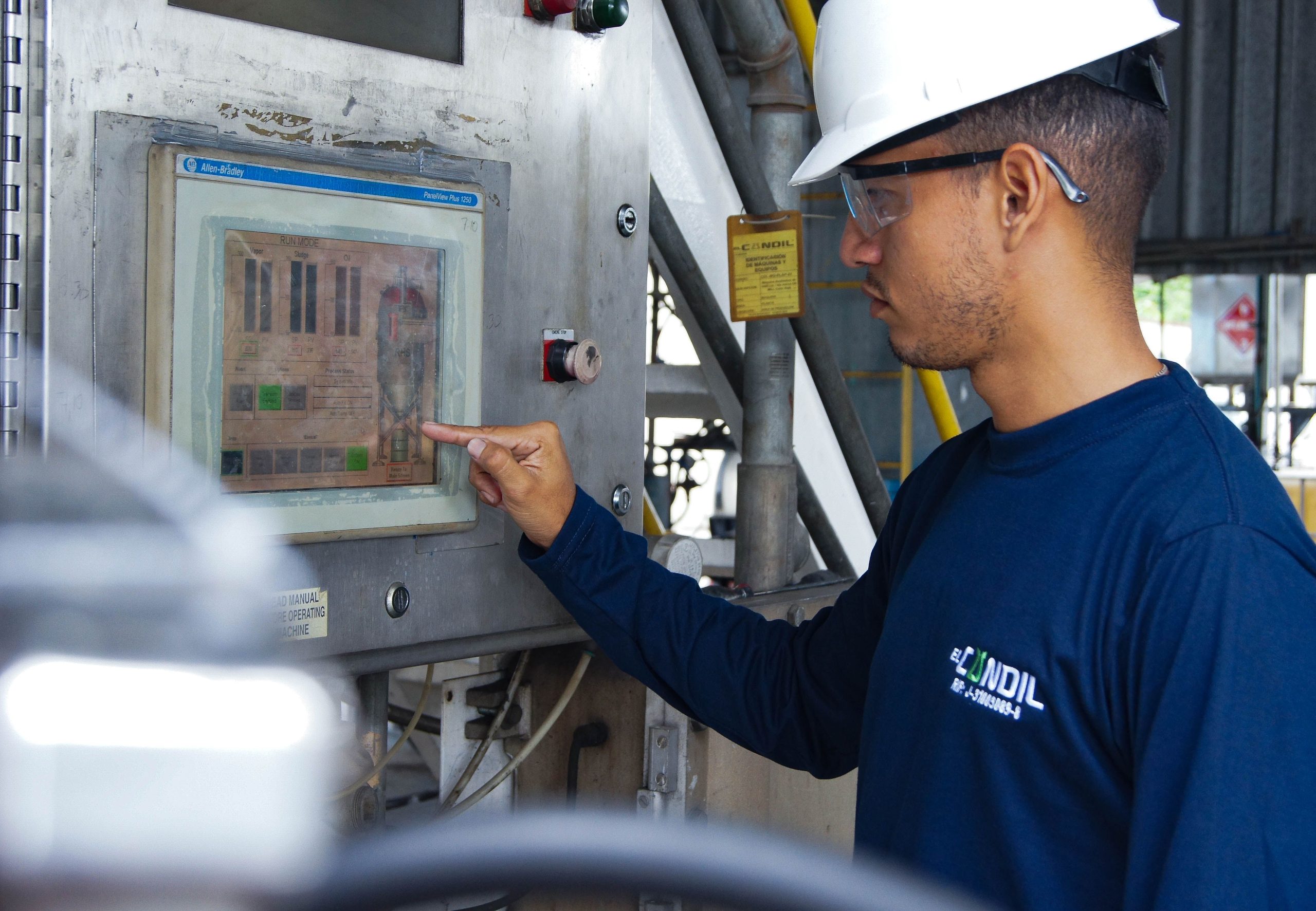
Touch is one of the clearest ways Panel PCs improve speed. Instead of reaching for a mouse or keyboard, operators can tap through prompts, confirm actions, and move from one step to the next with less physical movement. In repetitive tasks, that small improvement adds up quickly.
Touch interaction also helps keep attention on the task itself. Operators do not need to look away from the machine or station to manage the interface, which can reduce distraction in busy production areas. The result is a workflow that feels more direct and easier to repeat.
What buyers should look for
-
A responsive touch layer that works reliably during repeated use.
-
A layout that keeps the operator’s most common actions on-screen.
-
A screen size that supports the task without crowding the station.
-
A system that remains stable during long operating hours.
Real-time visibility changes decisions
A major reason Panel PCs improve efficiency is that they show current information exactly where the operator needs it. Status updates, alerts, process instructions, and live readings can all appear on the same screen, which removes the need to check another device or ask for confirmation. That makes decision-making faster and reduces the little pauses that often slow down production.
Real-time visibility also improves confidence. When operators can see what is happening now, they are less likely to act on outdated information or miss a process change. In a work environment where timing matters, that visibility is often just as valuable as speed.
Factory examples
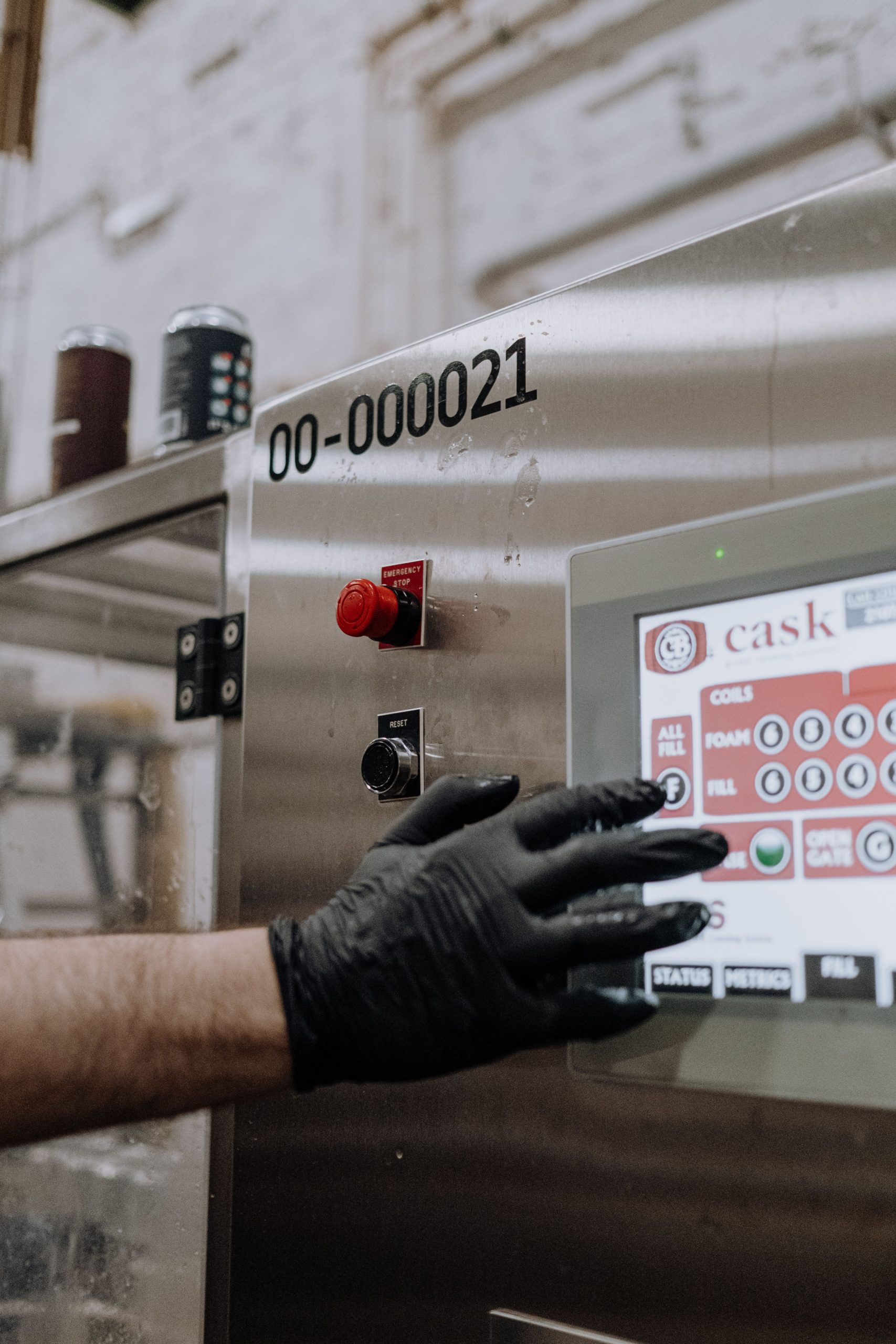
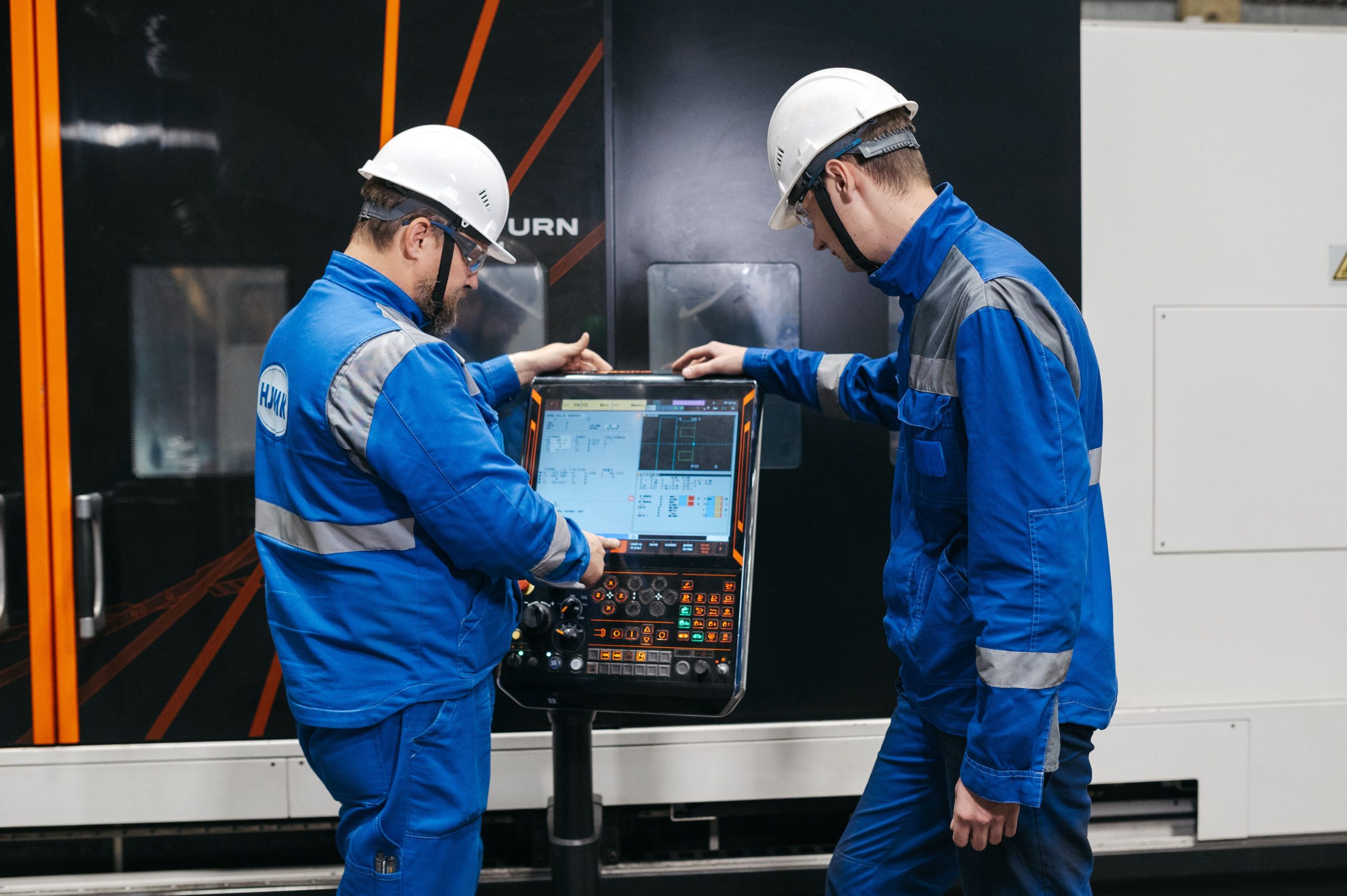
In factory settings, Panel PCs are often used at assembly stations, production lines, inspection points, and machine control locations. The operator can confirm orders, follow work instructions, check status, and respond to alerts without leaving the station. That helps keep the process moving and reduces unnecessary walking or back-and-forth communication.
A simple example is a line-side confirmation workflow. If the operator can see the current task, product status, and process step on one screen, the whole station becomes easier to run consistently. That kind of setup is especially useful when multiple shifts or multiple operators share the same equipment.
Public-facing workflow examples
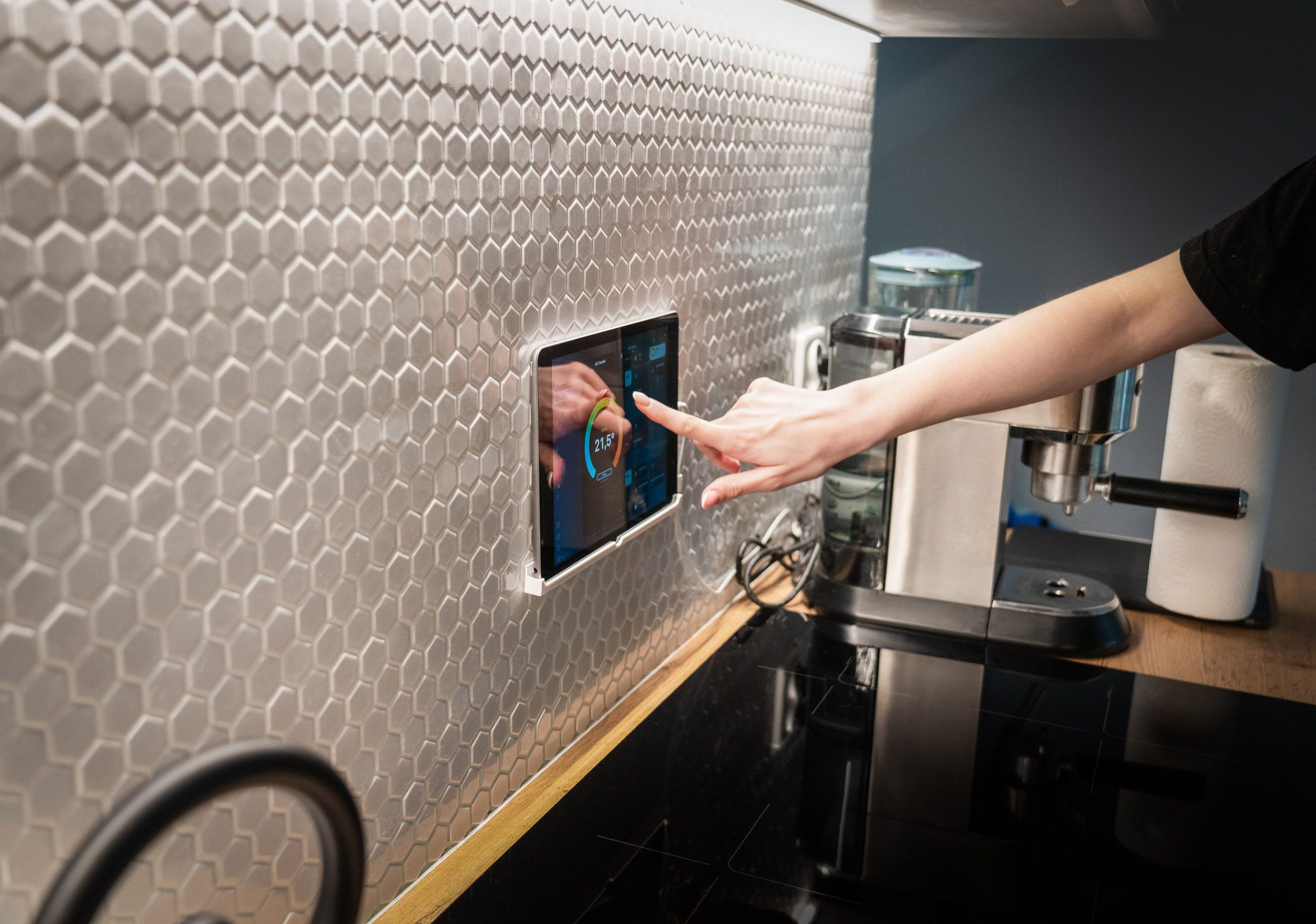
Panel PCs can also be effective in self-service or operator-facing interfaces that feel “kiosk-like,” such as check-in stations, service terminals, or simple guided workflows. In those situations, efficiency depends on how quickly a user understands the screen and completes the action. The better the interface is organised, the less support staff need to intervene.
This is where Panel PCs stand out from more generic display setups. The integrated form factor makes it easier to standardise the experience across sites, which is useful when a business wants one workflow that behaves the same way every time. That consistency is often a hidden efficiency gain because it lowers training and support overhead.
Consistency reduces training time
One of the most practical benefits of Panel PCs is consistency. When the same screen structure, same touch behaviour, and same workflow appear across stations, operators learn the process faster and make fewer mistakes. The interface becomes familiar, which reduces cognitive load and shortens onboarding time.
That consistency also helps managers. If the workflow is standardised, it is easier to train new staff, compare performance across shifts, and spot problems earlier. In daily operations, those small gains can be more valuable than a flashy feature list.
Deployment affects efficiency
Even a good Panel PC can feel inefficient if it is mounted poorly or placed in the wrong position. The screen should be visible, the touch area should be easy to reach, and the layout should match the operator’s natural working posture. When the hardware fits the station, the whole workflow feels smoother.
That is why deployment is part of efficiency, not just installation. A well-planned setup reduces awkward movement, avoids unnecessary visual strain, and keeps the operator focused on the task. In practical terms, hardware choice affects performance every day.
Choosing the right Panel PC
Buyers should choose a Panel PC based on the work it needs to support, not just on screen size or appearance. The best model is the one that matches the pace of the environment, the complexity of the workflow, and the conditions of the installation. For many projects, that means balancing touch performance, readability, ruggedness, and operating system fit.
If the application needs Android-based flexibility, the Categoría de PC con panel Android is a useful place to start. If the goal is to compare broader industrial all-in-one options, the Categoría de producto Panel PC gives a clearer product-level view.
Preguntas más frecuentes
What makes a Panel PC better for operators?
A Panel PC combines display and computing in one device, so operators can interact with the system directly and complete tasks with fewer steps.
Does touch control really improve speed?
Yes. Touch reduces the need for separate input devices and helps operators move through repetitive actions more quickly.
Why is real-time visibility important?
Because operators make faster decisions when they can see current status, alerts, and instructions on the same screen they use to act.
Are Panel PCs useful outside factories?
Yes. They can also support guided workflows, service terminals, and other operator-facing interfaces where consistency and speed matter.
How should buyers choose the right model?
They should match the Panel PC to the workflow, environment, touch needs, and operating conditions rather than choosing by size alone.
What is the difference between a Panel PC and an industrial monitor?
A Panel PC combines the display and computing functions, while an industrial monitor only provides the screen side of the system.
When should I choose an Android Panel PC?
Choose Android when your workflow depends on app flexibility, simpler content handling, or a lighter operating model.
Panel PCs improve operator efficiency when they reduce movement, keep critical information visible, and fit naturally into the way people actually work. In factories and other fast-paced environments, that combination helps operators stay focused, work more consistently, and spend less time managing the interface.
If you are planning a new deployment or upgrading an existing station, explore the Categoría de producto Panel PC o el Categoría de PC con panel Android, and contact LCDSLD a través del Contáctenos page for a tailored recommendation.
 Spanish
  English
  Arabic