




قائمة التحقق من الاتصال والإدخال/الإخراج لمشاريع أجهزة الكمبيوتر اللوحية
Choosing a Panel PC is not only about screen size, CPU performance, or OS selection. In real deployments, connectivity and I/O often determine whether the system integrates smoothly with machines, sensors, networks, and future upgrades. If the ports do not match the project’s devices and workflow, even a strong Panel PC can become difficult to scale, maintain, or replace.
The best way to avoid that problem is to treat I/O planning as part of the design process from the start. A good checklist helps you match today’s needs while leaving enough room for tomorrow’s integration, expansion, and service requirements.
Why I/O planning matters
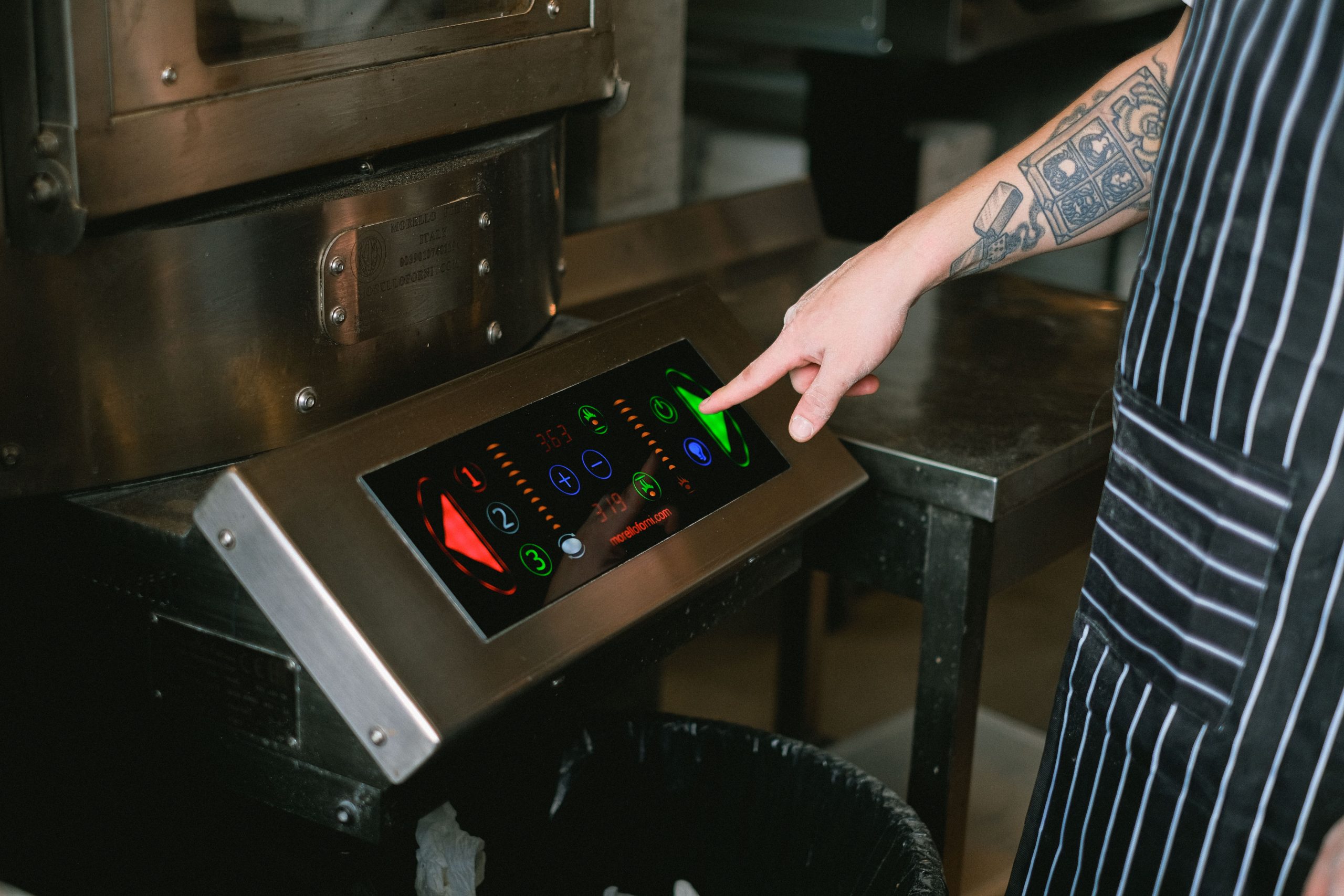
Panel PCs are often installed at the edge of a production line, in a cabinet, on a machine, or in a kiosk-like enclosure where the device has to communicate with several different systems at once. That means the port set is not a small technical detail; it is the bridge between the Panel PC and the rest of the project. If a device lacks the right interface, the team may need adapters, converters, custom cables, or even a redesign.
I/O planning also affects total ownership cost. A system that looks inexpensive at purchase can become costly if it needs workarounds for cameras, printers, PLCs, barcode scanners, speakers, remote access, or expansion cards later on. That is why the checklist should cover not only the first deployment, but also likely future integration points.
For a broader view of how Panel PCs fit into industrial computing, see Panel PC: Complete Guide to Industrial All-in-One Computing.
Start with the use case
Before listing ports, define the job the Panel PC must do. A machine operator terminal, an HMI, a quality-control station, a warehouse workstation, and a self-service kiosk may all need completely different port combinations. The right checklist begins with the equipment around the Panel PC, not with the Panel PC itself.
Ask three simple questions:
-
What must connect to the device on day one?
-
What may connect later?
-
Which connections must remain stable for the full life of the system?
That framing turns I/O selection into a practical engineering exercise. It also makes it easier to decide which ports should be built in, which can be handled through adapters, and which need spare capacity reserved from the beginning.
USB checklist
USB remains one of the most common and flexible interfaces on a Panel PC. It supports keyboards, mice, barcode scanners, printers, flash drives, cameras, dongles, and many industrial peripherals. In a real project, the question is usually not whether a USB is needed, but how many ports are needed and where they should be placed.
When planning USB, check the following:
-
How many always-connected peripherals will be used?
-
Whether front-facing USB access is needed for operators or service teams.
-
Whether high-speed devices, such as cameras or storage, will be attached.
-
Whether a powered USB is needed for equipment that draws more current.onlogic+1
USB planning should also include cable routing. If a USB device is disconnected often, a front-access layout is usually easier to support. If it will stay fixed inside a cabinet, rear ports may be cleaner and more secure.
LAN checklist
Ethernet is the backbone of most industrial Panel PC deployments. LAN connects the device to MES, SCADA, ERP systems, local servers, cloud dashboards, cameras, and remote support tools. In many projects, Ethernet is more important than any single peripheral port because it controls both data flow and management.lcdsld+2
A solid LAN plan should ask:
-
Do you need one Ethernet port or two?
-
Is redundancy required?
-
Will the device connect to a local machine network, a plant network, or a public network?
-
Do you need PoE, VLAN support, or separation between control and office traffic?
If the project depends on network uptime, dual LAN can be valuable. One port may be used for operations traffic and another for maintenance, segmentation, or backup connectivity. Even if dual LAN is not required immediately, it can be a useful future-proofing feature.
COM checklist
COM ports are still important in many industrial environments because a large amount of equipment continues to use serial communication. PLCs, scales, meters, controllers, legacy machines, and industrial scanners often depend on RS-232, RS-422, or RS-485 connections. If the device needs to talk to older hardware, COM support can be the difference between a simple rollout and a complicated integration.industrialmonitordirect+1
Before choosing a Panel PC, confirm:
-
What serial protocol does the external device use?
-
Whether the baud rate, parity, and wiring requirements are known.
-
How many serial devices can connect simultaneously?
-
Whether native COM ports are needed or USB-to-serial conversion is acceptable.
Native COM ports are usually preferable in industrial projects because they simplify reliability and service. They reduce dependence on adapters and drivers, and they often make commissioning easier for system integrators.
HDMI and display output
HDMI matters when the Panel PC must drive an external display, mirror content, support a second screen, or connect to a larger visualisation setup. It is often overlooked because the built-in touchscreen already seems to cover the display need, but many deployments benefit from an auxiliary screen or diagnostic output.
Use HDMI planning to answer:
-
Will the Panel PC ever need a second screen?
-
Does the project need mirrored or extended desktop output?
-
Is the external display for operators, customers, or maintenance staff?
-
Will the display be local only, or also part of signage or supervision workflows?
If an external display is part of the plan, confirm resolution, refresh expectations, and cable length early. HDMI is simple in concept, but poor planning around mounting or cable routing can still create avoidable field issues.
Audio checklist
Audio is easy to ignore until the project needs alerts, prompts, or operator feedback. In kiosks, service terminals, inspection stations, and guided workstations, sound can be useful for notifications, warnings, or user guidance. Some applications require only a basic line-out, while others need speakers or amplified output.
Plan audio by asking:
-
Will the system use audio at all?
-
Is the output for alerts, instructions, or full multimedia?
-
Do you need built-in speakers or external speakers?
-
Is headphone or service audio access needed?
If audio is needed only occasionally, line-out may be enough. If audio is part of the user experience, make sure the volume control, speaker placement, and acoustic environment are reviewed early.
GPIO checklist
GPIO is important when the Panel PC must interact with external equipment beyond standard IT peripherals. It can support triggers, indicators, alarms, buttons, relays, sensors, and other simple control logic. In industrial automation, GPIO often fills the gap between the software interface and the physical environment.
Check the following before selecting the hardware:
-
Which signals must be read or sent?
-
Whether inputs are digital, analog, or mixed.
-
Whether the device needs isolated I/O.
-
Whether the team expects to expand signals later.
GPIO is especially useful when the Panel PC is part of a control station, test bench, or custom machine interface. Because signal behaviour can affect reliability and safety, it should be designed together with the control architecture rather than added as an afterthought.
Wi-Fi checklist
Wi-Fi is useful when Ethernet is not practical, when mobility matters, or when the device needs backup connectivity. It is common in retail, healthcare, mobile carts, temporary workstations, and some industrial edge scenarios. Even in wired installations, Wi-Fi can be useful as a fallback or commissioning tool.
When assessing Wi-Fi, consider:
-
Whether the environment has stable wireless coverage.
-
Whether the device needs roaming or fixed access.
-
Whether wireless is primary or backup connectivity.
-
Whether security policies allow Wi-Fi on the deployment network.
If the Panel PC will depend on wireless for core operations, test the signal strength and interference conditions before finalising the installation. In many industrial environments, Wi-Fi is best treated as a planned feature rather than an assumed one.
Expansion planning
Expansion is where future-ready projects are won or lost. A Panel PC that fits the current installation but leaves no path for additional interfaces can become a dead end as the project grows. Expansion planning should cover both physical space and logical connectivity.
Think about:
-
Whether the device needs M.2, mini PCIe, PCIe, or other internal expansion.
-
Whether future modules may be required for extra storage, wireless, networking, or I/O.
-
Whether the enclosure has enough room for cable changes.
-
Whether future service access will still be possible after the expansion.
The safest strategy is to plan for at least one of two futures: either the system stays stable for years, or it gets upgraded without major redesign. A good Panel PC platform should support both.
Planning future integration
Future integration is not about guessing every future requirement. It is about identifying likely next steps and avoiding a closed design. If a project may later add scanners, printers, cameras, alarm devices, PLC connections, cloud monitoring, or edge AI peripherals, the Panel PC should be selected with those paths in mind.
A practical future-integration checklist includes:
-
Reserve at least one spare port or interface where possible.
-
Leave cable routing space for additional devices.
-
Prefer standard interfaces over proprietary ones when practical.
-
Document every I/O choice so future teams know what is already in use.onlogic+1
This is where many projects save time later. A little planning at the beginning can prevent the kind of retrofit work that causes downtime and unexpected cost.
Product selection fit
Once the I/O checklist is clear, the next step is to match it to the actual product class. LCDSLD’s فئة منتجات أجهزة الكمبيوتر اللوحية is a useful starting point for comparing industrial all-in-one systems with different connectivity needs. If the application leans toward Android, the فئة أجهزة الكمبيوتر اللوحية التي تعمل بنظام أندرويد provides another route for comparing suitable options.
Two product examples that fit this discussion well are the كمبيوتر لوحي مضمن صناعي مقاس 22 بوصة مثبت على معايير VESA و ال كمبيوتر لوحي مدمج مثبت بمعايير VESA مقاس 10 بوصة. They show how different sizes and layouts can still support rugged industrial connectivity.
For model-selection detail, دليل شراء أجهزة الكمبيوتر اللوحية الصناعية: كيفية اختيار الطراز المناسب is the best companion read.
Factory context
For teams that want to understand the manufacturing background behind the hardware, a brief مقدمة المصنع can help provide context on production capability and product support. That kind of background is useful when the project depends on customisation, repeatability, or long-term supply consistency.
Factory credibility matters more when the connectivity plan is complex. The more ports, options, and expansion paths a project needs, the more important it becomes to know that the supplier can support consistent builds and practical customisation.
التعليمات
Which interfaces should I prioritise first?
Start with the interfaces that are required on day one, usually USB, LAN, and any machine-specific COM or GPIO connections.
How many USB ports do I need?
Count every always-connected peripheral, then add at least one more port for service or temporary devices if possible.
When do I need dual LAN?
Dual LAN is useful when you need redundancy, network separation, or a dedicated maintenance path.
Is COM still relevant in modern projects?
Yes. COM remains important whenever the Panel PC must connect to legacy or industrial equipment.
Do I need an HDMI if the Panel PC already has a built-in screen?
Only if you plan to add an external display, a mirrored output, or a secondary visualisation path.
Should Wi-Fi replace Ethernet?
Usually not in industrial projects. Ethernet is still the more stable option, while Wi-Fi is often best as a backup or convenience feature.
How do I plan for future expansion?
Reserve space, keep spare ports where possible, and document the wiring and interface decisions so upgrades are easier later.
A good Panel PC connectivity plan is not just a port list. It is a deployment strategy that balances current needs, maintenance convenience, and future integration risk. If USB, LAN, COM, HDMI, audio, GPIO, Wi-Fi, and expansion are mapped out early, the project is far more likely to stay stable and scalable over time.
If you are specifying a new project, start by matching the I/O list to the deployment scenario, then review the فئة منتجات أجهزة الكمبيوتر اللوحية أو ال فئة أجهزة الكمبيوتر اللوحية التي تعمل بنظام أندرويد to narrow the hardware fit. If the interface plan is still open, use the project discussion path only after you have a clear list of required ports, signals, and future expansion needs.
 Arabic
  English
  Spanish